

TokLab
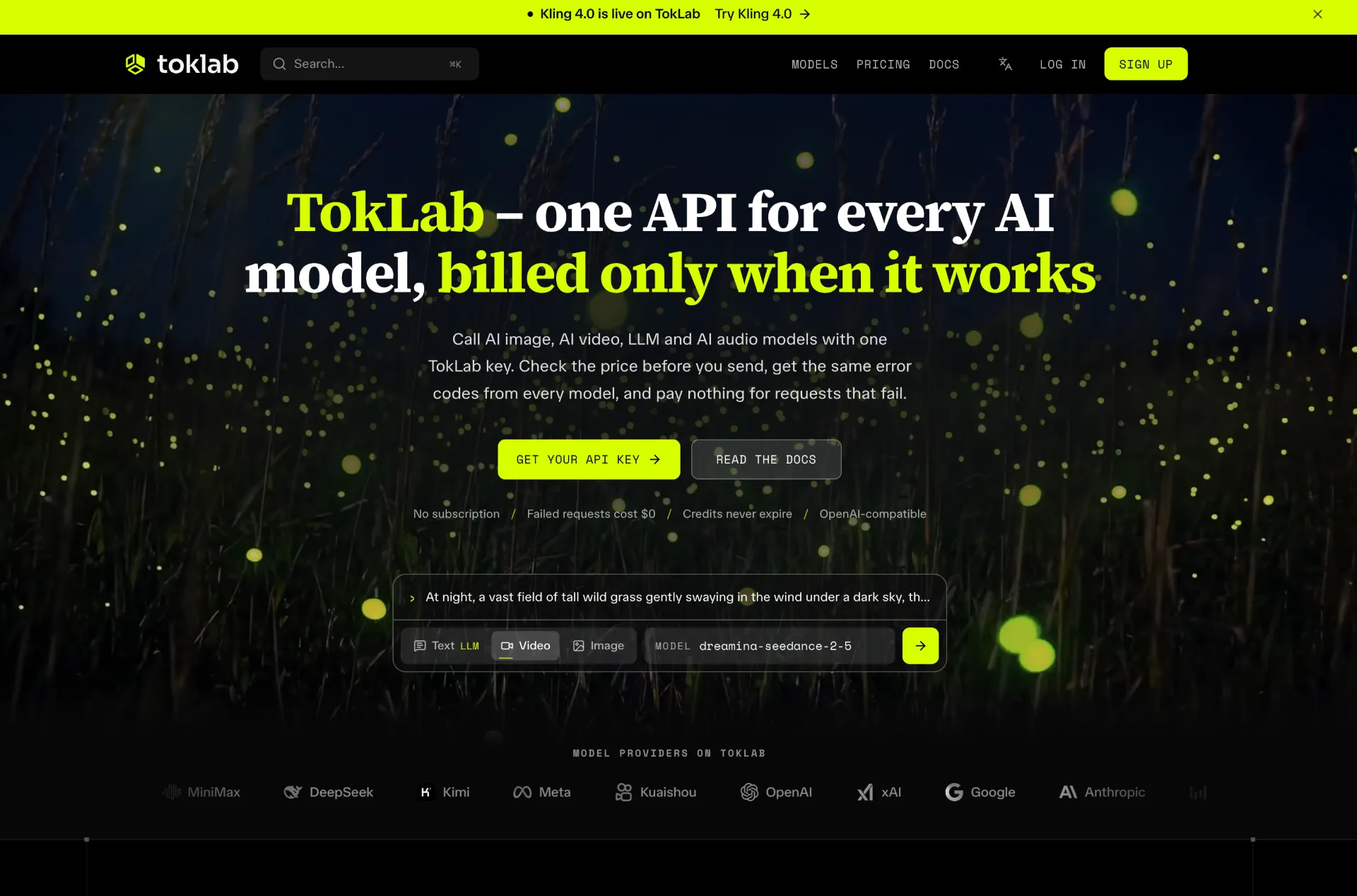
TokLab lets you call leading AI image, video, LLM and audio models through one API key and base URL, see live prices before every request, and only pay for successful runs with credits that never expire.
What is TokLab
TokLab is an AI model API platform that unifies leading image, video, LLM and audio models behind one key, one base URL and one balance. Instead of integrating multiple vendor SDKs, you connect to TokLab once and can call models from OpenAI, Anthropic, Google, xAI, ByteDance, Kuaishou, Meta and others, with live pricing, unified error codes and billing that only charges when a request succeeds.
How to use TokLab
-
Create a TokLab account
Visit the TokLab website and sign up with your Google account. You can browse all supported models, their capabilities and live prices before adding any credits. -
Add credits to your balance
Top up your account in USD using card, PayPal or crypto. Your credits apply to every model on TokLab and do not expire, so there is no monthly reset or subscription. -
Create an API key for your app
In the TokLab dashboard, generate an API key, typically one per project or application. You can revoke or rotate these keys at any time for security and access control. -
Configure your client with TokLab’s base URL
Keep your existing OpenAI, Anthropic or Gemini SDKs and simply change the base URL tohttps://api.toklab.ai/v1, then set your TokLab API key as the authentication credential. -
Choose a model and request format
Pick the appropriate model name (for exampleclaude-opus-5-5,gpt-6-astra,gpt-image-2.5,seedance-2.5orwhisper-1) and use the compatible request format (OpenAI Chat Completions, Anthropic Messages, Gemini, or the TokLab task API for media). -
Send your first LLM request
For chat and text generation, call the/v1/chat/completionsor equivalent endpoint through your SDK, passing the selected model and messages. TokLab handles routing, pricing and logging while returning a familiar completion response. -
Use the task API for image, video and audio
For media generation or transcription, submit a job to the relevant/v1/videos/generations,/v1/images/generationsor audio endpoint. TokLab immediately returns a task ID, which you poll through/v1/tasks/{id}until the task is marked as done and provides an output URL to download the file. -
Handle errors with unified codes
Inspect the error codes TokLab returns on failed attempts, such as “add credits”, “back off then retry” or “revise the prompt”. Because the same error codes apply across models, you can implement a single, predictable error-handling and retry strategy. -
Switch or tier models by editing one field
To test another provider or a different price tier, change only themodelfield (for examplegpt-image-2:<tier>). The rest of your client code remains unchanged, and TokLab never silently switches tiers behind your back. -
Monitor usage and costs in the dashboard
Review TokLab’s usage history to see each request, its model, status and charge. Cross-reference these with task logs and LLM logs to audit tokens in and out, keep experiments under control and optimize which models you rely on.
TokLab's use case
-
Multi‑provider AI product backends
Teams building AI features that need access to many top models—OpenAI GPT‑6, Claude, Gemini, Grok, DeepSeek, Kimi and more—can route all traffic through TokLab instead of maintaining multiple vendor integrations and billing systems. -
AI image and video applications
Products focused on visual content, such as AI image editors, video generators, marketing tools or creative studios, can use TokLab’s task API to generate and edit media with models like GPT Image 2.5, Nano Banana, FLUX, Midjourney, Seedance, Veo and Kling. -
LLM‑powered SaaS and agents
SaaS platforms, coding assistants and autonomous agents that depend on reasoning, long‑context understanding and tool use can access Claude Opus 5.5, GPT‑6 Astra, Gemini 4 Argon and other advanced LLMs via one consistent chat/response interface. -
Speech transcription and translation pipelines
Workflows that require reliable speech‑to‑text transcription or translation into English can leverage Whisper‑1 on TokLab to create transcripts, subtitles (SRT/VTT) and searchable audio archives. -
Cost‑sensitive prototyping and A/B testing
Developers experimenting with prompts, comparing models or running fallbacks can iterate aggressively, knowing that failed tasks on TokLab cost nothing and that they can easily switch models or tiers to control spend.
Benefits of TokLab
-
Unified API across leading AI providers
TokLab offers one consistent API surface for image, video, LLM and audio models, so your code can use the same base URL, authentication and patterns whether you call OpenAI, Anthropic, Google, xAI, ByteDance, Meta or other providers. -
Billing only on successful requests
Timeouts, filtered prompts and empty renders do not incur charges. You only pay when a task succeeds, which makes retries, fallbacks and experiments safer and more predictable than with many direct vendor APIs. -
Live, transparent pricing and non‑expiring credits
Every model on TokLab displays its live price per token, second, image or minute before you call it, and your top‑up credits never expire. This helps teams plan costs, avoid surprises and remove the overhead of subscriptions or monthly minimums. -
Consistent task and error handling for media
The dedicated task API returns fast task IDs for image, video and audio jobs, with unified task polling and shared error codes. This keeps client logic simple while supporting complex, asynchronous media workloads. -
Easy model switching and tier control
Because each model and tier is selected through themodelfield, you can compare performance and cost across providers by changing a single configuration value, without rewriting integration code or risking silent tier upgrades.
Pros
- Centralizes access to many top AI models behind a single API key and base URL
- Charges only for successful requests, with clear live pricing and non‑expiring credits
- Provides a unified task API and error codes for image, video and audio workloads
- Compatible with OpenAI, Anthropic and Gemini SDK formats, minimizing integration work
- Offers detailed usage, task and LLM logs for auditing and cost optimization
Cons
- Requires routing all traffic through a third‑party platform instead of calling vendors directly
- Model choice is limited to providers and versions that TokLab currently supports
- Some workloads still need understanding of each model’s quirks and parameters
- Teams with strict compliance rules may need extra review for an additional infrastructure layer
- Applications already tightly integrated with a single vendor may see less immediate benefit
让更多人发现你的产品。
提交到 Submito发现更多产品

Panel Font
Panel Font is an AI-powered manga translator that converts manga, manhwa, manhua and images into over 100 languages in your browser, preserving panels, speech bubbles and artwork with smart typesetting and batch processing.
Kling 4.0
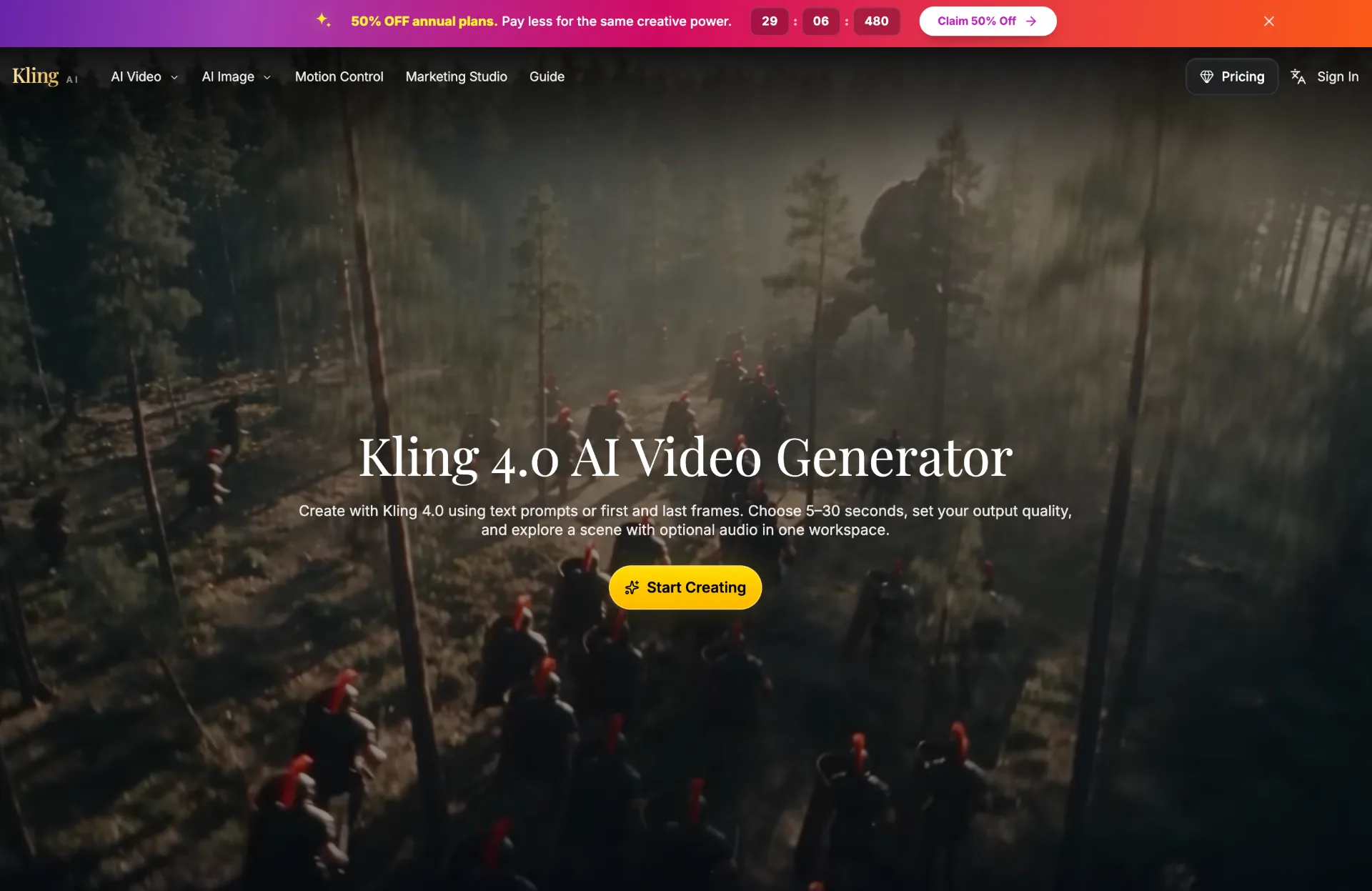
Discover Kling 4.0, an AI video generator that turns text prompts or images into 5–30 second HD or 4K scenes with optional audio, perfect for product reveals, social clips, and story development.
AI Scientific Figure Generator
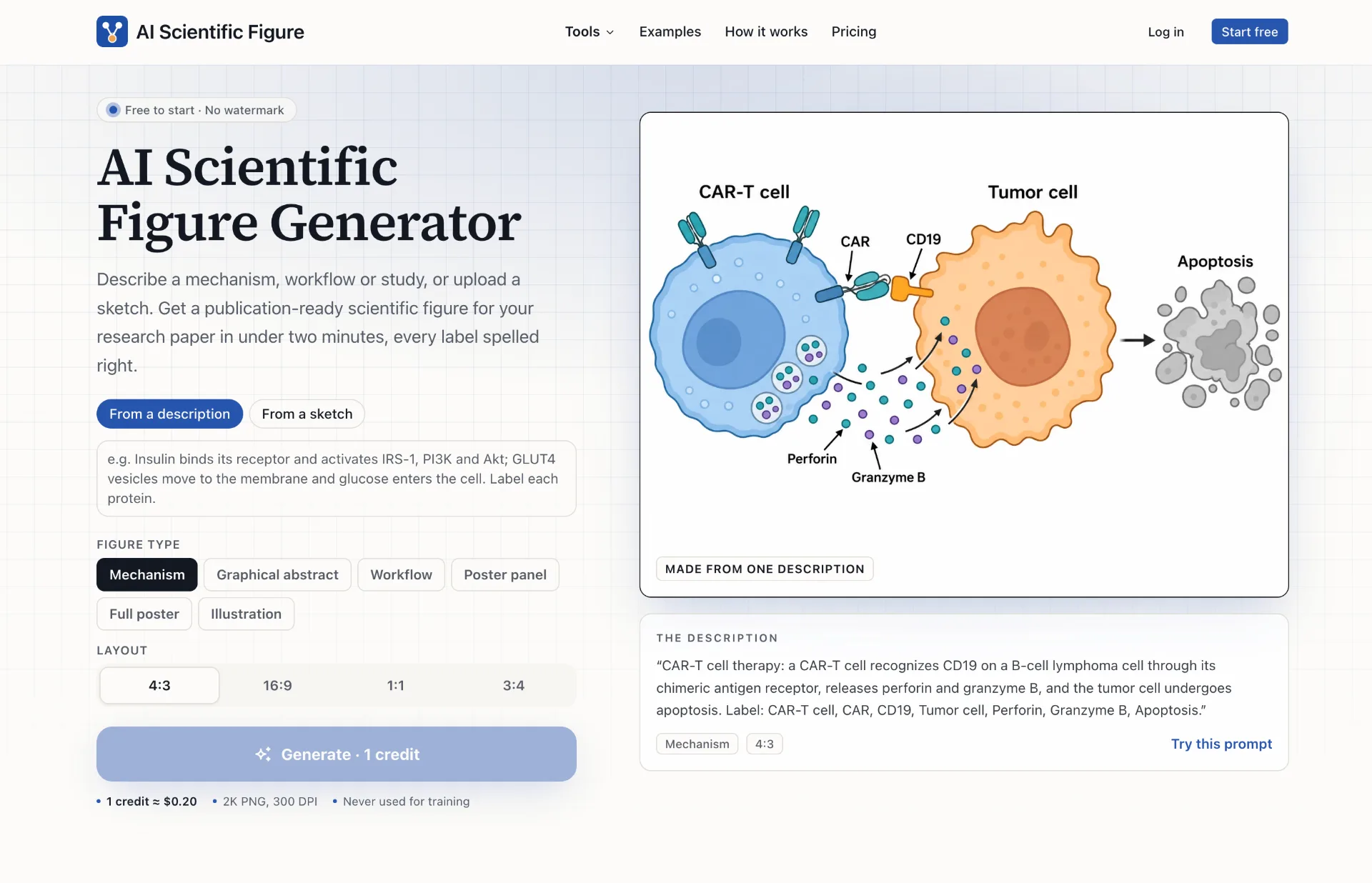
AI Scientific Figure turns your descriptions, sketches or abstracts into clean, publication-ready scientific figures, graphical abstracts and posters in minutes, with accurate labels and layouts sized for journals, slides and posters.