

Panel Font
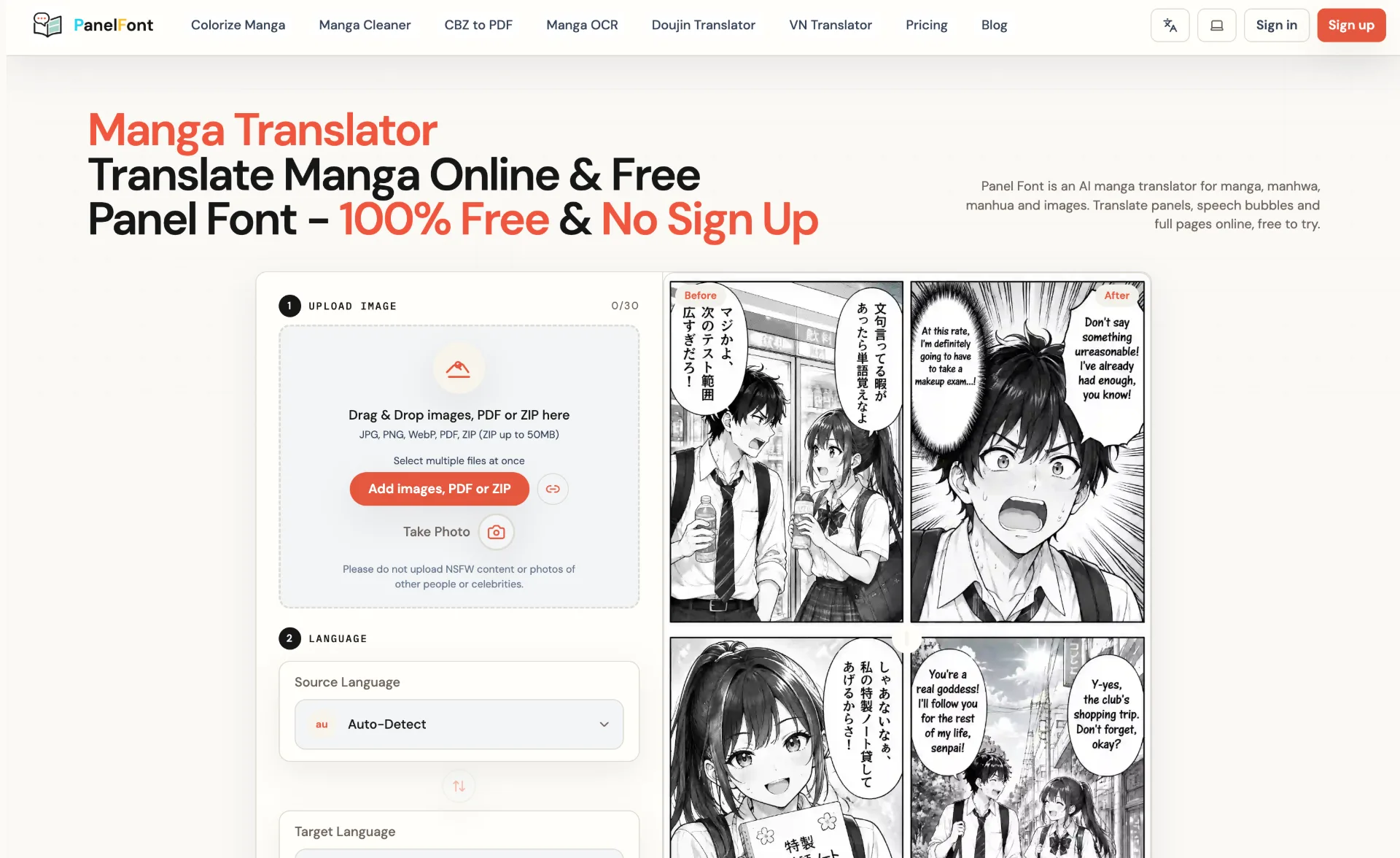
Panel Font is an AI-powered manga translator that converts manga, manhwa, manhua and images into over 100 languages in your browser, preserving panels, speech bubbles and artwork with smart typesetting and batch processing.
What is Panel Font
Panel Font is a browser-based AI manga translator designed for manga, manhwa, manhua and other comic-style images. It automatically detects text in panels and speech bubbles, removes the source text, and redraws localized dialogue while preserving panel composition, character expressions, sound effects and background details. With support for 100+ languages, multiple translation models and both single-image and batch modes, it helps readers, scanlation teams and professional localization studios turn visual narratives into globally readable pages in just a few clicks.
How to use Panel Font
-
Open Panel Font in your browser
Visit the Panel Font website in any modern browser. No desktop software download is required, and you can start directly from the main workspace. -
Choose model and mode
In the first step, select the AI model that best matches your goals. Pick faster models for quick drafts or higher-quality options for polished output. Choose single-image mode for one file or batch mode to process multiple images or full PDFs at once. -
Upload images, PDF, or ZIP
Drag and drop your manga or comic files into the upload area, or use the “Add images, PDF or ZIP” button. Panel Font supports JPG, PNG, WebP, PDF, and ZIP (up to 50MB per ZIP) and allows selecting multiple files at the same time. -
Adjust basic settings if needed
Review any available quality, layout, or model settings presented in the interface. Make sure your chosen model and processing options align with how clean and detailed you want the final translated pages to look. -
Set source and target languages
In the language section, keep Auto-Detect for the source language or manually pick it if you know it. Then set the target language (for example, English) so the system knows how to localize text on every page. -
Start the translation process
Click the Translate button. Panel Font will queue your pages using multi-threaded processing, erase original text from speech bubbles and captions, and replace it with localized dialogue while preserving layout and artwork. -
Preview and review the output
Use the before/after previews to compare original and localized pages. Check bubble placement, readability, character tone, and recurring terminology to ensure the translation matches the context of the story. -
Download or export your results
When processing is complete, download your translated pages or compiled output (depending on available export options). You can save pages for reading, editing, or sharing with your team or audience. -
Scale up with higher plans if needed
Start with basic daily credits to test the workflow. If you regularly process weekly chapters or large archives, upgrade to a monthly or one-time credit plan for higher volumes and additional model options.
Panel Font's use case
-
Speeding up weekly scanlations
Small scanlation groups can generate fast, context-aware draft translations for weekly chapters, then refine wording and sound effects manually while keeping their schedule under control. -
Professional manga and comic localization
Publishers, agencies and freelance localization teams can process high volumes of manga, manhwa or manhua pages, preserving complex panel layouts and irregular bubbles for production-ready files. -
Language learning through comics
Learners can translate pages from Japanese or other languages into their native language, comparing source and localized text to better understand vocabulary, idioms and cultural nuances. -
Preserving and reading rare doujinshi
Collectors and niche communities can localize rare or self-published books for private reading, making otherwise inaccessible stories readable without extensive manual typesetting. -
Testing international markets and audiences
Creators and studios can quickly localize sample chapters or promotional pages to test audience response in new regions before committing to large-scale, fully manual localization. -
Analyzing cultural references and tone
Editors and reviewers can use the tool to quickly surface translated dialogue and then refine character voices, honorifics, and cultural references while keeping panel composition intact. -
Deciphering dense sound effects and handwritten text
Pages filled with overlapping sound effects, handwritten notes, or irregular bubble shapes can be pre-processed, helping teams understand what is written before fine-tuning the lettering.
Benefits of Panel Font
-
Browser-based convenience with no installation
Everything runs in your browser, so you avoid heavy desktop software, version conflicts, and device restrictions. You can translate from almost any computer with an internet connection. -
High-fidelity layout and artwork preservation
The system focuses on keeping panel structures, bubble placement, background art and character expressions intact while replacing text, resulting in pages that still look like the original work. -
Efficient batch processing for high volumes
Multi-threaded smart queuing and batch upload (images, PDFs, ZIPs) let you process entire chapters or books in one run, dramatically reducing the time needed for first-pass translations. -
Multiple models for speed and quality control
You can choose between faster, lightweight models for rough drafts and higher-quality options for more nuanced, polished output, adapting the workflow to each project’s demands. -
Deep contextual and semantic consistency
Models are optimized for comic plots, helping retain character tone, series-specific terminology and recurring phrases so that dialogue reads naturally across connected scenes. -
Broad language coverage for global readers
Support for 100+ languages means you can localize from and into many different markets, making comics, manhwa and manhua accessible to audiences who previously could not read them. -
Flexible pricing with credits and plans
A mix of free daily credits, subscription tiers and one-time credit packs offers flexibility for casual users, regular readers, and professional teams handling ongoing, large-scale projects.
Pros
- Browser-based interface with no desktop installation required.
- Supports images, PDFs and ZIPs with batch processing for large projects.
- Preserves panel composition, speech bubbles and artwork during translation.
- Multiple AI models and 100+ language support for different quality and market needs.
- Flexible pricing options including subscriptions and non-expiring credit packs.
Cons
- Advanced models and higher-volume processing require paid plans or credit purchases.
- Automatic translation and typesetting may still need human review for nuance-sensitive scenes.
- ZIP uploads have a file size limit, which can restrict extremely large archives.
- Access to certain member-exclusive models is limited for users who only buy one-time credits.
- Performance and experience depend on a stable internet connection and browser compatibility.
Help more people discover your product.
Submit to SubmitoMore to discover
Kling 4.0
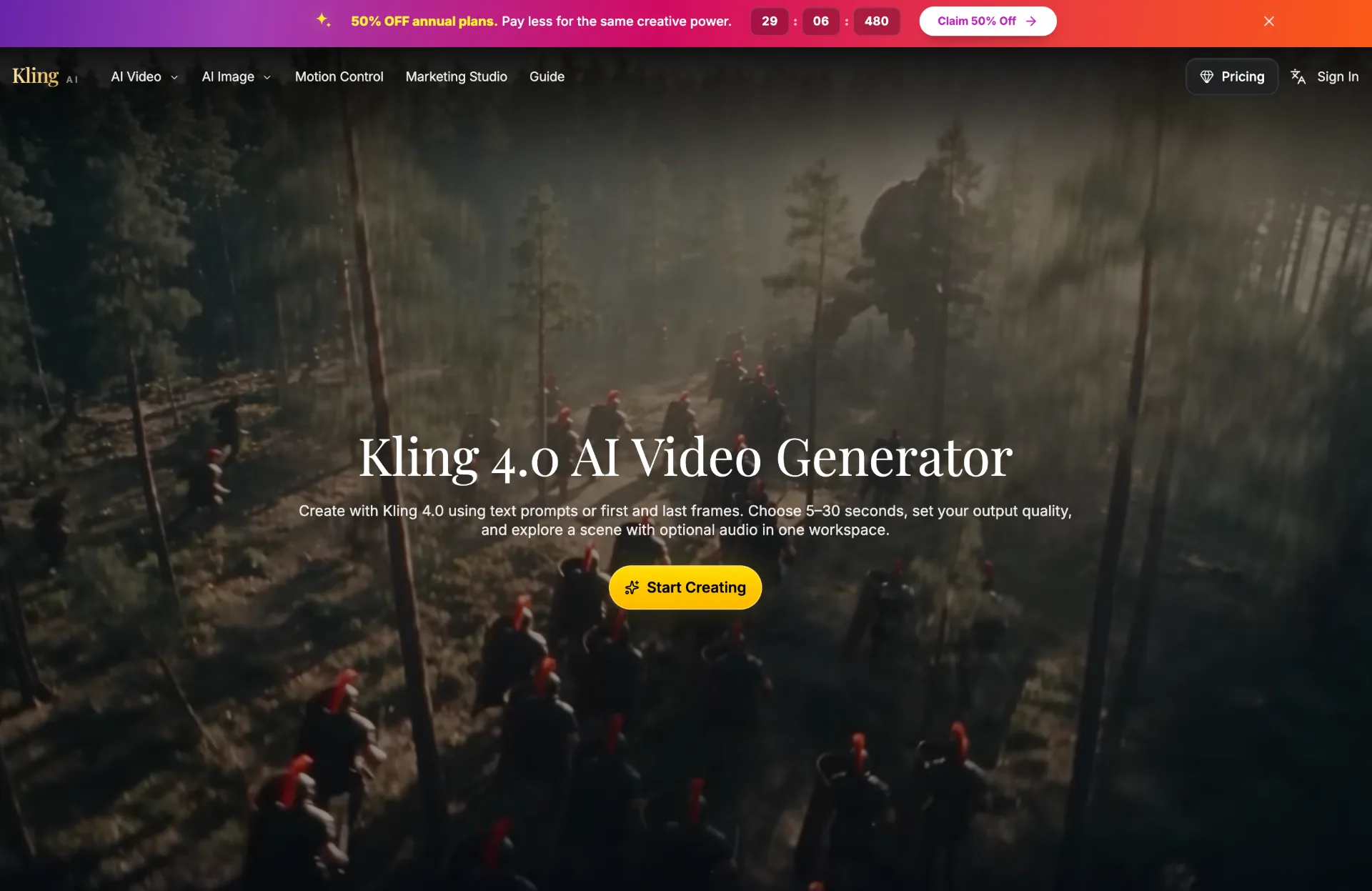
Discover Kling 4.0, an AI video generator that turns text prompts or images into 5–30 second HD or 4K scenes with optional audio, perfect for product reveals, social clips, and story development.
AI Scientific Figure Generator
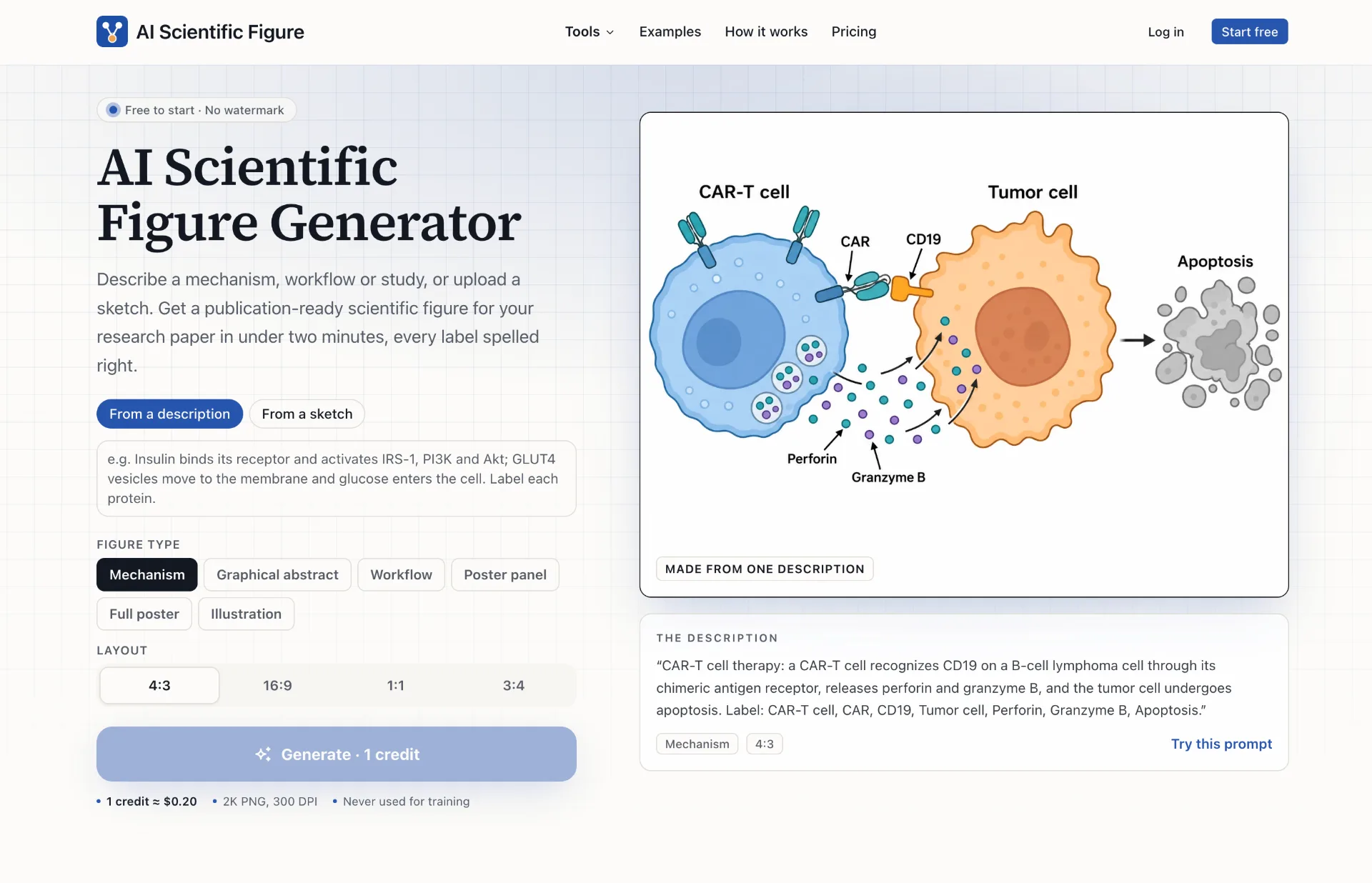
AI Scientific Figure turns your descriptions, sketches or abstracts into clean, publication-ready scientific figures, graphical abstracts and posters in minutes, with accurate labels and layouts sized for journals, slides and posters.
TokLab
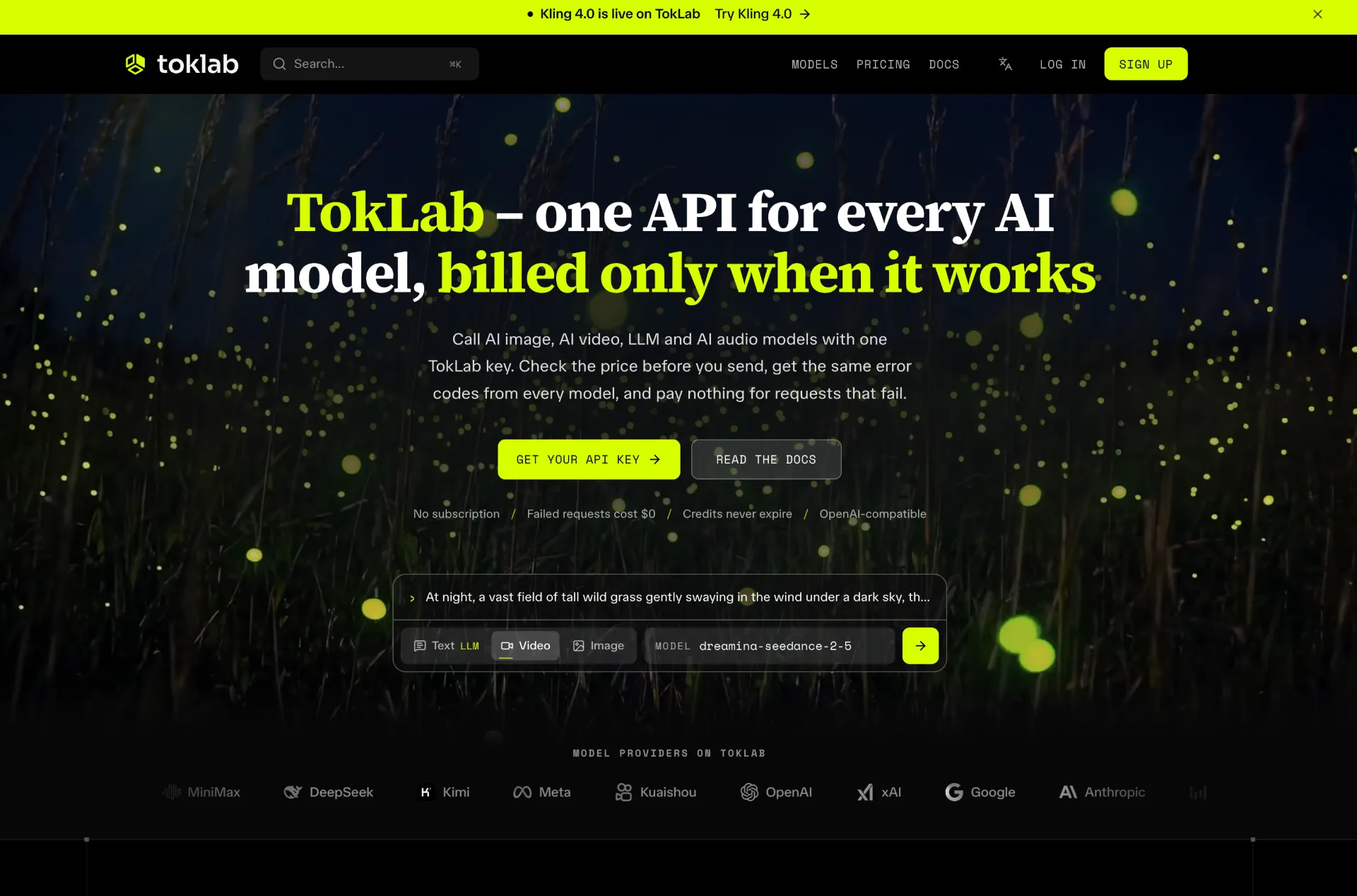
TokLab lets you call leading AI image, video, LLM and audio models through one API key and base URL, see live prices before every request, and only pay for successful runs with credits that never expire.