

Oginify
Oginify is an AI Open Graph image generator that turns any live webpage URL into four 1200×630 social share cards in about thirty seconds.When someone drops your link into X, LinkedIn, Slack, Discord, or iMessage, the platform looks for your og:image tag. Still, most teams ship new pages with a static site-wide logo
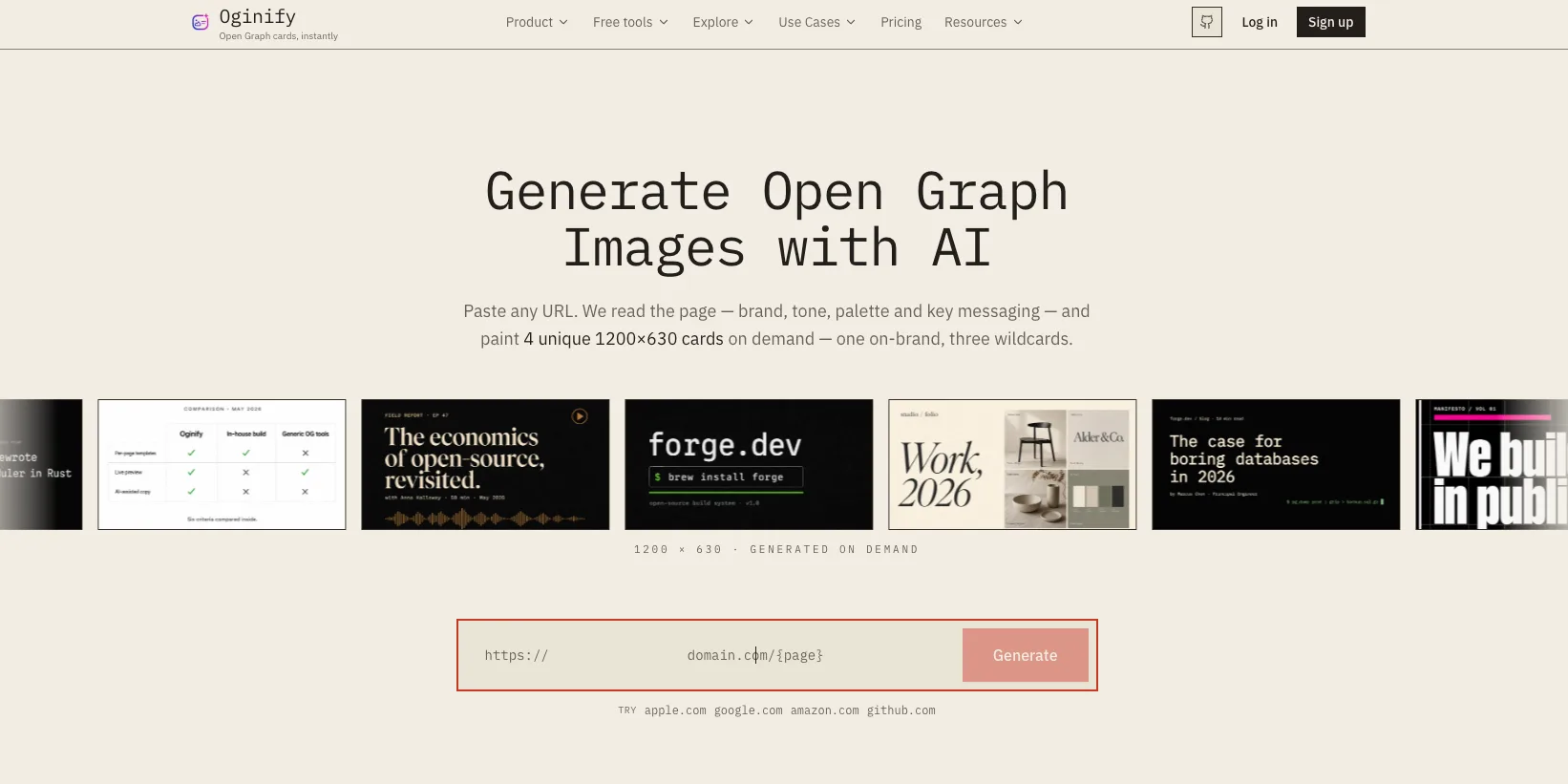
TL;DR: Oginify is an AI-powered Open Graph image generator that reads a live URL to automatically produce four distinct 1200×630 social preview cards on demand. It eliminates the manual design work and custom serverless code normally required to prevent links from displaying broken or generic thumbnails on platforms like X, LinkedIn, and Slack. This makes it an ideal utility for indie makers, founders, content creators, and developers who want clean, high-converting social cards without maintaining a custom rendering pipeline.
What is Oginify & How Does It Work?
Oginify is a specialized web utility designed to solve a common publishing bottleneck: creating properly sized, visually appealing social share images (og:image) for web pages. When you paste a live URL into the workspace, Oginify fetches the page in the background and extracts its core brand signals—including the page title, meta description, color palette, tone, and logo. Instead of forcing you to write image prompts or drag elements around a blank canvas, it uses the URL itself as the sole input to generate four ready-to-use 1200×630 pixel candidates at a strict 1.91:1 aspect ratio.
Each generation run produces a balanced mix of four distinct card styles: one on-brand AI card tailored to your site's existing visual identity, one AI wildcard offering a fresh creative direction, a clean text-exact layout template, and a direct screenshot of the live page. Once you select your preferred candidate, you can download it watermark-free in PNG, JPG, or WebP format. Because Oginify focuses strictly on asset generation rather than automatic CMS injection, you simply host the downloaded image on your own domain and paste the provided Open Graph and Twitter Card meta tags into your HTML <head>.
4 Core Use Cases & Practical Scenarios
- Announcing a Product Launch on Social Media: Scenario: An indie founder is preparing to share a new product landing page on X and LinkedIn, where plain text links get ignored. How to execute it: Paste the live launch URL into Oginify's input bar and compare the four generated 1200×630 variants to find one that highlights the product name and core offer. Tangible Output/Time Saved: You get a crisp, large-format social card in under a minute without opening Figma or hiring a freelance designer.
- Refreshing Archived Blog Posts for Resharing: Scenario: A content marketer wants to reshare an older high-performing article that currently defaults to a generic site-wide logo banner. How to execute it: Run the specific article URL through Oginify to generate a headline-focused preview card that gives the title room to breathe alongside a supporting visual. Tangible Output/Time Saved: Updating the post's
og:imagemetadata increases click-through clarity and avoids duplicating a manual template for every legacy URL. - Differentiating Documentation and Pricing Links: Scenario: A developer or sales engineer frequently shares direct links to pricing tiers or technical docs in Slack and Discord channels, where they normally render as identical homepage thumbnails. How to execute it: Generate page-specific cards for the
/pricingand/docsroutes using Oginify's grid-first Swiss or SaaS layout styles so the preview answers the recipient's question before they click. Tangible Output/Time Saved: Every shared subpage displays accurate, context-specific metadata rather than a repetitive brand banner. - Prototyping Open Graph Aesthetics Without Edge Infrastructure: Scenario: A solo developer wants custom social previews for a side project but does not want to spend hours configuring Satori, custom font loaders, or edge functions. How to execute it: Use Oginify to quickly generate and download static PNG cards for key marketing pages, or inspect its open-source counterpart (
social-cards-skills) if programmatic scaling is needed later. Tangible Output/Time Saved: Eliminates server-side rendering setup and maintenance overhead for small-to-medium websites.
Getting Started: Step-by-Step Workflow
- Paste Your Target URL: Navigate to the Oginify homepage and enter any live web address (such as your landing page, blog post, or storefront URL) into the central input box—no account creation or browser extension is required to start.
- Review the Four Generated Candidates: Wait for Oginify to crawl the page's metadata and visual tokens, then inspect the four 1200×630 outputs: the on-brand AI card, the AI wildcard, the text-exact template, and the live page screenshot.
- Export the Image File: Choose the candidate that best matches your page type and download the watermark-free file locally as a PNG, JPG, or WebP asset.
- Update Your Page Metadata: Upload the downloaded image to your website's static assets folder and paste the corresponding
<meta property="og:image">and Twitter Card tags into your page's<head>section.
Oginify Pros & Cons: An Honest Look
Pros:
- Zero-Prompt, URL-Driven Workflow: You do not need to write descriptive prompts or manually pick color hex codes because Oginify extracts brand tokens directly from your live page. This removes creative friction when you just need a clean preview card fast.
- Four Distinct Variants Per Run: Every URL submission yields a mix of AI-styled graphics, structured typography templates, and a live screenshot. Having multiple angles at once makes it easy to pick between a safe corporate look and a bolder social hook.
- Generous No-Signup Free Access: Visitors can run up to six URL generations per day without creating an account, and failed AI slots automatically fall back to a template card without wasting a credit. All exported files are completely watermark-free.
Cons:
- Manual Hosting and Tag Integration: Oginify generates static image files that you must host yourself and manually wire into your site's HTML
<head>. Teams looking for dynamic, URL-parameterized image generation on the fly will still need a programmatic edge solution. - No Guaranteed Fixed Generation Speed: Because the tool fetches live web pages and runs AI generation models in real time, processing times vary depending on page complexity and server load. This makes it better suited for deliberate publishing workflows than instant real-time previews.
Who Should Use Oginify (And Who Shouldn't)?
- Best For: Indie hackers, solo founders, and content creators who want fast, on-brand 1200×630 social cards for landing pages and blog posts without opening a design editor or writing code.
- Skip If: You run a massive content site with thousands of dynamic pages (such as a job board or user-generated marketplace) that requires automated, programmatic edge rendering via code.
Oginify vs. Top Alternatives
| Feature | Oginify | @vercel/og (Satori) | Cloudinary |
|---|---|---|---|
| Primary Focus | AI-generated OG cards directly from a live URL | Programmatic JSX-to-PNG generation at the edge | Dynamic URL-based image transforms & overlays |
| Ease of Use | Paste a URL; zero code or design prompts needed | Requires React/JSX coding and serverless deployment | Requires uploading base assets and configuring URL strings |
| Pricing Model | Free tier (6 runs/day) with optional $0.99 tip | Free open-source library (compute limits apply) | Freemium credit-based media hosting & transformation |
| Best For | Quick, one-off landing pages, launches, and articles | High-volume dynamic pages (e.g., programmatic SEO) | Media-heavy apps applying text layers over existing photos |
Verdict: Oginify is the fastest choice when you want ready-made, aesthetically varied social cards from a live URL with zero coding or template setup. However, if you need to automatically generate thousands of data-driven cards at scale, a programmatic tool like @vercel/og is the better architectural fit.
Oginify Pricing & Value for Money
Oginify operates on an accessible, indie-friendly pricing model designed to let builders test and ship assets immediately. Without even signing up for an account, users receive up to 6 free AI generation runs per day. Because a single URL submission generates four distinct card candidates—and failed runs do not count against your daily quota—most solo founders and bloggers can cover their regular publishing needs entirely for free.
For users who want to support the platform or unlock higher usage, Oginify offers a lightweight optional tip starting at $0.99 alongside standard account sign-up options (full paid subscription tiers are not detailed on the main landing page). Compared to traditional graphic design suites or paid social-card SaaS tools that gate high-resolution exports behind monthly subscriptions, Oginify provides strong immediate value by delivering watermark-free 1200×630 exports with no upfront paywall.
Oginify Frequently Asked Questions (FAQ)
1. Is Oginify free to use, or is there a free trial?
Yes, Oginify can be used for free without creating an account, allowing up to 6 URL generation runs per day. Each run produces four 1200×630 card candidates, and your daily limit is not deducted if every AI candidate fails to generate. All downloaded images are watermark-free, and you simply host the exported files on your own website.
2. How does Oginify compare to @vercel/og?
Oginify and @vercel/og solve adjacent problems for web publishers. @vercel/og requires developers to write JSX layouts and deploy serverless functions to render images dynamically in code, whereas Oginify requires zero coding—you simply paste a live URL and let the AI extract your brand palette and copy to paint static cards. Oginify is faster for individual pages, while @vercel/og excels at programmatic scale.
3. Is Oginify suitable for beginners?
Yes, Oginify is built specifically for non-designers and beginners who do not want to wrestle with blank canvases or complex AI prompt engineering. Because the tool uses your existing webpage URL as its only input, it automatically handles typography, aspect ratios (1200×630), and color matching. You only need basic familiarity with pasting <meta> tags into your site's HTML or CMS settings to publish the final image.
4. What are the best alternatives to Oginify?
If you prefer building open-source pipelines yourself, social-cards-skills (Oginify's MIT-licensed open-source specification) and @vercel/og are strong code-first alternatives. For marketers who want manual drag-and-drop control over custom templates or dynamic URL overlays on uploaded photos, tools like Cloudinary, Canva, or Placid offer robust template editors.
让更多人发现你的产品。
提交到 Submito发现更多产品
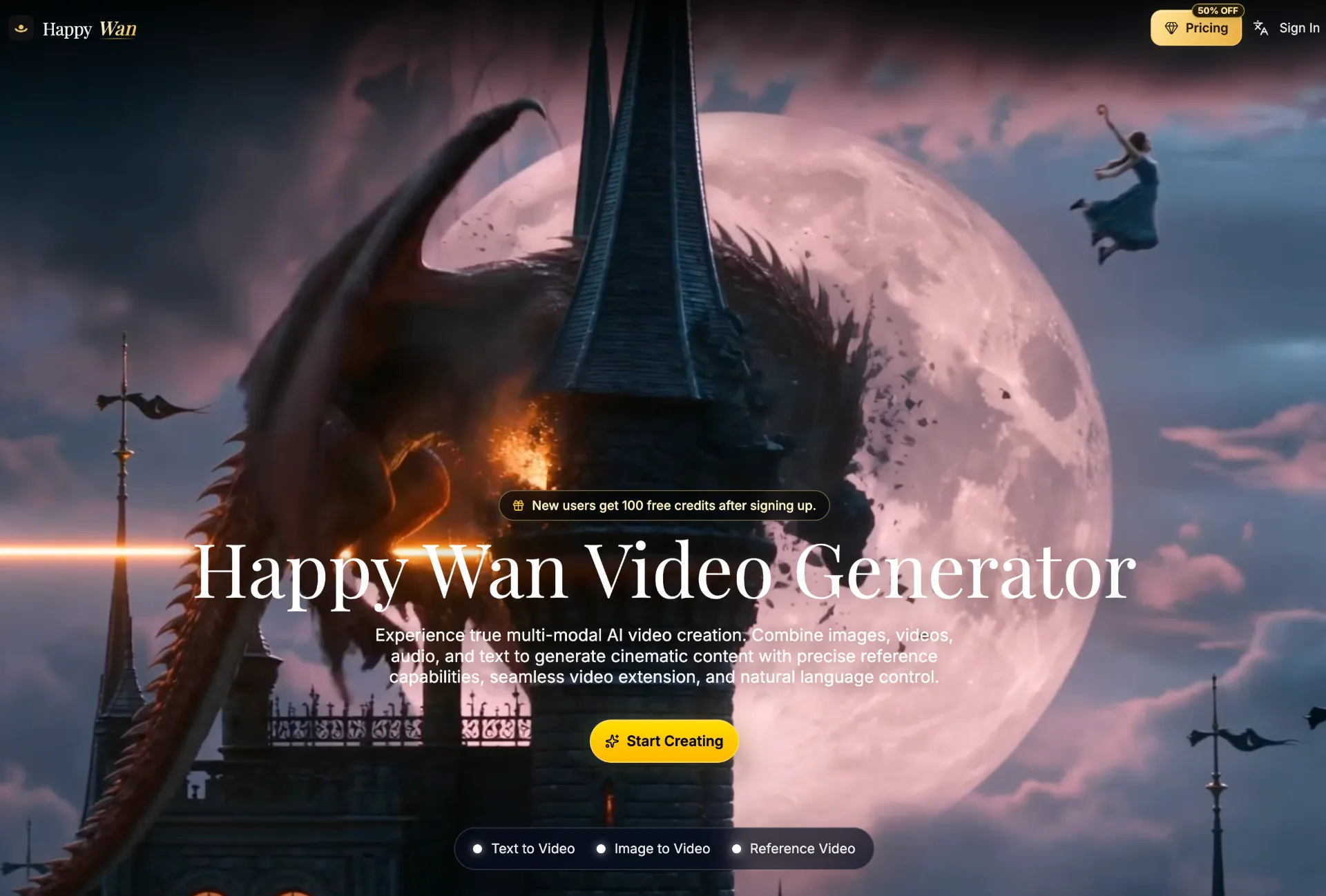
Happy Wan
Happy Wan turns text, images, clips, and audio into videos up to 30 seconds, with @ tag references to keep characters consistent across shots.
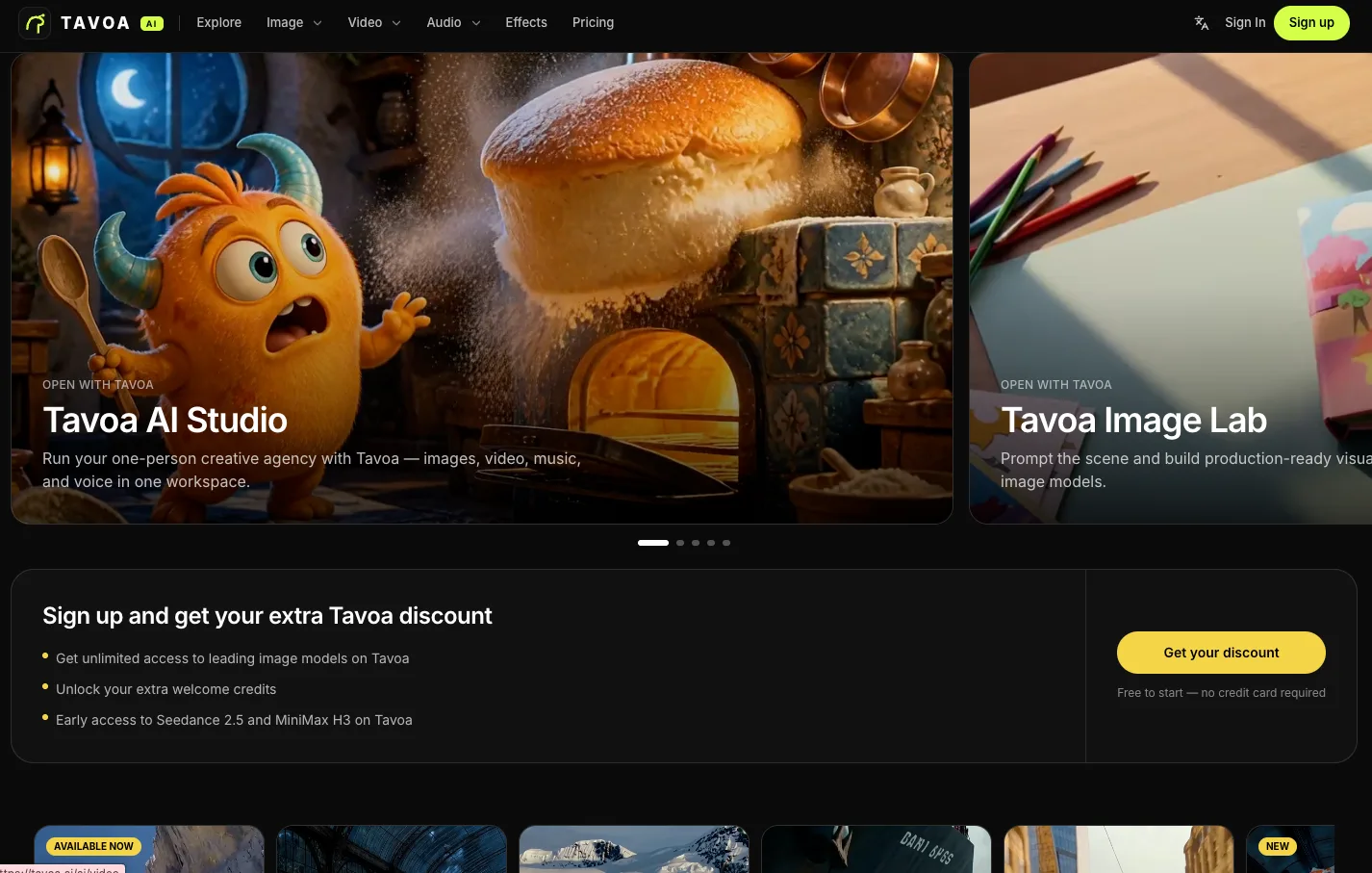
Tavoa AI
Tavoa AI brings Seedance, Kling, Veo, and other video and image models into one credit-based workspace, so creators can test outputs without juggling apps.
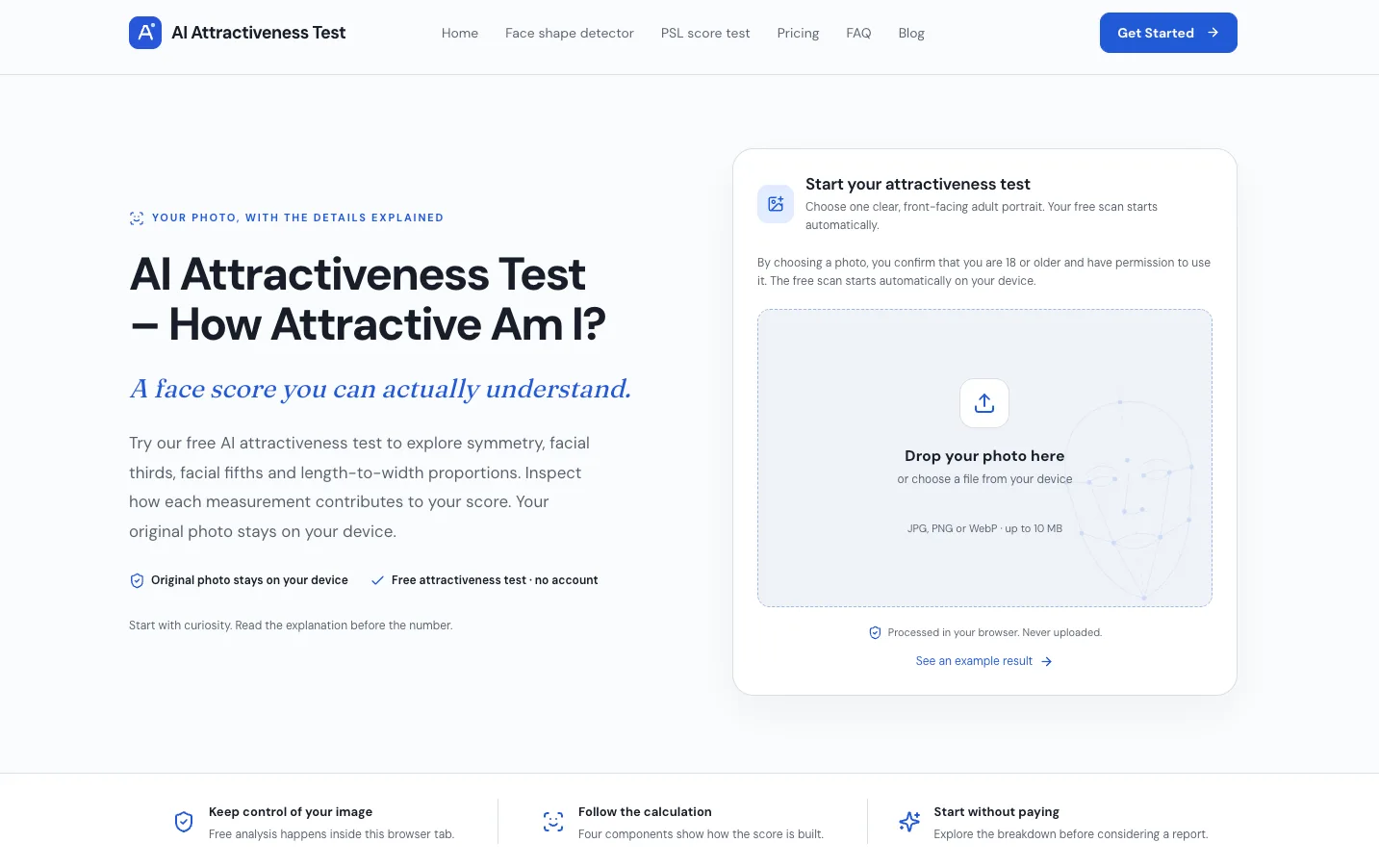
AI Attractiveness Test
Analyze facial symmetry, thirds, fifths, and proportions directly in your browser. Your photo stays on your device with a transparent 0–100 harmony breakdown.