
AI Attractiveness Test
Analyze facial symmetry, thirds, fifths, and proportions directly in your browser. Your photo stays on your device with a transparent 0–100 harmony breakdown.
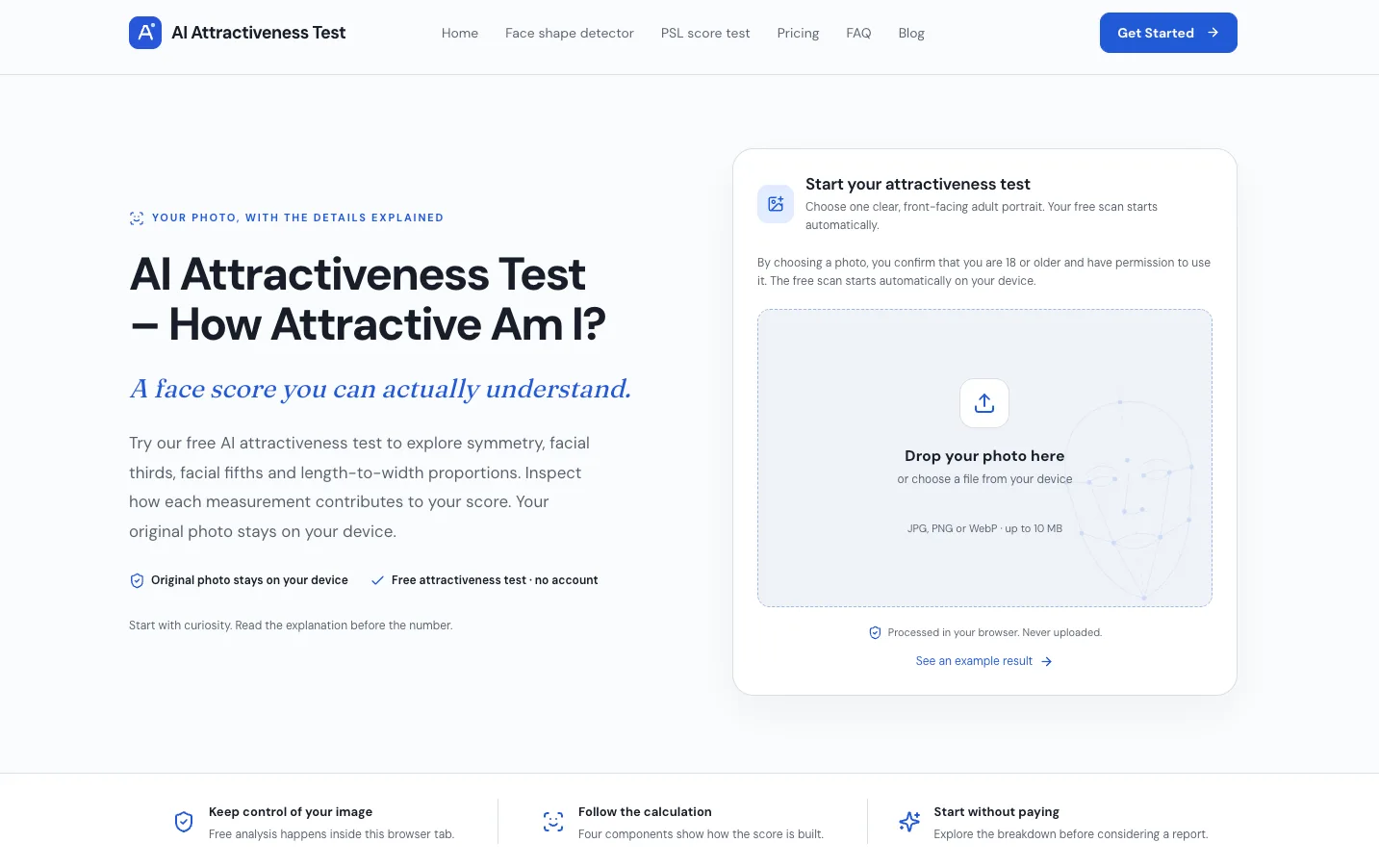
TL;DR: AI Attractiveness Test is a browser-based facial geometry tool: AI finds landmarks on your portrait, then a published formula turns their distances into a 0–100 harmony score. Most face raters hand you a number with no explanation. This one shows four weighted components and runs the free scan on your device, so your photo is never uploaded. It suits curious adults, content creators, and photo-conscious professionals who want to see the math behind a score instead of an unexplained verdict.
What is AI Attractiveness Test & How Does It Work?
AI Attractiveness Test is a face-analysis web app that splits the job into two stages. First, an AI model detects facial landmarks in a single front-facing photo: the eye corners, the brow line, the nose base, the chin, and the outline of the face. Then a fixed, published formula compares those landmark distances against selected reference proportions and produces a 0–100 "harmony" score. The formula has four parts with disclosed weights: symmetry (40%), facial thirds (25%), facial fifths (20%), and length-to-width ratio (15%). Because the weights are public, you can see exactly which measurement pulled your score up or down.
Most face raters work as a black box. AI Attractiveness Test shows its work instead: you get an overlay of the measurements, a score for each component, geometry views, a face-shape estimate, and basic skin-photo checks. The free scan runs entirely in your browser tab. The first run downloads the detection model, and after that your image stays on your device. The site is also upfront about the limits. It calls the score an experimental geometry index that has not been validated as a predictor of human attraction, and it notes that camera distance, head tilt, and expression all change the result. If you want more depth, a paid report adds written interpretation and a PDF.
4 Core Use Cases & Practical Scenarios
-
Choosing a profile or headshot photo: You have five candidate photos for LinkedIn or a portfolio and want a consistent way to compare them. Run each one through the free test, keep the lighting and distance similar, and note which photos score low on symmetry because of head tilt. In about ten minutes you can drop the angled shots and keep the photos that read most evenly, with no need to ask friends for opinions.
-
Learning how camera setup distorts a face: Photographers and creators often notice that close-up phone selfies look "off." Take one wide-angle selfie and one photo from farther away at eye level, then compare the length-to-width and fifths readings. The difference shows lens distortion in actual measurements, which makes it easier to explain to clients or adjust your own filming setup.
-
Checking out face-rating claims you see online: If you have seen "PSL" or harmony scores on social media, this tool lets you see what such scores actually measure. Open the scoring method, run your photo, and compare each component to its stated reference. You come away understanding that a score describes the proportions in one photo, not a judgment of your worth.
-
Getting structured grooming ideas: If you are thinking about a new haircut or brow shape, the $9.90 report turns 16 derived measurements into ideas for face framing, brows, jawline, and hair, plus general skin-care guidance. You get a saved report and a PDF to bring to a stylist. It does not prescribe cosmetic treatments or show styling previews.
Getting Started: Step-by-Step Workflow
- Prepare one clear portrait. Use a recent, front-facing photo of a single adult with both eyes visible, your head level, soft even lighting, and no beauty filters. JPG, PNG, and WebP files up to 10 MB are accepted, and you confirm you are 18 or older.
- Drop the photo into the test. You don't need an account. The scan starts automatically in your browser, and the first run takes a little longer while the model downloads.
- Read the breakdown before the number. Look at all four component scores alongside the measurement overlay to see where landmarks were placed. If a covered feature or a slight head turn shifted a point, you will see it here.
- Save, retest, or upgrade. Download the result card, or clear the photo. To compare photos, change only one condition at a time. If you want the full report, sign in, agree to send landmarks to the server and share derived measurements with a third-party AI service, and pay $9.90 for that single report.
AI Attractiveness Test Pros & Cons: An Honest Look
Pros:
- Transparent, weighted formula: Each of the four components and its weight is published, so you can trace the score back to specific measurements. That makes the number something you can understand and question, not just accept.
- Local processing for the free scan: The original photo stays in your browser tab and is never uploaded. For anyone wary of handing face images to an unknown server, this is a real practical safeguard.
- Honest positioning: The site states that the score is not validated as a predictor of attraction, uses the same formula for every adult, and does not infer gender or ethnicity. That restraint is uncommon in this category and lowers the risk of people over-reading their result.
Cons:
- Results depend heavily on the photo: Head rotation, expression, and lens distance all move the landmarks, so two photos of the same person can score differently. Users who want one stable "true" number will find this frustrating.
- Narrow scope and no human feedback: It measures geometry from one frontal photo only, with no profile views, no human raters, and no styling previews. The paid report also requires signing in and agreeing to third-party AI processing, which some privacy-focused users may not want.
Who Should Use AI Attractiveness Test (And Who Shouldn't)?
- Best For: (1) Creators and photographers who want a quick, measurable way to compare how camera setups change facial proportions. (2) People who are curious about face ratings and want a free, no-account tool that explains its method instead of just giving a score.
- Skip If: (1) You want to know how real people perceive a dating or professional photo, since a crowd-voting service measures impressions rather than geometry. (2) You want a detailed, multi-angle aesthetic plan with human review, since dedicated analysis services go much deeper, though at a higher cost and with a longer turnaround.
AI Attractiveness Test vs. Top Alternatives
| AI Attractiveness Test | Qoves | Photofeeler | |
|---|---|---|---|
| Primary Focus | Facial geometry score from one photo, with four disclosed components | Multi-photo aesthetic analysis with a personalized non-surgical improvement plan | Human votes on how a photo comes across (e.g., smart, trustworthy, attractive) |
| Ease of Use | Very easy; drop in one photo, no account for the free scan | Moderate; several photos from different angles, results not instant | Easy; upload a photo, then vote on others' photos or buy credits |
| Pricing Model | Free scan; optional one-time $9.90 report | Paid analysis and plan | Free by voting on others; credit packs start at $9 for 40 votes |
| Best For | Understanding and comparing facial proportions privately | Users who want a deep, demographic-aware plan | Choosing between profile photos based on real impressions |
Pick AI Attractiveness Test when you want a fast, private, explained measurement of one photo, and Photofeeler when you care about how real people react to it. Qoves goes further on analysis and recommendations, but it costs more and requires more photos and patience.
AI Attractiveness Test Pricing & Value for Money
The free test includes the overall harmony score, all four component scores with their weights, geometry views, a face-shape estimate, skin-photo checks, and a downloadable result card. It needs no account and no payment. The in-depth report costs $9.90 once, with no subscription, and covers one report from one test. It adds 16 derived facial measurements, detailed explanations of each component, ideas for face framing, brows, jawline, and hair, general skin-care guidance, and a saved PDF. You can delete eligible reports from My Reports, though accounting records are kept.
For indie users, the free tier is the main draw: you see the full calculation without paying. A one-time fee under $10 is low compared with multi-photo analysis services, and there is no recurring subscription. The catch is that each report covers a single photo, so testing several photos in depth costs $9.90 each time.
AI Attractiveness Test Frequently Asked Questions (FAQ)
1. Is AI Attractiveness Test free to use, or is there a free trial?
The core test is free and needs no account, and it includes the score, four components, measurement overlay, and a result card. There is no trial period, because the free scan is not time-limited. The optional in-depth report is a separate one-time purchase of $9.90 per report.
2. How does AI Attractiveness Test compare to Qoves?
AI Attractiveness Test measures four proportions from one frontal photo in your browser and explains how the score is built. Qoves uses multiple photos, assesses a much wider range of features, and delivers a personalized improvement plan reviewed by its team. Choose the first for a quick private reading and Qoves for a deeper, paid aesthetic plan.
3. Is AI Attractiveness Test suitable for beginners?
Yes. You upload a single photo and the scan runs automatically, and the photo guide covers lighting, camera height, and distance. Beginners should read the component breakdown and the accuracy notes before treating the number as meaningful.
4. What are the best alternatives to AI Attractiveness Test?
Photofeeler is a strong choice if you want human feedback on how a photo comes across rather than a geometry score. Qoves suits people who want a detailed, multi-angle analysis with improvement suggestions. Because each tool measures different things, compare their definitions before comparing their scores.
让更多人发现你的产品。
提交到 Submito发现更多产品
Happy Wan
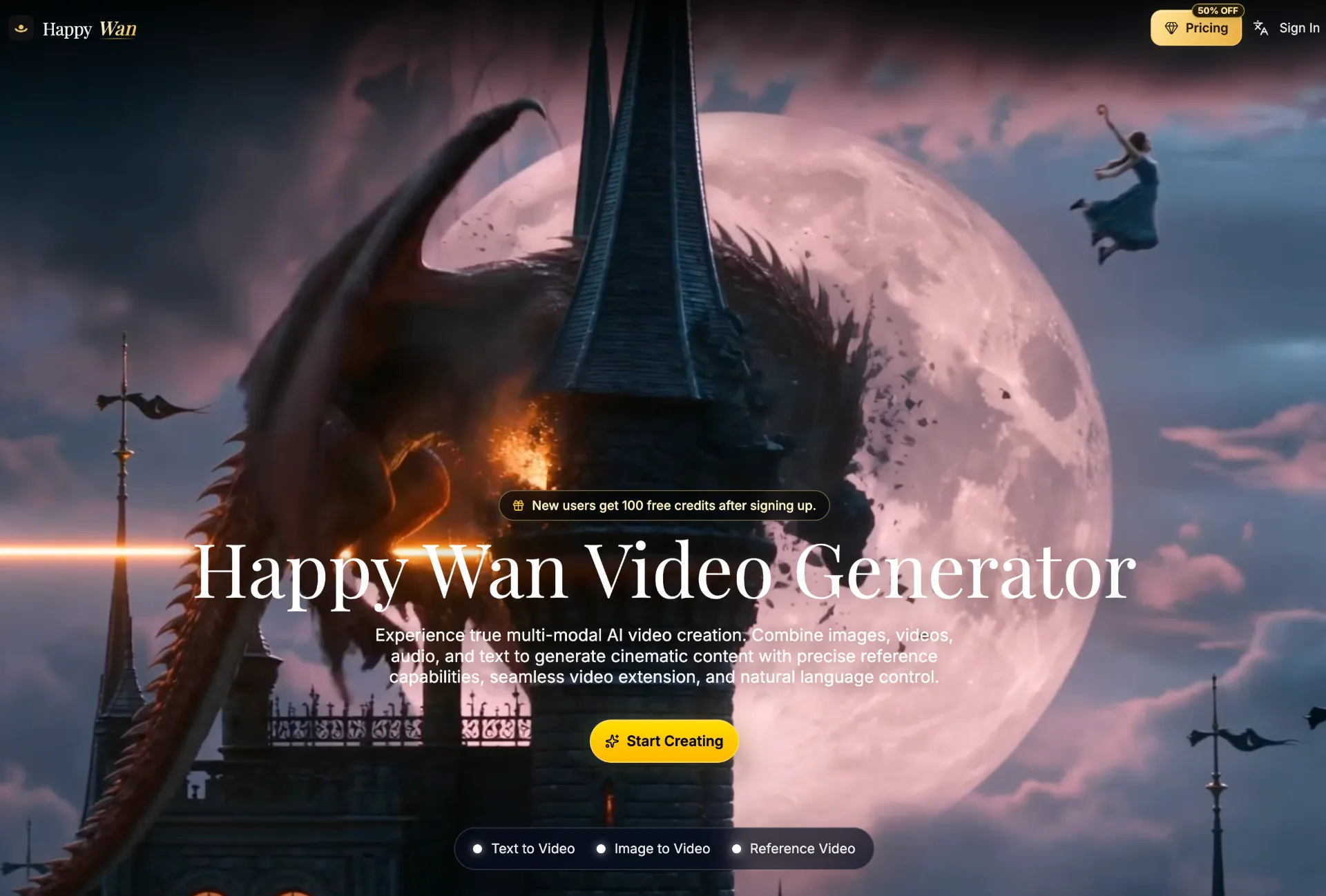
Happy Wan turns text, images, clips, and audio into videos up to 30 seconds, with @ tag references to keep characters consistent across shots.
Tavoa AI
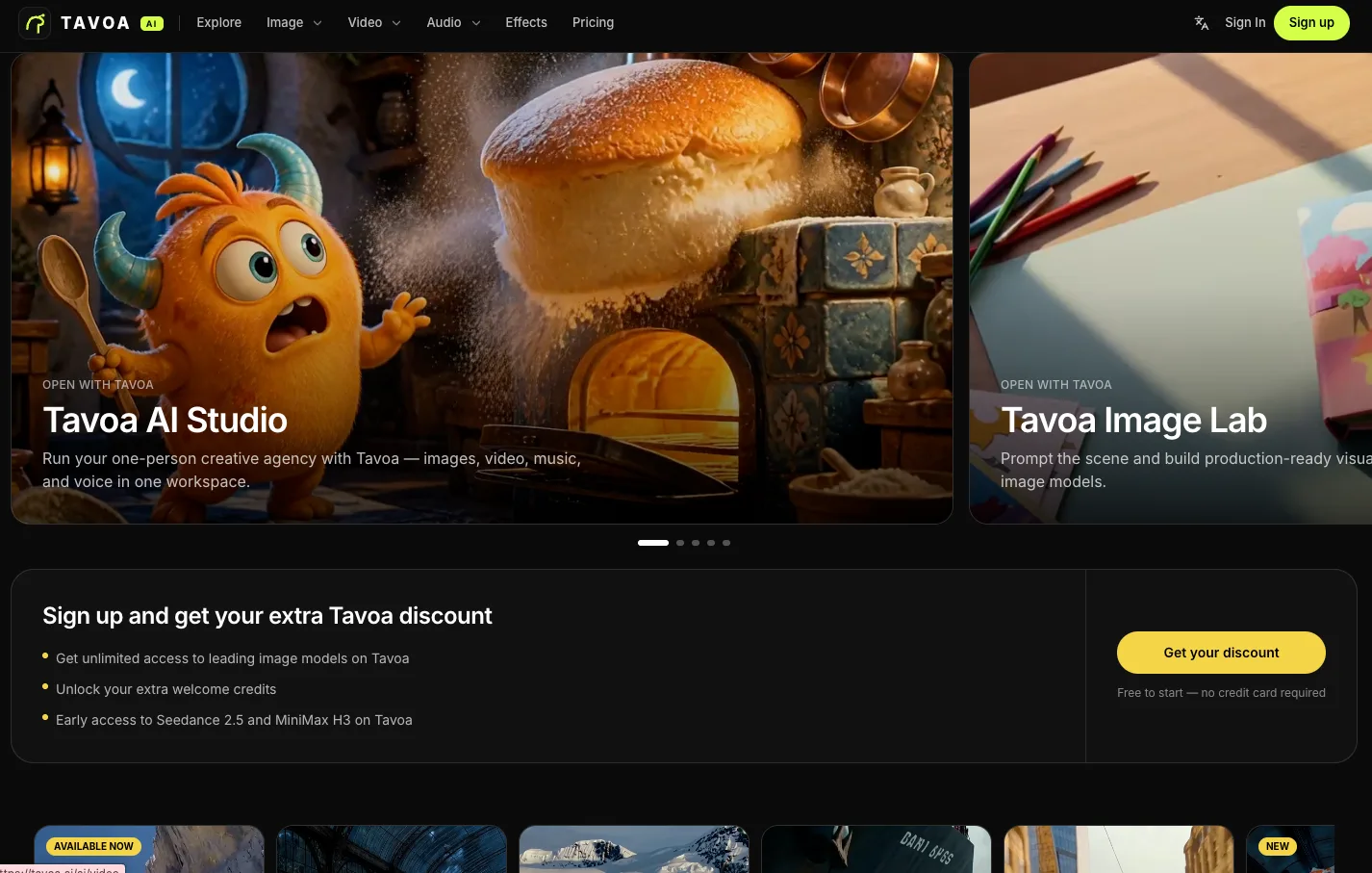
Tavoa AI brings Seedance, Kling, Veo, and other video and image models into one credit-based workspace, so creators can test outputs without juggling apps.
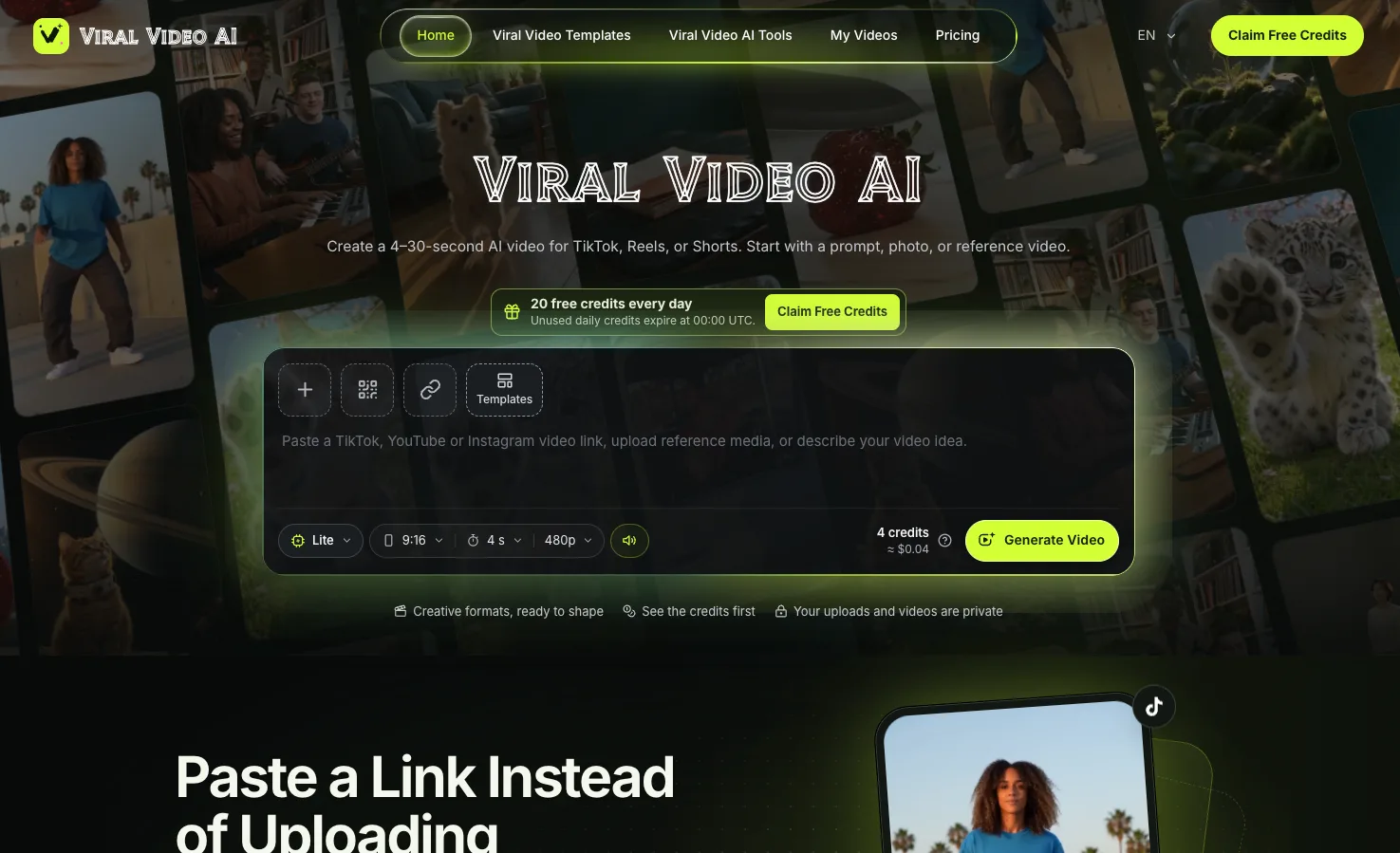
Viral Video AI
Viral Video AI helps creators, social media teams and small businesses make short videos for TikTok, Instagram Reels and YouTube Shorts. Paste a public TikTok, YouTube or Instagram video link, preview it as a reference and describe your own take. You can skip manually downloading and re-uploading the clip. Pick a trending template and add your photo, or start with a text prompt, photos or a reference video. Check the credit estimate before generating, then preview and download the result. Basic supports clips up to 15 seconds. Pro supports clips up to 30 seconds and resolutions up to 1080p. Template settings vary.