

Muvio
Create custom music videos from audio files or Suno links, or generate AI tracks with Muvio.
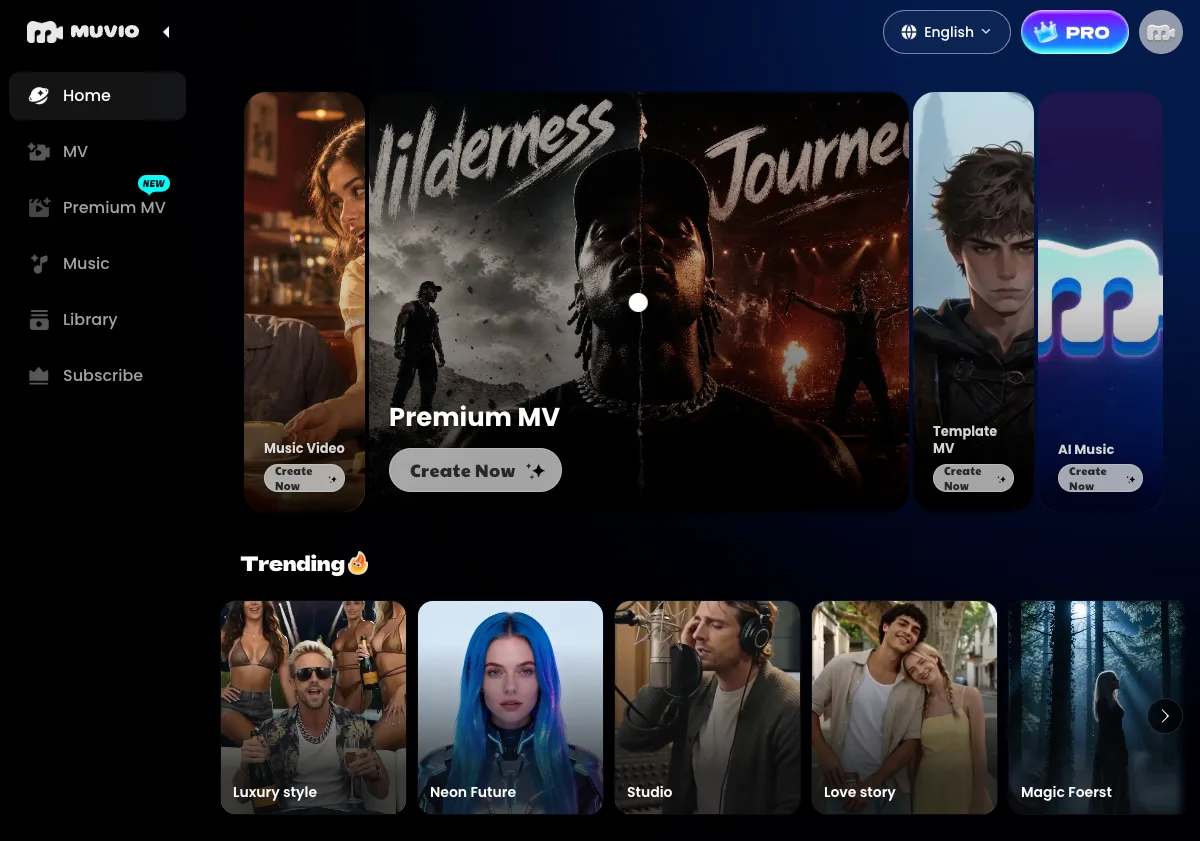
TL;DR: Muvio is a browser-based AI music video maker and song generator that converts uploaded audio files, Suno links, or text prompts into synchronized visual narratives. It solves the high cost and technical complexity of traditional video production by pairing automated audio-to-scene pacing with consistent character reference tools. This platform is best suited for independent musicians, AI audio creators, and short-form social media managers looking to publish visualizers without hiring a film crew or editing team.
What is Muvio & How Does It Work?
Muvio operates as a dual-engine creative studio designed to bridge the gap between AI audio generation and visual storytelling. On the audio side, users can describe a musical mood or input custom lyrics to generate original tracks directly inside the interface. On the visual side, the platform accepts standard audio uploads (MP3, WAV, or M4A up to 50 MB and five minutes), tracks stored in a user's personal Muvio library, or direct Suno song links—eliminating the friction of downloading and re-uploading files between separate web apps.
Once an audio track is loaded, Muvio analyzes the song's tempo, structure, and emotional shifts to pace scene transitions automatically. Users guide the visual output through three distinct production modes: standard Music Video (offering Narrative, Anime, or Performance styles), Template MV (which applies preset visual aesthetics), and Premium MV (a higher-tier cinematic workflow). To maintain visual continuity across cuts, creators upload front-facing reference photos for a lead character and optional supporting cast members, select either landscape (16:9) or vertical (9:16) framing, and generate a low-cost preview before committing credits to a full-length render.
4 Core Use Cases & Practical Scenarios
- Independent Single Releases: An unsigned artist finishing a demo needs a cohesive visual centerpiece for a streaming launch without a production budget. They upload their master WAV file to Muvio, provide a clear front-facing artist photo as the lead character, select the Performance or Narrative style in 16:9 aspect ratio, and generate a preview to verify lip-sync and mood alignment. This workflow produces a complete, shareable music video in roughly 15 to 20 minutes instead of weeks of storyboarding and filming.
- Suno Track Visualization: An AI music creator generates a viral track on Suno and wants to publish it on visual-first platforms without static cover art. Instead of manually editing stock footage, they paste the Suno URL directly into Muvio’s studio, write a brief story prompt, and toggle lyric captions on. The creator receives a beat-matched video ready for immediate upload while skipping manual file conversions.
- Short-Form Social Promotion: A content creator or social media manager needs vertical teasers to promote an upcoming release across TikTok, Instagram Reels, and YouTube Shorts. Using Template MV or standard Music Video mode, they configure the output to a 9:16 aspect ratio and select a trending aesthetic such as Neon Future or Studio. Within minutes, they obtain vertical clips tailored to mobile feeds without re-cropping wide footage in a desktop editor.
- Multi-Character Concept Campaigns: A boutique label or marketer wants to build a stylized, cinematic story arc around a flagship track. They open the Premium MV workflow, upload up to six character reference photos alongside six custom background images, and define the narrative progression. The resulting video maintains consistent cast appearances and set environments across scenes, delivering campaign-ready visuals at a fraction of traditional animation costs.
Getting Started: Step-by-Step Workflow
- Load or Generate Your Audio: Open the Muvio dashboard and either generate a new song from a text prompt and lyrics in the AI Audio Lab, upload an MP3, WAV, or M4A file (up to 50 MB), or paste an existing Suno track link.
- Select Your Production Mode and Style: Choose between Music Video, Template MV, or Premium MV depending on your project's complexity, then pick a visual direction such as Narrative, Anime, Performance, or a curated preset template.
- Configure Cast, Story, and Framing: Upload a front-facing photo for your lead character (plus a supporting character, or up to six characters and six backgrounds in Premium MV), add an optional story description, toggle lyric captions, and set the aspect ratio to 16:9 or 9:16.
- Render a Preview and Export the Full Video: Generate a 10-credit preview (taking roughly five minutes) to inspect scene pacing and character consistency, then trigger the full HD or SD video render (estimated at 10 to 15 minutes) to download your finished file.
Muvio Pros & Cons: An Honest Look
Pros:
- Direct Suno Link Integration: Pasting a Suno URL directly into the video studio removes tedious download-and-import steps for AI musicians. This tight workflow makes it remarkably fast to turn experimental audio generations into visual posts.
- Multi-Character and Background Consistency: Supporting up to two characters in standard mode and up to six characters plus six backgrounds in Premium MV helps prevent the jarring identity shifts common in basic text-to-video tools. Creators can tell coherent, recurring-cast stories rather than relying on disconnected abstract clips.
- Two-Stage Preview System: Allowing users to test their prompt, cast, and pacing with a 10-credit preview before spending full-length rendering credits protects budgets from bad generations. You can catch awkward framing or mismatched styles early without wasting your monthly allowance.
Cons:
- No Free Full-Length Exports: While you can explore the interface, full music video generation strictly requires a paid subscription plan. Hobbyists looking for a completely free tier with watermarked full exports will hit a paywall before finishing a song.
- Queue Times and Variable Credit Math: Generating a preview takes around five minutes, while a full render takes 10 to 15 minutes, meaning it is not suited for instant, real-time iteration. Additionally, per-second credit consumption means longer tracks in HD can deplete a credit balance quickly.
Who Should Use Muvio (And Who Shouldn't)?
- Best For: Independent musicians releasing frequent singles who need fast, consistent visualizers, and Suno power users who want a streamlined pipeline from AI audio links to 9:16 or 16:9 videos.
- Skip If: Filmmakers and video editors who require frame-by-frame timeline control, custom camera keyframes, and manual lip-sync tweaking, or casual users unwilling to pay for a subscription before exporting a complete video.
Muvio vs. Top Alternatives
| Feature | Muvio | Kaiber | Runway |
|---|---|---|---|
| Primary Focus | Dedicated AI song & music video studio with character casting | Audio-reactive visualizers and stylized video transformations | General-purpose generative AI video suite and editing tools |
| Ease of Use | Guided step-by-step workflow with templates and Suno link import | Beginner-friendly audio upload with style prompts and motion sliders | Moderate learning curve with granular camera and brush controls |
| Pricing Model | Paid subscription with credit-based preview and per-second rendering | Credit-based monthly and annual subscription tiers | Tiered monthly plans with credit packs and limited free trials |
| Best For | Musicians and Suno creators wanting character-driven music videos | Artists seeking abstract, beat-synced visualizers and animations | Creators needing granular shot-by-shot control and custom VFX |
Muvio stands out when your goal is turning a complete song—especially a Suno track—into a character-led music video without assembling individual clips manually. However, if you want granular shot-by-shot directorial control or already have footage you want to stylize, Runway or Kaiber offer deeper manual editing flexibility.
Muvio Pricing & Value for Money
Muvio operates on a paid subscription and credit-based consumption model rather than offering a free full-video tier. Generating a Custom MV preview requires 10 credits, while full-length video rendering is estimated at roughly 7 credits per second of audio in Standard Definition (SD) or 14 credits per second in High Definition (HD). Active PRO subscribers also receive commercial usage rights for their generated videos, whereas free accounts are restricted to non-commercial personal exploration.
Because exact monthly subscription prices are listed inside the dedicated Subscribe portal rather than on the main landing page, prospective users should calculate their typical song lengths before choosing a tier. For example, a three-minute (180-second) track rendered in HD will consume approximately 2,520 credits on top of the 10-credit preview. Compared to hiring a freelance video editor or animation studio, this pay-per-second structure remains highly economical for indie artists, though creators working with five-minute tracks should carefully budget their HD renders.
Muvio Frequently Asked Questions (FAQ)
1. Is Muvio free to use, or is there a free trial?
Muvio allows users to browse its interface and community charts, but generating a full music video requires a paid subscription plan. Previews are billed separately at 10 credits per Custom MV preview so you can verify your setup before committing to a full render. If you plan to monetize your videos on streaming platforms or YouTube, an active PRO subscription is required for commercial usage rights.
2. How does Muvio compare to Kaiber?
Muvio is built specifically around end-to-end music video production, combining an AI song generator, direct Suno URL importing, and multi-character reference casting in one workflow. Kaiber focuses more heavily on audio-reactive visualizers, style transfers, and continuous motion animations rather than multi-character narrative stories. Musicians who want consistent human or anime characters performing across scenes will generally find Muvio better tailored to that structure.
3. Is Muvio suitable for beginners?
Yes, Muvio is designed for creators without video editing or animation experience. Its workflow breaks production down into three clear steps: adding a song, uploading character reference photos with a style choice, and generating a preview before the final render. You do not need to manage complex timelines, keyframes, or third-party audio syncing tools.
4. What are the best alternatives to Muvio?
Strong alternatives include Kaiber for beat-reactive visualizers, Runway for granular text-to-video and image-to-video generation, and Neural Frames for synth-style audio-reactive animations. For creators who only need the audio generation side of Muvio, Suno and Udio are leading standalone AI music generators. Many creators actually pair Suno for audio creation with Muvio's direct link importer to handle the visual production.
让更多人发现你的产品。
提交到 Submito发现更多产品
Happy Wan
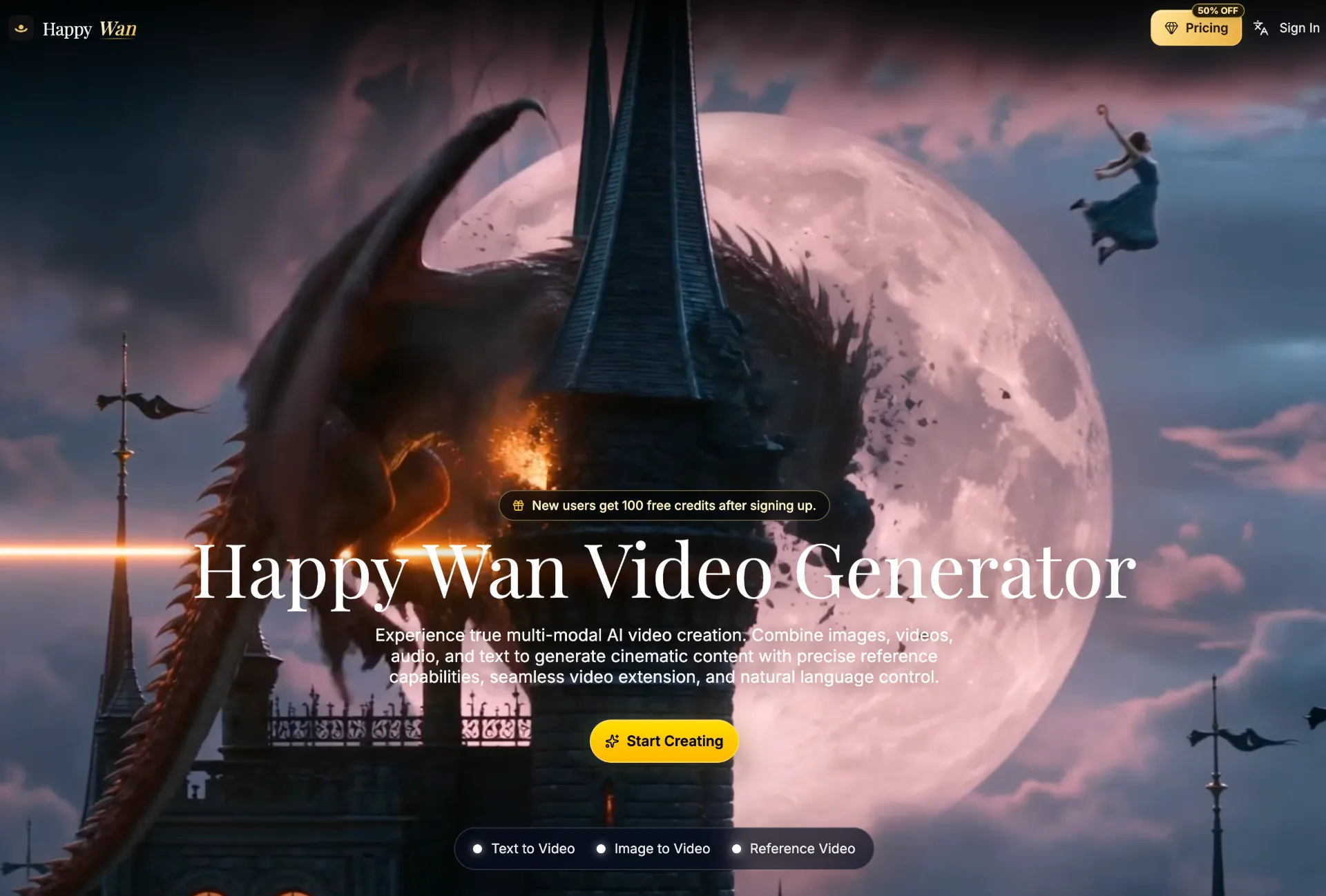
Happy Wan turns text, images, clips, and audio into videos up to 30 seconds, with @ tag references to keep characters consistent across shots.
Tavoa AI
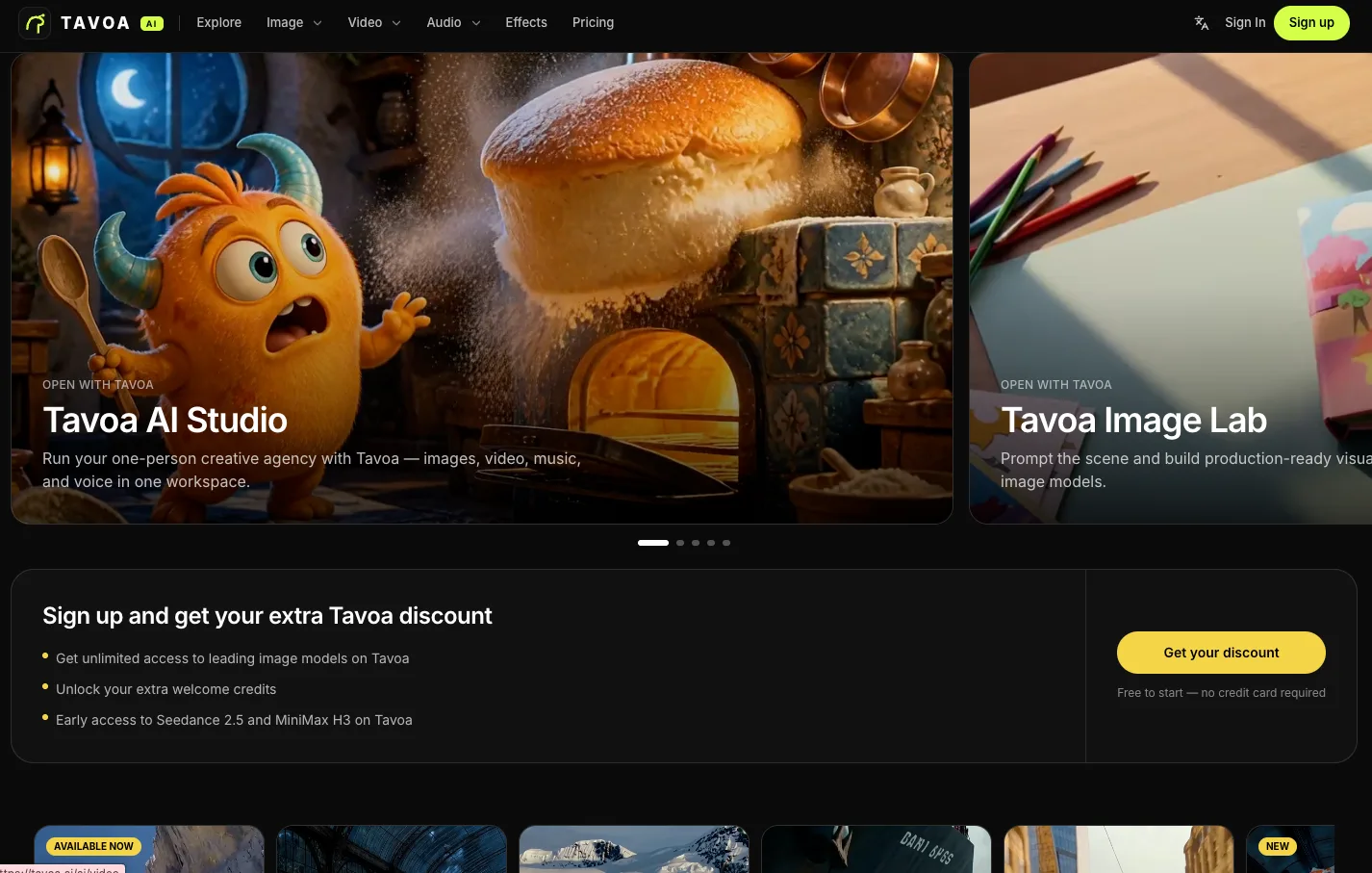
Tavoa AI brings Seedance, Kling, Veo, and other video and image models into one credit-based workspace, so creators can test outputs without juggling apps.

AI Attractiveness Test
Analyze facial symmetry, thirds, fifths, and proportions directly in your browser. Your photo stays on your device with a transparent 0–100 harmony breakdown.