

MkAnime
MkAnime turns prompts and story premises into anime videos, scripts, storyboards, and dubbed episodes, so solo creators can produce series in a browser.
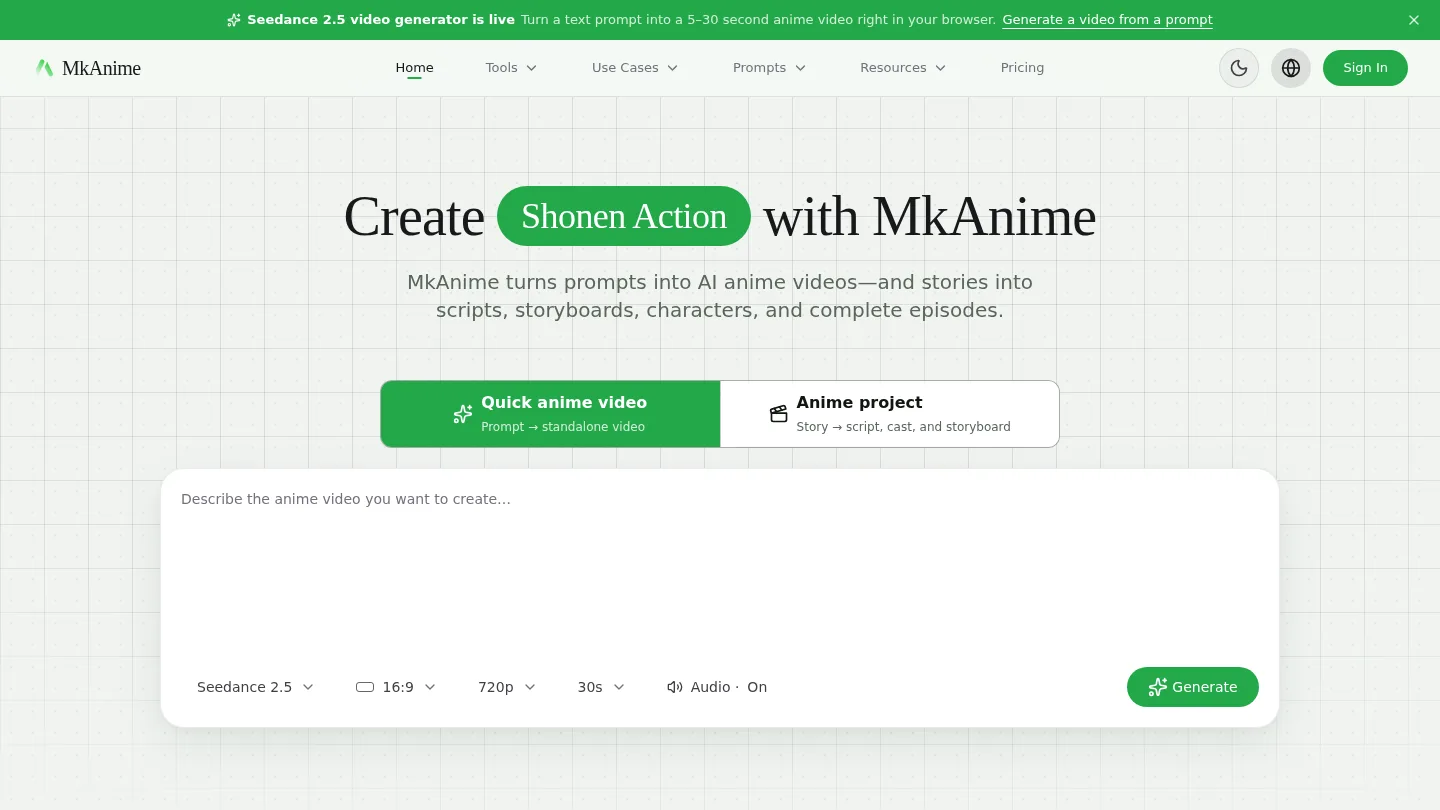
TL;DR: MkAnime is a browser-based AI anime production tool that turns a text prompt into a standalone video, or a story premise into an outline, script, cast, storyboard, and dubbed episode. It replaces the usual chain of separate script, image, video, and voice tools with one project where characters and scenes stay linked. It suits solo creators and small teams publishing recurring anime shorts for TikTok, Reels, Shorts, or YouTube.
What is MkAnime & How Does It Work?
MkAnime offers two creation paths. Quick Anime Video is for a single shot: you describe the character, action, setting, and camera direction, then pick a model (Seedance 2.5 is the default, with Seedance 2, Seedance 2 Fast, and Kling 3.0 also listed), an aspect ratio (16:9 or 9:16), resolution, a duration of 5 to 30 seconds, and whether to generate audio. You don't need to create a project first. The job runs as a task with its own detail page, and you can preview the clip as soon as it finishes.
Anime Project is the longer path for connected scenes and future episodes. You start with a premise, and MkAnime drafts an outline (the planning and writing steps use DeepSeek V4 Flash), then builds a script, character profiles, scenes, and storyboard shots. After that come voice generation, lip sync, and export. Because characters are saved as reusable profiles, the same face, outfit, and color settings carry from scene to scene and episode to episode, and you can regenerate a single weak shot or keyframe without rebuilding the whole board. Separate tools for anime images, character sheets, voices, scripts, and image-to-video are also available on their own.
4 Core Use Cases & Practical Scenarios
- Weekly vertical anime series: A creator wants to post a 9:16 anime short every week with the same cast. They create character profiles once in an Anime Project, generate an outline with episode beats, and storyboard each new episode against the saved cast. The output is a set of consistent episodes without redrawing or re-prompting characters each week, which is usually the most time-consuming part of AI anime series work.
- Motion tests and social clips: A designer wants to check whether a shot idea works in motion before committing to it. They use Quick Anime Video with a short prompt, a 5-second duration, and 720p to keep the credit cost low. They get a playable test clip in minutes and only spend more credits on longer, higher-resolution versions of ideas that hold up.
- Bringing existing artwork to life: An illustrator has finished still anime artwork and wants short animated versions for promotion. They use the image-to-video tool to animate a single illustration, then add a voice line with the voice generator. The result is a short promo clip built on their own art instead of a generic generated scene.
- Multilingual dubbed releases: A small team publishes to audiences in several regions. After locking the storyboard, they generate voiceovers and lip sync in Chinese, English, Japanese, or Korean for each version. They can ship several language versions from one set of visuals instead of re-animating or hiring a voice actor for each language.
Getting Started: Step-by-Step Workflow
- Sign in and choose a plan. Selecting a plan opens the login flow before checkout, so you create an account first and then pick a credit plan.
- Pick a path. Choose Quick Anime Video for a single shot or "Create an anime episode" for a full project with a premise, characters, and multiple scenes.
- Write and configure. For a quick video, describe the subject, action, setting, and camera move, then set model, format, resolution, duration, and audio. For a project, enter the premise and review the generated outline, script, and cast before moving on.
- Generate, review, and iterate. Submit the task, preview the result on its detail page, regenerate any shots that miss, then add dubbing and export the final video.
MkAnime Pros & Cons: An Honest Look
Pros:
- Story-to-episode pipeline: The outline, script, cast, storyboard, and voice steps all live in one project, so there's no exporting and re-importing between tools. That matters most once a story has several characters and scenes to track.
- Shot-level regeneration: You can rerun one keyframe or shot with an edited prompt or character setting. This keeps iteration cheap and stops one bad shot from forcing you to redo the whole sequence.
- Anime-specific focus: Templates, prompt libraries, character sheets, and vertical framing are built around anime and manga styles. General video tools need more prompt work to get the same look.
Cons:
- No visible free tier: The pricing page lists only paid plans, and unused subscription credits expire at the end of each cycle. Casual users who generate rarely may end up paying for credits they never use.
- Limited formats and model dependence: Only 16:9 and 9:16 are supported, and output quality depends on the third-party video models available. The page lists no integrations with editing software, so detailed compositing or effects work still happens in an external editor.
Who Should Use MkAnime (And Who Shouldn't)?
- Best For: Short-form anime creators who need consistent recurring characters across weekly posts, and solo storytellers or webcomic artists who want to turn a premise into dubbed motion-comic episodes without hiring animators or voice actors.
- Skip If: You need general-purpose, photorealistic, or live-action-style video, since a broader tool like Runway fits better. Also skip it if you produce frame-accurate, hand-animated work for broadcast, where traditional animation software gives you the control you need.
MkAnime vs. Top Alternatives
| MkAnime | Runway | Pika | |
|---|---|---|---|
| Primary Focus | Anime videos, scripts, storyboards, and dubbed episodes | General AI video generation and editing | Short, stylized AI video clips and effects |
| Ease of Use | Guided prompt or project flow; no editing skills needed | Moderate; deeper editing controls take learning | Easy; prompt-driven with quick effects |
| Pricing Model | Paid monthly or yearly credit plans | Credit-based subscriptions, with a limited free option | Credit-based subscriptions, with a limited free option |
| Best For | Recurring anime series with consistent characters | Filmmakers and agencies needing broad video tools | Fast social clips and visual experiments |
Runway and Pika are stronger general video generators, but neither builds scripts, cast profiles, storyboards, and dubbing around anime storytelling. If your goal is a series rather than isolated clips, MkAnime's project structure saves the most setup time.
MkAnime Pricing & Value for Money
MkAnime uses credit-based subscriptions billed monthly or yearly. Standard costs $19.90/month or $199/year for 2,300 credits a month (about 230 images or 5 standard videos). Pro costs $49.90/month or $509/year for 5,900 credits and adds a faster generation lane, more concurrent jobs, and priority access to new models. Ultra costs $129.90/month or $1,329/year for 15,500 credits and adds the fastest lane, early invites to new releases, and priority support. Yearly plans still grant credits monthly, and unused credits don't roll over.
For reference, images cost 10 credits each and Kling 3.0 video costs 30 credits per second, so a 15-second clip uses about 450 credits. In practice, the Standard plan covers a handful of short videos a month, which works for testing a series idea but runs tight for weekly publishing. Pro is the realistic tier for regular posting. The pricing is indie-accessible next to hiring animators, but because video consumes credits quickly, budget-conscious creators should prototype at short durations and 720p first.
MkAnime Frequently Asked Questions (FAQ)
1. Is MkAnime free to use, or is there a free trial?
MkAnime's pricing page lists only paid plans and does not advertise a free tier or free trial. Refund requests for subscriptions are accepted within 24 hours of purchase, as long as no more than 50 subscription credits have been used. Add-on credits are non-refundable, so start with the Standard plan if you're unsure.
2. How does MkAnime compare to Runway?
Runway is a general AI video platform with broad generation and editing tools for many visual styles. MkAnime is narrower: it focuses on anime and builds scripting, reusable characters, storyboards, and dubbing into the same project. Choose Runway for varied video work and MkAnime for anime series production.
3. Is MkAnime suitable for beginners?
Yes. No drawing or video-editing skills are required, and you can start from a template or a single prompt. Beginners usually get better results by learning simple prompt structure (character, action, setting, camera) and refining one shot at a time.
4. What are the best alternatives to MkAnime?
Runway and Pika are common choices for general AI video clips, and Kling AI is another option if you want direct access to a strong video model. None of them focuses as closely on anime story structure and character continuity. Creators who already have scripts and art may prefer to combine a standalone video model with a separate voice tool.
让更多人发现你的产品。
提交到 Submito发现更多产品
KioArt
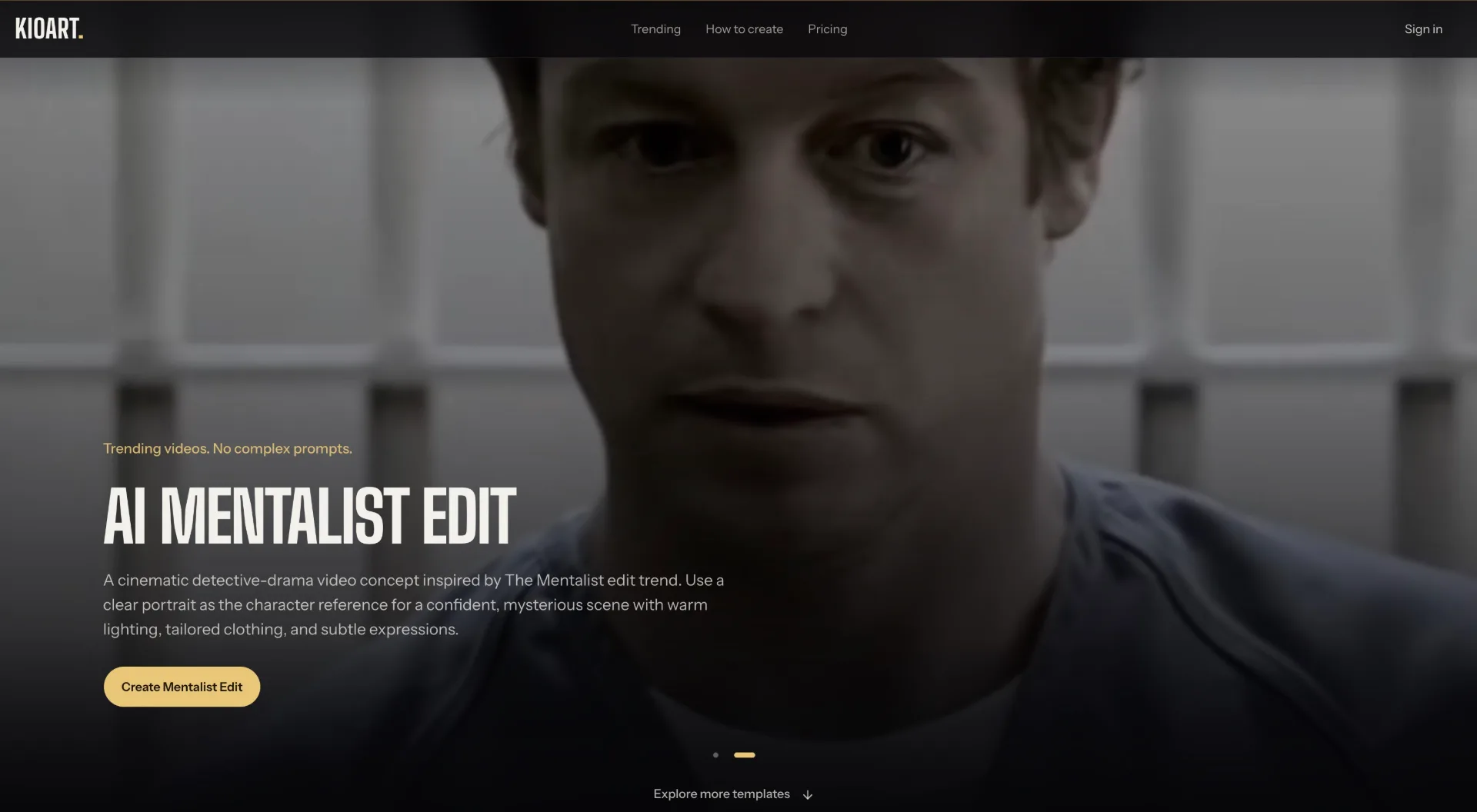
KioArt is an AI viral video generator with trending templates that lets you turn simple prompts and photos into cinematic social clips, without writing complex prompts.
ReVeedo
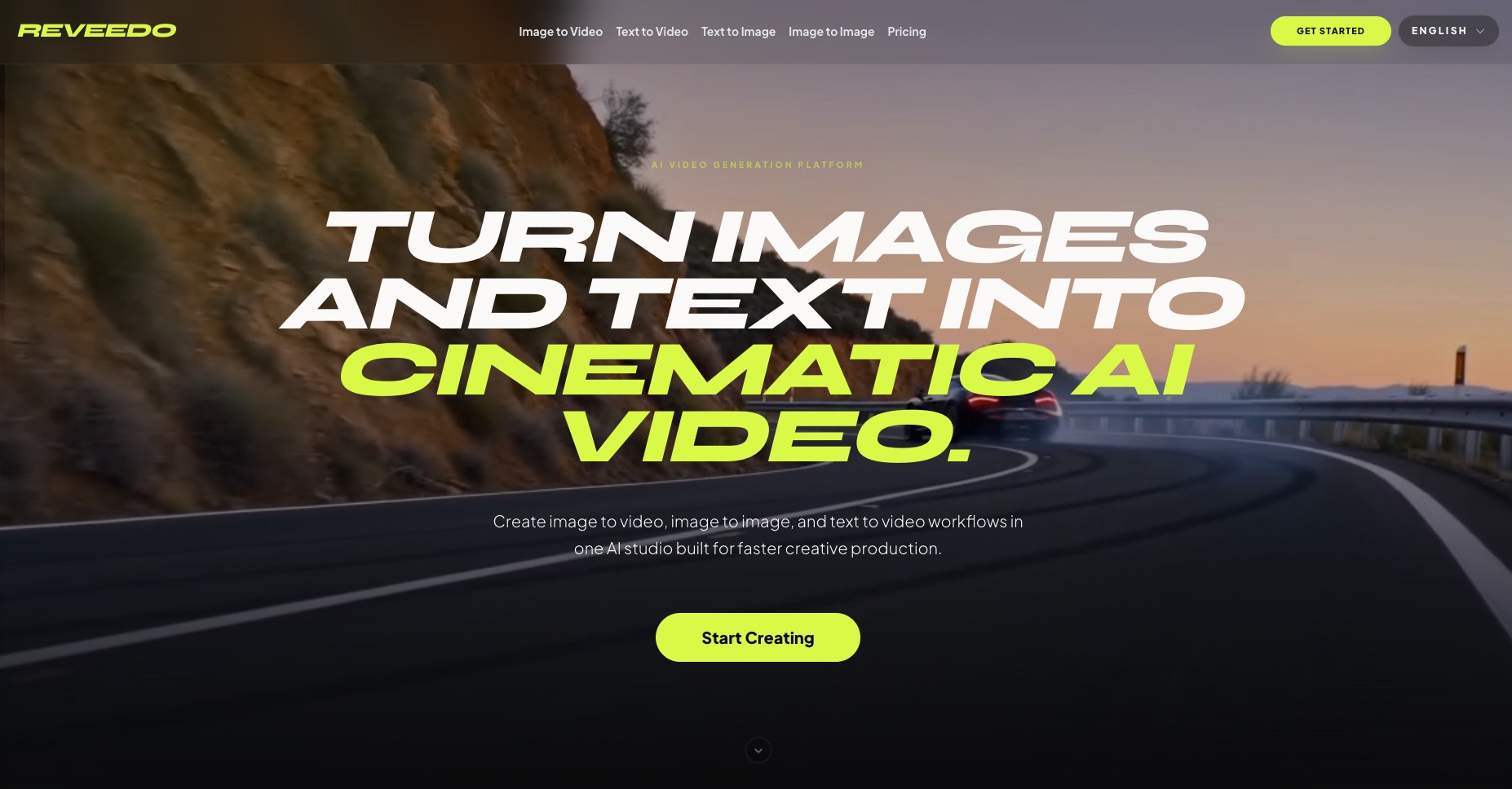
ReVeedo is an AI video generation studio that turns images and text into cinematic motion with controllable pacing, style, and creative workflows for modern creators and teams.
Ausar AI
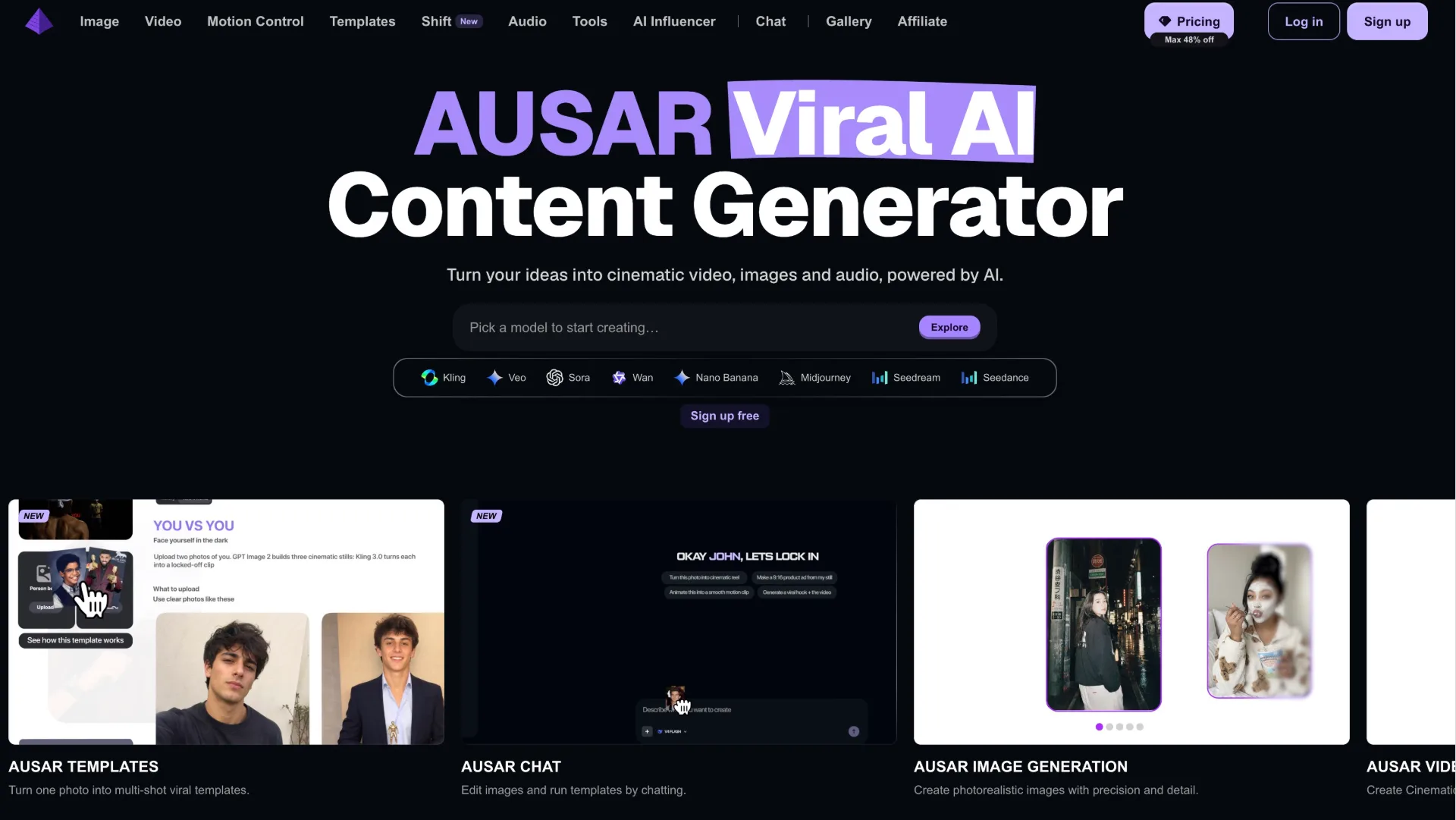
Ausar is an all‑in‑one AI content studio that turns text prompts into cinematic video, images, motion‑controlled clips and audio, helping creators, agencies and brands produce viral‑ready content fast.