

KioArt
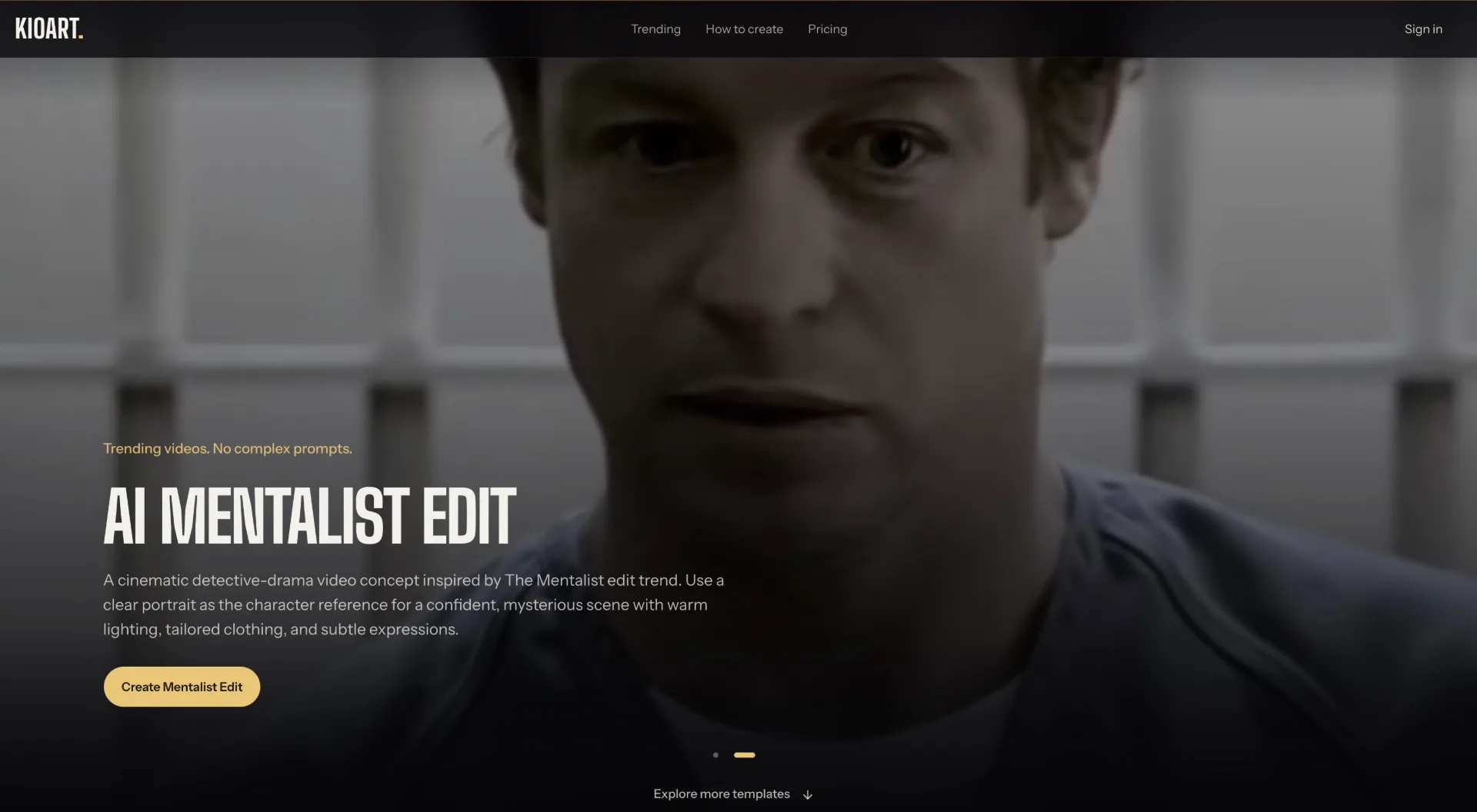
KioArt is an AI viral video generator with trending templates that lets you turn simple prompts and photos into cinematic social clips, without writing complex prompts.
What is KioArt
KioArt is an AI viral video generator and creative space that helps you turn simple ideas into cinematic, trending social videos. Instead of crafting complex prompts, you select from ready‑made templates like “Hotel Lobby AI” or “Club Scene Trend,” add your own photos or text, tweak the visual style, and KioArt directs the scene for you. It is designed for creators who want to quickly produce music videos, reels, ads and stylized edits with AI‑generated visuals.
How to use KioArt
-
Sign in and access the video generator Go to the KioArt website and sign in or create an account. From the navigation, open the AI video generator section, where you can explore Text to video or Image to video options.
-
Pick a trending template Browse the Trending or Templates sections. Choose a template you like, such as “Hotel Lobby AI,” “Club Scene Trend,” “AI Mentalist Edit,” or “Enchantress Filter AI.” Each template comes with a pre‑built prompt, look, and motion style optimized for viral social content.
-
Add your starting content Depending on the template, you can:
- Start from text only, describing the subject or story you want.
- Or choose Image to video and upload a JPG, PNG, or WEBP under 10 MB. This image stays in your browser as a preview and is not uploaded according to the site’s description.
-
Set format and duration Configure the core video settings:
- Aspect ratio: select 16:9 (landscape), 9:16 (vertical), or 1:1 (square) based on your target platform.
- Duration: choose either a 5‑second or 10‑second clip, ideal for hooks, intros, and short social edits.
-
Tweak the visual style and prompt Adjust creative controls to match your brand or idea. You can:
- Refine the subject and scene in the prompt.
- Adjust the lighting (for example, a warm orange studio look like the Hotel Lobby template).
- Tune camera mood or motion if available (such as cinematic framing, close‑ups, or performance gestures). This step turns the base template into your own directed sequence.
-
Preview interface and settings Before generation is fully available, explore how the interface responds to your settings. Review how your chosen aspect ratio, duration, and style would shape the final shot, and refine your prompt until it matches your vision.
-
Select a subscription plan when ready When video generation is enabled, pick a plan that fits your output needs:
- Lite with a monthly credit allowance and single simultaneous generation.
- Pro with more monthly credits and up to two simultaneous generations.
- Ultra with higher credit limits and three simultaneous generations. Credits reset each month and subscriptions can be cancelled before renewal.
-
Generate and export videos (once live) After launch of video generation, you will submit your prompt and settings to create AI videos. Once rendered, download them and post on platforms like TikTok, Instagram Reels, YouTube Shorts, or as ad creatives.
KioArt's use case
-
Viral social trends and challenges Use KioArt’s trending templates such as Hotel Lobby AI or Club Scene Trend to quickly produce on‑trend clips that match current social media aesthetics, music styles, and editing rhythms.
-
Music videos and performance edits Turn two portrait photos into a stylized performance video in a virtual studio, complete with microphone and expressive gestures, ideal for rappers, singers, and performers who want a visualizer or short music edit without a full production crew.
-
Short‑form ads and promos Create 5‑10 second cinematic clips tailored for paid ads or organic promos, using aspect ratios optimized for different platforms and pre‑built visual styles that feel like high‑end commercial spots.
-
Personal branding and creator intros Design dynamic intro clips, profile videos, or story hooks that reflect your aesthetic using KioArt’s shot inspiration and templates, supporting creators who want a directed look without advanced editing skills.
-
Concept art and shot exploration Explore “shot inspiration” by playing with prompts and templates before a real‑world shoot. Directors and creators can test camera framing, mood, and lighting concepts using AI visuals.
Benefits of KioArt
-
Template‑first workflow with no complex prompts KioArt focuses on trending templates, so you start from proven, viral‑ready structures rather than needing deep prompt‑engineering knowledge. This lowers the barrier for beginners and speeds up ideation for experienced creators.
-
Cinematic, creator‑focused aesthetics The platform is built “for people who direct,” emphasizing scenes, camera language, and performance gestures. Templates are tuned for cinematic looks suitable for music videos, edits, and stylized reels.
-
Flexible formats for all major platforms With built‑in support for 16:9, 9:16, and 1:1, KioArt makes it easy to create content tailored to TikTok, Instagram, YouTube, and other channels without manual cropping or reformatting.
-
Clear credit‑based pricing tiers The Lite, Pro, and Ultra plans come with defined monthly credit allowances and simultaneous generation limits, making it straightforward for individuals or teams to predict their output and costs.
-
Privacy‑conscious image handling (as described) When using Image to video, the current preview stays in your browser and is not uploaded according to the FAQ, giving more control for users handling sensitive or personal photos.
Pros
- Template‑driven AI video creation tailored to trending social formats.
- Simple, guided workflow with clear steps from template selection to style tweaking.
- Multiple aspect ratios and short durations optimized for modern platforms.
- Credit‑based subscription tiers for different levels of production volume.
- Shot inspiration and cinematic styles focused on creators and directors.
Cons
- Video generation is not yet available at the time described, limiting it to interface exploration.
- Requires a subscription plan for full use once launched; no mention of unlimited usage.
- Credits do not roll over, so occasional users may under‑utilize their plan.
- Simultaneous generation limits may slow down larger teams or heavy production workflows.
让更多人发现你的产品。
提交到 Submito发现更多产品
ReVeedo
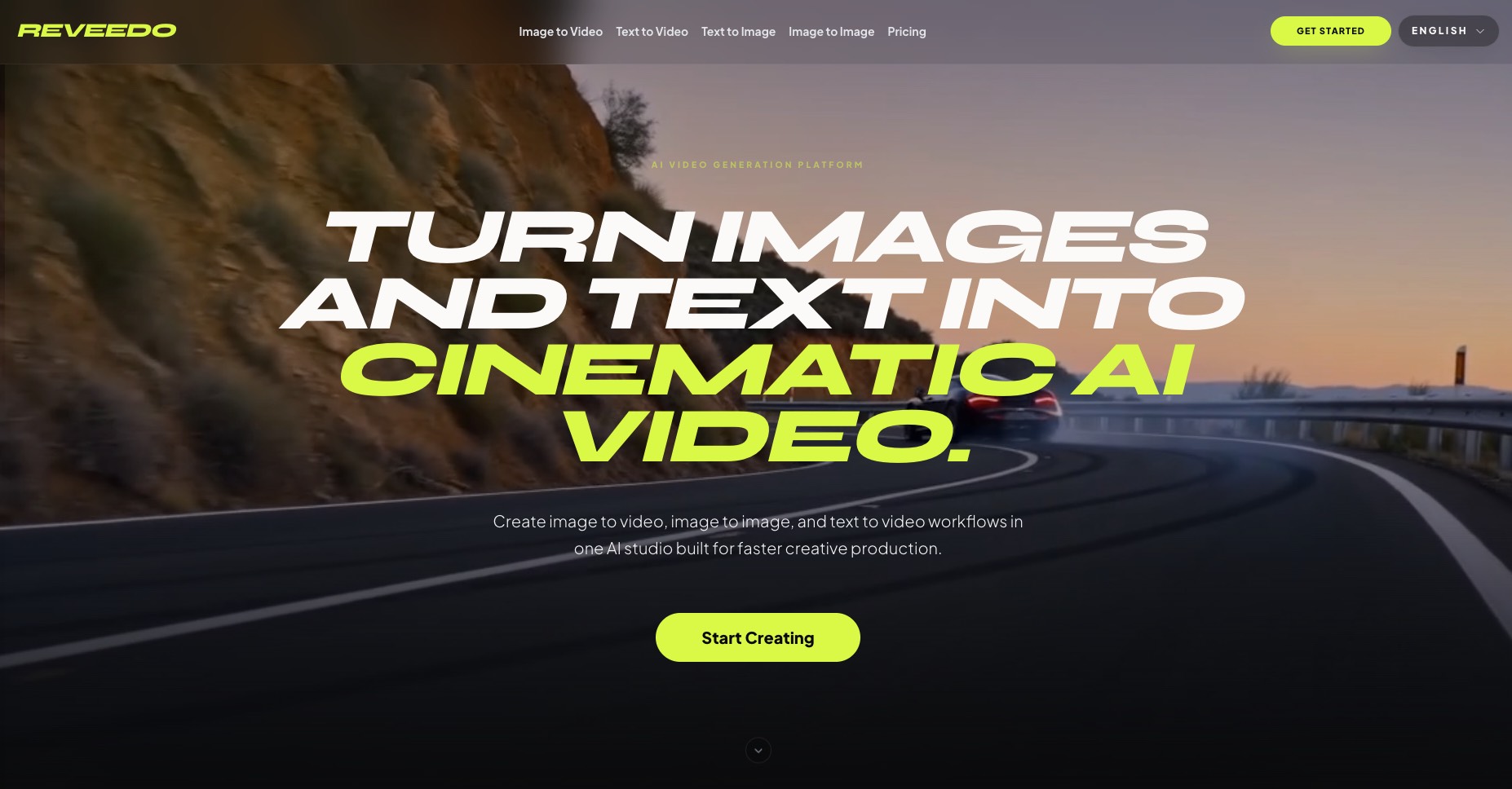
ReVeedo is an AI video generation studio that turns images and text into cinematic motion with controllable pacing, style, and creative workflows for modern creators and teams.
Ausar AI
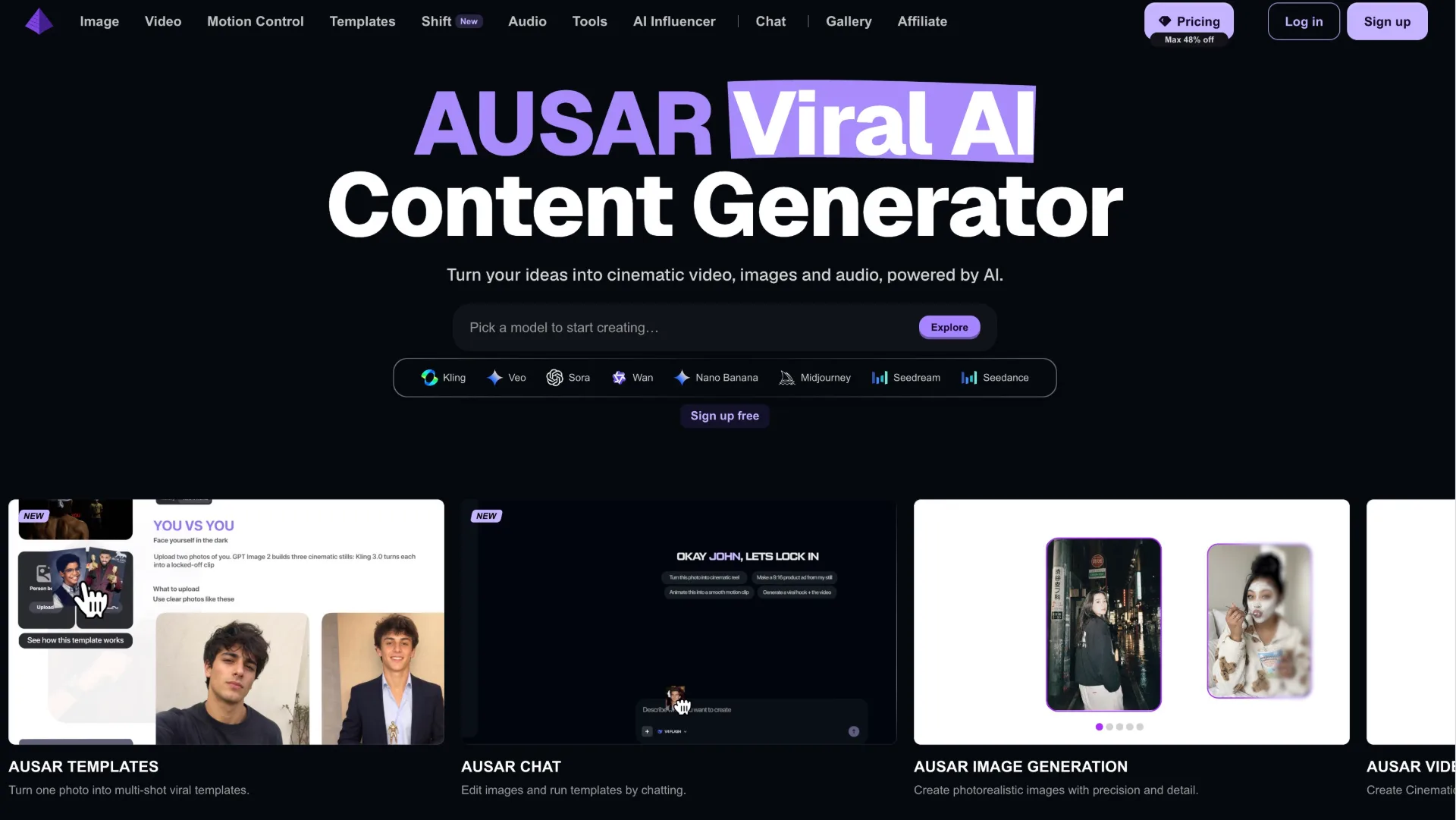
Ausar is an all‑in‑one AI content studio that turns text prompts into cinematic video, images, motion‑controlled clips and audio, helping creators, agencies and brands produce viral‑ready content fast.
Migos AI Video Generator
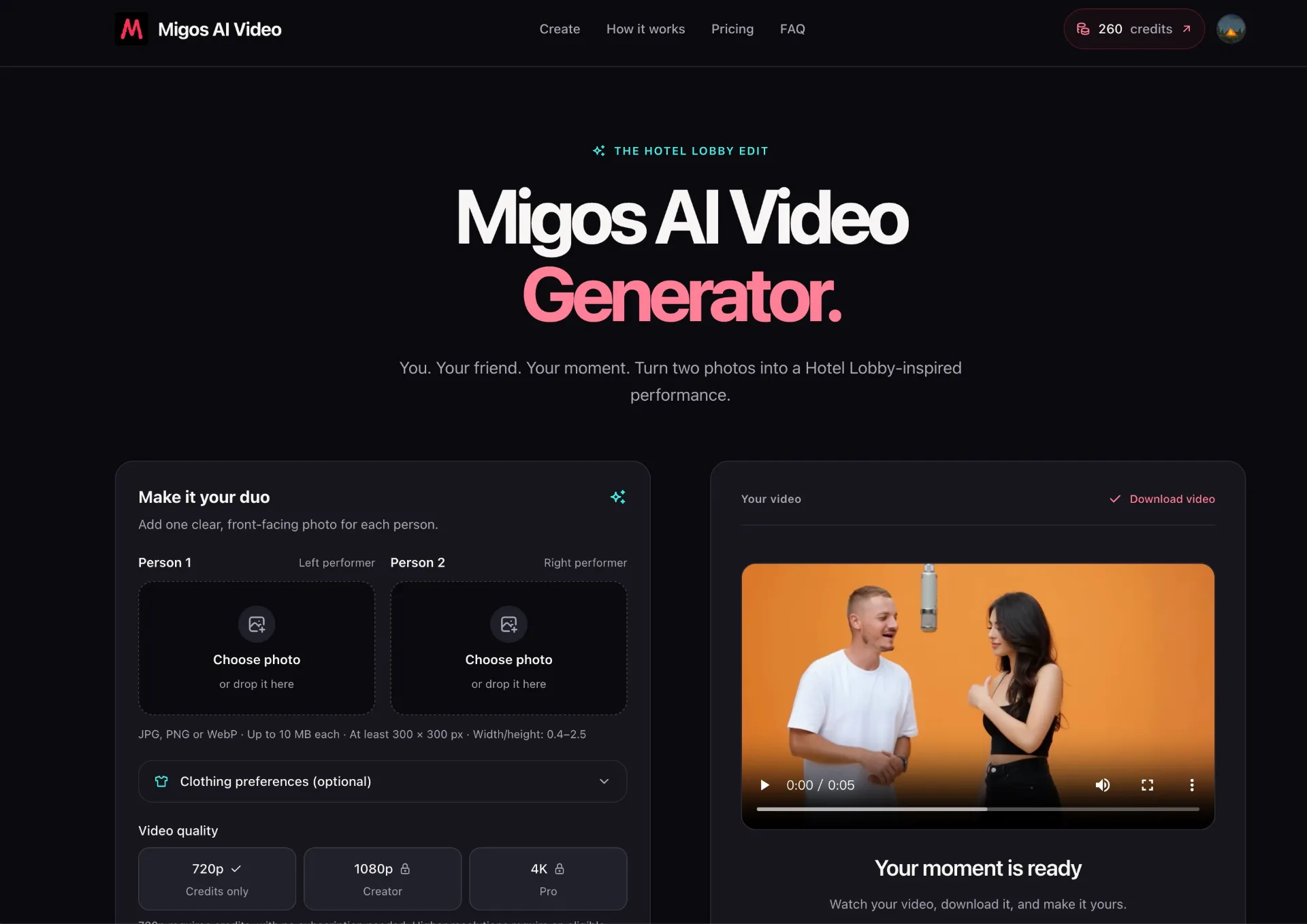
Turn two photos into a cinematic, Hotel Lobby–inspired duo performance with Migos AI Video Generator—no editing skills or prompts required.