

Seedance 3.0
Seedance 3.0 is an AI video generator that helps creators, brands, and filmmakers craft cinematic, multi-shot sequences with text, image, video, and audio-guided direction, while today’s studio runs on the Seedance 2.5 model.
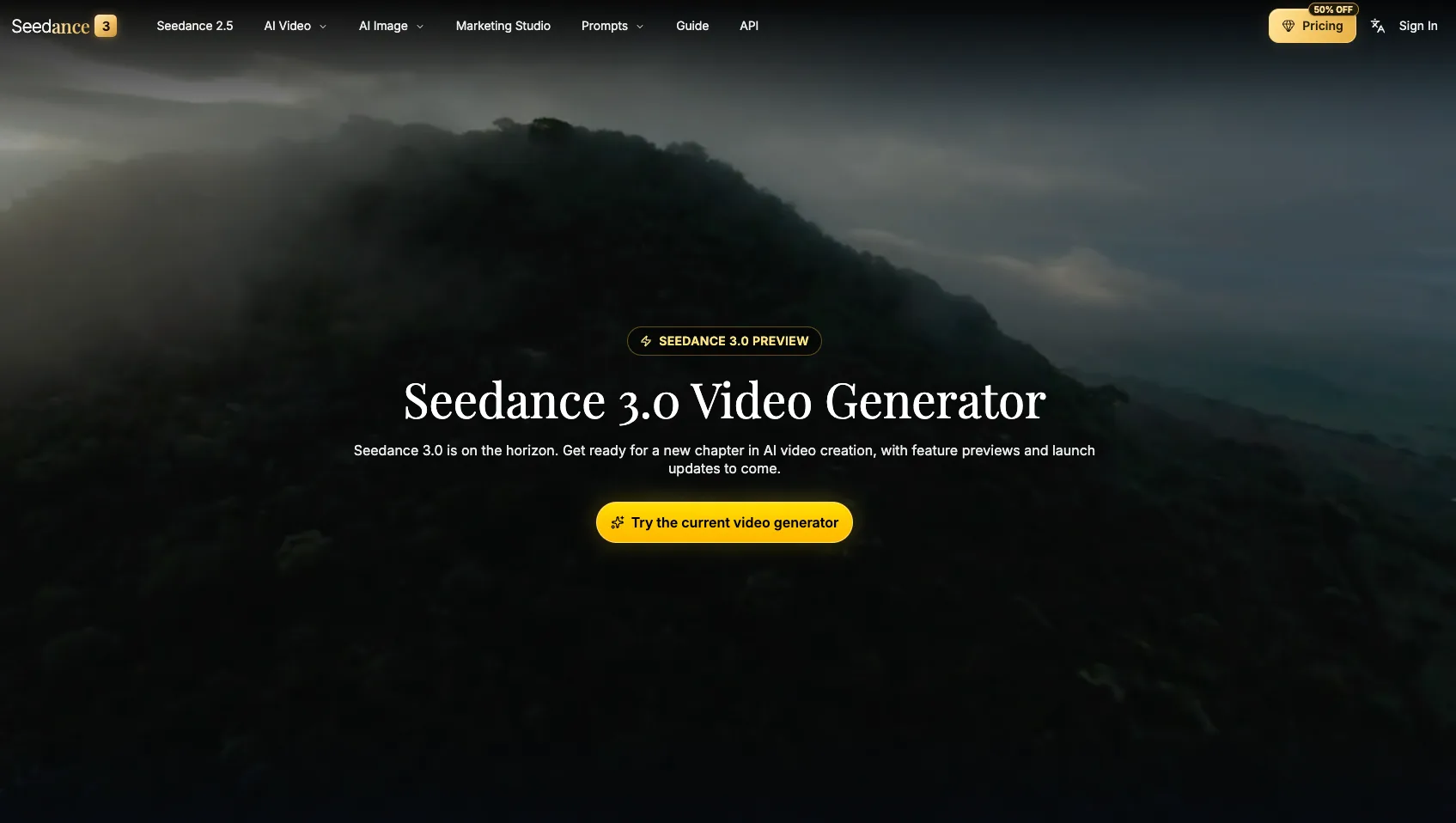
What is Seedance 3.0 Video Generator
Seedance 3.0 Video Generator is the upcoming generation of Seedance’s AI video platform, designed to give directors, marketers, and creators director-level control over cinematic sequences. It focuses on multi-shot continuity, synchronized audio-visual storytelling, and flexible scene editing built around text prompts, reference images, video clips, and optional audio. While Seedance 3.0 is in preview, the current on-page studio still runs on the Seedance 2.5 model, letting you prepare workflows, prompts, and assets for the next release.
How to use Seedance 3.0 Video Generator
-
Open the Seedance video studio Visit the Seedance 3.0 preview page and scroll to the “Seedance 2.5” section. Use the existing video generator, which currently powers AI video creation while Seedance 3.0 is in development.
-
Choose your generation mode In the studio, select whether you want to create:
- Text to Video
- Image to Video
- Video to Video (reference clips)
These modes let you start from prompts, stills, or existing footage depending on your workflow.
-
Set model, resolution, and duration Pick the Seedance 2.5 model and configure:
- Resolution: 480p, 720p, or 1080p
- Aspect ratio: such as 16:9 for standard widescreen
- Duration: up to around 30 seconds of output
Confirm the estimated credit cost before generating.
-
Write your prompt and creative direction In the prompt field, describe your scene, characters, camera movements, and cinematic style in detail. Follow the platform guidelines by avoiding copyrighted characters, logos, sensitive content, and explicit or violent material.
-
Add references with @ tags (where available) Prepare images and clips that match your creative direction. Use the all-in-one reference system with @Image and @Video tags (in supported workflows) to lock in your characters, environments, and camera moves. This approach mirrors how Seedance 3.0 will handle multimodal direction and continuity.
-
Configure batch generation Set batch generation to create up to four video variations with the same prompt and settings. This helps you explore different visual outcomes, then pick the best version for refinement.
-
Generate your video Click “Generate Video.” Seedance processes your request and returns AI‑generated clips in the Output or My Creations section. Review motion, style, and pacing against your original intent.
-
Refine and extend scenes Iterate by adjusting prompts and references, then regenerating segments. You can extend scenes, test multi-shot sequences, or explore new angles. This builds habits that will transfer directly to Seedance 3.0’s advanced scene editing and flexible scene progression.
-
Save and organize your assets Store your prompts, images, and clips as a reusable library. These assets form the foundation of your future Seedance 3.0 workflow, where multi-shot continuity, scene extensions, and synchronized audio will be more deeply integrated.
Seedance 3.0 Video Generator's use case
-
Brand teams and content marketers Create launch videos, social-ready edits, and campaign visuals that keep brand identity consistent across multiple formats. Use multi-shot sequences and consistent characters to tell product and brand stories across channels.
-
Filmmakers and video editors Previsualize scenes, block out camera moves, and test multi-shot sequences before committing to a full shoot. One-take tracking shots and coherent cuts make it easier to experiment with coverage and pacing.
-
Designers and visual storytellers Turn static reference images into moving visual concepts. Explore stylized motion, different looks, and production-ready directions while experimenting with storyboards and visual treatments.
-
Marketing and growth teams Build cinematic assets for landing pages, ads, and growth experiments. Quickly iterate on messaging, visual style, and motion pacing while maintaining a consistent visual language for performance testing.
-
Product and UX storytellers Translate product features into narrative-driven visual experiences. Show interfaces, flows, or physical products in motion, aligned with your positioning and proof points.
-
Creative directors and studios Develop pitch materials, sizzle reels, and mood pieces that elevate client presentations. Use AI-generated motion to explore bold ideas that still stay grounded in brand and narrative constraints.
Benefits of Seedance 3.0 Video Generator
-
Director-level control across formats Work with text prompts, reference images, and clips to guide first and last frames, camera movement, and overall cinematic style in a more intentional way than simple one-shot generators.
-
Cinematic multi-shot continuity Craft one-take tracking shots and multi-shot sequences where characters, environments, and visual rhythm remain coherent across every cut, bringing AI video closer to film-style storytelling.
-
Advanced scene editing and progression Extend scenes, insert new beats, and adjust footage without rebuilding from scratch. You can keep your project visually coherent from the opening shot to final delivery while expanding or tightening story moments.
-
Audio-visual synchronization Align motion, timing, and scene intent with optional audio-driven direction. This helps your sound design and visuals support each other so the final piece feels more like a finished film than a silent test clip.
-
Workflow continuity from Seedance 2.5 to 3.0 Prepare prompts, assets, and review processes today with the existing Seedance 2.5 generator. When Seedance 3.0 becomes available in the studio, your established workflows, references, and creative vocabulary will transition smoothly.
Pros
- Strong focus on cinematic, multi-shot continuity and scene-level control.
- Multimodal direction with text, image, video, and audio references in a unified workflow.
- Suitable for both creative exploration and structured brand or film pipelines.
- Lets teams prepare workflows now using the stable Seedance 2.5 model.
Cons
- The on-page generator currently still runs Seedance 2.5; Seedance 3.0 is in preview.
- Detailed Seedance 3.0 specifications and final pricing are not yet confirmed.
- Advanced 3.0 features like full scene editing and audio-driven control may arrive gradually.
Help more people discover your product.
Submit to SubmitoMore to discover
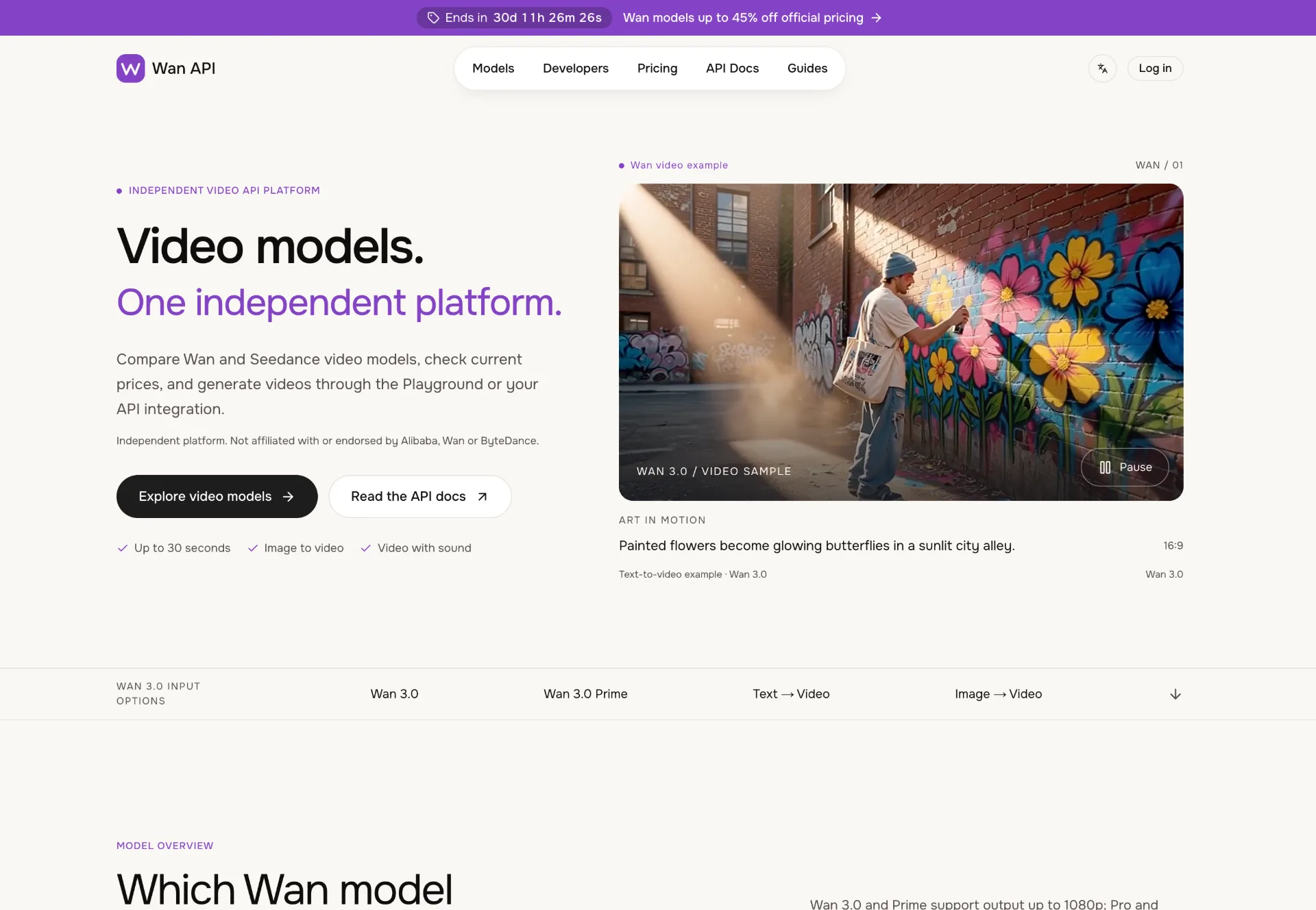
Wan API
Discover Wan 3.0 video models on Wan API, turn text, images and multimodal references into 1080p–4K clips with generated sound, transparent pricing and a unified playground and API.

JuJuBit
JuJuBit lets you turn photos, sketches and character concepts into custom 3D printed figurines, TRPG miniatures and art toys with fast AI previews, hand‑refined models and worldwide shipping.
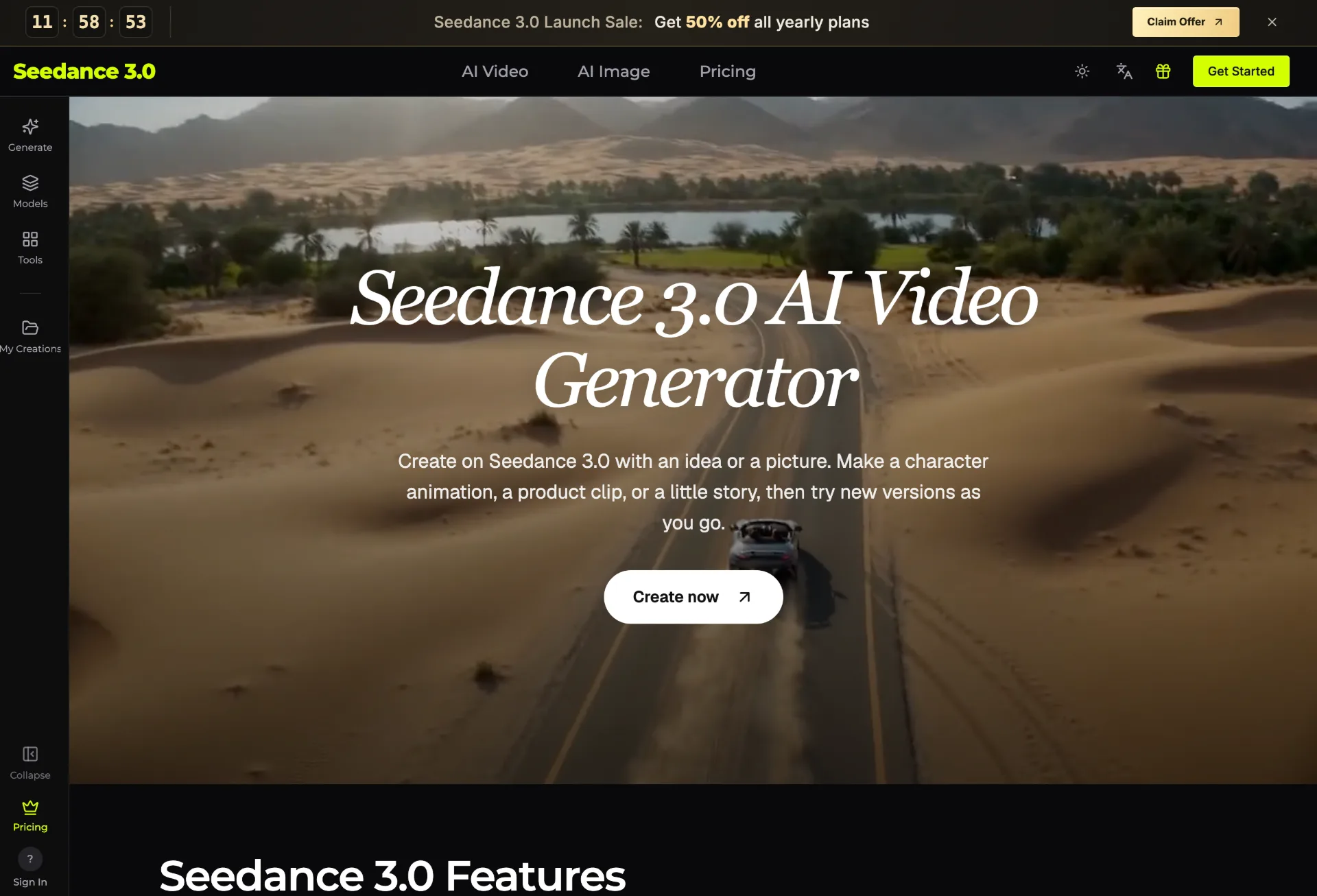
seedance 3.0
Seedance 3.0 is an AI video generator that transforms your text, images, clips, and audio into polished, editable videos for creators, marketers, teachers, and small businesses in just a few guided steps.