

Wan API
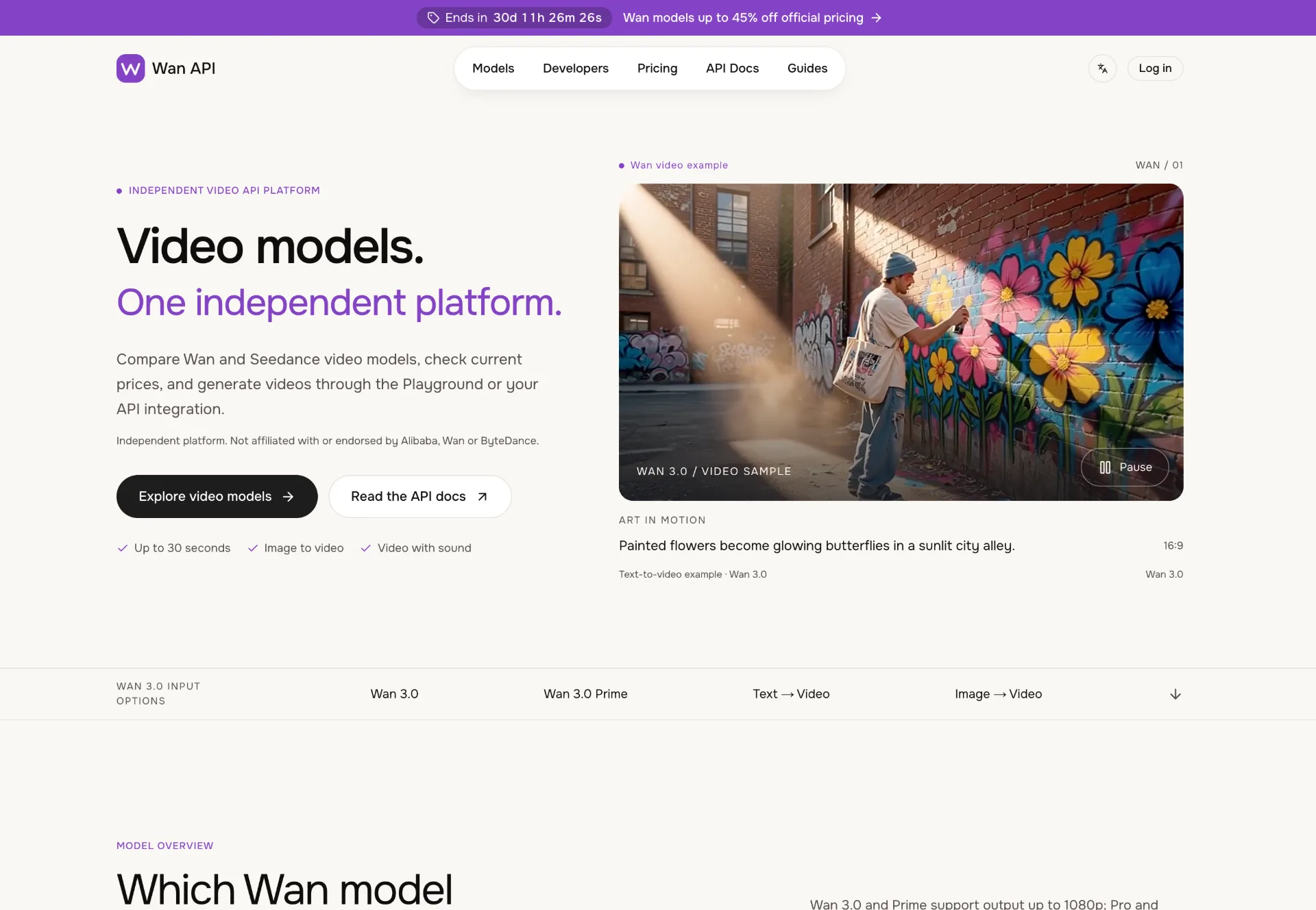
Discover Wan 3.0 video models on Wan API, turn text, images and multimodal references into 1080p–4K clips with generated sound, transparent pricing and a unified playground and API.
What is Wan 3.0 on Wan API
Wan 3.0 on Wan API is an independent video generation platform that turns text, images and multimodal references into short clips with generated audio. It offers several Wan 3.0 model variants (Wan 3.0, Wan 3.0 Prime, Wan 3.0 Pro and Wan 3.0 Prime Pro) plus Seedance models, supporting 2–30 second videos up to 4K resolution. You can explore and compare models in a browser-based playground or integrate them directly through a production-ready API without a monthly subscription.
How to use Wan 3.0 on Wan API
-
Sign up and fund your account
Create a Wan API account from the site’s main navigation. After logging in, add a prepaid balance in USD. This shared balance will be used by both the Playground and your API requests, and it does not expire. -
Choose the right Wan 3.0 model
Go to the “Models” section and compare Wan 3.0, Wan 3.0 Prime, Wan 3.0 Pro and Wan 3.0 Prime Pro. Check their supported resolutions (up to 1080p or up to 4K), input types (text, image, reference) and current per‑second rates on each model’s page. Select the model that matches your target quality and budget. -
Plan a short test scene
Start with a simple, self‑contained moment instead of a complex sequence. Define one clear subject, a visible action and a basic camera move, such as “a cup of coffee steaming beside a window with a slow push‑in.” Decide on duration (2–30 seconds), aspect ratio and whether you want generated audio. -
Test Wan 3.0 in the Playground
Open the playground from the model page. Choose your Wan 3.0 variant, then pick an input workflow: text‑to‑video, image‑to‑video or reference‑to‑video. Enter your prompt, upload or paste URLs for starting images or reference media, and set duration, resolution (up to 1080p or 4K for Pro models), ratio and audio options. Submit the task and wait for the clip to render. -
Review and iterate on the video
Watch the generated clip against your brief. Check subject consistency, motion, framing and sound. Inspect fine details such as product packaging, typography and other small elements that must remain accurate. Tweak one creative instruction at a time—such as camera move, lighting or duration—and re‑generate until the result matches your expectations. -
Prepare for API integration
Once you are satisfied with the creative output, open the API docs and Wan 3.0 guide. Create an API key in your account settings, note the production endpoint and supported request fields, then replicate your successful playground settings in JSON. Use the provided illustrative payload as a starting point and adapt prompt, resolution, ratio, duration and audio flags to your use case. -
Send requests and track tasks
From your backend or preferred environment, send HTTP requests to the Wan 3.0 API endpoint with your key and JSON body. For example, define a payload with prompt, resolution, ratio, duration and audio options, then submit it. Poll or subscribe to task status, and once the task is complete, download the resulting video from the returned URL. -
Scale up your workflows
After validating quality and performance, incorporate Wan 3.0 into your production workflow. Use text‑to‑video for quick concept exploration, image‑to‑video for animating existing keyframes or product photos, and reference‑to‑video to keep character, environment and motion aligned with brand or storyboard requirements. Monitor usage and costs in your Wan API account as you scale.
Wan 3.0 on Wan API's use case
-
Creative concept exploration: Quickly turn written scene ideas into short clips, helping directors, agencies and creators visualize storyboards, camera moves and lighting setups before committing to live action or manual animation.
-
Product marketing shots: Animate still product photos with controlled motion—such as slow tracking shots, fabric movement or subtle reflections—to create high‑impact e‑commerce banners, social ads and landing page hero videos.
-
Storytelling and character tests: Use reference media to define character appearance, style and mood, then generate short narrative moments for pitch decks, animatics or mood films while maintaining consistency across shots.
-
UX, app and interface demos: Produce short UI walkthroughs or interface previews by combining static screen designs with motion instructions, ideal for showcasing new product flows or design concepts without full motion design work.
-
Branded social content: Generate vertical or horizontal clips for social feeds and stories by combining text prompts, brand imagery and sound, enabling rapid experimentation with visual styles, hooks and formats.
-
Motion studies and previz: Use Wan 3.0 to explore camera paths, pacing and blocking in pre‑production, replacing or complementing traditional animatics and saving time for cinematographers and animation teams.
-
Music and audio‑driven visuals: Guide video generation with audio references to match rhythm or mood, creating loops, lyric‑aligned visuals or teaser clips for artists, labels and content creators.
Benefits of Wan 3.0 on Wan API
-
Flexible input workflows: Work the way your project demands, whether you start from pure text, a first or last frame, or a set of multimodal references made of images, video and audio that shape subject, style and motion.
-
Multiple quality tiers: Choose between Wan 3.0 and Wan 3.0 Prime for up to 1080p, or Pro and Prime Pro models for 2K and 4K output, so you can balance creative ambitions, performance and cost per second.
-
Unified playground and API: Test ideas interactively in the browser, then move to production using the same model options and pricing basis. Your prepaid balance is shared across both surfaces, which simplifies budgeting and tracking.
-
Transparent, usage‑based pricing: Model pages publish current rates and explain how charges are calculated based on resolution and the combined duration of reference video and generated content, helping teams forecast spend accurately.
-
No lock‑in to a single vendor: Wan API is an independent platform that aggregates Wan and Seedance models, letting you compare capabilities and prices without being tied to the original providers’ ecosystems.
-
Production‑ready documentation: Dedicated API docs, an integration guide and focused Wan 3.0 guides cover endpoints, authentication and example payloads, making it straightforward for developers to embed video generation into apps and pipelines.
-
Designed for iteration: The recommended workflow emphasizes short, reviewable clips and gradual changes to prompts or inputs, encouraging creative teams to refine motion, subject consistency and sound quality before scaling up.
Pros
- Clear support for text‑to‑video, image‑to‑video and reference‑to‑video workflows, including generated audio.
- Multiple model tiers with resolutions up to 4K, allowing quality and budget tuning.
- Shared, non‑expiring prepaid balance across Playground and API, with no mandatory monthly subscription.
- Strong documentation, guides and illustrative JSON payloads for faster developer integration.
- Independent platform that centralizes Wan and Seedance models with an easy‑to‑compare interface.
Cons
- Requires hosting media on publicly accessible HTTP(S) URLs; direct file uploads and Base64 are not supported.
- Video duration is limited to short clips (up to around 30 seconds), which may not suit longer productions.
- Pricing and features differ per model, so teams must read each model page carefully to avoid confusion.
- Generated results can require multiple iterations to align perfectly with brand assets and product details.
- Dependency on external APIs means performance and reliability are tied to network and provider stability.
Help more people discover your product.
Submit to SubmitoMore to discover
OpenTag
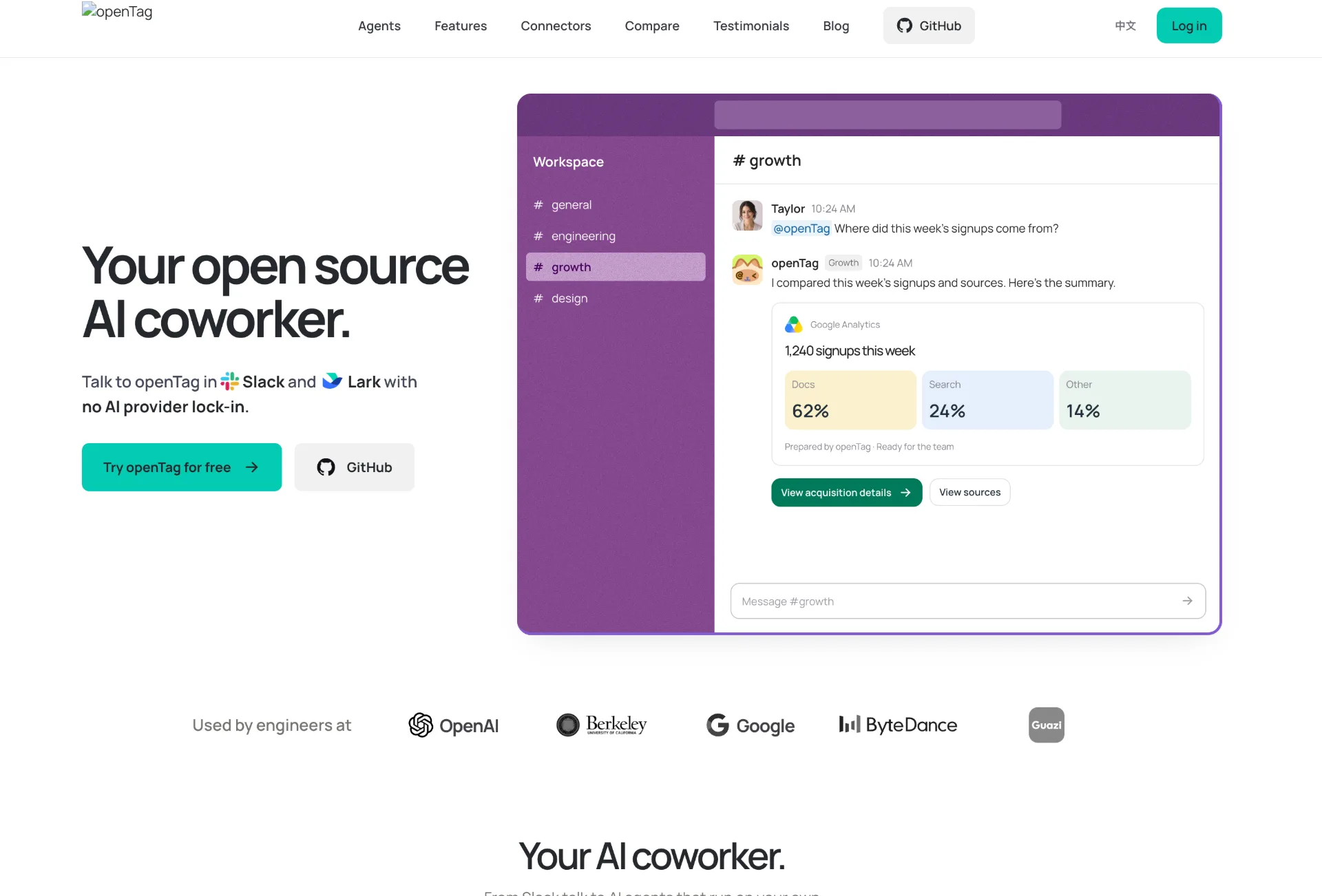
OpenTag is an open source AI coworker that runs on your own machine, connects to Slack and Lark, plugs into tools like GitHub and Notion, and lets you use your preferred AI agents without vendor lock‑in.
JuJuBit
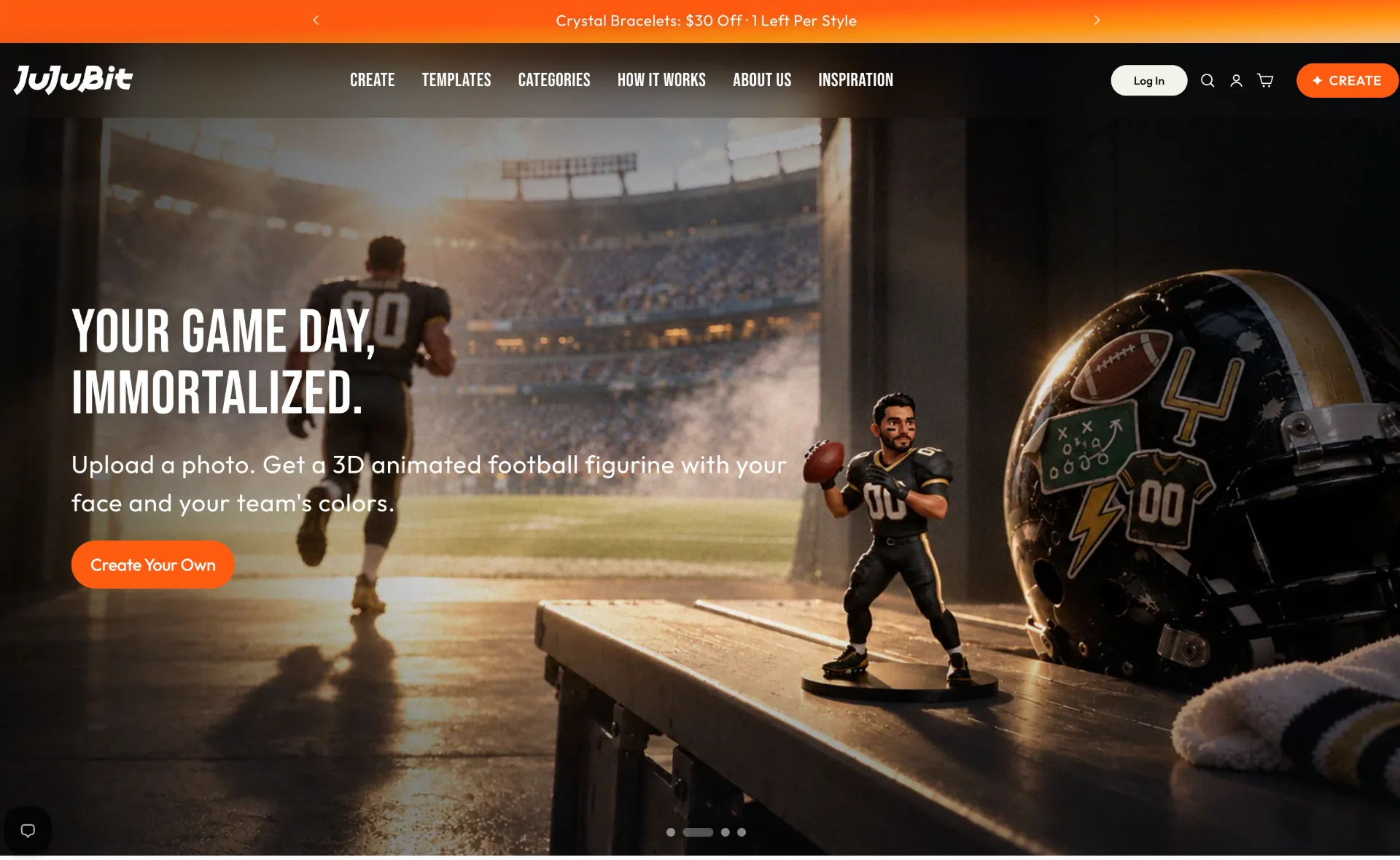
JuJuBit lets you turn photos, sketches and character concepts into custom 3D printed figurines, TRPG miniatures and art toys with fast AI previews, hand‑refined models and worldwide shipping.
seedance 3.0
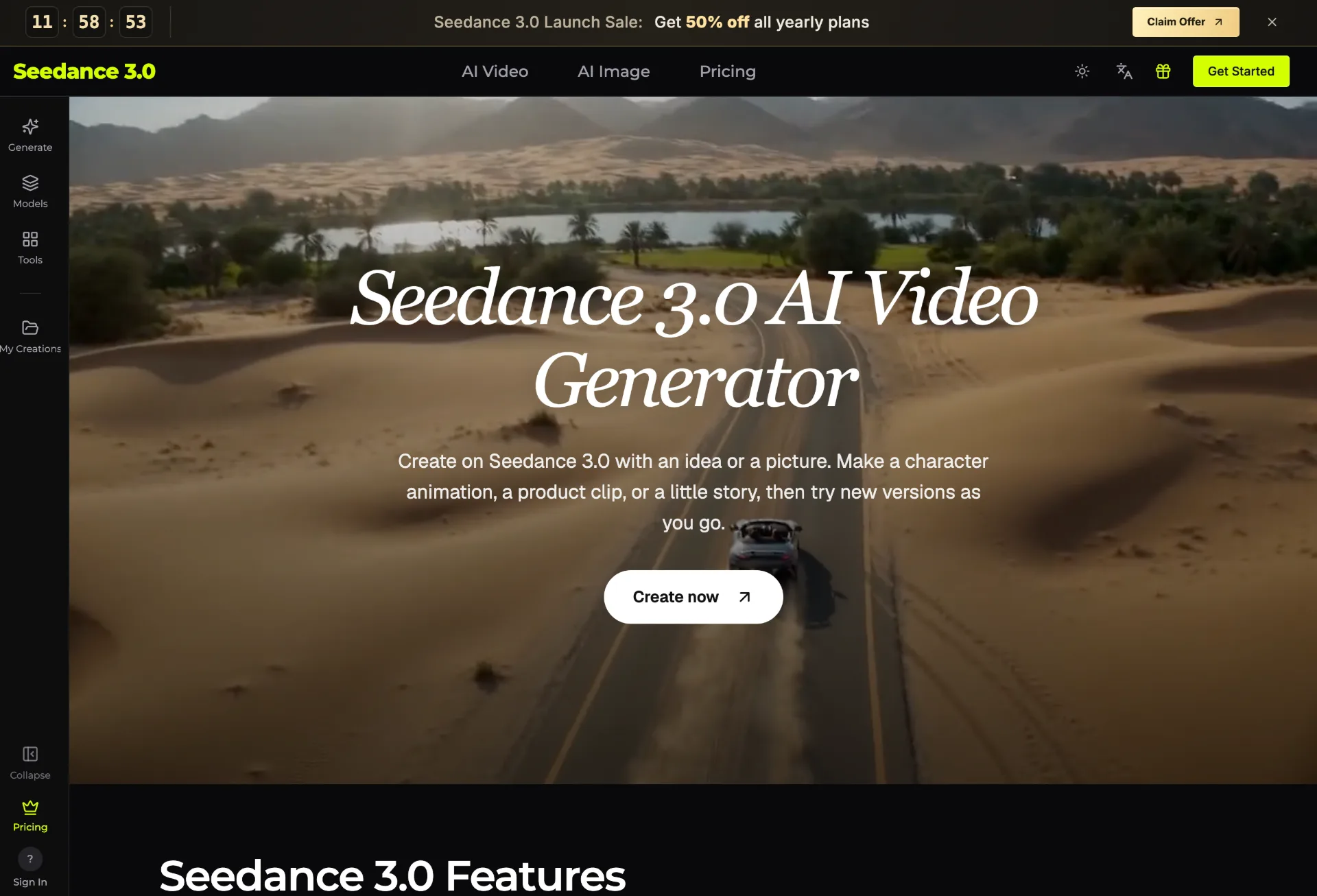
Seedance 3.0 is an AI video generator that transforms your text, images, clips, and audio into polished, editable videos for creators, marketers, teachers, and small businesses in just a few guided steps.