

seedance 3.0
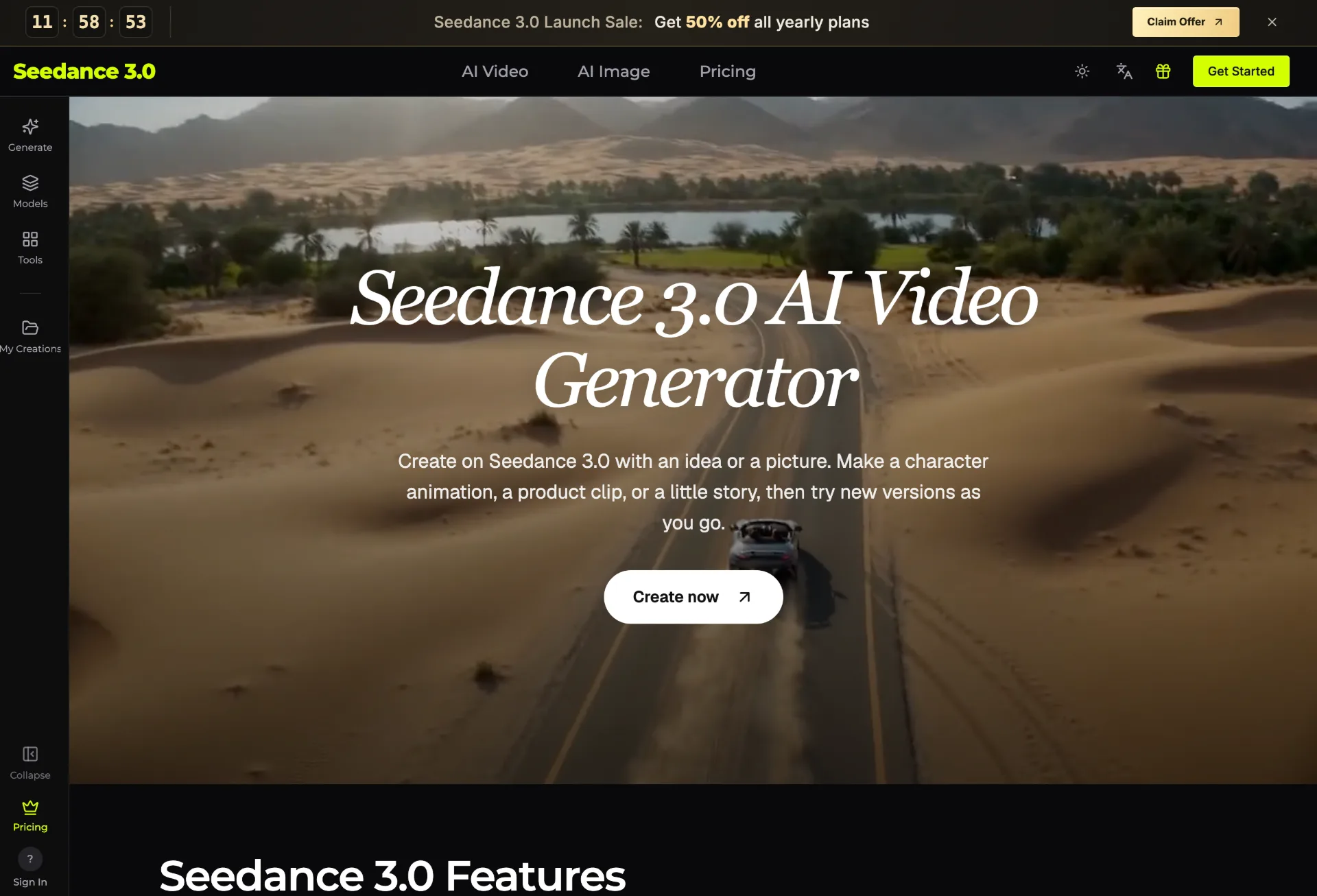
Seedance 3.0 is an AI video generator that transforms your text, images, clips, and audio into polished, editable videos for creators, marketers, teachers, and small businesses in just a few guided steps.
What is Seedance 3.0
Seedance 3.0 is an AI video generator that turns your text, images, video clips, and sound into finished videos you can edit and refine. With multi‑material input and precise editing, it lets you create character animations, product ads, short stories, social posts, and more without traditional video production skills.
How to use Seedance 3.0
-
Describe your idea Start by writing a simple sentence that explains who is in the scene, where they are, and what happens. For example, “a kitten chasing a butterfly in a garden” or “a cup of coffee on a morning table with steam rising.” Add details like weather, colors, or camera movement to make the scene more specific.
-
Upload your reference materials Add clear, well‑lit reference images, short video clips, or audio files depending on your goal. For example, upload product photos, character illustrations, travel pictures, or a music track. Seedance 3.0 can assign each file a role, such as subject, camera move, or beat, and combine them into one coherent video.
-
Choose the model and settings In the Seedance 3.0 panel, select an AI model that fits your task (text‑to‑video, image‑to‑video, or video editing, with or without sound). Then choose video length, aspect ratio (tall for phone, wide for larger screens), and quality options such as 1080p or 4K depending on your plan and model capabilities.
-
Review credit cost and generate Check the estimated credit cost displayed in the panel based on model type, duration, quality, and reference files. Once you are satisfied with the settings, click “Generate” to start creating your video.
-
Preview motion, visuals, and sound When generation is complete, watch the video to evaluate movement, lighting, camera path, character or product consistency, and audio fit. Pay attention to faces, logos, and text to ensure they match your references and expectations before using the clip publicly.
-
Refine with precise editing If you want to modify a specific part of the video, choose a model with video editing, upload the existing clip, and point out the element to change (such as a product, outfit, background, or character). Describe the adjustment you need while keeping the original motion and camera work intact.
-
Iterate with new versions If the scene, style, or action is not quite right, adjust your text prompt, swap reference images, or try a different visual style (for example, cartoon, clay animation, or cinematic look). Generate new versions to compare and pick the one that best matches your idea.
-
Download and manage outputs Once you are happy with the result, download the video in your chosen format. You can access your previous generations in the Seedance 3.0 history section, allowing you to revisit, compare, or reuse earlier clips.
Seedance 3.0's use case
-
Content creators and social media managers Create short videos, travel recaps, pet stories, channel intros, and ad variations for social platforms using simple prompts and existing photos or clips. Quickly test multiple hooks and backgrounds before committing to a full campaign.
-
Marketing teams and small agencies Turn product photos into polished promos, social ads, and store videos. Generate multiple mood drafts, openings, and backgrounds so teams and clients can align on a direction in seconds instead of waiting for full production.
-
Shop owners and brand founders Transform catalog images into product demos, coffee shop ambience videos, or home‑style lifestyle clips. Use Seedance 3.0 to present products on a desk, in a room, or outdoors, while checking that shapes, colors, and logos stay true to your brand.
-
Game developers, designers, and studios Build early trailers, character tests, and creative drafts before final art or production is ready. Use character images and environment references to visualize gameplay moments, camera moves, and moods for internal reviews or pitches.
-
Teachers, trainers, and educators Generate short visual explanations for classroom topics such as how volcanoes work, how seeds grow, or how weather changes. Use these clips as attention‑grabbing intros to lessons, making abstract concepts easier to understand.
-
Musicians, podcasters, and audio creators Pair music tracks or voice‑overs with AI‑generated visuals. Use a night‑city vibe for your song, abstract art loops for lyric videos, or thematic imagery for podcast clips based on your audio rhythm and mood.
-
Event planners and service professionals Produce quick mood videos for weddings, events, or real estate listings using photos of venues, dresses, or interiors. Share these short previews with clients or buyers so they can visualize the concept faster.
-
Anyone exploring personal or fun projects Animate hand‑drawn characters, turn bedtime stories into tiny films, or create personalized greetings. You can start from one sentence or a single picture, then gradually add more detail as inspiration strikes.
Benefits of Seedance 3.0
-
Multi‑material creative control Combine images, video clips, and audio in a single project while assigning each input a specific role. This enables highly tailored outputs where subjects, motion, and rhythm work together, such as first‑person ads or music‑driven visuals.
-
Precise, localized editing Adjust only what you need in a video—like swapping every product package, changing an outfit, or updating a background—while preserving motion, lighting, and camera paths. This avoids regenerating entire clips from scratch and saves credits and time.
-
Consistent characters and products With clear reference images, Seedance 3.0 helps keep character faces, drawing styles, and product details stable across shots. This is especially useful for brands that need accurate logos or authors who want recurring story characters.
-
Flexible formats and visual styles Create tall or wide videos for different screens, and experiment with looks ranging from realistic movie scenes to cartoons or clay‑like animation. This flexibility lets you adapt the same idea to multiple platforms and audiences.
-
Low barrier to entry You do not need prior editing or production experience. The workflow is built around natural language prompts, intuitive panels, and simple settings. Users can start with one basic scene, learn from the result, and then build more complex projects.
-
Wide range of supported models Access multiple video and image models within one interface, including options that support sound, higher resolution, and different creative strengths. This diversity helps you pick the right engine for quick drafts, detailed ads, or cinematic clips.
-
Commercial‑ready outputs Paid plans include a commercial use license (subject to account terms), so businesses can safely use generated content for shops, client work, and campaigns, provided they have rights to the uploaded source materials.
Pros
- Powerful multi‑material input that blends text, images, clips, and audio into cohesive videos.
- Fine‑grained editing focused on specific elements without altering overall motion and camera work.
- Broad set of use cases spanning creators, marketers, educators, and small businesses.
- Support for high‑quality outputs, including 1080p and 4K on compatible models and plans.
- Simple, prompt‑driven workflow that lowers the learning curve for non‑editors.
Cons
- Final quality and accuracy of faces, text, and logos can still vary and require manual review.
- Credit‑based pricing means extensive experimentation may consume resources quickly.
- Available features depend on the chosen model, which can be confusing for new users.
- Uploading real people requires permissions and may be limited by model rules.
- Longer or highly complex videos may still need traditional editing tools for fine post‑production.
Help more people discover your product.
Submit to SubmitoMore to discover
OpenTag
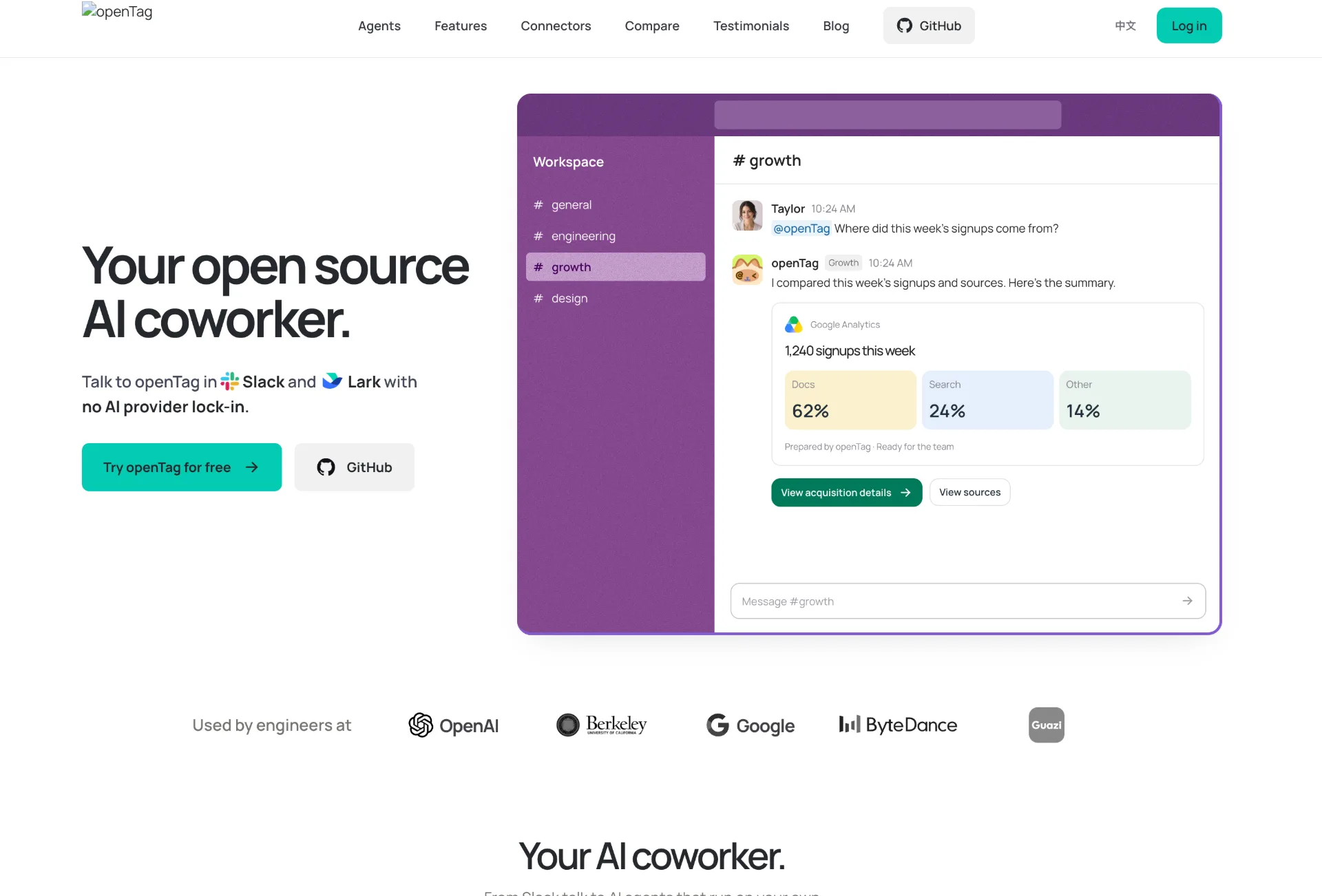
OpenTag is an open source AI coworker that runs on your own machine, connects to Slack and Lark, plugs into tools like GitHub and Notion, and lets you use your preferred AI agents without vendor lock‑in.
Wan API
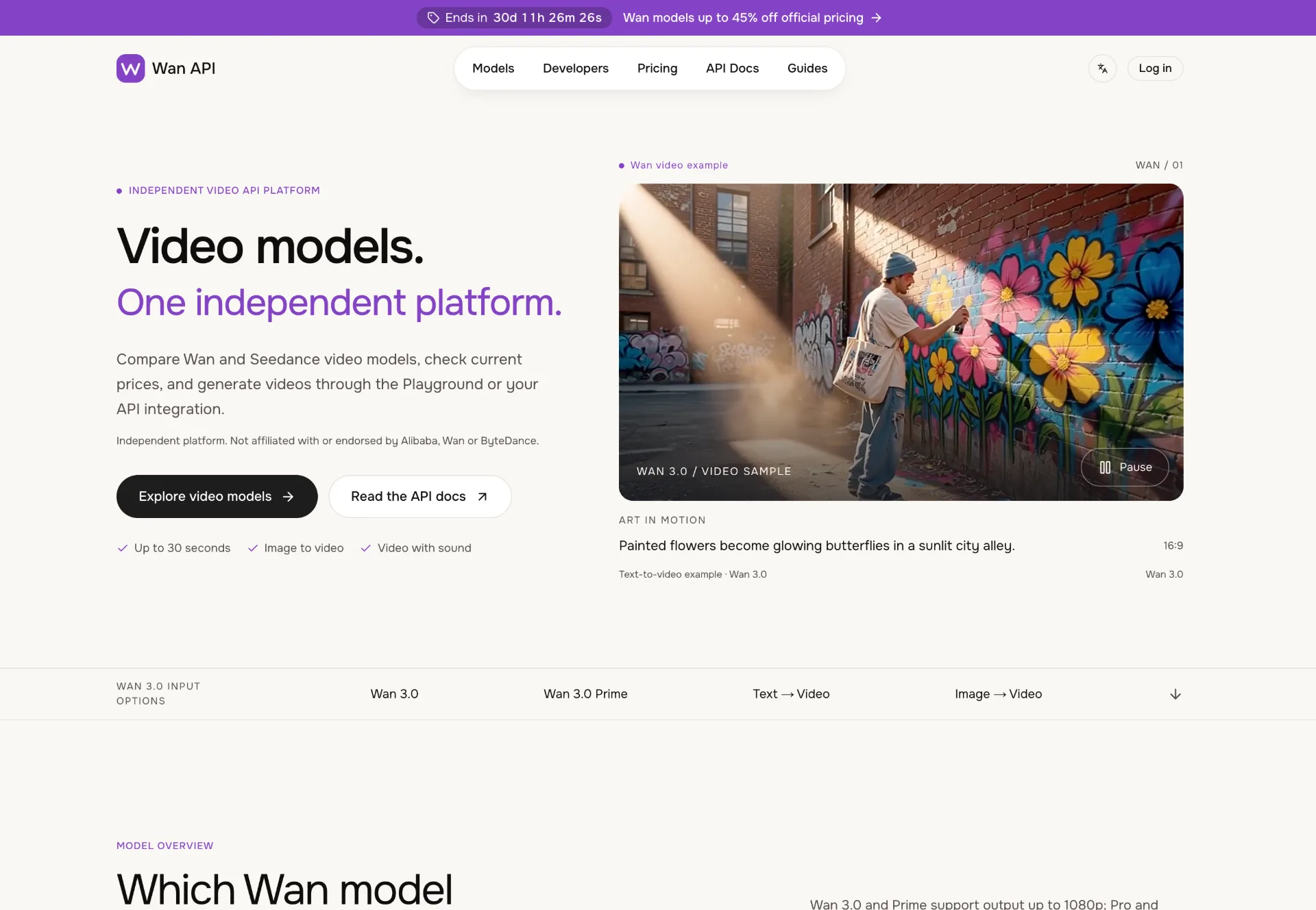
Discover Wan 3.0 video models on Wan API, turn text, images and multimodal references into 1080p–4K clips with generated sound, transparent pricing and a unified playground and API.
JuJuBit
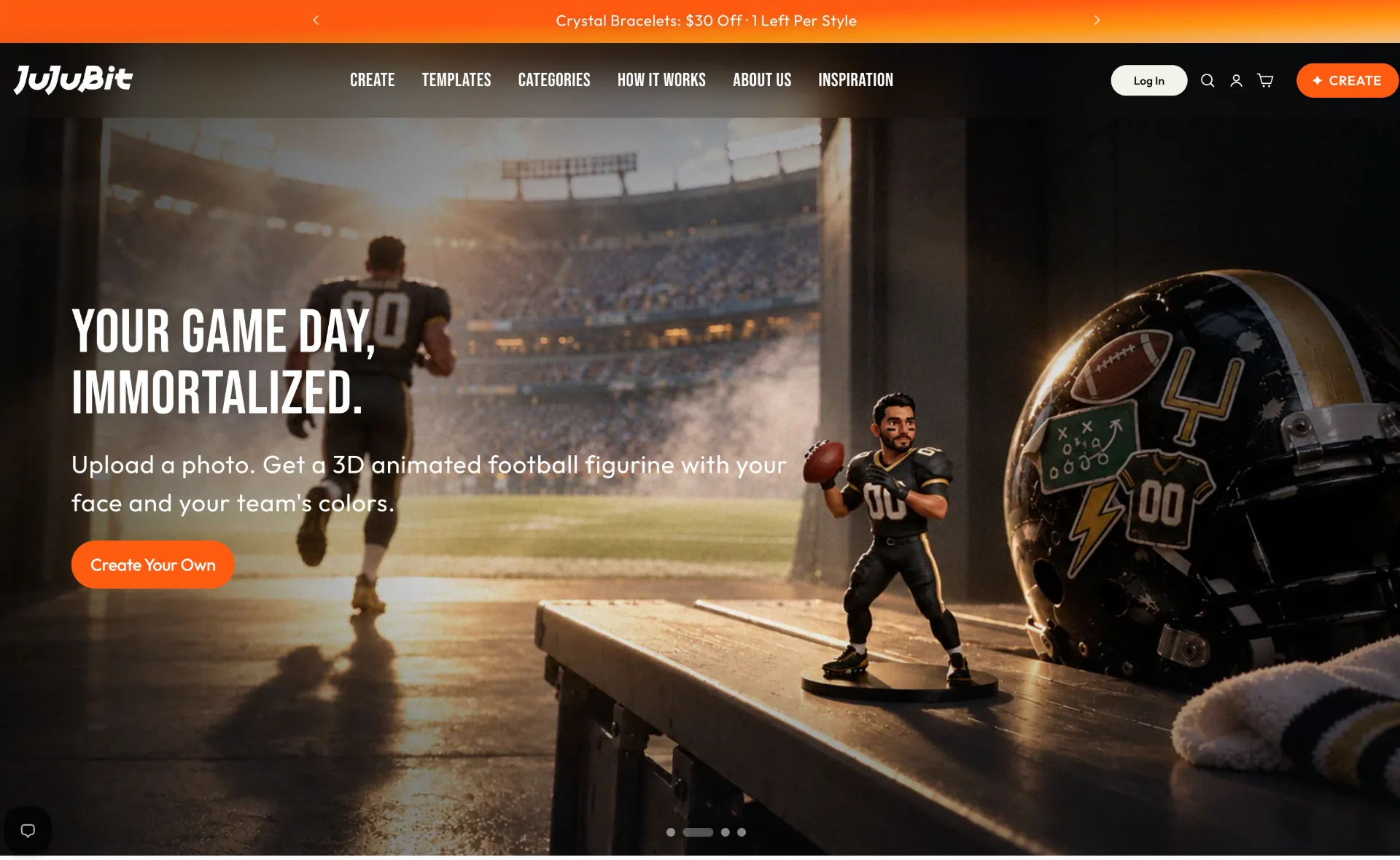
JuJuBit lets you turn photos, sketches and character concepts into custom 3D printed figurines, TRPG miniatures and art toys with fast AI previews, hand‑refined models and worldwide shipping.