

Seedance 2.5
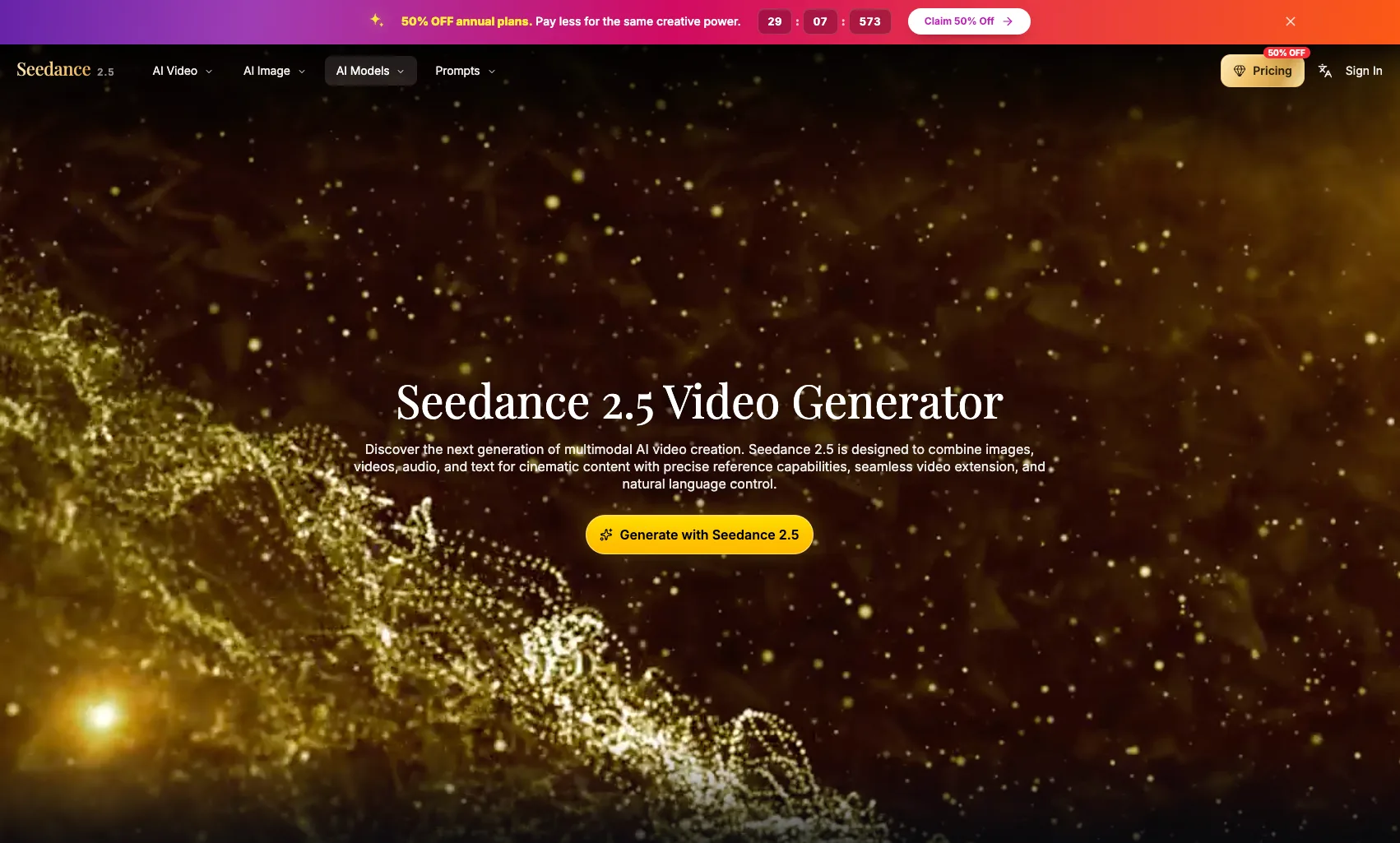
Seedance 2.5 is a multimodal AI video generator that combines text, image, video, and audio references to create cinematic, multi-shot sequences with director-level control and seamless scene extensions.
What is Seedance 2.5
Seedance 2.5 is a cinematic AI video generator that lets you create professional, multi-shot videos from text prompts, reference images, video clips, and optional audio. It focuses on director-level control, giving you tools for camera movement, shot continuity, scene extension, and audio-visual synchronization so brands, filmmakers, and creators can build polished, story-driven content inside a single workflow.
How to use Seedance 2.5
-
Open Seedance 2.5 Studio
Launch the Seedance 2.5 workspace and select the core video creation flow to start your project. -
Choose your creation mode
Decide whether you want to generate from text only, image to video, or video to video. You can also combine text prompts with image and clip references in one workflow. -
Add your references
Upload reference images or video clips to guide character design, environments, motion style, and camera movement. Use the all-in-one reference system with @Image and @Video tags to lock in key elements across shots. -
Write your prompt and direction
Enter a natural-language prompt describing the scene, tone, motion, and cinematic style. Specify details like tracking shots, pacing, visual rhythm, or shot structure. -
Configure first and last frames
Optionally upload or define the first and last frames to control how your video opens and closes, ensuring strong visual anchors and continuity. -
Set duration, resolution, and generation settings
Adjust settings such as clip length (for example, 4 seconds), resolution (like 480p), and generation mode or quality according to your production needs. -
Generate the initial video
Click the generate button to create your first pass. Seedance 2.5 will combine prompts, references, and timing to output a cinematic video. -
Refine shots and extend scenes
Use advanced scene editing tools to extend scenes, insert new shots, and adjust transitions. You can add new beats, refine pacing, or continue a sequence without restarting from scratch. -
Maintain multi-shot continuity
Build multi-shot sequences or one-take tracking shots while preserving consistent characters, environments, and motion flow across every cut. -
Sync audio and visuals
Add or reference audio to align motion, timing, and scene intent, keeping sound design and visuals synchronized for more immersive outputs. -
Review, iterate, and export
Preview your results, make adjustments to prompts, references, or scene structure, then export the final video for social, campaigns, product storytelling, or film previsualization.
Seedance 2.5's use case
-
Brand teams and content marketers
Create launch videos, social edits, and campaign assets with consistent brand identity, fast iteration, and precise control over motion and style. -
Filmmakers and video editors
Previsualize scenes, experiment with camera moves, and build multi-shot sequences or tracking shots before committing to full production. -
Designers and visual storytellers
Turn static reference images into stylized motion concepts, explore new visual directions, and push ideas toward production-ready looks. -
Marketing and growth teams
Produce cinematic explainer clips, product highlights, and performance creatives that can be tested and iterated quickly while maintaining quality. -
Product and UX teams
Transform product narratives, feature tours, and interface demos into premium visual stories aligned with positioning and proof. -
Creative directors and studios
Use Seedance 2.5 as a sandbox for expressive motion tests, pitch videos, styleframes in motion, and early cuts that guide larger productions.
Benefits of Seedance 2.5
-
Director-level control
Fine-tune first and last frames, camera movement, and cinematic style to achieve the exact look and feel you want. -
Cinematic multi-shot continuity
Build one-take tracking shots and structured sequences where characters, environments, and visual rhythm stay consistent across every cut. -
Advanced scene editing and extensions
Extend scenes, insert new shots, and refine pacing without regenerating everything from scratch, keeping visual coherence from start to finish. -
Multimodal creative workflow
Work across text, image, video, and optional audio in a single unified system, using @ tags to manage references and maintain creative intent. -
Faster iteration cycles
Help teams ship more content with disciplined craft, making it easier to test, refine, and scale video production for campaigns and launches. -
Brand-safe visual identity
Maintain consistent characters, environments, and motion language across many assets, supporting brand, product, and growth teams.
Pros
- Strong director-level control over shots, camera movement, and scene structure.
- Supports text, image, video, and audio references in a single multimodal workflow.
- Designed for multi-shot continuity and one-take tracking shots.
- Advanced tools for scene extension, insertion, and refinement without restarting.
- Suitable for brands, filmmakers, and creative teams who need cinematic quality.
Cons
- Requires some creative direction skills to get the most out of prompts and references.
- Best results may demand iterative refinement, which can consume time and credits.
- Focus on cinematic workflows may be more advanced than needed for very simple edits.
- Performance and output quality can depend on model settings and hardware limits of the platform.
- Learning curve for new users who are unfamiliar with multimodal AI video workflows.
让更多人发现你的产品。
提交到 Submito发现更多产品
SeedRouter
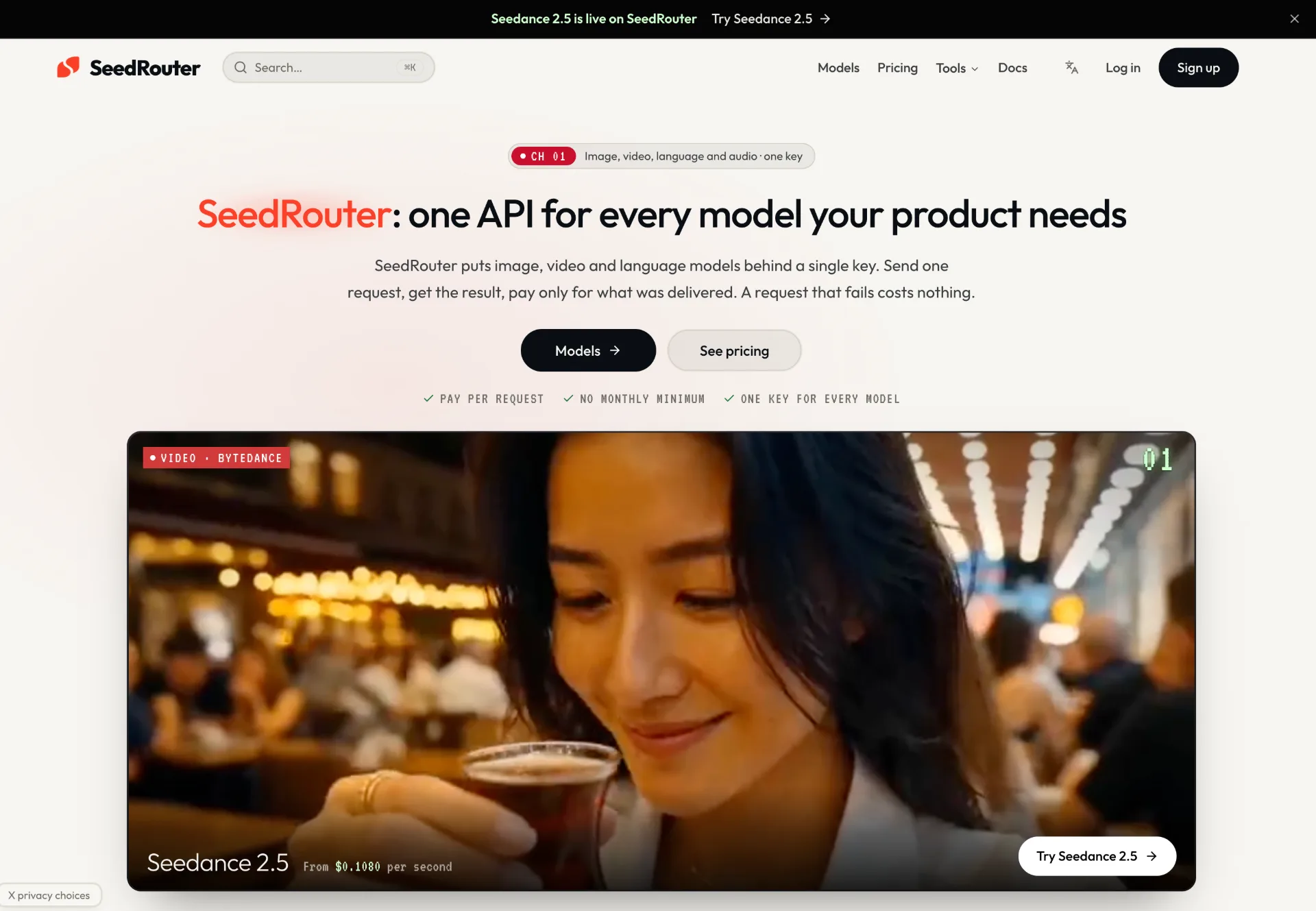
SeedRouter offers a single, pay-per-request API key to access image, video, language and audio models from providers like OpenAI, Anthropic, Google, Meta and more, with transparent pricing and one production-ready dashboard.
OpenTag
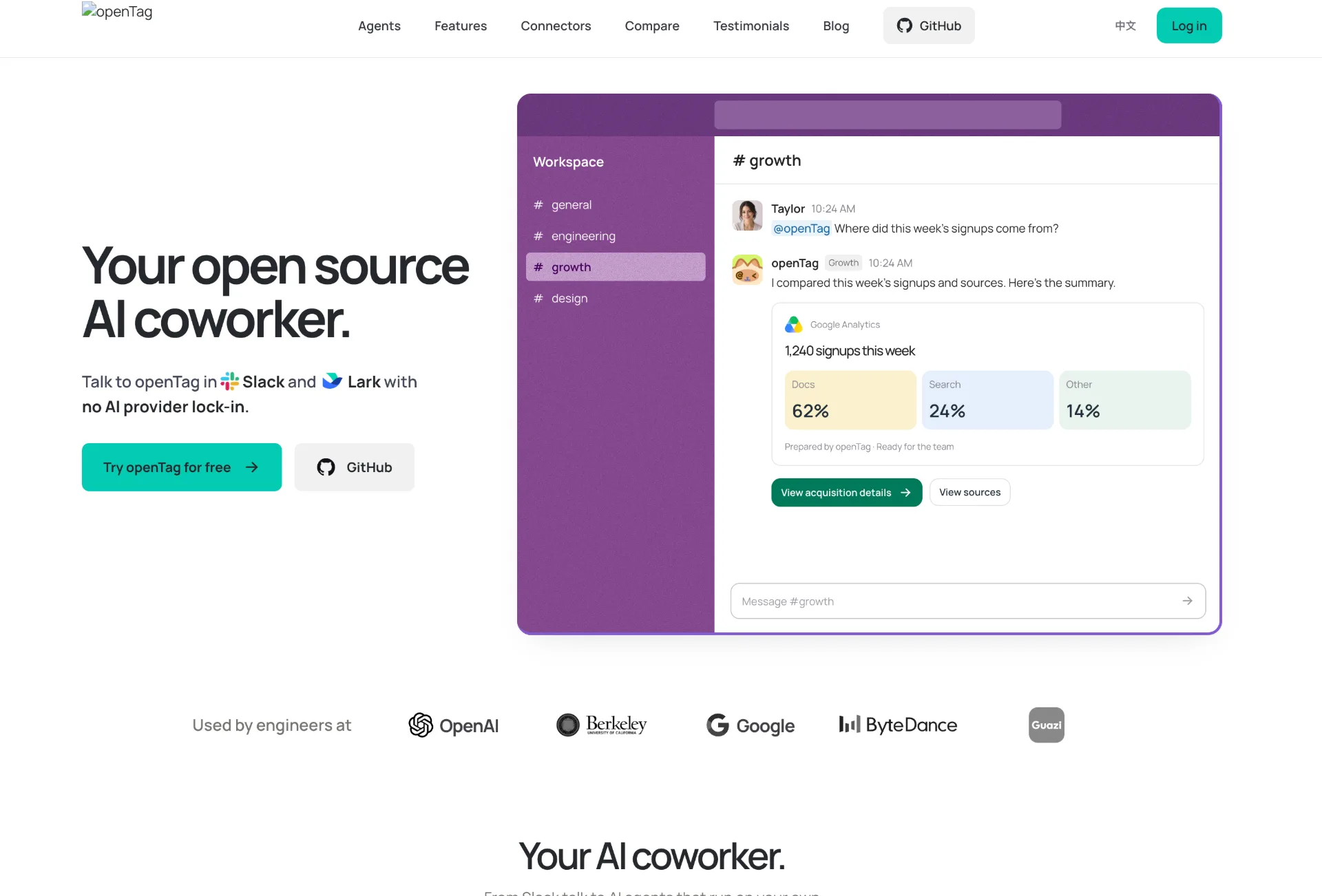
OpenTag is an open source AI coworker that runs on your own machine, connects to Slack and Lark, plugs into tools like GitHub and Notion, and lets you use your preferred AI agents without vendor lock‑in.
Wan API
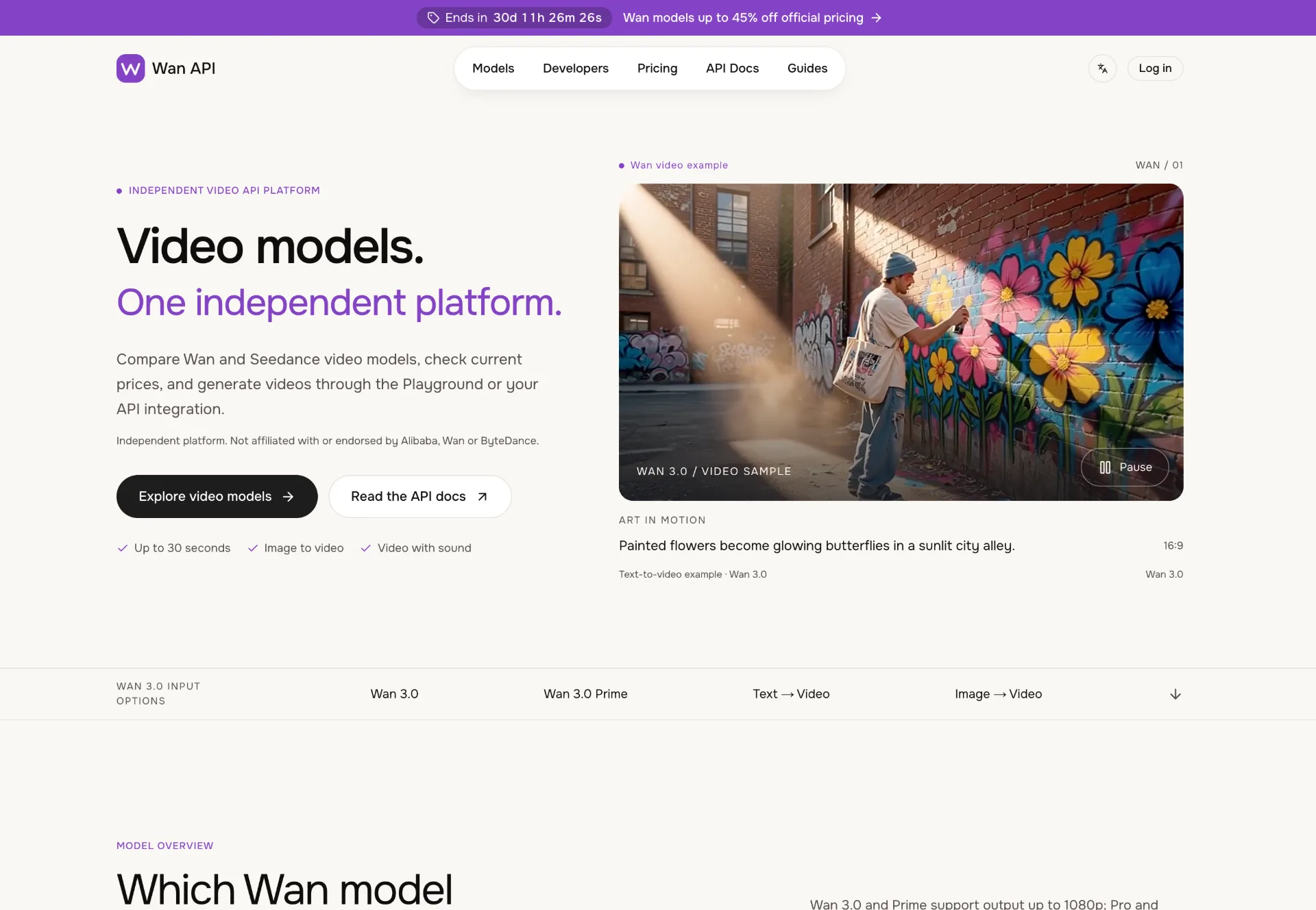
Discover Wan 3.0 video models on Wan API, turn text, images and multimodal references into 1080p–4K clips with generated sound, transparent pricing and a unified playground and API.