

OpenTag
OpenTag is an open source AI coworker that runs on your own machine, connects to Slack and Lark, plugs into tools like GitHub and Notion, and lets you use your preferred AI agents without vendor lock‑in.
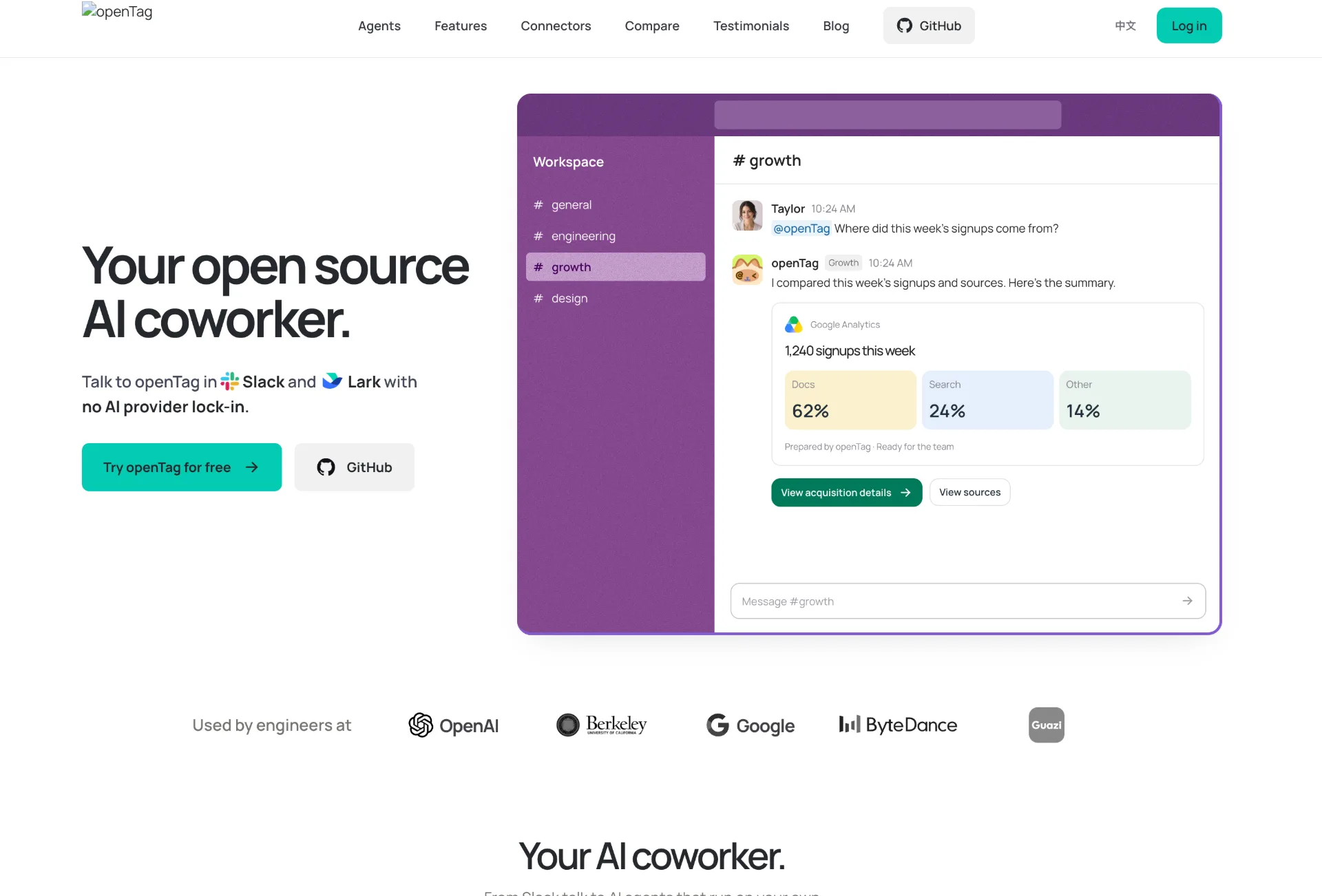
What is openTag
openTag is an open source AI coworker that lives inside Slack and Lark, delegates work to coding agents running on your own Mac or Linux machine, and connects to your existing AI subscriptions without locking you into a single provider. By routing tasks from chat to local agents and back, it helps engineering and product teams review code, triage issues, update docs, and handle routine workflows directly from the channels they already use.
How to use openTag
-
Create your agent in openTag
- Sign up or log in to the openTag web app.
- Go to the agent creation flow and choose an agent name (for example, “@openTag” for your engineering channel).
- Select an agent runtime such as Codex (OpenAI), Claude Code (Anthropic), or Pi / multi‑provider, depending on the subscriptions and APIs you already have.
- Confirm and create the agent so it appears in your workspace dashboard.
-
Prepare your computer
- On the “Connect your computer” step, copy the generated connection command from the UI.
- On your Mac or Linux machine, open your preferred coding assistant or terminal environment.
- Paste and run the
opentag connectcommand, which includes the openTag server URL and your unique connection token. - Keep the lightweight background program running so openTag can hand tasks from chat to your local agent.
- Wait for the web app to detect that your computer is connected before proceeding.
-
Connect your messaging workspace
- In the “Connect messaging” step, choose your preferred chat platform: Slack or Lark.
- Authorize the openTag app in your Slack or Lark workspace with the permissions it needs to join channels and respond to mentions.
- Add the agent (for example, @openTag) to the channels where you want it to work, such as
#engineeringor#design.
-
Configure integrations and memory
- From the connectors section, link services your team already uses, like GitHub, Notion, Linear, Google Drive, Jira, or Figma, using credentials with minimal required scope.
- Set up a Context Tree repository in your GitHub organization (for example,
your-team/team-memory) to host shared markdown files likegoals.md,decisions.md, andpatterns.md. - Commit and organize knowledge in this repo so your agents can reference consistent, versioned team memory.
-
Delegate work from chat
- In Slack or Lark, mention your agent in a thread, such as
@openTag can you review the latest PR?. - openTag routes the request to your connected computer, runs the selected coding agent using your own subscriptions or API keys, and gathers results.
- Watch as the agent posts status updates and a final summary in the same thread, including checks like code logic, edge cases, security, tests, and style.
- Iterate by replying in the thread and tagging the agent again as needed.
- In Slack or Lark, mention your agent in a thread, such as
-
Scale to teams and multiple agents
- Invite your agent into additional team channels so everyone there can delegate work with a simple tag.
- Create specialized agents for different tasks (for example, one focused on code, another on documentation or growth experiments).
- Let agents hand work off to each other or check progress across repositories and documents.
openTag's use case
- AI code review directly in Slack or Lark threads, including checks for logic, edge cases, security, test coverage, and style.
- Automated triage of GitHub issues and pull requests, helping solo maintainers or lean teams keep repositories healthy while they sleep.
- Documentation maintenance and knowledge curation, where agents update Notion pages, markdown files, or Context Tree memory with new decisions and patterns.
- Cross‑tool coordination for product and engineering work, connecting chat to systems like Linear, Jira, Figma, and Google Drive from a single “tag‑to‑task” workflow.
- Startup productivity for small teams that want the feeling of extra headcount without adding full‑time hires, letting agents handle routine operational tasks.
- Multi‑provider AI experimentation where teams switch or mix AI models (Claude Code, Codex, Pi, and others) without changing their chat workflows.
- Privacy‑aware internal assistants for organizations that need conversations and code to stay under their own control, on their own machines and repositories.
Benefits of openTag
-
No provider lock‑in and broad agent choice
openTag lets you power agents with different AI runtimes—from Claude Code and Codex to multi‑provider setups—so you can switch models, combine strengths, and avoid being tied to a single hosted vendor. -
Local‑first execution and stronger data control
Agents run on your Mac or Linux machine, talking to model providers using your own subscriptions or API keys, which keeps code, conversations, and prompts closer to your infrastructure and outside generic SaaS black boxes. -
Tight integration with existing team tools
With connectors for Slack, Lark, GitHub, Notion, Linear, Google Drive, Jira, Figma, and many more services, openTag turns simple chat mentions into real work across your stack, rather than one‑off answers. -
Shared, versioned team memory
The Context Tree approach stores memory as markdown in a git‑backed repo inside your GitHub organization, making knowledge portable, readable, and collaboratively maintained through standard developer workflows. -
Team‑wide collaboration in chat
Agents can be invited into shared channels, serve whole teams instead of just one user’s DMs, and even hand tasks between each other, matching how modern teams already organize work in chat. -
Open source and self‑hostable foundation
As an Apache 2.0 project, openTag can be inspected, extended, or self‑hosted via Docker, giving companies flexibility to adapt it to their environments and governance requirements.
Pros
- Open source, Apache 2.0 licensed, with transparent code and community contributions.
- Works with multiple AI agents and lets you bring your own subscriptions or API keys.
- Local‑first design that prioritizes privacy and control by running on your own machine.
- Deep integration with popular developer and productivity tools via connectors and Context Tree.
- Designed for team channels, enabling shared AI coworkers instead of siloed personal bots.
Cons
- Requires a Mac or Linux machine to run the local agent process; not ideal for teams without that environment.
- Initial setup involves connecting computers, chat workspaces, and repositories, which may feel complex for non‑technical users.
- Relies on your existing AI subscriptions and API keys, so usage costs depend on external providers.
- Currently supports only Slack and Lark; other platforms like Teams or Discord are on the roadmap but not yet available.
- Best suited to teams comfortable with Git and GitHub for managing shared memory and configuration.
让更多人发现你的产品。
提交到 Submito发现更多产品
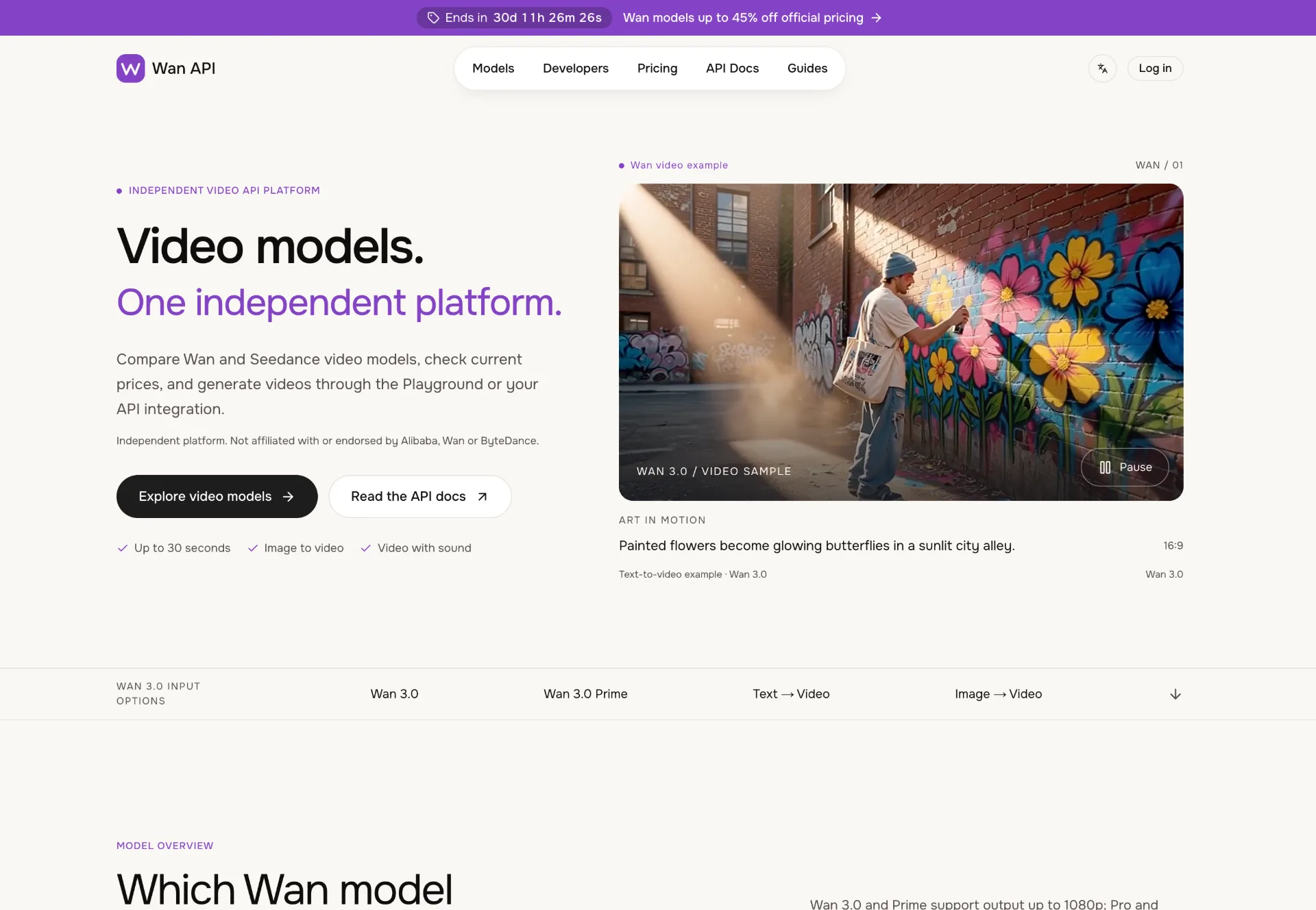
Wan API
Discover Wan 3.0 video models on Wan API, turn text, images and multimodal references into 1080p–4K clips with generated sound, transparent pricing and a unified playground and API.

JuJuBit
JuJuBit lets you turn photos, sketches and character concepts into custom 3D printed figurines, TRPG miniatures and art toys with fast AI previews, hand‑refined models and worldwide shipping.
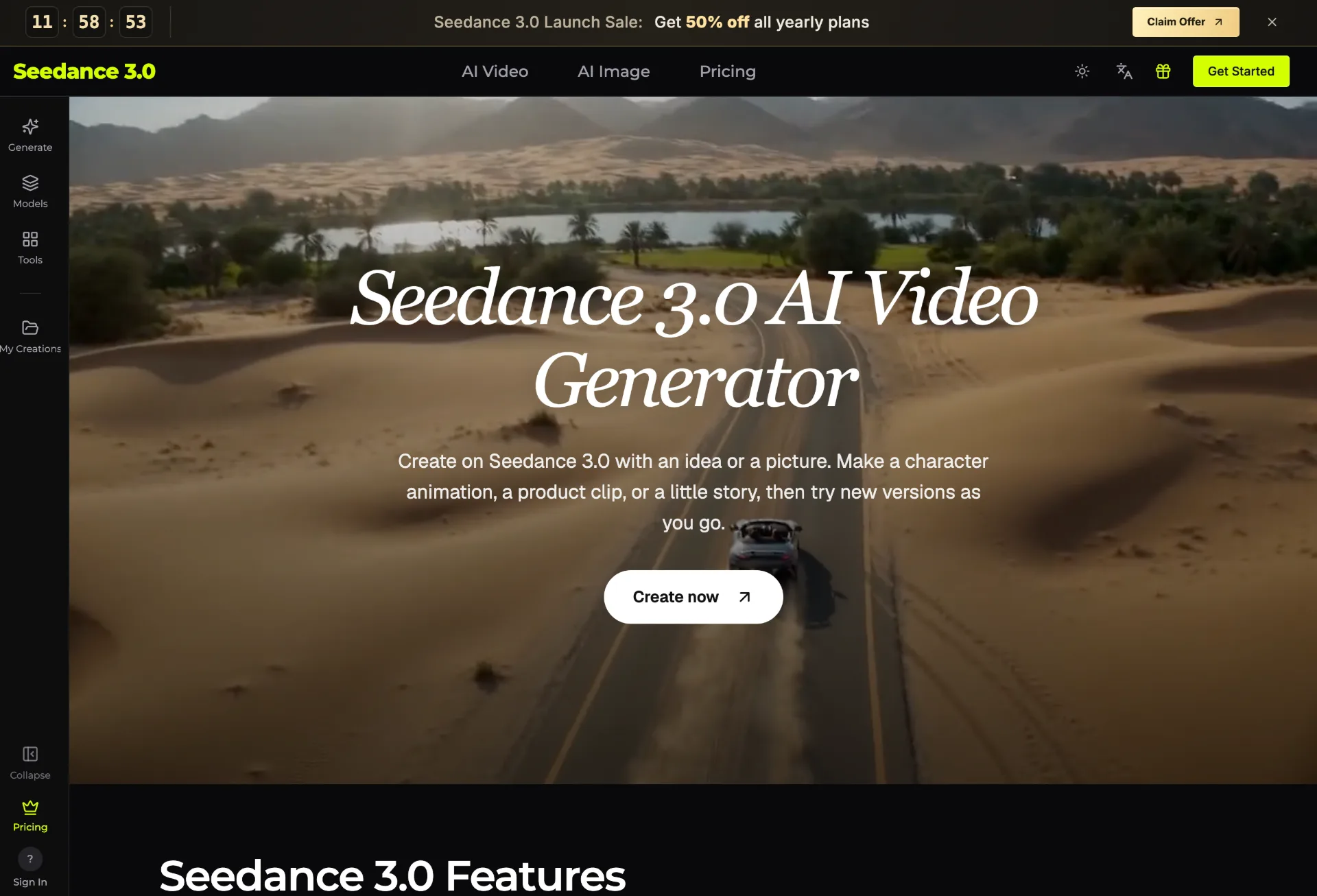
seedance 3.0
Seedance 3.0 is an AI video generator that transforms your text, images, clips, and audio into polished, editable videos for creators, marketers, teachers, and small businesses in just a few guided steps.