

Palingo
Palingo shows translations beside original web pages, PDFs, EPUBs, and YouTube captions, so learners can look up words in context and save them for review.
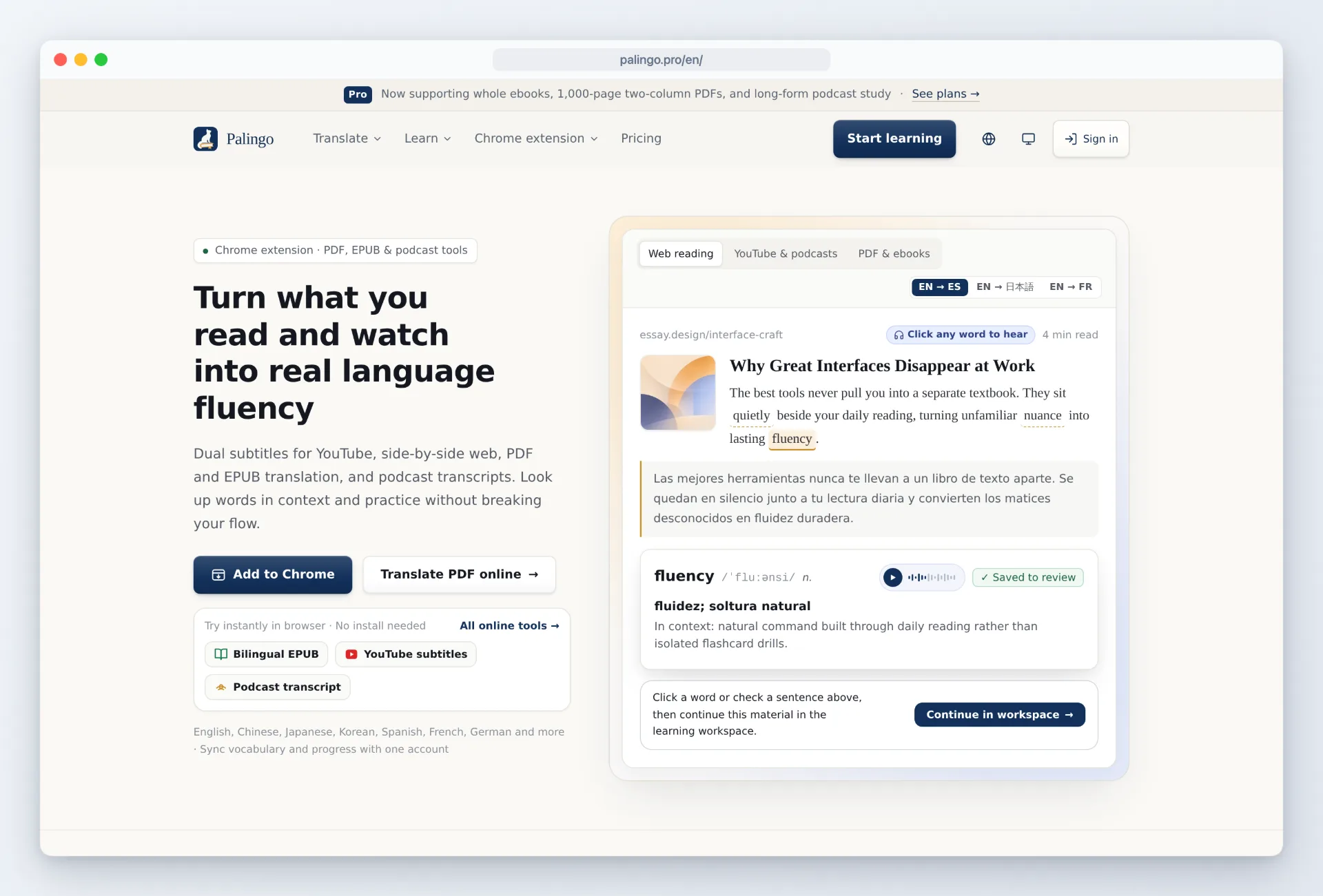
TL;DR: Palingo is a language-learning Chrome extension and browser workspace that puts translations beside the original text on web pages, PDFs, EPUBs, YouTube videos, and podcasts. It replaces the usual mix of a page translator, a separate dictionary, and a flashcard app with one loop: read or watch, look up words in context, then review them. It suits intermediate learners who already read or watch real content in their target language and want structured practice built from it.
What is Palingo & How Does It Work?
Palingo is built on comprehensible input: you learn a language by consuming real material you can mostly understand, with support for the parts you can't. Ordinary page translators replace the foreign text, so your eyes skip straight to your native language. Palingo instead places a translation under each paragraph and keeps the original layout, so the target-language sentence stays in front of you. Double-click any word and a dictionary panel shows pronunciation, part of speech, and the meaning of that word in that particular sentence, rather than a generic list of definitions. One click saves the word to a review list, which can be exported to Anki.
The same approach covers several formats. On YouTube, you get dual subtitles plus three modes: Watch, Dictation (playback at 0.75× that pauses after each sentence so you can type what you heard, with every word checked), and Shadowing, which pauses at the end of each line so you can repeat it aloud. Paste an Apple Podcasts or RSS link and you get a speaker-labeled bilingual transcript with timecodes, plus 0.8× replay for difficult lines. PDFs, including two-column academic papers with formulas, are translated side by side with sentence-level highlight sync, and EPUB books open chapter by chapter with saved words shown as margin notes. Supported languages include English, Chinese, Japanese, Korean, Spanish, French, and German, and one account syncs vocabulary and progress across all of these tools.
4 Core Use Cases & Practical Scenarios
- Reading research papers in a second language: A graduate student needs to get through an English paper on arXiv while still building academic vocabulary. They upload the PDF to Palingo's online translator and read the original and translated columns side by side, with equations and layout intact. Technical terms they double-click are saved with the sentence they came from, so the result is a usable reading of the paper plus a domain-specific word list, without copying passages into a separate translator.
- Turning YouTube into listening drills: A Spanish learner has a favorite design channel but understands about 70% of it. They switch on dual subtitles, then move to Dictation mode for the hardest segment, typing each sentence at 0.75× speed until every word matches. Ten minutes of video becomes a focused listening exercise with a score for each line, and they don't have to hunt for separate graded audio.
- Studying from podcasts on a commute schedule: A learner who listens to a weekly interview show pastes the RSS link into Palingo's podcast tool. They get a transcript split by speaker, replay tricky lines at 0.8×, and save useful phrases next to the transcript. Each episode then serves as both listening practice and a phrase bank.
- Reading a whole novel bilingually: A Japanese learner wants to finish a public-domain classic without stopping every few lines. They open the EPUB in Palingo's reader, read paragraph by paragraph against the translation, and save unfamiliar words, which show up as margin notes for that chapter. By the end, they have a chapter-by-chapter vocabulary list tied to a story they actually read.
Getting Started: Step-by-Step Workflow
- Try it without an account: Open the learning workspace in any browser and use the curated YouTube clips, podcasts, or the sample Alice EPUB. Guests get a smaller monthly credit allowance and the first 20 pages of each PDF.
- Install the extension and sign in: On a desktop computer, add the Chrome extension and create a free account to raise your monthly credits, unlock full PDFs up to 100 pages, and sync saved words.
- Run your first session: Open an article, YouTube video, or PDF in your target language, switch on bilingual mode, and double-click unfamiliar words to see their meaning in context and save them.
- Review and practice: Open "My words" to review saved vocabulary in its original sentences, export it to Anki if you use it, or go back to a video in Dictation or Shadowing mode.
Palingo Pros & Cons: An Honest Look
Pros:
- Original text stays visible: Because translations sit under the source paragraph instead of replacing it, you keep reading the target language. For learners, this is the main difference between understanding a page and actually learning from it.
- One vocabulary list across formats: Words saved from a web article, a PDF, a podcast, or a video all go into one review library with their original context. You no longer end up with lookups scattered across tabs that disappear when the page closes.
- Active practice built into video: Sentence-level dictation with auto-pause and word checking, plus shadowing, turns passive watching into measurable listening work. Most bilingual-subtitle tools stop at displaying captions.
Cons:
- Desktop Chrome only for the extension: The extension runs on desktop Chrome, and there are no mobile apps. Learners who study mainly on phones, or who use Firefox or Safari, are limited to the online tools.
- Narrower coverage than general translators: Video support covers YouTube and Netflix rather than dozens of streaming platforms, and translation runs on Palingo's own managed models with no option to choose an engine like DeepL. EPUB export also requires DRM-free files under 10MB and drops covers, images, and complex layouts.
Who Should Use Palingo (And Who Shouldn't)?
- Best For: Intermediate learners who already read articles or watch YouTube in their target language and want those habits to produce saved vocabulary and listening drills. Also students and researchers who read foreign-language PDFs and papers and want layout-preserving bilingual output alongside a word list.
- Skip If: You only need fast translation across many sites, file types, and video platforms, or on your phone; a general translation tool will cover more. Also skip it if most of your study happens on Netflix and you rely on detailed playback controls and an existing word list in another extension.
Palingo vs. Top Alternatives
| Palingo | Language Reactor | Immersive Translate | |
|---|---|---|---|
| Primary Focus | Reading and listening to practice: web, PDF, EPUB, YouTube, podcasts | Learning from Netflix and YouTube subtitles | Broad bilingual translation of pages, documents, and video |
| Ease of Use | Simple bilingual toggle; several practice modes to learn | Very simple for video learners | Simple for translating; more settings and engines to configure |
| Pricing Model | Free plan with monthly credits; paid plans from $2.99/month | Free with in-app purchases | Freemium with paid tiers |
| Best For | Learners who want vocabulary and dictation from their own content | Netflix-first learners | Users who mainly need to understand content in many formats and platforms |
Choose Palingo if you want reading and watching to turn into saved vocabulary and dictation practice across many content types. If you mainly need to understand foreign content quickly, Immersive Translate covers more ground, and Language Reactor is still the better fit for Netflix-centered study.
Palingo Pricing & Value for Money
Every Palingo tool is available on the Free plan, which includes 3 million credits every 30 days with an account (roughly 330 ordinary PDF pages, one 100,000-word novel, or 80 minutes of podcast transcription) and PDFs up to 100 pages. Paid plans add credits and larger files: Lite at $2.99/month (10M credits, 300-page PDFs), Pro at $5.99/month (30M credits, 1,000-page PDFs), and Ultra at $14.99/month (80M credits, no page limit). Yearly billing saves about 16%, each paid plan has a 7-day free trial that requires a card, and an extra 10M-credit pack costs $4.99 and lasts 365 days. The dictionary, courses, and review are always free; credits only pay for AI translation, transcription, and speaking practice.
For indie learners, this pricing is accessible. The entry tier costs less than most single-purpose subscriptions, and light users may never need to pay. The main trade-off is the credit system: monthly credits expire after 30 days and don't roll over, and dense academic pages cost nearly three times as much as ordinary pages, so heavy PDF users should estimate their usage before choosing a tier.
Palingo Frequently Asked Questions (FAQ)
1. Is Palingo free to use, or is there a free trial?
Palingo has a permanent Free plan that includes every tool, with 3 million credits every 30 days for signed-in users and 1 million for guests. The dictionary, courses, and vocabulary review never use credits. Paid Lite, Pro, and Ultra plans each come with a 7-day free trial, which requires a card and can be canceled at any time.
2. How does Palingo compare to Language Reactor?
Both show dual subtitles on YouTube and Netflix and offer a pop-up dictionary. Palingo adds in-place bilingual reading for web pages, PDFs, and EPUBs, plus sentence-by-sentence YouTube dictation with word checking and Anki export. Language Reactor remains the stronger choice if you study mostly on Netflix and depend on its playback controls.
3. Is Palingo suitable for beginners?
Beginners can use it, especially the structured courses (such as English A1–C2 and Spanish) and the curated videos and sample book. The tool is most useful once you can follow some of a real article or video, because the method depends on reading material that is mostly understandable. Absolute beginners may want to pair it with a basic grammar course first.
4. What are the best alternatives to Palingo?
Immersive Translate suits users who need broad translation across many sites, file types, and video platforms, including on mobile. Language Reactor is a well-known option for Netflix and YouTube subtitle learning. LingQ and Readlang are reading-focused alternatives built around importing texts and tracking vocabulary.
让更多人发现你的产品。
提交到 Submito发现更多产品
Tavoa AI
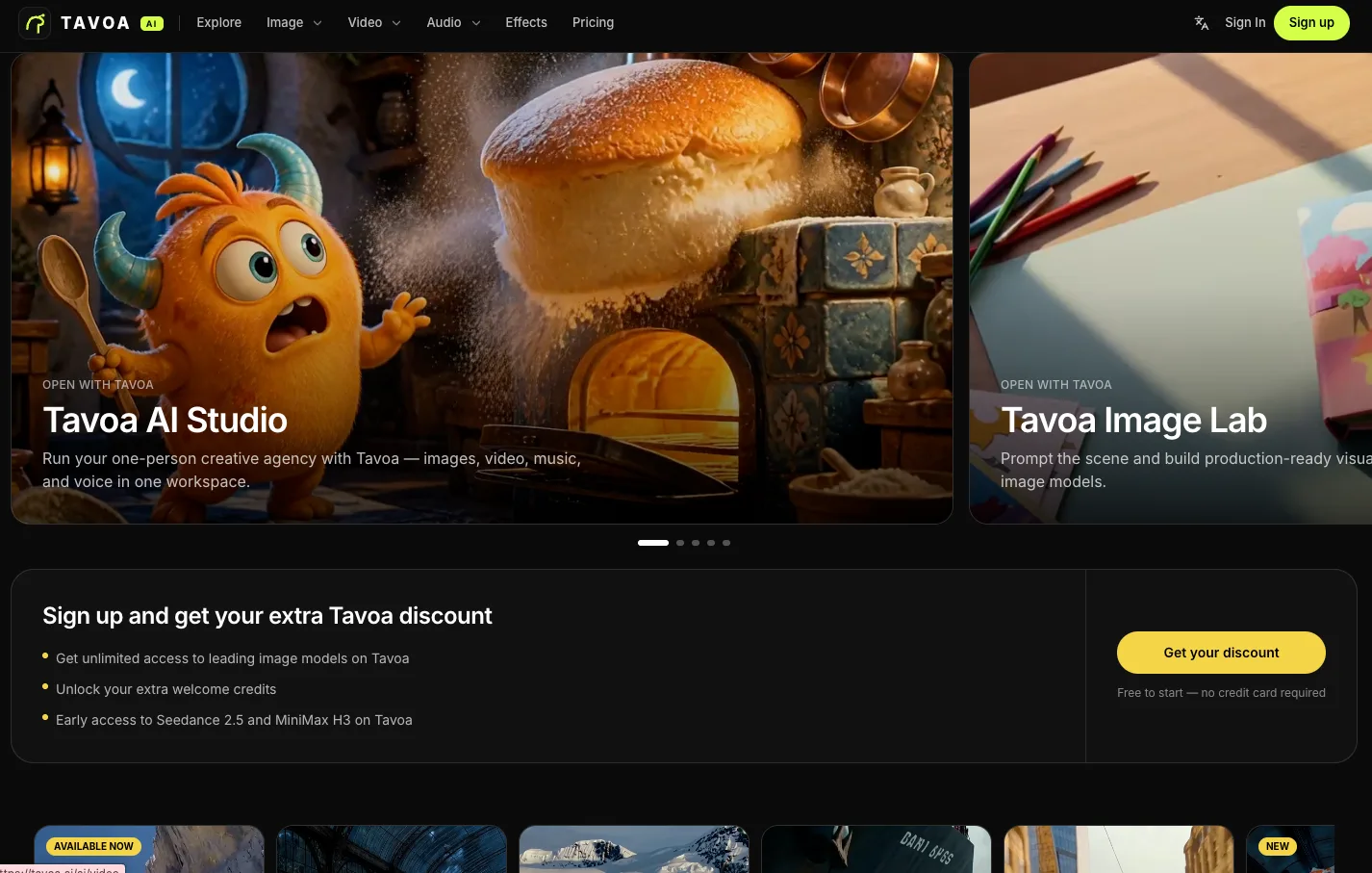
Tavoa AI brings Seedance, Kling, Veo, and other video and image models into one credit-based workspace, so creators can test outputs without juggling apps.
AI Attractiveness Test
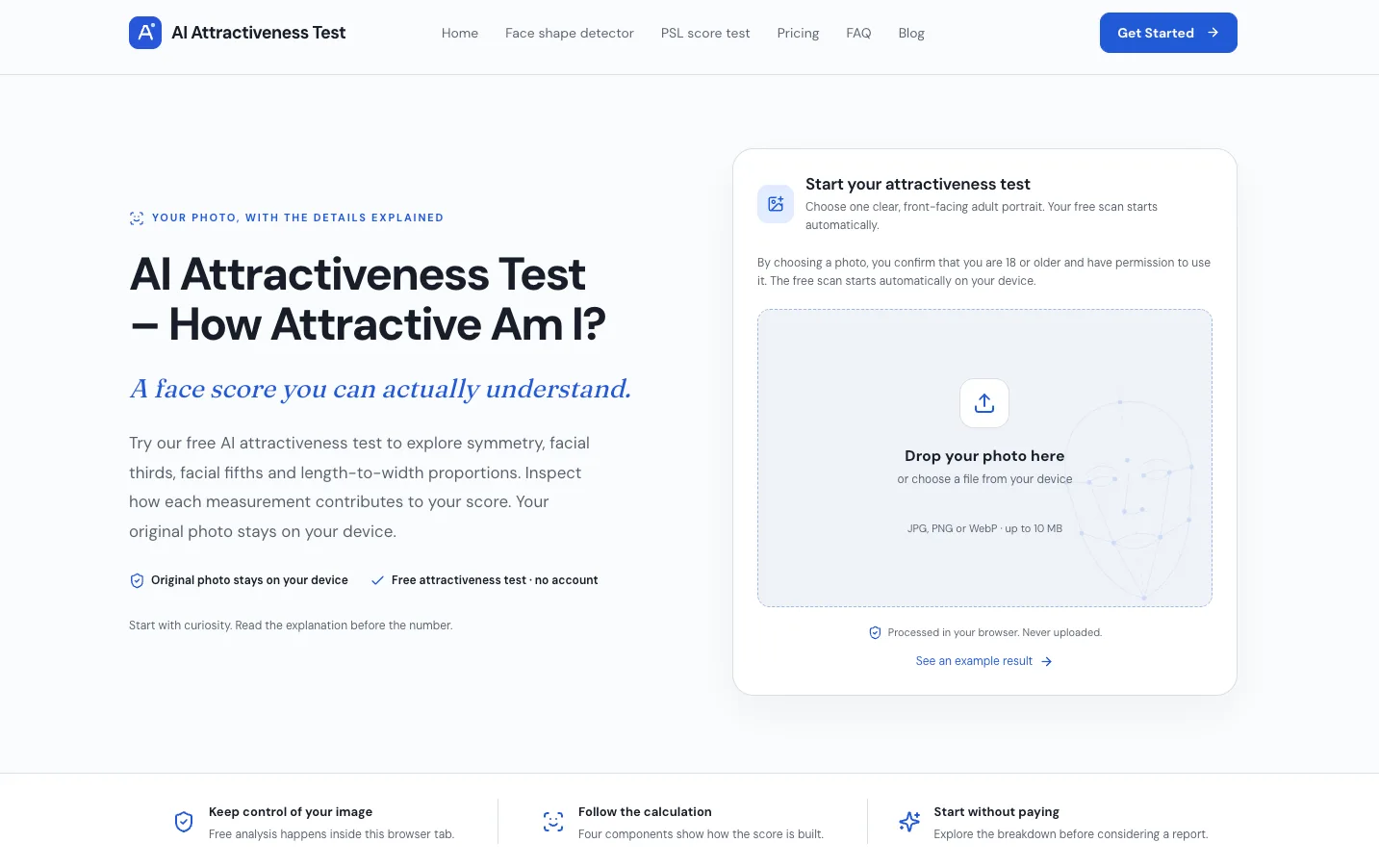
Analyze facial symmetry, thirds, fifths, and proportions directly in your browser. Your photo stays on your device with a transparent 0–100 harmony breakdown.
Viral Video AI
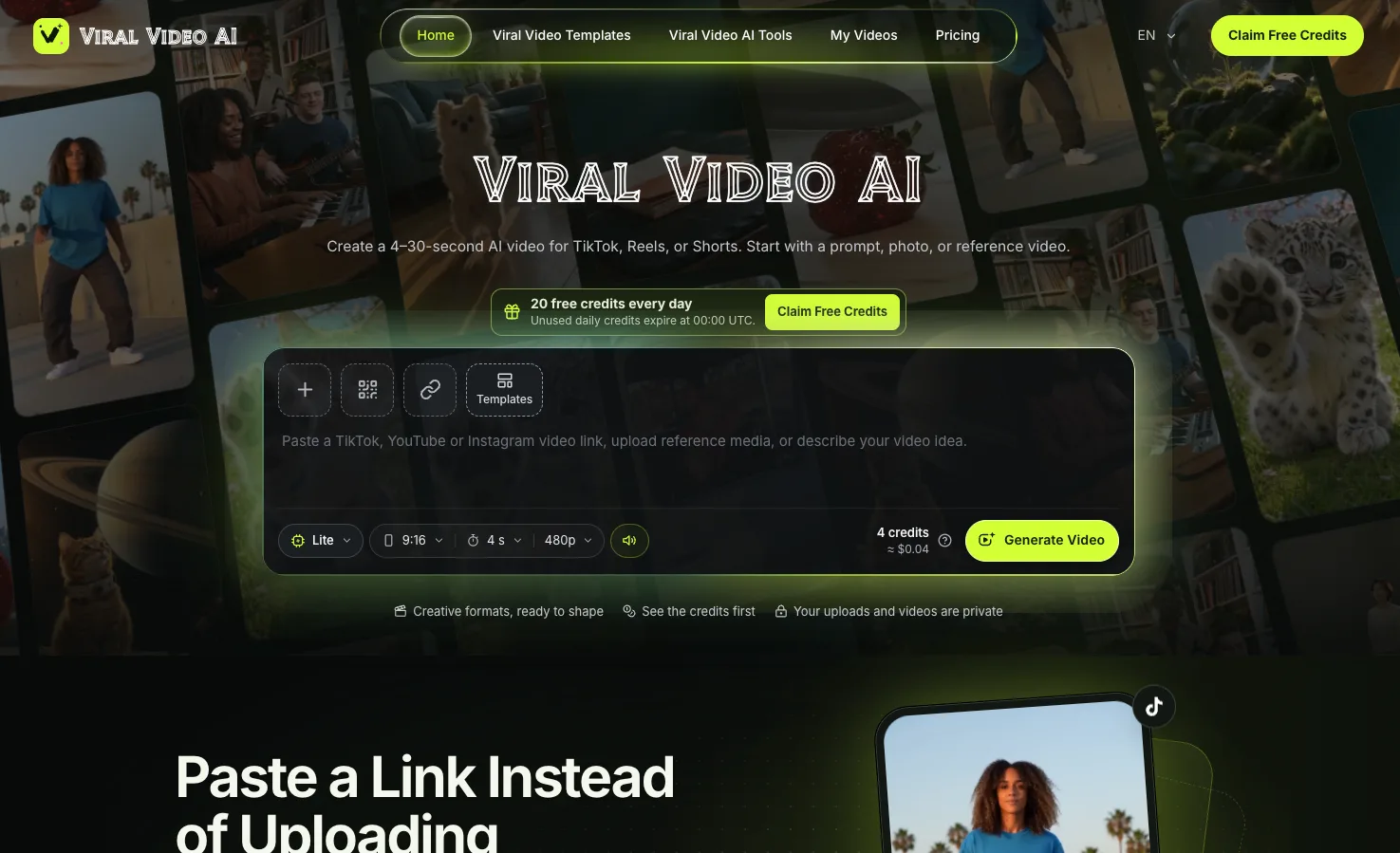
Viral Video AI helps creators, social media teams and small businesses make short videos for TikTok, Instagram Reels and YouTube Shorts. Paste a public TikTok, YouTube or Instagram video link, preview it as a reference and describe your own take. You can skip manually downloading and re-uploading the clip. Pick a trending template and add your photo, or start with a text prompt, photos or a reference video. Check the credit estimate before generating, then preview and download the result. Basic supports clips up to 15 seconds. Pro supports clips up to 30 seconds and resolutions up to 1080p. Template settings vary.