

MAGI-2
MAGI-2 turns text prompts, images, and clips into 1080p videos up to 30 seconds with synced audio, helping marketers and filmmakers test shots faster.
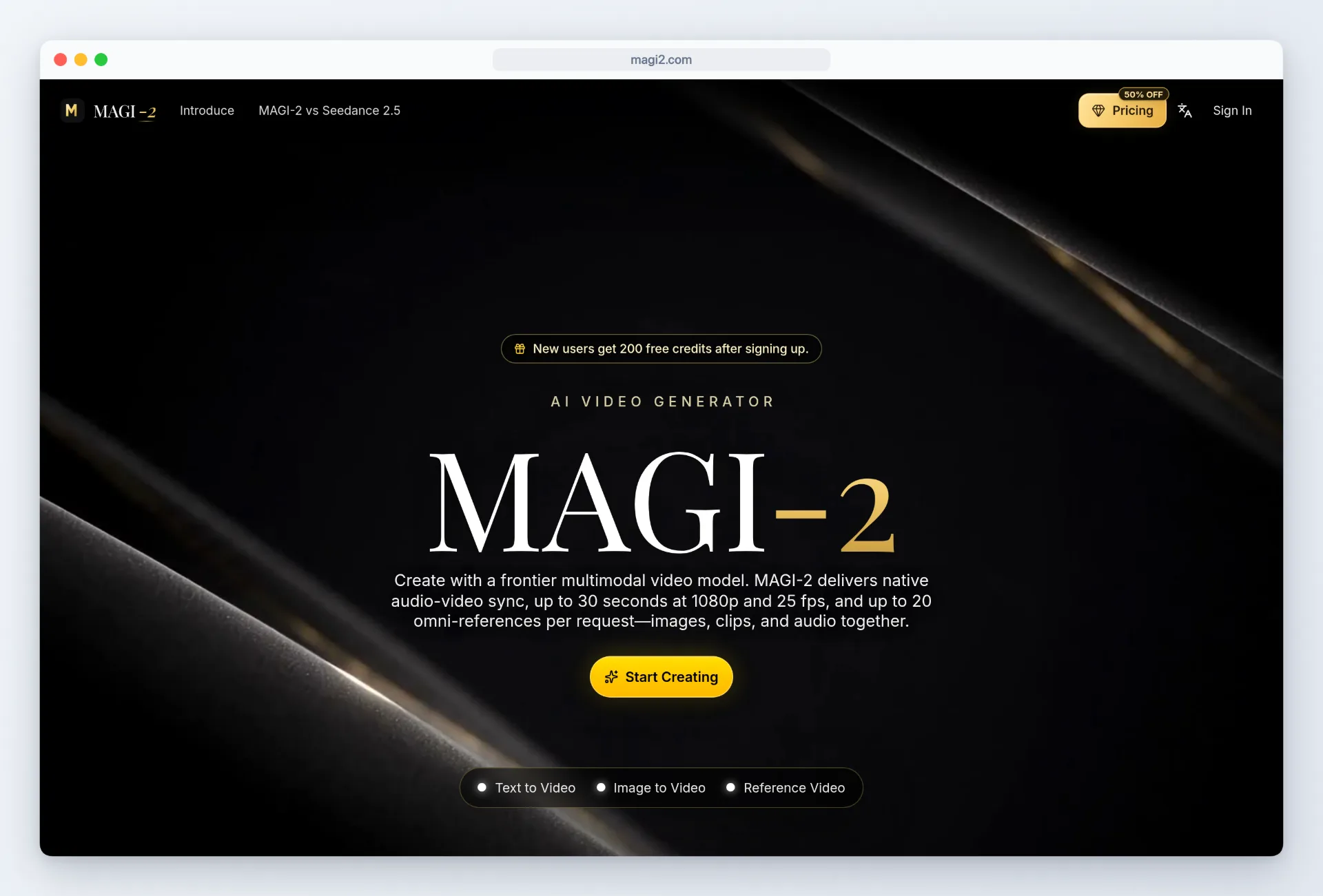
TL;DR: MAGI-2 is a web-based AI video generator that turns text prompts, still images, existing clips, and audio into 1080p videos of up to 30 seconds, with sound generated alongside the picture. It replaces slow storyboarding, stock footage searches, and early shoots with quick drafts you can extend, re-cut, and iterate on. It suits marketers, video editors, and visual designers who need concept footage or social clips without a production crew.
What is MAGI-2 & How Does It Work?
MAGI-2 is a browser-based video generation platform built around the MAGI-2 multimodal model. You start in one of three modes: Text to Video, Image to Video, or Reference Video. Then you write a prompt of up to 8,000 characters and choose resolution, aspect ratio, duration, and whether to include audio. The model renders video at 1080p and 25 fps for up to 30 seconds per generation. It also generates synchronized sound, so you are not adding an audio layer in a separate tool afterwards. Before you commit, a cost estimate shows the credits each render will use. You can also batch up to four variations of the same prompt to compare takes side by side.
What sets MAGI-2 apart from basic text-to-video tools is its reference system. A single request can include up to 20 references, mixing images, video clips, and audio. You tag them inside the prompt with @Image and @Video labels, which lets you pin a character's look, borrow camera movement from a sample clip, or set first and last frames. The platform also supports scene extension and shot insertion, so you can lengthen a sequence or add a new beat without regenerating from scratch. One thing to know up front: the site describes itself as an independent platform, not affiliated with any underlying model provider. It also offers other video and image models, such as Seedance, MiniMax, GPT Image, and Nano Banana, all billed from the same credit balance.
4 Core Use Cases & Practical Scenarios
- Social ad variations: A brand team needs five versions of a 15-second product teaser for different platforms. They upload the product photo as an @Image reference, write one prompt, set the aspect ratio for each channel, and use batch generation to get four takes per run. Instead of a multi-day edit cycle, they have a set of testable drafts in an afternoon.
- Previsualization for a short film: A director wants to test a tracking shot before booking a location. They upload a rough reference clip for camera motion, tag it with @Video, and describe the scene and character in the prompt. The output is a moving previz the crew can block against, which replaces hours of hand-drawn storyboards.
- Animating static design work: A designer has an approved key visual and needs a motion version for a landing page. They use Image to Video with first-frame and last-frame control so the animation starts and ends on brand-approved compositions. The result is a looping hero clip made without After Effects keyframing.
- Extending explainer footage: A content marketer has a 5-second clip that works but runs too short for a narrated section. They use scene extension to continue the action with the same character and setting, then generate matching audio. This avoids reshooting or awkwardly slowing down the original clip.
Getting Started: Step-by-Step Workflow
- Sign up and claim credits: Create an account, for example with Google sign-in. New users get 200 free credits, which covers roughly two 5-second clips at 1080p (20 credits per second).
- Pick a mode and gather references: Choose Text to Video, Image to Video, or Reference Video. Upload any character images, motion clips, or audio you want to steer the output.
- Write a directed prompt: Describe the subject, action, camera movement, and mood, then tag references with @Image or @Video. Set resolution, aspect ratio, duration, and audio, and check the estimated credit cost.
- Generate, compare, and refine: Run one or more variations, review them in My Creations, then extend the best take or adjust the prompt and regenerate.
MAGI-2 Pros & Cons: An Honest Look
Pros:
- Deep reference control: Up to 20 mixed image, video, and audio references per request means far less prompt guesswork. It is the most practical way to keep a character or product consistent across shots.
- Longer clips with built-in audio: Up to 30 seconds per generation with synchronized sound reduces how many clips you have to stitch together. Skipping a separate audio pass saves time on rough cuts.
- Transparent credit math: The generator shows estimated cost before every render, and plans state roughly how many 5-second videos each tier buys. That makes budgeting simple for freelancers and small teams.
Cons:
- Third-party platform: The site says it is independent and not affiliated with any underlying model provider. Teams with strict vendor, data-handling, or licensing requirements should read the terms closely before using output commercially.
- Credits run down quickly: At 20 credits per second, a single 30-second clip costs 600 credits, and iterating multiplies that. The free allowance only covers testing, and there's no timeline editor or NLE integration, so final assembly still happens elsewhere.
Who Should Use MAGI-2 (And Who Shouldn't)?
- Best For: Social and performance marketers who need many short ad variations with a consistent product look. Also indie filmmakers and editors who want previz or B-roll concepts to check before spending on a shoot.
- Skip If: You need a full editing suite with timelines, captions, and collaboration, in which case an editor with generative features built in fits better. Also skip it if your organization requires buying directly from the original model developer for compliance reasons.
MAGI-2 vs. Top Alternatives
| MAGI-2 | Runway | Kling AI | |
|---|---|---|---|
| Primary Focus | Multi-reference video generation with synced audio | Generative video plus editing and creative tools | Text and image to video with motion control |
| Ease of Use | Moderate; the @ tag reference system rewards practice | Moderate; large toolset to learn | Easy to moderate; simple prompt-first interface |
| Pricing Model | Credit-based subscriptions, credit packs, 200 free credits | Freemium with credit-based tiers | Freemium with credit-based tiers |
| Best For | Consistent multi-shot sequences from mixed references | Creators who want generation and editing in one place | Fast realistic clips from single prompts or images |
MAGI-2 is the stronger pick when keeping characters and camera direction consistent across many references matters more than having built-in editing. Runway is the safer choice for teams that want a mature editing environment from a long-established vendor.
MAGI-2 Pricing & Value for Money
MAGI-2 uses credits throughout. The generator charges 20 credits per second at 1080p, so a 5-second clip costs 100 credits, and new users start with 200 free credits. The pricing page lists three annual plans, each showing a 50% discount against a regular monthly price. Basic is $14.95/month billed $179.40/year (regular $29.90/month) and gives 30,000 credits, or about 300 five-second videos. Plus is $29.95/month billed $359.40/year (regular $59.90) and gives 72,000 credits, 4K on supported models, and priority processing. Pro is $64.95/month billed $779.40/year (regular $129.90) and gives 180,000 credits, the fastest processing, priority support, and unlimited 1K images with selected image models. On every annual plan, the full year's credits are available on day one. Credit packs are also offered, but their prices weren't visible on the page reviewed.
For indie makers, Basic on annual billing works out to about $0.60 per 5-second 1080p clip. That is in line with consumer tiers from similar tools and far below commissioning footage. The catch is the upfront annual payment: if you only need a few clips a quarter, credit packs are likely a better fit than committing to a year.
MAGI-2 Frequently Asked Questions (FAQ)
1. Is MAGI-2 free to use, or is there a free trial?
MAGI-2 is not fully free, but new users get 200 free credits after signing up. At 20 credits per second of 1080p video, that is enough for about two 5-second test clips. After that, you need a subscription plan or a credit pack.
2. How does MAGI-2 compare to Seedance?
The platform hosts both, and runs a dedicated MAGI-2 vs. Seedance comparison page. MAGI-2's main strengths are its 20-reference multimodal input, clips of up to 30 seconds, and native audio sync, which suit directed, multi-shot work. Since both are on the same credit system, the most reliable way to choose is to run the same prompt through each and compare.
3. Is MAGI-2 suitable for beginners?
Yes. A beginner can type a simple prompt in Text to Video and get a usable clip without touching advanced settings. The reference tags, frame control, and scene extension take some practice, but you can learn them gradually as your projects need more control.
4. What are the best alternatives to MAGI-2?
Runway is a common choice for creators who want generation and editing together. Kling AI and Google Veo are strong for realistic clips from prompts or images. Pika suits quick, stylized social content on a smaller budget.
让更多人发现你的产品。
提交到 Submito发现更多产品
Tavoa AI
Tavoa AI brings Seedance, Kling, Veo, and other video and image models into one credit-based workspace, so creators can test outputs without juggling apps.

AI Attractiveness Test
Analyze facial symmetry, thirds, fifths, and proportions directly in your browser. Your photo stays on your device with a transparent 0–100 harmony breakdown.

Viral Video AI
Viral Video AI helps creators, social media teams and small businesses make short videos for TikTok, Instagram Reels and YouTube Shorts. Paste a public TikTok, YouTube or Instagram video link, preview it as a reference and describe your own take. You can skip manually downloading and re-uploading the clip. Pick a trending template and add your photo, or start with a text prompt, photos or a reference video. Check the credit estimate before generating, then preview and download the result. Basic supports clips up to 15 seconds. Pro supports clips up to 30 seconds and resolutions up to 1080p. Template settings vary.