

Flux 3
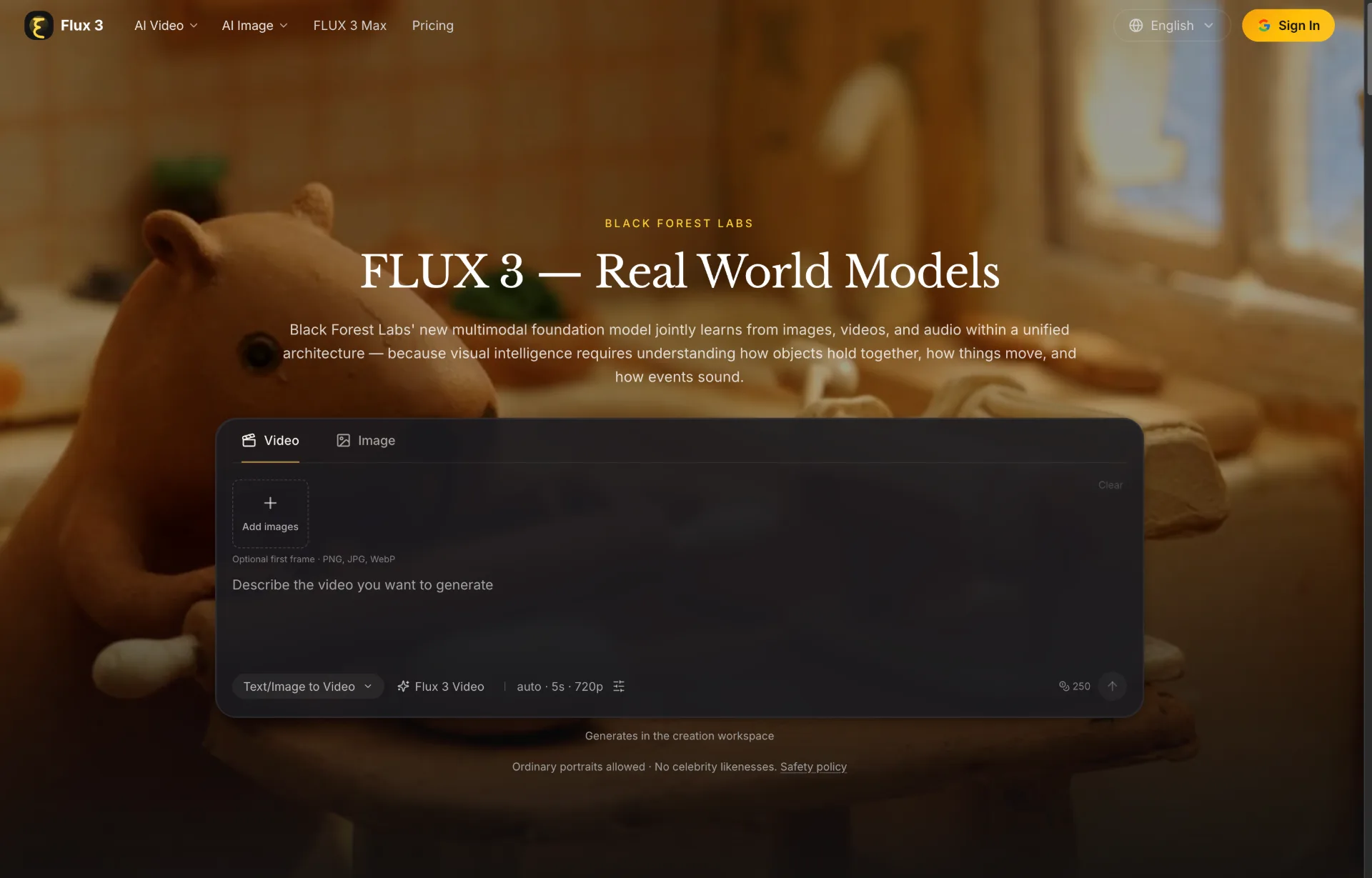
Flux 3 is an independent website for exploring FLUX 3 image and video creation, multimodal AI capabilities, and model developments.
What is FLUX 3
FLUX 3 is a next-generation multimodal foundation model by Black Forest Labs that jointly learns from images, videos, and audio within a unified architecture. Designed as a “real world model,” it focuses on visual intelligence: understanding how objects relate, how things move, and how events sound. With FLUX 3, you can generate and edit cinematic video with native audio, synthesize and refine images, chain multi-shot narratives, and even power action prediction and robotics workflows from the same backbone.
How to use FLUX 3
-
Sign up and access the platform
Visit the FLUX 3 platform and create an account or sign in. Once you are logged in, open the creation workspace where video and image tools are available under the FLUX 3 suite. -
Choose a FLUX 3 tool mode
In the interface, select the specific tool you need, such as:- FLUX 3 Video for text-to-video, image-to-video, and video editing with audio
- Text to Video, Image to Video, Reference to Video, or Video Edit / Video Extend
- Image to Image or Text to Image for image synthesis and editing
- Developer-focused FLUX 3 Dev or FLUX-mimic for action prediction and robotics use cases.
-
Configure video generation with FLUX 3 Video
For video workflows, pick “Flux 3 Video” in the creation workspace.- Set the generation type (Text/Image to Video).
- Adjust basic settings such as duration (for example, auto 5s clips) and resolution (e.g., 720p).
- Optionally upload a first frame or reference image (PNG, JPG, WebP) to guide style, composition, or character appearance.
-
Write or refine your prompt
In the prompt area, describe the scene you want FLUX 3 to generate. Include details about:- Characters, environment, and camera movement
- Lighting, mood, and pacing
- Audio cues, dialogue language, and sound design needs
For reference-based video or image workflows, mention how the reference should influence style, motion, or continuity.
-
Add references for consistency and style control
When using Image to Video, Reference to Video, or Image to Image, upload your reference media. FLUX 3 will carry over:- Character identity and appearance
- Visual style and typography
- Context or layout into new scenes
This is especially useful for marketers, designers, and filmmakers who need coherent multi-shot sequences.
-
Generate and review outputs
Start the generation process and wait for FLUX 3 to render your video or image. Review the result for:- Visual quality and fidelity to your prompt
- Audio synchronization and dialogue alignment
- Character and style consistency across frames or clips
If needed, iterate by editing the prompt, tweaking settings, or changing references.
-
Create multi-shot sequences with agentic chaining
To tell longer stories, chain multiple FLUX 3 clips into a multi-shot sequence. Use:- Visual references from previous clips to keep characters and environments consistent
- Prompt instructions describing scene transitions and narrative flow
FLUX 3’s agentic multi-shot chaining helps maintain coherence across extended narratives and campaigns.
-
Leverage FLUX 3 Image for static content
Switch to FLUX 3 Image when you need still visuals. Specify style (e.g., candid, animation, cinematic), aspect ratio, and text content. FLUX 3 offers strong multilingual text rendering and typography, ideal for marketing visuals, title cards, and social graphics. -
Explore action prediction and robotics with FLUX-mimic and FLUX 3 Dev
For robotics and physical AI teams, use FLUX-mimic and FLUX 3 Dev to:- Fine-tune the video backbone for dexterous manipulation tasks
- Predict actions from real-world video observations
- Integrate the unified model into simulation or production-grade robotic workflows using limited task-specific data.
-
Scale workflows and manage usage
Use the platform’s pricing and credits system to scale across teams and projects. Marketers, creators, and engineering teams can share references, templates, and sequences to standardize visual language and accelerate experimentation across video, image, and action prediction tasks.
FLUX 3's use case
-
Cinematic content and filmmaking
Directors, creators, and filmmakers use FLUX 3 Video to generate cinematic clips with native audio, from candid camcorder-style footage to stylized animation. Multi-shot chaining allows them to build coherent story sequences with recurring characters and environments. -
Marketing campaigns and visual branding
Marketers and visual teams rely on FLUX 3 for rapid campaign ideation, polished variants, and typography-heavy designs. They can ground generations in existing brand references, create multiple layout versions, and quickly adapt visuals and video content for different channels and regions. -
Design, motion graphics, and typography
Designers use FLUX 3 Image and Video to explore new styles, motion treatments, and animated typography. Strong text rendering in multiple languages makes it suitable for posters, banners, product visuals, UI mockups, and animated titles. -
Content repurposing and reference-based workflows
Creators repurpose existing material with Image to Video, Reference to Video, Video Edit, and Video Extend. They can transform static images into animated scenes, extend the length of clips, transfer styles between videos, or maintain character continuity across multiple assets. -
Physical AI and robotics research
Robotics teams apply FLUX 3’s world understanding and action prediction capabilities to dexterous manipulation and control tasks. FLUX-mimic uses the FLUX 3 video backbone as a dynamics-aware foundation, enabling action models that generalize better from limited task-specific datasets. -
Simulation, digital twins, and interactive environments
Engineers and researchers use FLUX 3 Dev as a multimodal backbone for simulation and interactive visual environments. By learning from images, video, and audio, the model powers applications where agents must perceive, predict, and act in both digital and physical settings. -
Multilingual dialogue and sound design
Audio-focused creators leverage FLUX 3’s native audio generation to build scenes with synchronized sound effects, multilingual dialogue, and nuanced facial expressions. This enables fast prototyping of voice-driven narratives, training content, and localized media assets.
Benefits of FLUX 3
-
Unified multimodal architecture
FLUX 3 is built on a single multimodal flow matching model that learns jointly from images, videos, and audio. This unified architecture lets each modality benefit from shared world understanding, improving both generative quality and downstream task performance. -
High-quality video with native audio
The model produces video with synchronized, native audio—including sound effects, speech, and ambience. It supports text-to-video, image-to-video animation, video editing, and video-audio continuation, enabling rich storytelling and efficient content pipelines. -
Robust style diversity and typography
From lo-fi camcorder aesthetics to refined cinematic shots and animation, FLUX 3 handles a broad spectrum of visual styles. Its strong typography and multilingual text rendering make it particularly valuable for branding, product marketing, and graphic-heavy campaigns. -
Agentic multi-shot chaining and consistency
FLUX 3 can chain multiple clips into coherent multi-shot sequences while keeping characters, styles, and visual context consistent. This reduces manual post-production work and supports longer-form narratives, ad sequences, or episodic storytelling. -
Action prediction and robotics-ready backbone
With native action prediction and FLUX-mimic fine-tuned models, FLUX 3 bridges creative content generation and physical AI. Robotics teams benefit from a dynamics-aware video backbone that can be adapted to real-world control and manipulation tasks using relatively small datasets. -
Scalable platform for diverse users
FLUX 3 is built for creators, marketers, designers, researchers, and robotics teams alike. Its phased rollout across FLUX 3 Video, FLUX 3 Image, FLUX 3 Action, and FLUX 3 Dev makes it a flexible backbone for organizations seeking an intelligent creative partner rather than a single-purpose model. -
Strong early benchmark performance
In preliminary 720p text-to-video evaluations, FLUX 3 has been preferred over several leading models in head-to-head comparisons. Its architecture and training approach are designed to keep improving as more data, feedback, and safety refinements are integrated.
Pros
- Strong joint video, image, and audio generation in a single multimodal model.
- Native audio, multilingual dialogue, and expressive facial animation for richer storytelling.
- Powerful style control, typography, and reference-based workflows for brand-consistent content.
- Agentic multi-shot chaining with character and style consistency across longer sequences.
- Built-in path to action prediction and robotics through FLUX 3 Dev and FLUX-mimic.
Cons
- Full image and action capabilities are rolling out in phases, so not all features may be available immediately.
- Advanced workflows (e.g., robotics, action prediction) can require technical expertise and integration work.
- High-quality video and audio generation can be compute-intensive and depend on platform credit limits.
- Safety constraints and content policies may restrict certain use cases or subject matter.
- As a relatively new model family, best practices and ecosystem tools are still maturing.
让更多人发现你的产品。
提交到 Submito发现更多产品

OpenTag
OpenTag is an open source AI coworker that runs on your own machine, connects to Slack and Lark, plugs into tools like GitHub and Notion, and lets you use your preferred AI agents without vendor lock‑in.
Wan API
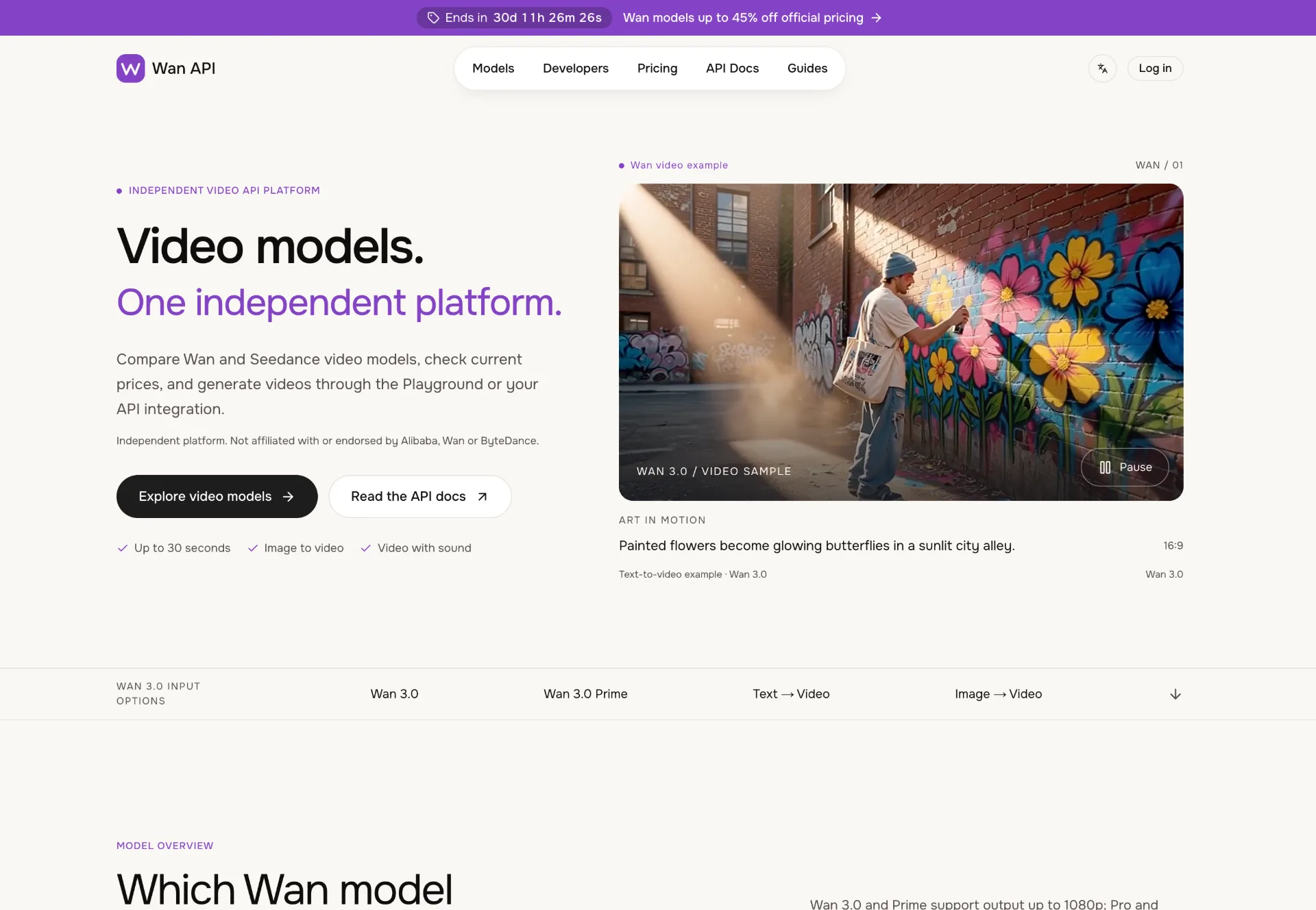
Discover Wan 3.0 video models on Wan API, turn text, images and multimodal references into 1080p–4K clips with generated sound, transparent pricing and a unified playground and API.
JuJuBit
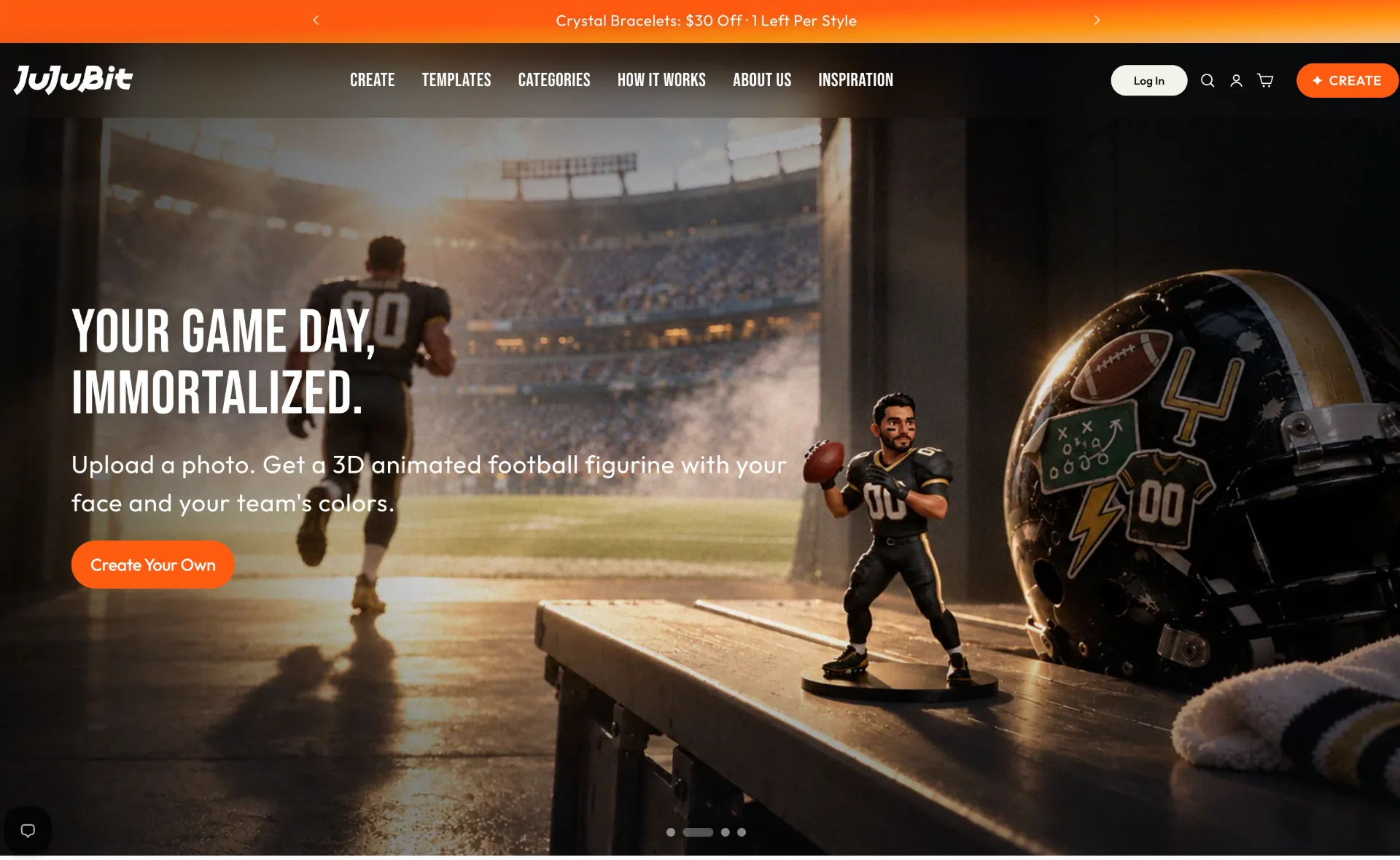
JuJuBit lets you turn photos, sketches and character concepts into custom 3D printed figurines, TRPG miniatures and art toys with fast AI previews, hand‑refined models and worldwide shipping.