

Anyvids
Anyvids is an all‑in‑one AI video and image creation platform that brings every top model and a complete creative toolkit into one place for content creators, designers, and ecommerce teams, helping you go from product to published content fast.
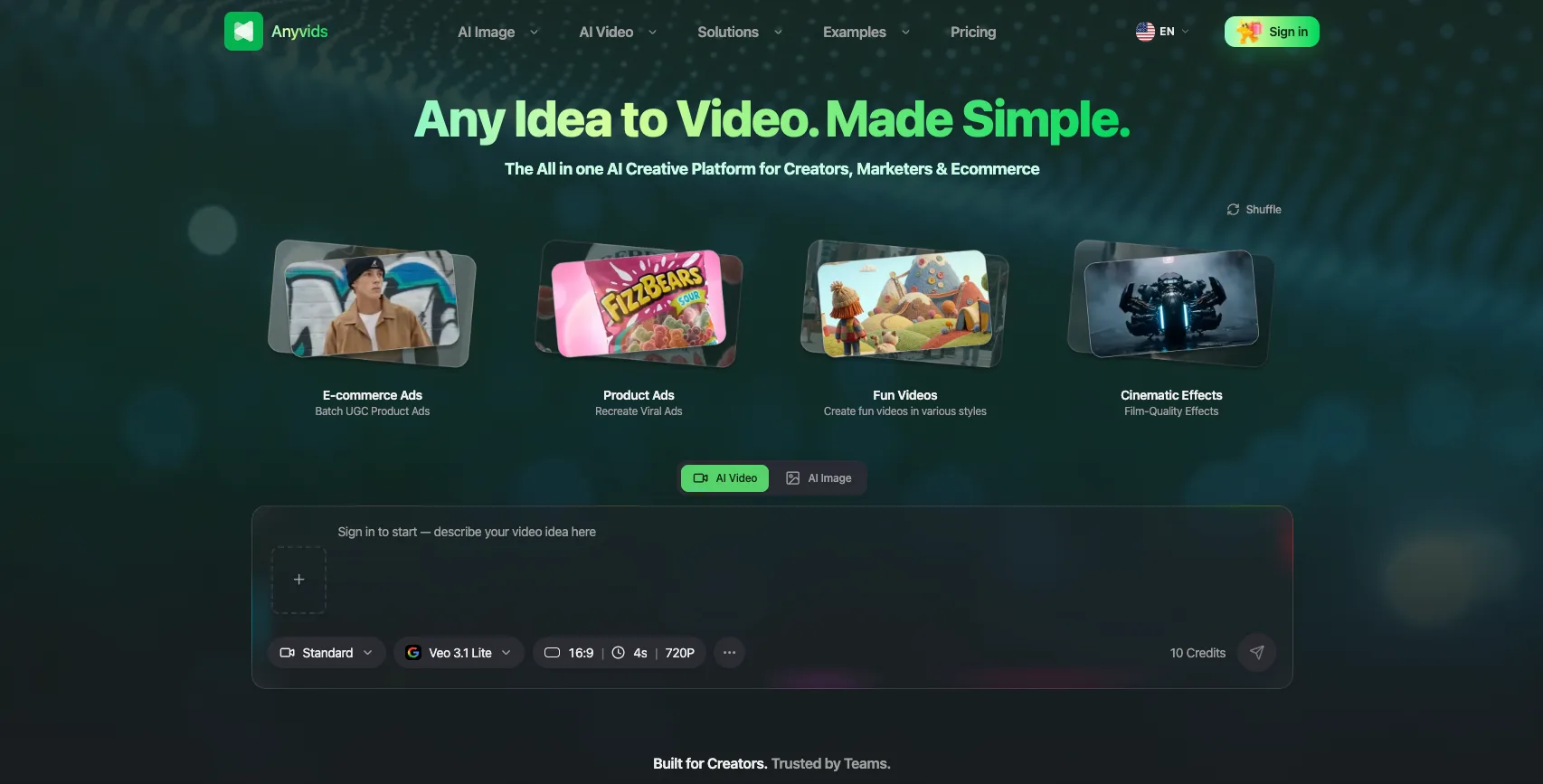
TL;DR: Anyvids is a credit-based AI video and image platform that puts third-party models such as Veo, Kling, Seedance, GPT Image, and Flux behind a single account and interface. Instead of paying for several separate model subscriptions, you get one credit balance plus ready-made tools for product videos, virtual try-ons, ads, and avatars. It suits solo creators, social media managers, and small ecommerce teams who make a lot of visual content and want to compare models without juggling logins.
What is Anyvids & How Does It Work?
Anyvids is a model aggregator with a set of task-specific tools built on top. Its model library covers image generators (GPT Image 2 through 2.6, Nano Banana 2, Flux 2, Grok Imagine Image, and the Seedream family) and video generators (Seedance, Kling, Veo 3.1, Wan, MiniMax H3, Happy Horse, and Gemini Omni). You can pick a model directly and generate from text, a single image, start and end frames, or a reference. Each generation costs credits, and the platform shows the cost before you run it. Price depends on the model, resolution, duration, and number of outputs.
On top of the raw models, Anyvids sorts its tools into three studios. Creative Tools covers general work like text-to-video, image editing, upscaling, background removal, and animation. Commerce Studio is built for sellers, with AI product videos, camera-movement effects, virtual try-on for photos and video, product photography, relighting, and review images. Marketing Studio covers ad generation, avatars, character design, motion control, and a "Creative Cloner" for reproducing a reference creative's style. For many tasks, this means you start from a template-style tool instead of writing a prompt from scratch. Prompt libraries for specific models (for example Kling 4.0, Seedance 2.5, and Seedream 5.5) give you starting points you can adapt.
4 Core Use Cases & Practical Scenarios
- Ecommerce product listings: A small apparel brand needs lifestyle shots and short motion clips for a new product line, but has no photo studio. Upload flat-lay product images to AI Product Photography and the virtual try-on tools, then turn the best still into a short clip with AI Product Video or AI Camera Movement. You end up with a set of listing images plus a looping video, all produced from the same few source photos instead of booking a shoot.
- Testing models side by side: A creator wants to know whether Kling, Veo, or Seedance handles a particular camera move better. Run the same prompt or source image through each model in Image to Video and compare the results in your Assets library. Because every model draws from one credit balance, testing three engines doesn't mean opening three accounts.
- Paid social ad variations: A performance marketer needs a dozen ad creative variants for A/B testing. Use the AI Ad Generator for first drafts, or Creative Cloner to adapt a winning creative's structure to a new product, then export the versions that work. This turns a multi-day design request into an afternoon of generating and picking.
- Course and explainer clips: An online educator wants a short visual intro for each lesson. Write a short scene description in Text to Video, or animate a slide graphic with Image to Video, then add the voiceover in your usual editor. Each lesson gets a custom visual without hiring a motion designer.
Getting Started: Step-by-Step Workflow
- Create an account: Sign in from the homepage. New accounts get free credits, so you can test outputs before you pay for anything.
- Pick a tool or a model: Choose a task-based tool (such as AI Product Video) if you know the result you want, or open a specific model page if you're comparing engines. The model-specific prompt libraries are a quick way to start.
- Set inputs and check the cost: Enter a prompt or upload images, then choose resolution, duration, and output count. The credit cost appears before you generate, so lower the settings for draft passes.
- Generate, review, and download: Jobs keep running if you leave the page, and results appear under Create or Assets. If a generation fails, the credits come back to your account within 24 hours. Free outputs carry a watermark.
Anyvids Pros & Cons: An Honest Look
Pros:
- One balance for many models: You can try Veo, Kling, Seedance, Flux, and GPT Image models without managing separate subscriptions. That cuts down on budgeting and account management for anyone who switches models depending on the job.
- Commerce-specific tools: Try-on, relighting, product photography, and review-image tools speak directly to how online sellers work. You spend less time writing prompts to reproduce standard product-shot setups.
- Clear credit rules: Costs are shown before each generation, failed jobs are refunded, and add-on credits never expire. That makes spending easier to predict than on platforms that charge for failed renders.
Cons:
- Subscription credits don't roll over: Monthly credits reset at the end of each billing cycle. Creators who work in bursts may pay for credits they never use unless they rely on non-expiring add-on packs instead.
- Tiered model access and no editing depth: The entry Lite plan only unlocks a limited set of models and tools, and it runs one task at a time. The site also doesn't advertise a timeline editor or integrations with Premiere, Canva, or Shopify, so finished assets still have to be moved into other tools by hand.
Who Should Use Anyvids (And Who Shouldn't)?
- Best For: Small ecommerce teams who need a steady supply of product photos, try-on images, and short videos without a studio budget. It also suits social media managers and solo creators who want to pick the best model for each clip from one dashboard.
- Skip If: You need a full editing suite with multi-track timelines, collaboration, and frame-level control; a dedicated tool like Runway is a better fit. Also skip it if you only ever use one model, since paying that provider directly may be simpler.
Anyvids vs. Top Alternatives
| Criteria | Anyvids | Runway | Higgsfield |
|---|---|---|---|
| Primary Focus | Many third-party image and video models plus commerce and marketing tools | Its own video models plus in-browser editing tools | Cinematic video effects and camera presets built on multiple models |
| Ease of Use | Task-based tools and prompt libraries make it beginner-friendly | Moderate; deeper controls take time to learn | Easy for presets; less flexible for custom work |
| Pricing Model | Free credits, monthly or annual credit plans, add-on packs | Free tier, credit-based subscriptions | Credit-based subscriptions |
| Best For | Sellers and creators comparing models | Filmmakers and editors | Social video creators chasing stylized shots |
Anyvids stands out for ecommerce workflows and for comparing models in one place, while Runway is the stronger pick for editing-heavy production. Higgsfield overlaps on multi-model access but leans toward cinematic effects rather than product content.
Anyvids Pricing & Value for Money
The pricing page lists three monthly subscriptions. Lite costs $15/month for 300 credits, enough for about 30 Veo 3.1 Lite 720p clips or 75 GPT Image 2.6 1K images. It includes limited models and tools and one concurrent task. Pro costs $45.90/month for 1,500 credits, with access to every model and tool, three concurrent tasks, priority support, and 35% off credit packs. Premium costs $119.90/month for 5,000 credits, six concurrent tasks, and 50% off credit packs. Every paid plan removes watermarks, skips the queue, keeps your videos private, and includes a commercial license. Annual billing is also available. Paid users can buy add-on packs (600 credits for $30 before plan discounts), and those credits never expire. There's a free plan, but its outputs are watermarked and it doesn't include commercial rights.
For indie makers, the Lite plan is an affordable way to test the platform, but Pro is where the value improves. It roughly halves the cost per credit and unlocks the full model library. Compared with paying for several model providers separately, one Pro plan is usually cheaper for anyone who switches models often. The main catch is that subscription credits expire each cycle. Refunds on subscription credits are only available within 3 days of the first purchase, and only if you meet the eligibility criteria.
Anyvids Frequently Asked Questions (FAQ)
1. Is Anyvids free to use, or is there a free trial?
Anyvids has a free plan, and new sign-ups get free credits for trying images and videos. Free outputs carry a watermark and don't come with a commercial license. To get watermark-free downloads, private visibility, and commercial use, you need a paid plan starting with Lite.
2. How does Anyvids compare to Runway?
Runway is built around its own video models and editing tools, which suits filmmakers who need fine control. Anyvids gives you access to many outside models, including Veo, Kling, and Seedance, along with product and ad tools. Pick Runway for editing depth, and Anyvids for model variety and ecommerce content.
3. Is Anyvids suitable for beginners?
Yes, it's one of the easier options in this category. Task-based tools like AI Product Photography and AI Ad Generator reduce how much you need to know about prompting, and model-specific prompt libraries give you working examples. Showing the credit cost upfront also makes it hard to overspend by accident while you learn.
4. What are the best alternatives to Anyvids?
Runway is a strong choice for editing-focused video production, and Higgsfield suits creators who want cinematic camera effects. Krea and OpenArt are worth a look if you mainly generate images. If you rely on a single model, subscribing to that provider directly can be simpler.
让更多人发现你的产品。
提交到 Submito发现更多产品
Tavoa AI
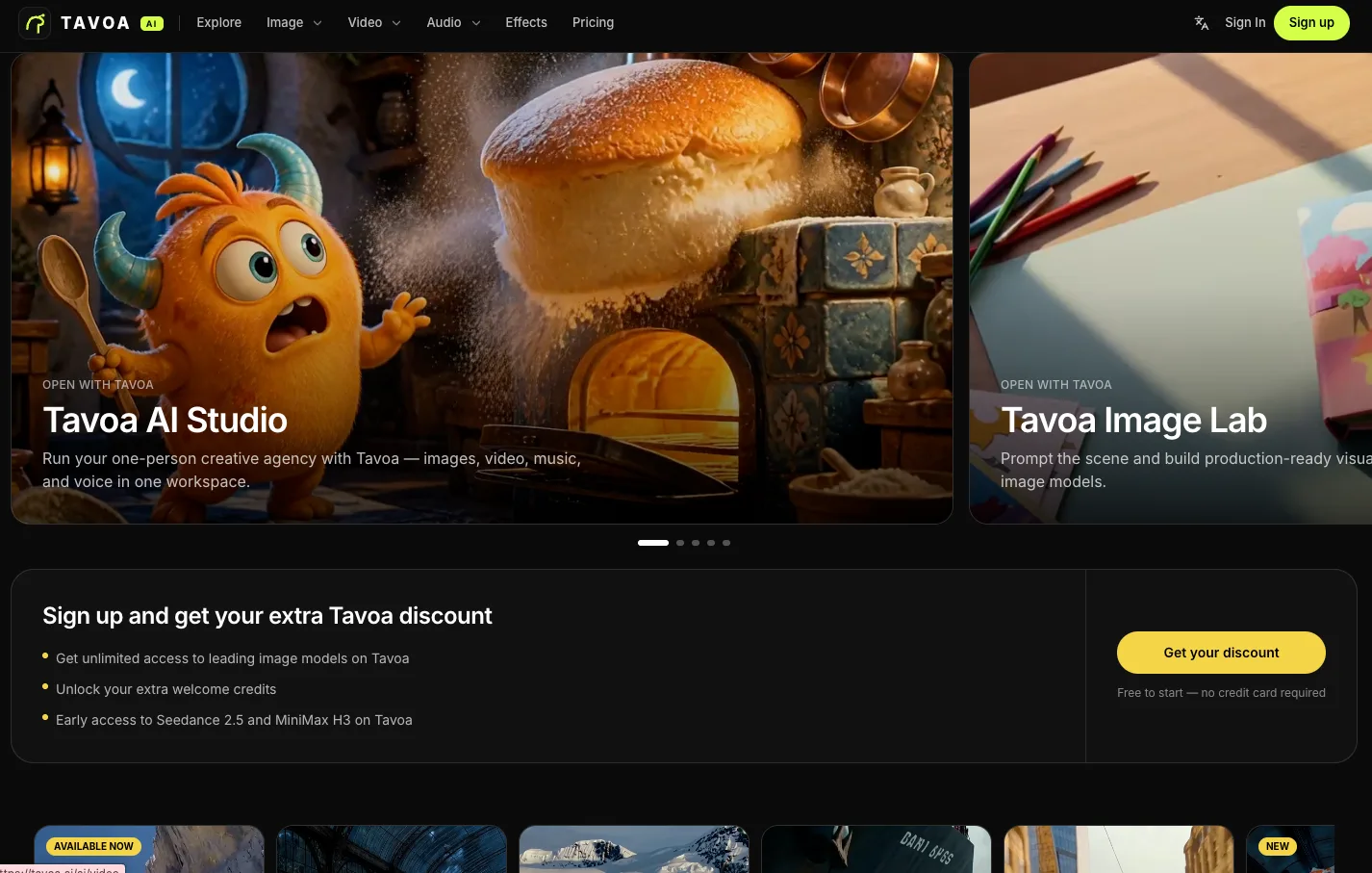
Tavoa AI brings Seedance, Kling, Veo, and other video and image models into one credit-based workspace, so creators can test outputs without juggling apps.
AI Attractiveness Test
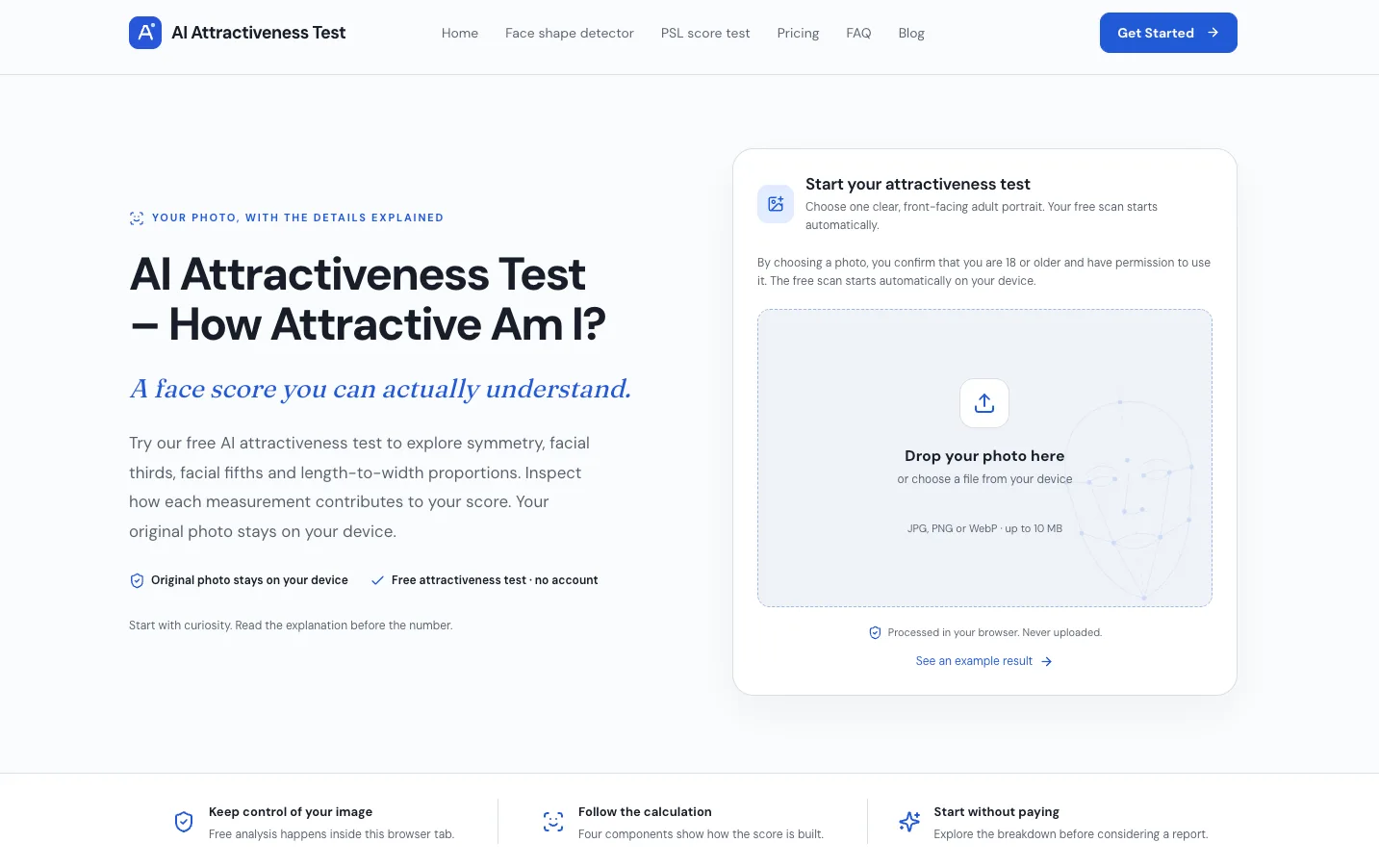
Analyze facial symmetry, thirds, fifths, and proportions directly in your browser. Your photo stays on your device with a transparent 0–100 harmony breakdown.
Viral Video AI
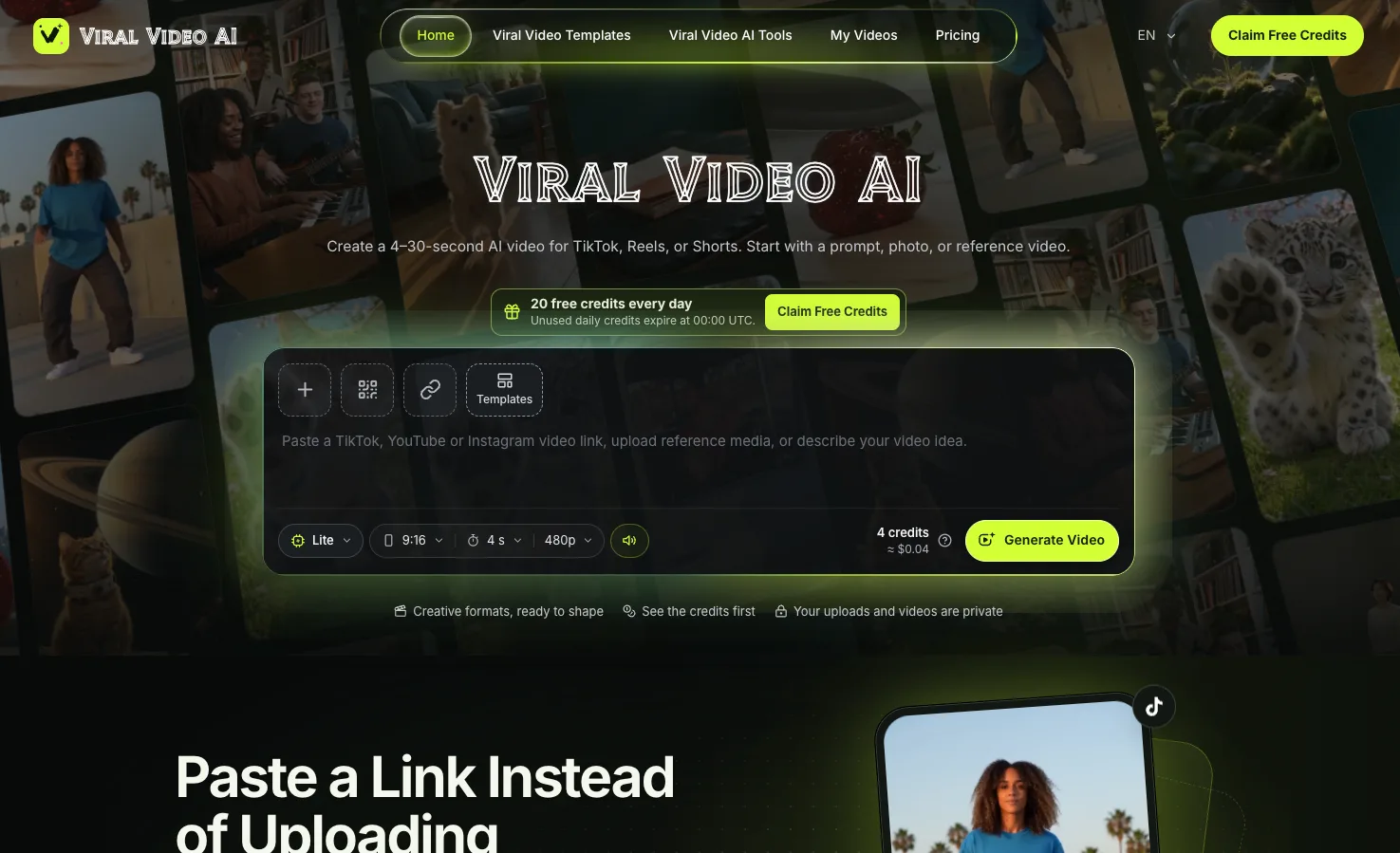
Viral Video AI helps creators, social media teams and small businesses make short videos for TikTok, Instagram Reels and YouTube Shorts. Paste a public TikTok, YouTube or Instagram video link, preview it as a reference and describe your own take. You can skip manually downloading and re-uploading the clip. Pick a trending template and add your photo, or start with a text prompt, photos or a reference video. Check the credit estimate before generating, then preview and download the result. Basic supports clips up to 15 seconds. Pro supports clips up to 30 seconds and resolutions up to 1080p. Template settings vary.