

2027 New Year AI
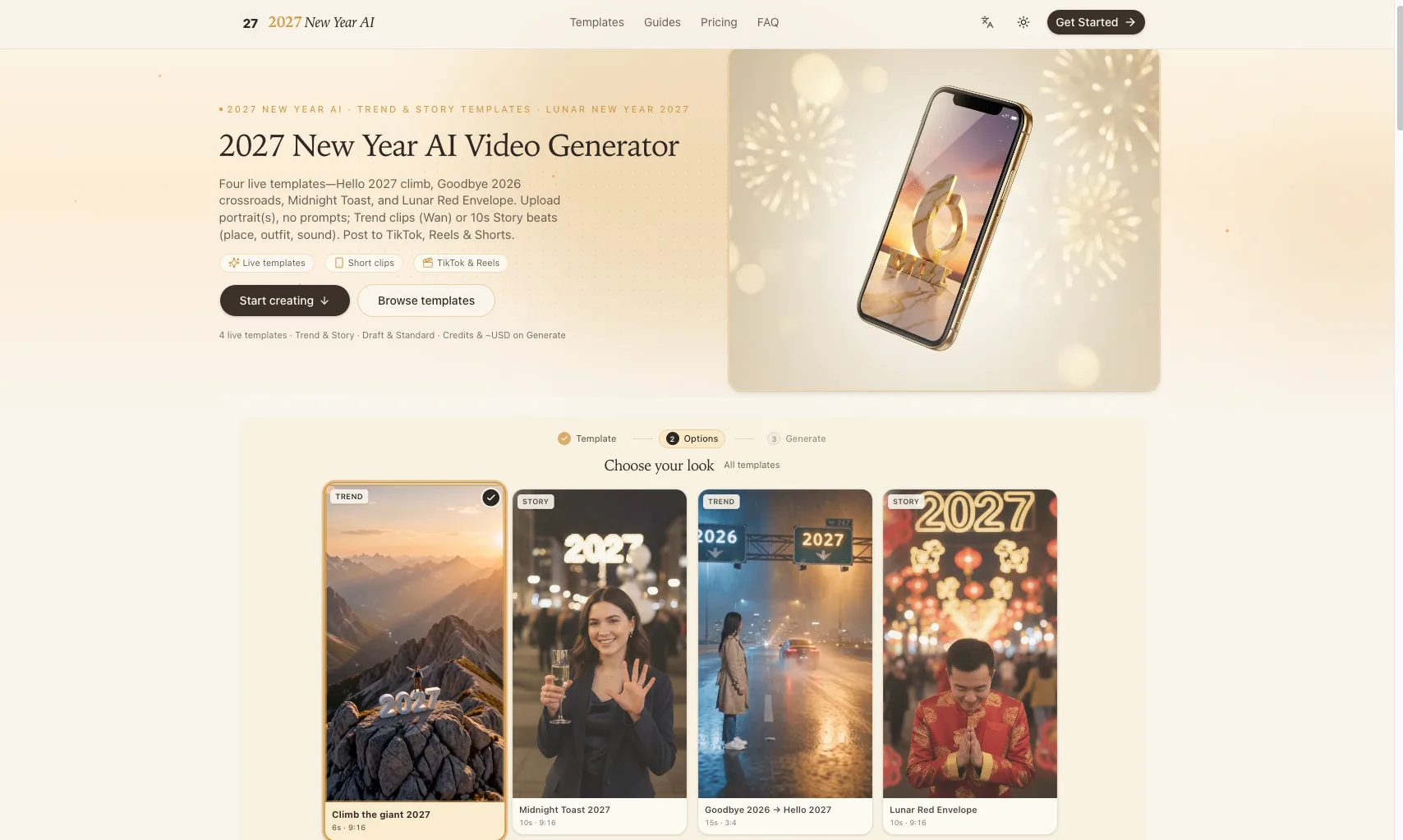
2027 New Year AI lets you upload portraits, pick live Trend or Story templates, and instantly generate short Hello 2027, Goodbye 2026, Midnight Toast, and Lunar Red Envelope videos ready to share on TikTok, Reels, and Shorts.
What is 2027 New Year AI
2027 New Year AI is an online AI video generator focused on New Year and Lunar New Year 2027 greetings. You upload one or more portrait photos, choose from live templates like Hello 2027 climb, Goodbye 2026, Midnight Toast, or Lunar Red Envelope, and the tool automatically creates short vertical MP4 clips tailored for TikTok, Instagram Reels, and YouTube Shorts—no text prompts required.
How to use 2027 New Year AI
-
Open the studio and browse templates
Visit the 2027 New Year AI website and enter the studio from the homepage. Browse the live templates section or open the Templates page to see all current New Year and Lunar New Year 2027 looks, including Trend and Story formats. -
Choose a 2027 New Year AI template
Decide which concept fits your post. Pick from options like “Climb the giant 2027,” “Goodbye 2026 → Hello 2027,” “Midnight Toast 2027,” or “Lunar Red Envelope.” Check each template’s duration (6s, 10s, or 15s) and aspect ratio (mainly 9:16, plus 3:4 for Goodbye 2026). -
Select Trend or Story style
For quick meme-style edits, choose a Trend template that follows a reference motion. For more narrative videos, choose a Story template with fixed 10‑second beats where you define place, outfit, and sound. -
Upload portrait photos
Click the upload area inside your chosen template. Add one clear portrait for solo variants, two separate photos for duo variants, or a pet photo for pet-specific versions. Ensure the face is visible, avoid sunglasses or heavy filters, and only use adults who consent or your own pet as required. -
Configure Story options (if applicable)
For Story templates, select the scene details: pick the place, outfit style, and audio. These options control how the 10‑second beats are composed around your uploaded portrait(s). -
Choose Draft or Standard quality
Decide between Draft and Standard. Draft uses fewer credits and is ideal for quick previews or tests, while Standard uses more credits for higher quality, polished outputs. The interface will display credits required for each option. -
Review credits and estimated cost
Before you generate, check the credits cost for that run and the approximate price in USD based on your current credit pack rate. Credits always appear on the Generate screen so you know exactly what you are about to spend. -
Sign in and purchase credits if needed
Sign in or create an account. If you do not have enough credits, choose a credit pack such as Single Clip, Triple Post, or Creator Bundle. Credits are valid for 365 days and can be used on any live template. -
Generate your 2027 New Year AI video
Click Generate with your chosen quality. The system will process your photos using Alibaba Wan 3.0 (for Trend reference videos) or keyframe compose plus Kling 4.0 (for Story templates). Wait for the render to complete; processing time varies by template length and quality. -
Preview, reshoot, or confirm
Watch the generated clip. If you used Draft or want a different variation, adjust your photo, options, or template and generate again using your credits. When satisfied, proceed to download. -
Download the MP4 file
Save the finished video as an MP4. Files are optimized primarily for vertical viewing, so they are ready for short‑form platforms without extra editing. -
Label and share on social platforms
When uploading to TikTok, Instagram Reels, or YouTube Shorts, follow platform rules and label the content as AI-generated when required. Add hashtags like #HappyNewYear2027 or #LunarNewYear2027 if they fit your post strategy and publish.
2027 New Year AI's use case
-
Personal New Year greetings for social media
Individuals who want to send fun, cinematic New Year or Lunar New Year 2027 greetings featuring their own face can quickly generate short videos for TikTok, Reels, and Shorts without any editing skills. -
Goodbye 2026 / Hello 2027 recap posts
Creators marking the turning of the year can use the “Goodbye 2026 → Hello 2027” template for transition-style content that symbolically leaves the old year behind and welcomes the new one. -
Lunar New Year red envelope content
Users celebrating the Lunar New Year can generate themed “Lunar Red Envelope” videos, turning a traditional symbol into an engaging, shareable clip that can accompany digital hongbao or festive messages. -
Brand and creator seasonal campaigns
Brands, influencers, and small businesses can use the templates to produce a batch of on‑brand season’s greetings, Midnight Toast shout‑outs, or Hello 2027 promos customized with different team members or ambassadors. -
Pet‑focused holiday clips
Pet owners can choose pet variants to place their animals into playful New Year scenes, perfect for novelty posts, pet accounts, or lighthearted seasonal engagement.
Benefits of 2027 New Year AI
-
Template‑driven, no‑prompt workflow
Users do not need to craft or optimize prompts. The experience is driven entirely by curated live templates, so anyone can produce stylish results just by uploading portraits and choosing options. -
Optimized for short‑form video platforms
Most outputs are 9:16 vertical MP4s, with an additional 3:4 option, making them ideal for TikTok, Instagram Reels, and YouTube Shorts without resizing or manual editing. -
Clear, upfront credit pricing
Every generate action shows its credit cost and approximate USD equivalent before you confirm, so there are no surprise charges and you can plan runs within your credit balance. -
Flexible quality and reshoot options
The Draft versus Standard system lets you test looks with fewer credits and then commit to higher quality once you are happy. Credit packs like Triple Post or Creator Bundle support multiple reshoots and template mixes. -
Season‑specific creative variety
With multiple live templates covering Hello 2027 climbs, Goodbye 2026 transitions, Midnight Toast scenes, and Lunar Red Envelope stories, the studio offers varied creative directions within a single, focused seasonal theme.
Pros
- Focused set of polished New Year and Lunar New Year 2027 templates designed for short‑form social platforms.
- Simple, prompt‑free workflow where users only need to upload portraits and pick from guided options.
- Transparent credit system with clear per‑run costs and long‑lasting credit validity.
- Multiple quality tiers and credit pack sizes to match casual users, frequent posters, and creators.
- Support for solo, duo, and pet variants, increasing the range of possible clips.
Cons
- Limited to New Year and Lunar New Year 2027 themes, so it is not a general‑purpose video maker.
- Requires purchasing credits; there is no indication of unlimited use or always‑on no‑cost generation.
- Outputs are constrained by predefined templates, offering less granular control than full custom editing tools.
- Dependence on AI models means occasional generation failures or results that need reshoots.
- Adults only for human portraits and specific rules for pets and children may restrict some use cases.
让更多人发现你的产品。
提交到 Submito发现更多产品
SeedRouter
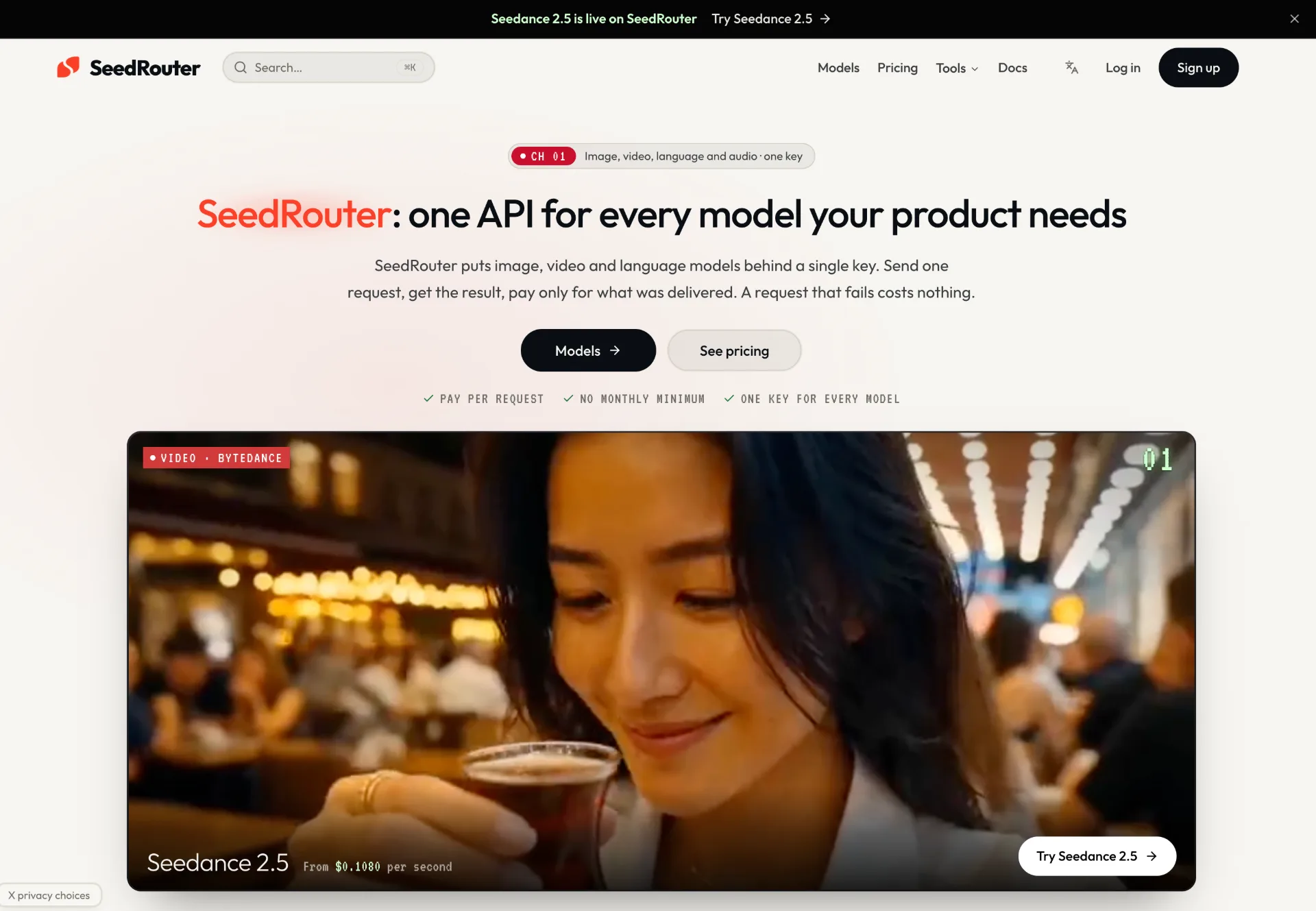
SeedRouter offers a single, pay-per-request API key to access image, video, language and audio models from providers like OpenAI, Anthropic, Google, Meta and more, with transparent pricing and one production-ready dashboard.
OpenTag
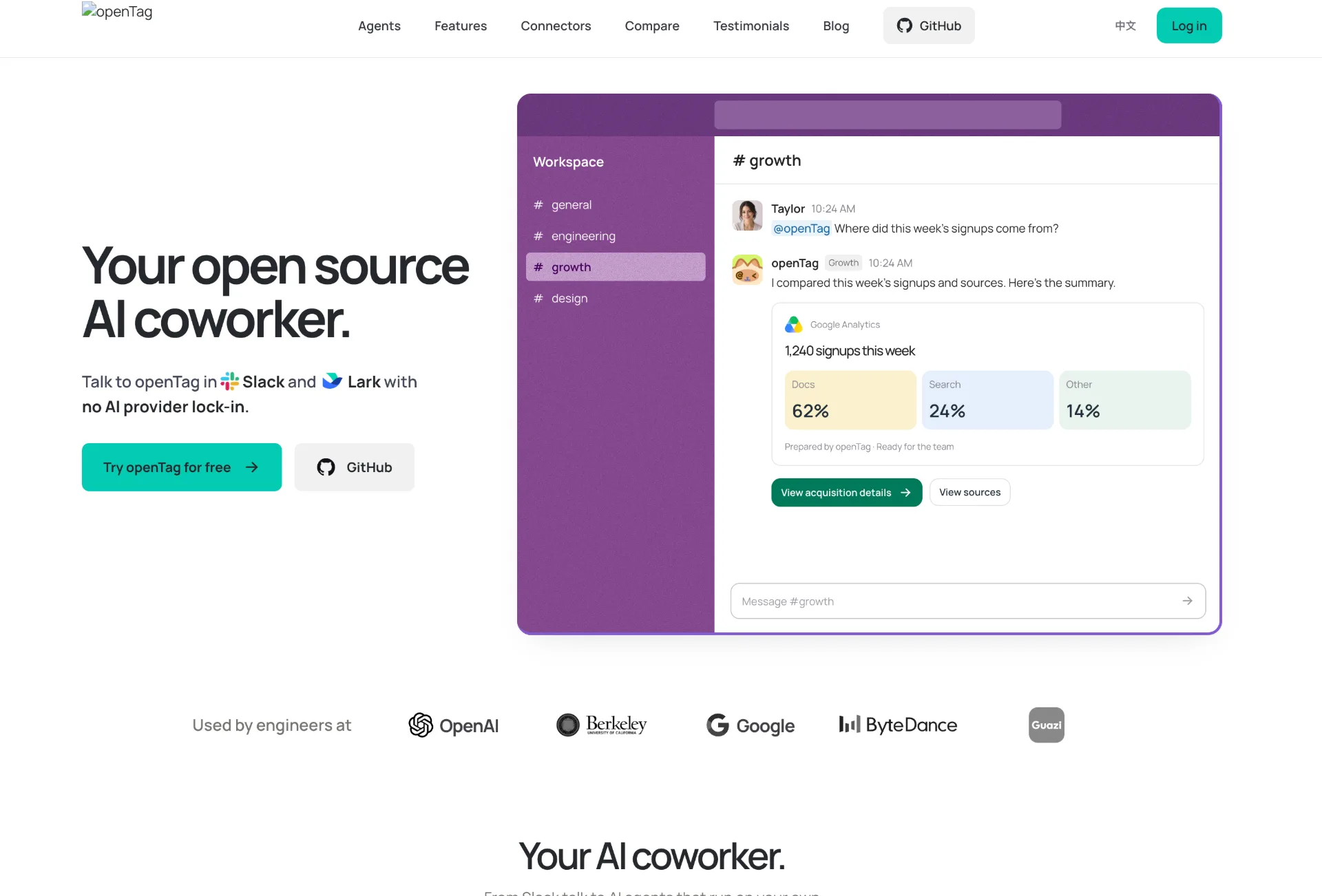
OpenTag is an open source AI coworker that runs on your own machine, connects to Slack and Lark, plugs into tools like GitHub and Notion, and lets you use your preferred AI agents without vendor lock‑in.
Wan API
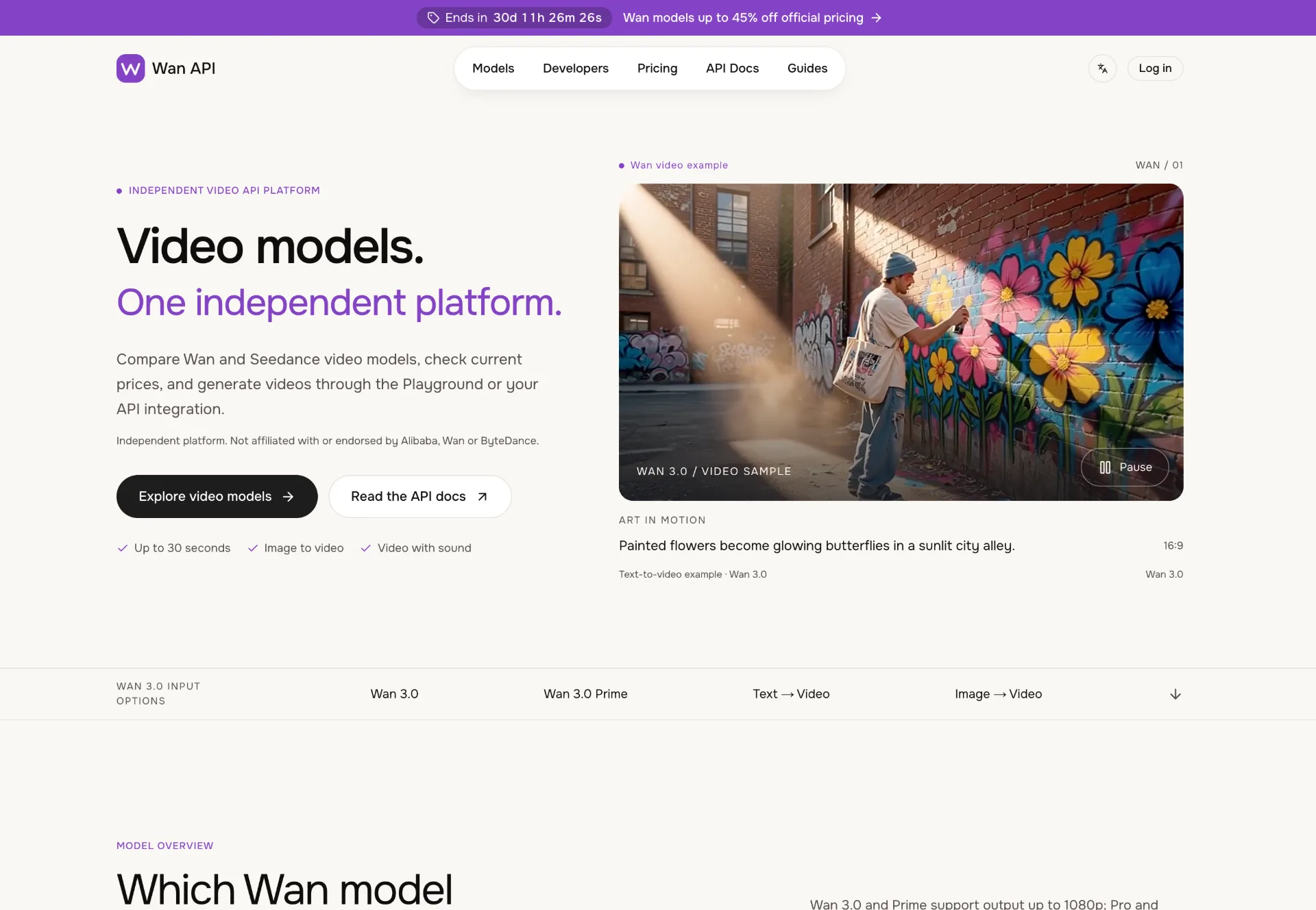
Discover Wan 3.0 video models on Wan API, turn text, images and multimodal references into 1080p–4K clips with generated sound, transparent pricing and a unified playground and API.