

Viral Video AI
Viral Video AI helps creators, social media teams and small businesses make short videos for TikTok, Instagram Reels and YouTube Shorts. Paste a public TikTok, YouTube or Instagram video link, preview it as a reference and describe your own take. You can skip manually downloading and re-uploading the clip. Pick a trending template and add your photo, or start with a text prompt, photos or a reference video. Check the credit estimate before generating, then preview and download the result. Basic supports clips up to 15 seconds. Pro supports clips up to 30 seconds and resolutions up to 1080p. Template settings vary.
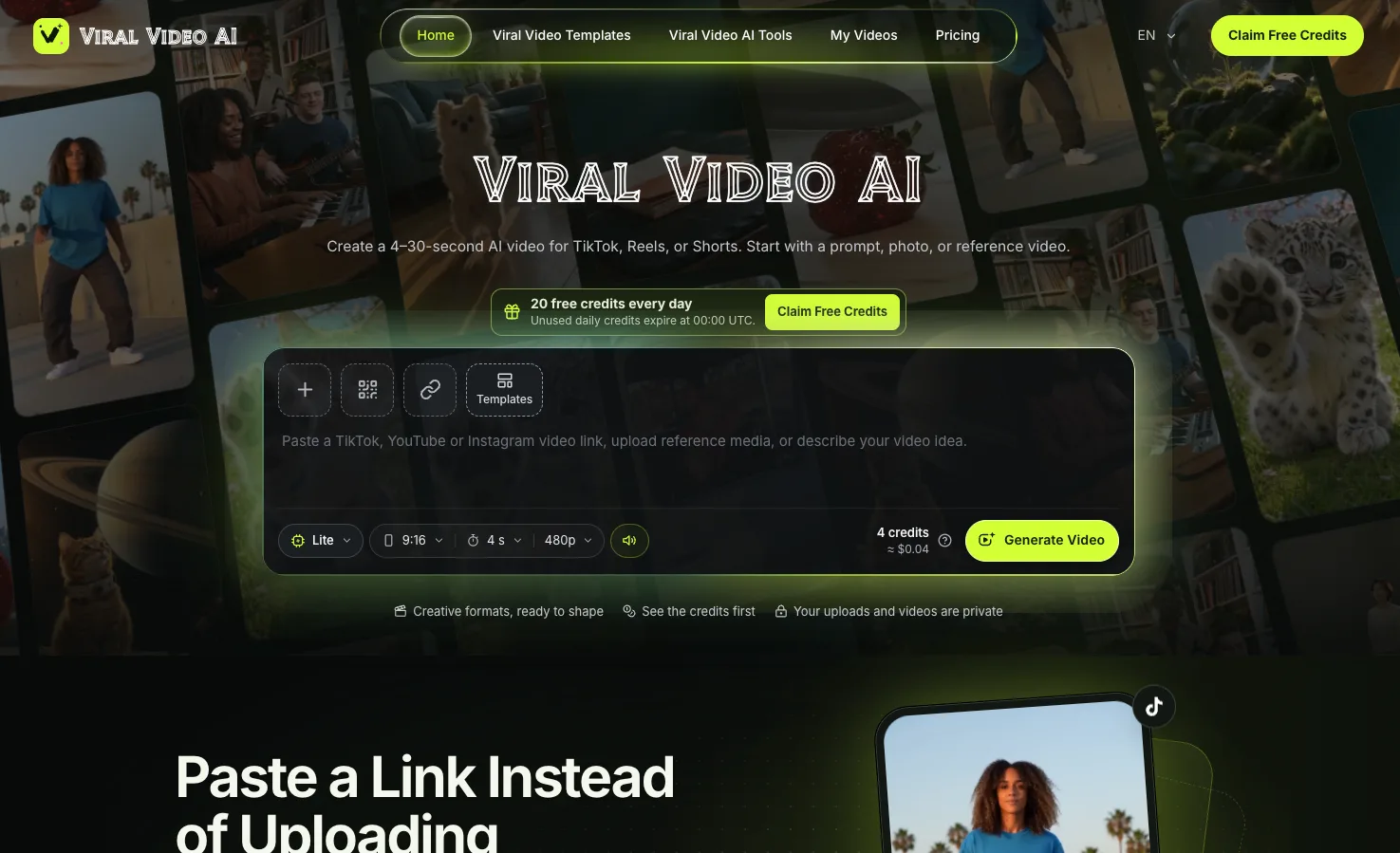
TL;DR: Viral Video AI is a browser-based AI video generator that creates short vertical clips from a text prompt, up to 30 photos, a reference video, or a ready-made trend template. It removes the filming and editing work behind a typical TikTok, Reel, or Short, and shows the credit cost before you commit to each generation. It's best for social creators, small brands, and indie marketers who want one original short clip quickly, not people who need to edit long footage.
What is Viral Video AI & How Does It Work?
Viral Video AI makes new short videos, between 4 and 30 seconds long, for vertical social feeds. You can start in four ways: describe a scene in text, upload photos, paste a public TikTok, YouTube, or Instagram link to use as a motion reference, or pick a template from its trend library (dance routines, pet reactions, GTA-style portrait scenes, meme formats, and more). The inputs do different jobs. A single photo can set the first frame, extra photos guide appearance, and a reference video guides movement. The site says plainly that results won't exactly match a reference. Appearance, timing, and audio can all vary.
The generator works on credits. You choose a generation model (Lite, Basic, or Pro), an aspect ratio, a duration, a resolution (480p, 720p, or 1080p on Pro), and whether you want generated "native audio." The credit estimate updates live as you change these settings, and a longer reference video also raises the cost. The cheapest default setup, a 4-second 480p Lite clip, costs 4 credits, about $0.04. Finished videos show up in a private My Videos library and download as MP4 files. A QR code lets you send media from your phone to the desktop generator and send the finished clip back to your phone.
4 Core Use Cases & Practical Scenarios
- Pet content for a personal or brand account: A creator wants a funny clip of their dog without filming dozens of takes. They upload one clear photo, use it as the first frame, and write a simple action prompt such as "curious head tilt, two gentle side-to-side shuffles, locked full-body shot." The result is a 5–8 second vertical clip in minutes, not an afternoon of chasing a pet around with a phone.
- Joining a trend with a template: A small business owner wants to join a dance or meme trend without learning the choreography. They open a template like the solo Dougie dance or the Wassup in a Minute lakeside dance, play the sample, upload one full-body photo, and generate. Templates come with movement, and sometimes length and audio, already set, so the main jobs left are choosing a good photo and checking the output.
- Product reveal for an indie store: A maker selling handmade goods needs a short hero shot for Reels. They upload a product photo, describe one reveal move (a slow rotation, a lid opening, a slice through the product), and choose 720p with audio turned off so they can add licensed music later in an editor. This replaces a lighting setup and a stop-motion session with a single credit-priced generation.
- Reworking a reference clip into an original version: A social media manager sees a public Short with camera movement they like. They paste the link, preview it, and write a new subject and setting, so the reference guides the motion while their own photos guide how things look. They get a new clip with similar motion and their own content, without downloading and re-uploading the source.
Getting Started: Step-by-Step Workflow
- Claim your daily credits: Sign in from the homepage to get 20 free credits per day. Free credits apply to Lite videos, and unused ones expire at 00:00 UTC.
- Choose an input: Type a prompt, add photos with Add Media (JPEG, PNG, or WebP up to 10 MiB each), paste a public video link, or open a template. If you use a reference video, you need to add at least one image too.
- Set the parameters and check the quote: Pick the model, aspect ratio, duration, resolution, and audio, then watch the credit estimate before you select Generate Video. A good first test is one simple action at a low resolution.
- Review and download: Play the whole clip and check the motion, subject details, and sound before downloading the MP4. If your connection drops, look in My Videos before paying for another generation.
Viral Video AI Pros & Cons: An Honest Look
Pros:
- Costs are visible before you generate: The live credit estimate shows exactly what each setting change costs. For anyone on a tight content budget, this prevents surprises at the end of the month.
- Flexible inputs in one workspace: Text, photos, a pasted reference link, and templates all feed the same generator. You don't need separate tools for image-to-video and video-to-video work.
- Built for short social clips: The composition guides for TikTok, Reels, and Shorts, the PNG cover-frame picker in the Reels tool, and the reminders about AI-disclosure rules all point at one job. That focus keeps the interface simpler than general-purpose AI video suites.
Cons:
- Limited audio control: The general tools don't support uploading your own song, matching a specific voice, precise lip sync, or syncing to a beat. Musicians or creators who depend on audio timing will have to finish their clips in a separate editor.
- No editing after generation: There's no timeline, scene-by-scene revision, or audio mixer, so if a result is off, you generate it again and spend more credits. Clips are also capped at 30 seconds, even on the Pro model.
Who Should Use Viral Video AI (And Who Shouldn't)?
- Best For: Solo creators who post daily and want quick, original pet, dance, or meme clips, plus indie e-commerce sellers who need short product reveals without a studio. Both groups can run it in a browser next to a basic editor like CapCut.
- Skip If: You need to cut highlights out of long recordings such as podcasts or streams (a clip editor fits that better), or you need detailed scene-by-scene control of a longer story with voiceover (a scene-based tool or a full editing suite fits that better).
Viral Video AI vs. Top Alternatives
| Criteria | Viral Video AI | Runway | Pika |
|---|---|---|---|
| Primary Focus | Short vertical social clips from prompts, photos, references, and trend templates | General generative video and AI editing tools for creative work | Short AI clips and stylized effects from text and images |
| Ease of Use | Very easy; templates and live cost quotes guide beginners | Moderate; more controls and a steeper learning curve | Easy; simple prompt-driven interface |
| Pricing Model | Daily free credits, one-time packs, and non-renewing monthly or yearly credit plans | Free starter credits, then subscription tiers | Free credit allowance, then subscription tiers |
| Best For | Trend-driven TikTok, Reels, and Shorts content | Filmmakers and teams that need broader creative control | Playful short-form experiments and effects |
Viral Video AI is the easiest of the three when your goal is a trend-style vertical clip with a known cost. If you need more cinematic control or editing depth, Runway is the stronger option.
Viral Video AI Pricing & Value for Money
The pricing page lists a Free tier with 20 credits a day for Lite videos, which expire daily at 00:00 UTC. At the default 4-credit cost, that's about five of the cheapest 4-second Lite clips per day. Paid options are Starter at $19/month for 1,900 credits, Pro at $49/month (shown discounted to $45) for 4,900 credits, and Studio at $99/month (shown discounted to $90) for 9,900 credits. Yearly billing is advertised at 30% off, and a one-time credit pack whose credits never expire is also available. Monthly credits last 30 days, yearly credits last 365 days, and no purchase renews automatically. Credits from confirmed failed generations are returned.
For indie makers, the non-renewing plans and the one-time pack are a real advantage. You won't keep paying for a subscription you forgot about, and a light user can buy a pack and use it over time. Credits work out to roughly one cent each, so the cost of a clip depends mostly on length, resolution, and model, and the live estimate shows that before you generate. The real cost to watch is retries. Because outputs vary, plan for a few attempts on complex prompts.
Viral Video AI Frequently Asked Questions (FAQ)
1. Is Viral Video AI free to use, or is there a free trial?
Viral Video AI has a free tier that gives signed-in users 20 credits every day, usable for Lite videos. Unused daily credits expire at 00:00 UTC, so they don't build up over time. Higher-quality models, longer clips, and higher resolutions need purchased credits through a monthly, yearly, or one-time plan.
2. How does Viral Video AI compare to Runway?
Viral Video AI focuses on short vertical social clips, with trend templates, feed composition guides, and an up-front credit quote for each generation. Runway is a broader creative suite with more controls, aimed at filmmakers and production teams. If your main output is TikTok or Reels content, Viral Video AI is quicker to learn. For cinematic projects, Runway gives you more control
Help more people discover your product.
Submit to SubmitoMore to discover
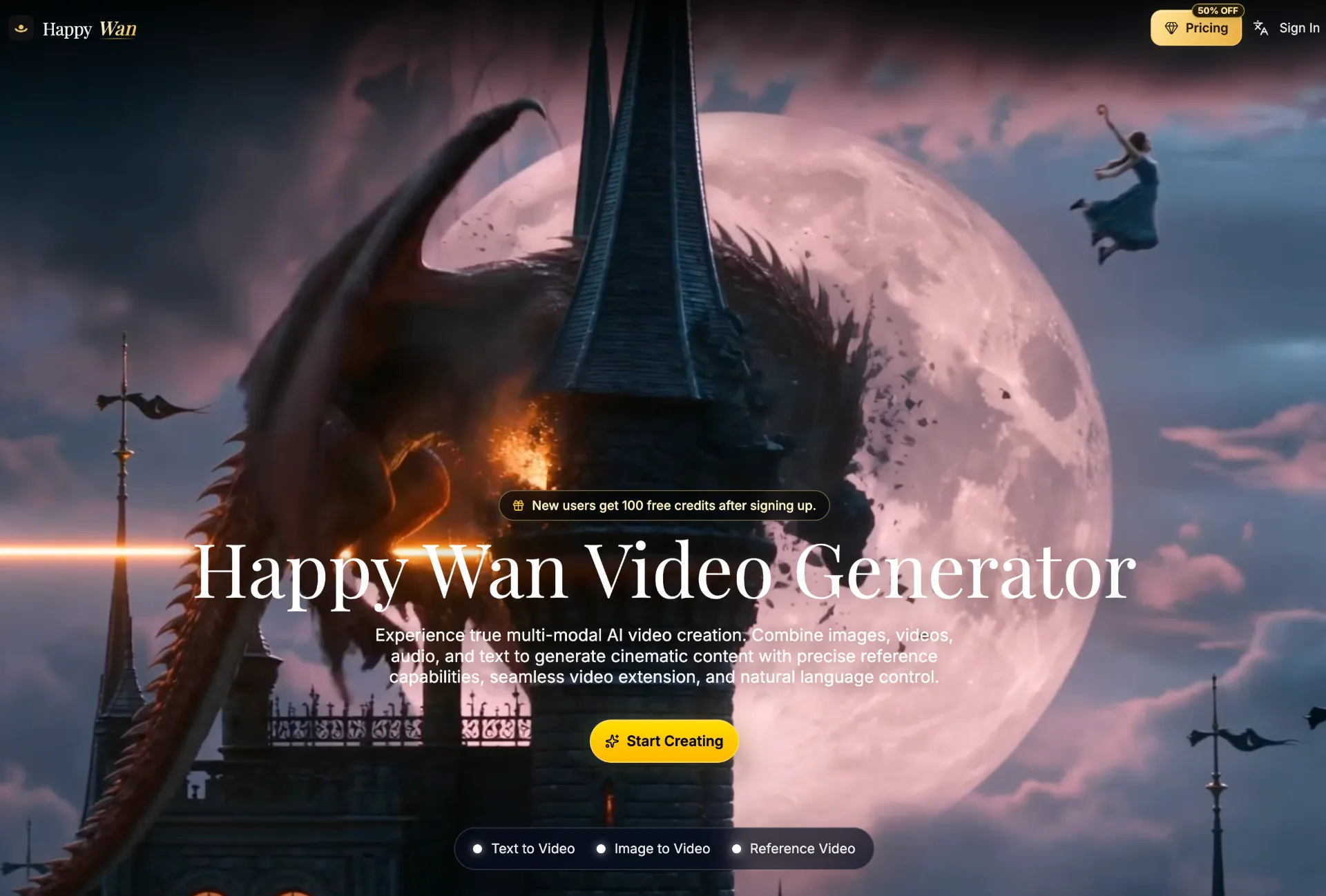
Happy Wan
Happy Wan turns text, images, clips, and audio into videos up to 30 seconds, with @ tag references to keep characters consistent across shots.
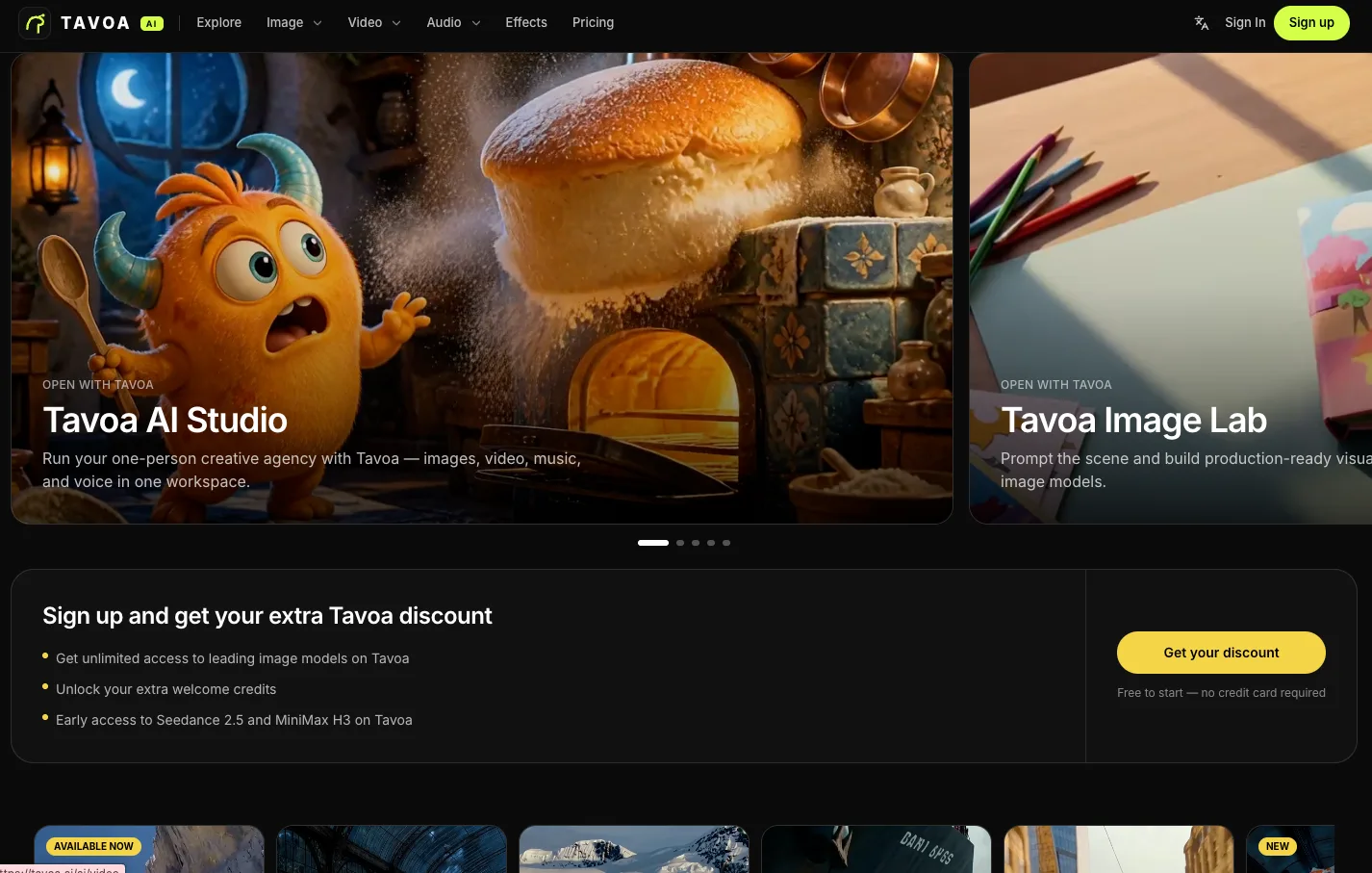
Tavoa AI
Tavoa AI brings Seedance, Kling, Veo, and other video and image models into one credit-based workspace, so creators can test outputs without juggling apps.

AI Attractiveness Test
Analyze facial symmetry, thirds, fifths, and proportions directly in your browser. Your photo stays on your device with a transparent 0–100 harmony breakdown.