

Toon Tone
Toon Tone is a browser-based color memory guessing game where you recall familiar image colors, fine-tune HSB sliders to match them, and instantly compare your guess with the original to sharpen your color perception.
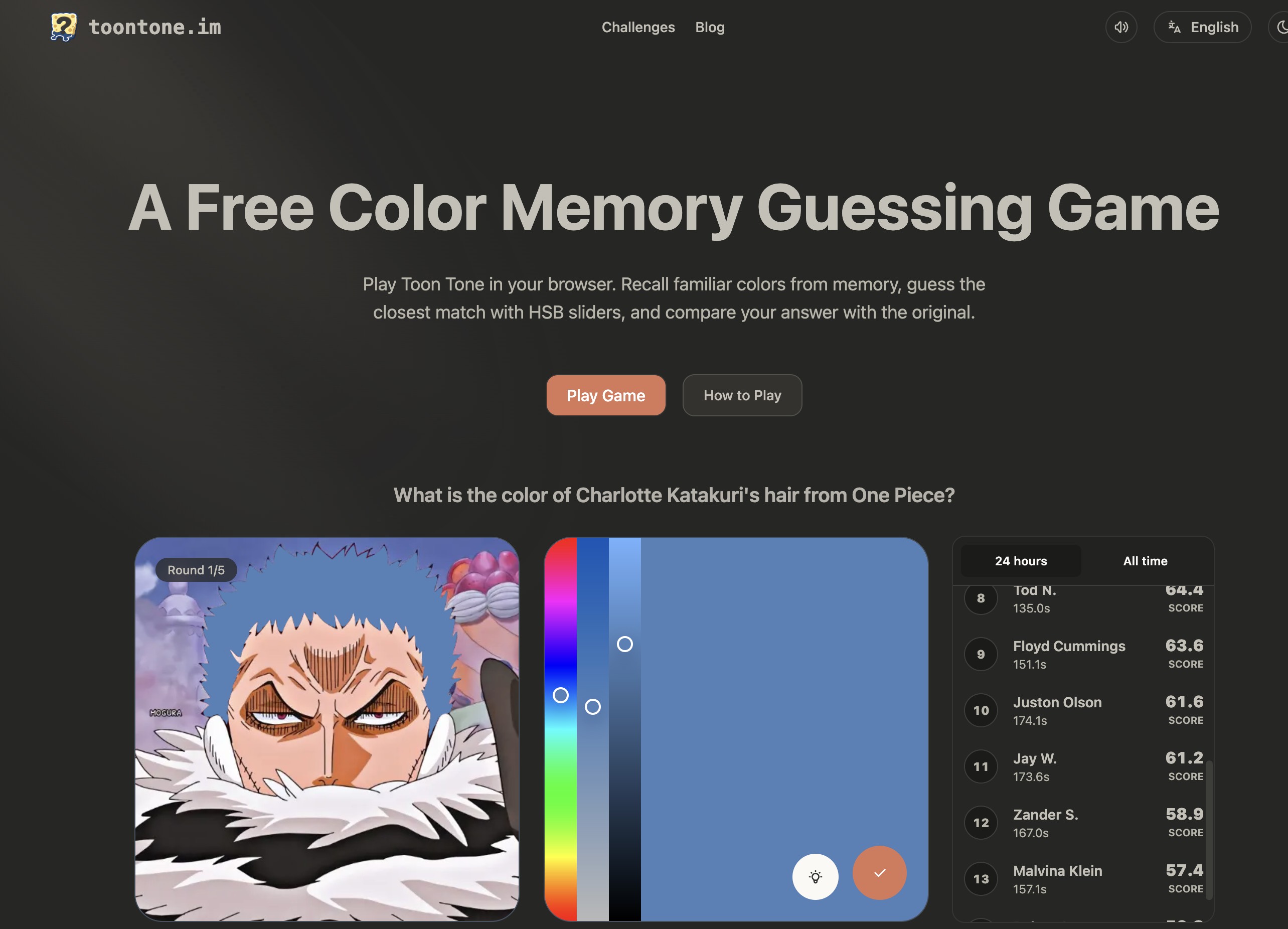
What is Toon Tone
Toon Tone is a browser-based color memory guessing game that challenges you to recall and recreate familiar colors from images. Instead of picking from preset swatches, you use HSB (Hue, Saturation, Brightness) sliders to match the target color as closely as possible, then compare your guess with the original to see how accurate your visual memory really is.
How to use Toon Tone
-
Open the Toon Tone website in your browser Visit the Toon Tone homepage and launch the game directly in your browser—there is no installation or account required.
-
Start a new round Click on “Play Game” to begin. The interface will load a reference image and highlight a specific color from that image that you need to remember.
-
Study the reference color Carefully look at the target color in context: notice its hue (color family), saturation (intensity), and brightness (lightness). You typically get a short moment to memorize how it looks before moving on.
-
Adjust the HSB sliders Once the target color is hidden, use the HSB sliders:
- Hue: choose the main color family (e.g., red, blue, green).
- Saturation: set how vivid or muted the color is.
- Brightness: control how light or dark the color appears. Move the sliders until you believe your guess matches the memorized color.
-
Submit your color guess After fine-tuning the sliders, confirm your choice. Toon Tone will lock in your selected color as your final answer for that round.
-
Compare guess vs. original The game reveals the original color alongside your guessed color. You can visually compare them and typically see how close you came, which helps you understand where your perception was accurate or off.
-
Continue through more images and rounds Play multiple rounds to build a streak, improve your internal sense of hue, saturation, and brightness, and explore a broad range of familiar images and tones.
-
Explore newest color references Use the “Newest color references” section to browse recent images. Open any image as a challenge and test how well you can remember and match the key colors it contains.
Toon Tone's use case
- Training color memory for designers and creatives who need to recall brand or UI colors precisely.
- Practicing HSB-based thinking for people learning digital color theory and how hue, saturation, and brightness interact.
- Casual gaming for anyone who enjoys quick, skill-based browser games that are easy to start and hard to master.
- Eye calibration for photographers, illustrators, and art students who want to sharpen their ability to judge subtle differences in tones.
- Educational use in classrooms or workshops to demonstrate how colors shift across different images and lighting conditions.
Benefits of Toon Tone
- Helps you internalize HSB color adjustments by repeatedly guessing and then seeing the exact result versus the original.
- Provides fast, frictionless play directly in the browser, so you can jump into a few rounds without setup.
- Covers a wide range of familiar images and colors, giving you practice with tones you actually encounter in real life and design work.
- Encourages deliberate visual observation by forcing you to study a color momentarily and then reconstruct it from memory.
- Offers a lightweight, engaging way to improve color skills that complements more technical learning about color spaces and palettes.
Pros
- Focused on practical color memory using intuitive HSB sliders and real-world style images.
- Fully browser-based with quick rounds, making it ideal for short practice sessions or breaks.
- Simple interface and concept, so new users can understand and start playing in seconds.
Cons
- Limited to color memory and HSB matching, so it may not cover broader design or editing workflows.
- Requires careful visual attention and a reasonably calibrated screen for best results, which might affect consistency across devices.
Help more people discover your product.
Submit to SubmitoMore to discover
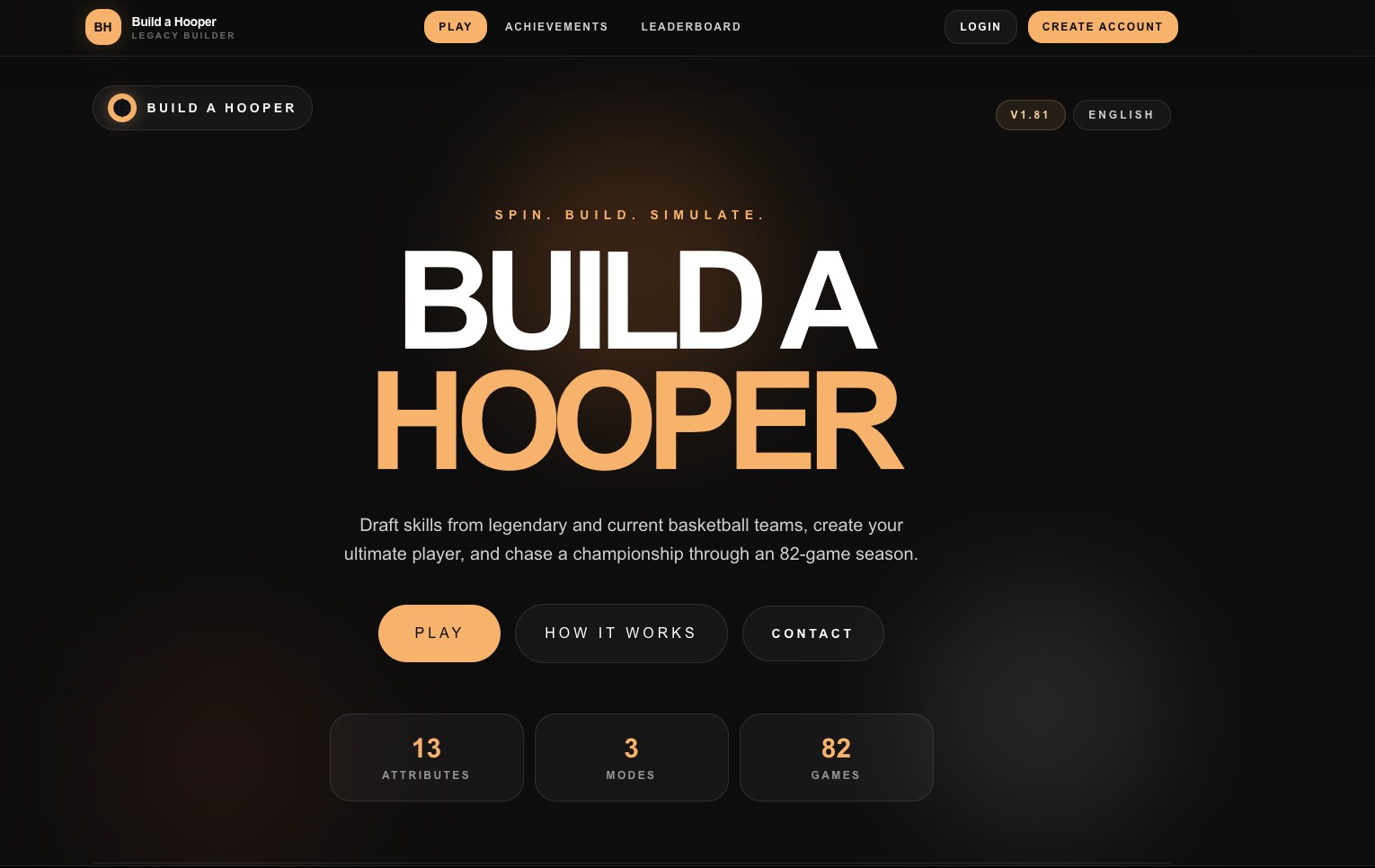
Build a Hooper
Build a Hooper lets you draft skills from historic and current teams, build a custom basketball star, and simulate a full 82‑game season to chase a championship right in your browser.
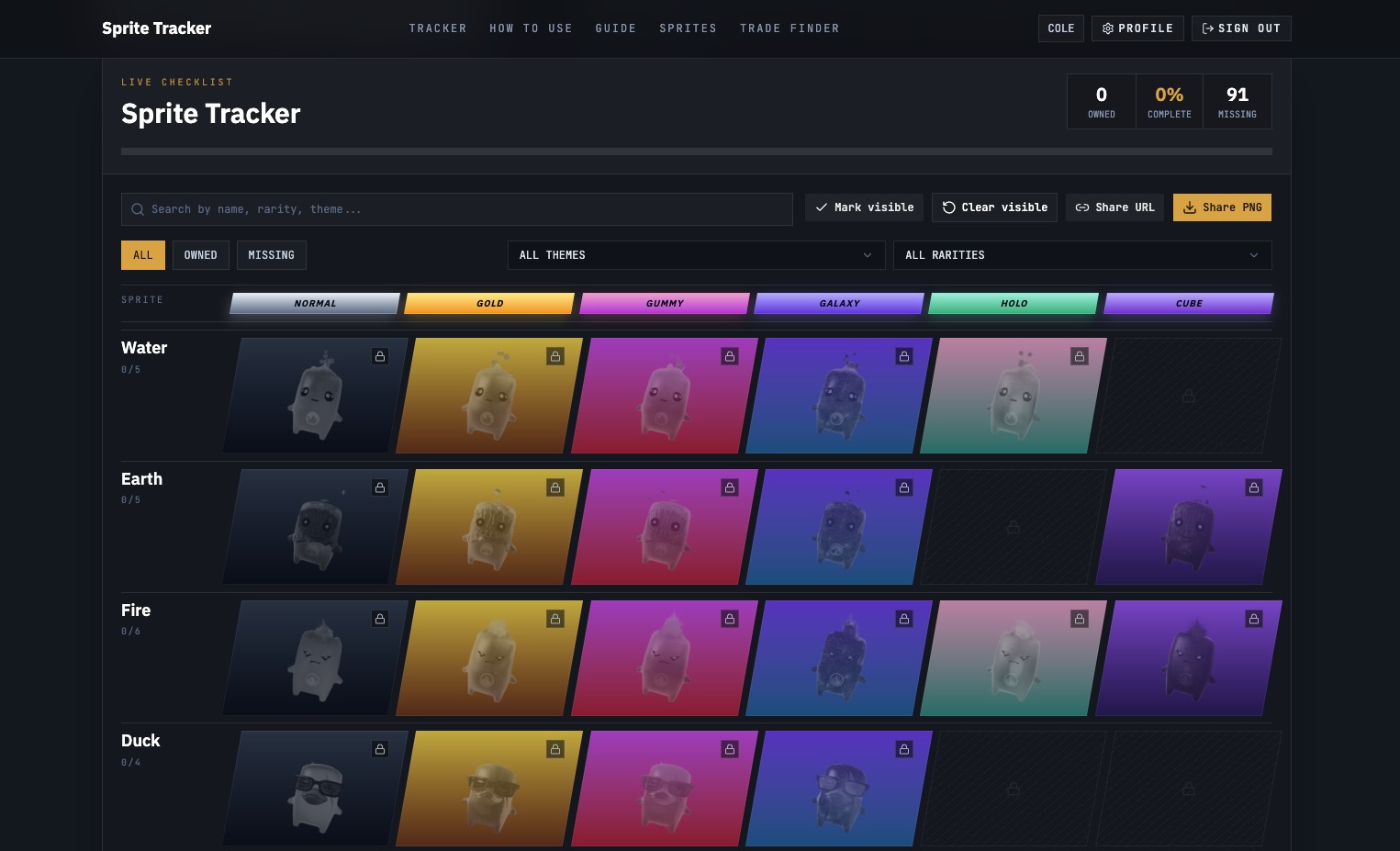
Fortnite Sprite Tracker
Fortnite Sprite Tracker lets collectors quickly mark owned Sprites, spot missing variants, filter by themes and rarities, and share a trade‑ready locker as a link or image.
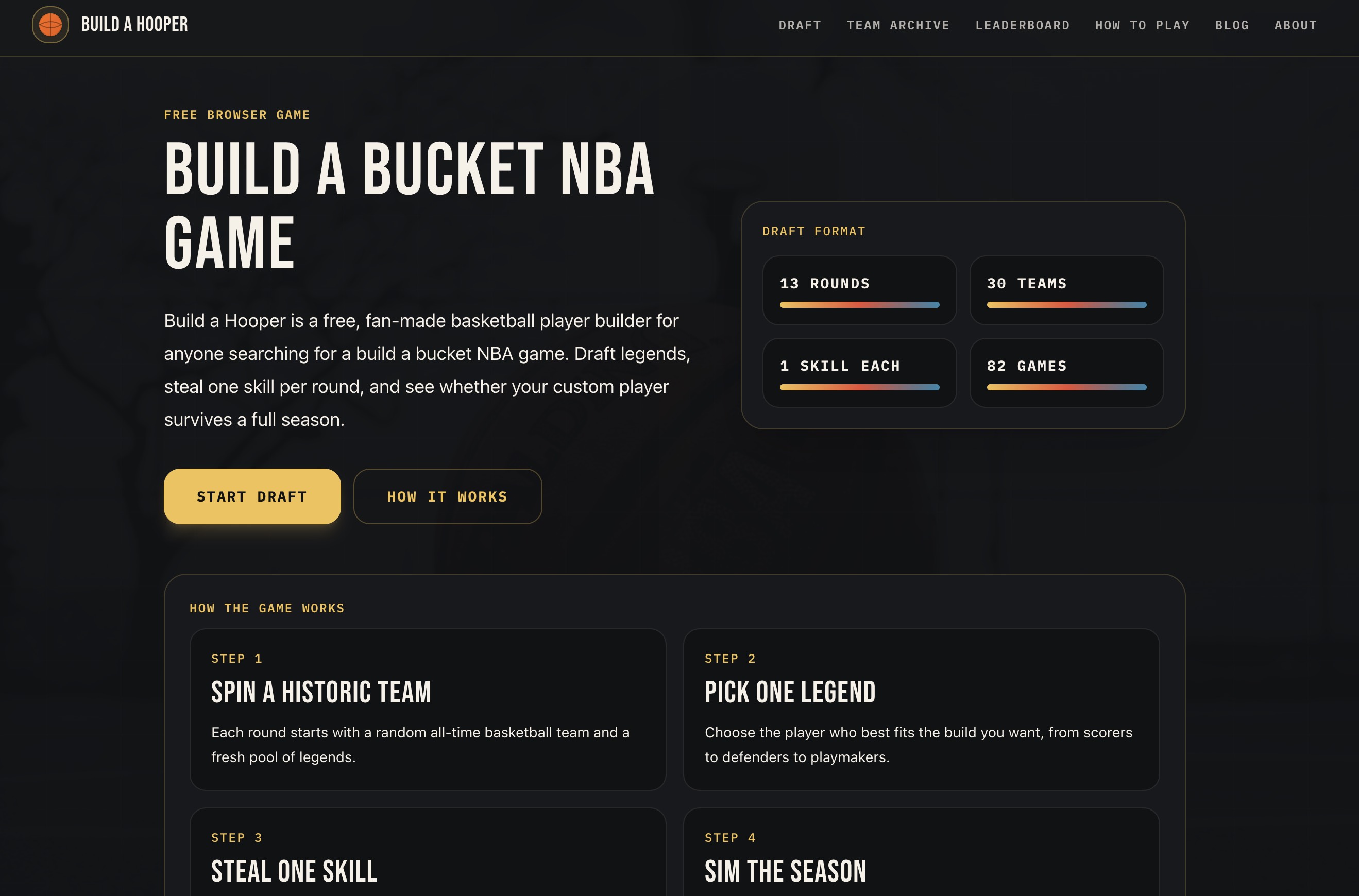
Build a Bucket NBA Game
Build a Bucket NBA game where you draft legends, steal one skill per round, and simulate a full 82-game season with your custom basketball player.