
Fortnite Sprite Tracker
Fortnite Sprite Tracker lets collectors quickly mark owned Sprites, spot missing variants, filter by themes and rarities, and share a trade‑ready locker as a link or image.
What is Fortnite Sprite Tracker
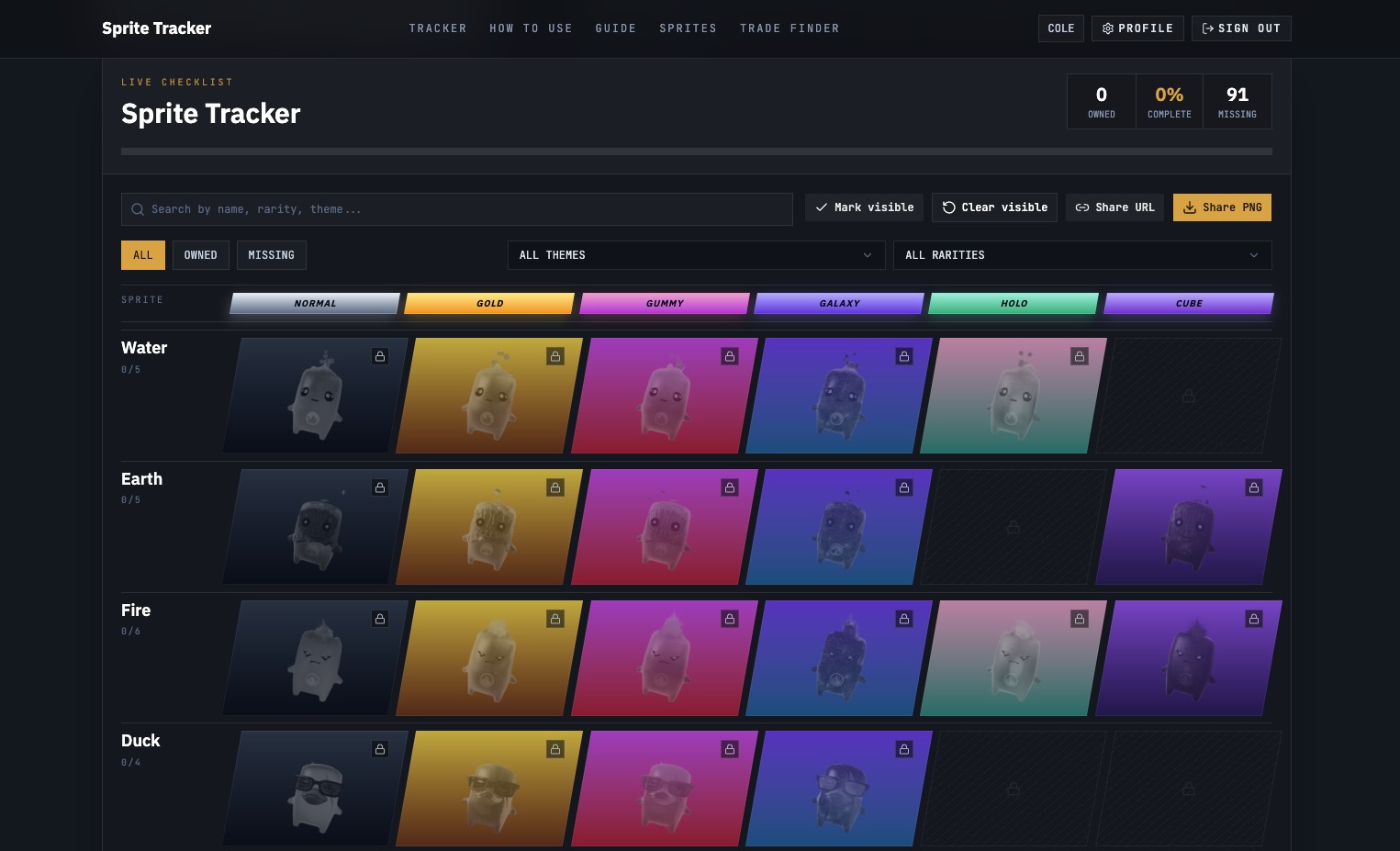
Fortnite Sprite Tracker is an unofficial, browser-based collection tool that helps Fortnite players mark which Sprites they own, see which variants are still missing, and present their locker in a clean, shareable view. It organizes visible Sprite entries by themes and rarities, turning scattered screenshots and chat notes into a structured checklist you can use for tracking and trading.
How to use Fortnite Sprite Tracker
-
Open Fortnite Sprite Tracker in your browser Visit the Fortnite Sprite Tracker homepage and load the main collection view with the full list of visible Sprites, themes, and rarities.
-
Review the Sprite catalog Scroll through the catalog of 91 visible Sprite entries. Get familiar with how Sprites are grouped by themes, rarity tiers, and families (for example Water, Fire, Batman, etc.).
-
Mark your owned Sprites Click on each Sprite you already have in your locker. As you select owned entries, the tracker updates your “Owned”, “Missing”, and “Complete” percentages in real time.
-
Switch between collection views Use the view toggles (all / owned / missing) to change your focus. Choose “owned” to double-check what is already in your locker, or “missing” to see only the gaps in your collection.
-
Filter by themes and rarities Apply filters for specific themes (such as Ghost, Demon, Batman) or rarity groups to narrow the list. Combine filters with the status view to focus on the most important missing Sprites.
-
Use search to find a specific Sprite family Type part of a Sprite name or family into search to quickly locate a particular Sprite or group, then mark ownership or plan trades around that set.
-
Review the Missing Sprite view Switch to the missing view to get a focused checklist of every Sprite you do not yet own. Use this list as your baseline when planning trades with other collectors.
-
Generate a shareable collection link Click the option to share your URL. The tracker creates a compact link that encodes your current collection status so other collectors can open and review it without altering your saved locker.
-
Export your collection as an image Choose the PNG export option to produce a branded image of your collection. Save or upload this PNG to Discord, social channels, or collector groups to quickly show your owned and missing Sprites.
-
Keep your locker up to date Whenever you unlock, trade, or lose a Sprite, reopen Fortnite Sprite Tracker in the same browser and adjust your owned list. The tool remembers your collection locally, so your progress remains accurate over time.
Fortnite Sprite Tracker's use case
-
Tracking personal Sprite progress
Fortnite Sprite Tracker is ideal for players who want a clear picture of how many Sprites they own, how close they are to completion, and exactly which variants are still missing. -
Preparing a trade-ready locker overview
Collectors can turn a messy set of screenshots and chat logs into a simple, visual list that shows what they own and what they need before entering trade discussions. -
Coordinating trades in Discord and collector groups
By sharing a collection link or PNG export, users can give potential trading partners a quick way to spot overlapping needs, compatible extras, and possible one‑for‑one swaps. -
Planning collection goals by theme or rarity
With filters for themes and rarity groups, collectors can target specific Sprite families or rarities, set mini‑goals, and track them over time. -
Showcasing collection status to friends and community
The branded image export lets players show off their current progress publicly, highlight rare acquisitions, and document milestones as their Sprite collection grows.
Benefits of Fortnite Sprite Tracker
-
Clear, visual collection management
Fortnite Sprite Tracker replaces ad‑hoc notes and screenshots with a structured checklist that instantly summarizes owned, missing, and completion percentage for all visible Sprites. -
Fast gap detection for missing variants
The missing view and family-based layout make it easy to see exactly which variants are absent from each Sprite family, reducing confusion when chasing specific pieces. -
Trade‑friendly sharing formats
Shareable URLs and PNG exports give collectors a clean, standardized way to present their locker, helping trade partners quickly understand what is available and what is needed. -
Browser-based and accountless workflow
Because collections are saved in the browser, users can start tracking instantly without registration, login, or account management, and return later with the same saved data. -
Filterable catalog by themes and rarities
Theme and rarity filters help users focus on specific collection segments, prioritize high‑value Sprites, and tailor their goals based on preferred styles or scarcity.
Pros
- Intuitive checklist interface that updates ownership counts and completion percentage in real time.
- Dedicated missing view to highlight only the Sprites still absent from the locker.
- Easy sharing via unique URL and PNG export for Discord and collector communities.
- No account or signup required; progress is saved directly in the browser.
- Organized Sprite catalog with themes and rarity groups to simplify planning and targeting.
Cons
- Collection data is tied to a single browser, making it harder to sync across devices.
- Tracker only covers visible Sprite entries and excludes unreleased Sprites from the public list.
- Unofficial fan-made tool, so it is not integrated into Fortnite or Epic Games services.
- Requires manual updating whenever your in‑game Sprite locker changes.
- Limited to Sprite tracking; it does not manage other Fortnite cosmetic item types.
Help more people discover your product.
Submit to SubmitoMore to discover
Build a Hooper
Build a Hooper lets you draft skills from historic and current teams, build a custom basketball star, and simulate a full 82‑game season to chase a championship right in your browser.
Build a Bucket NBA Game
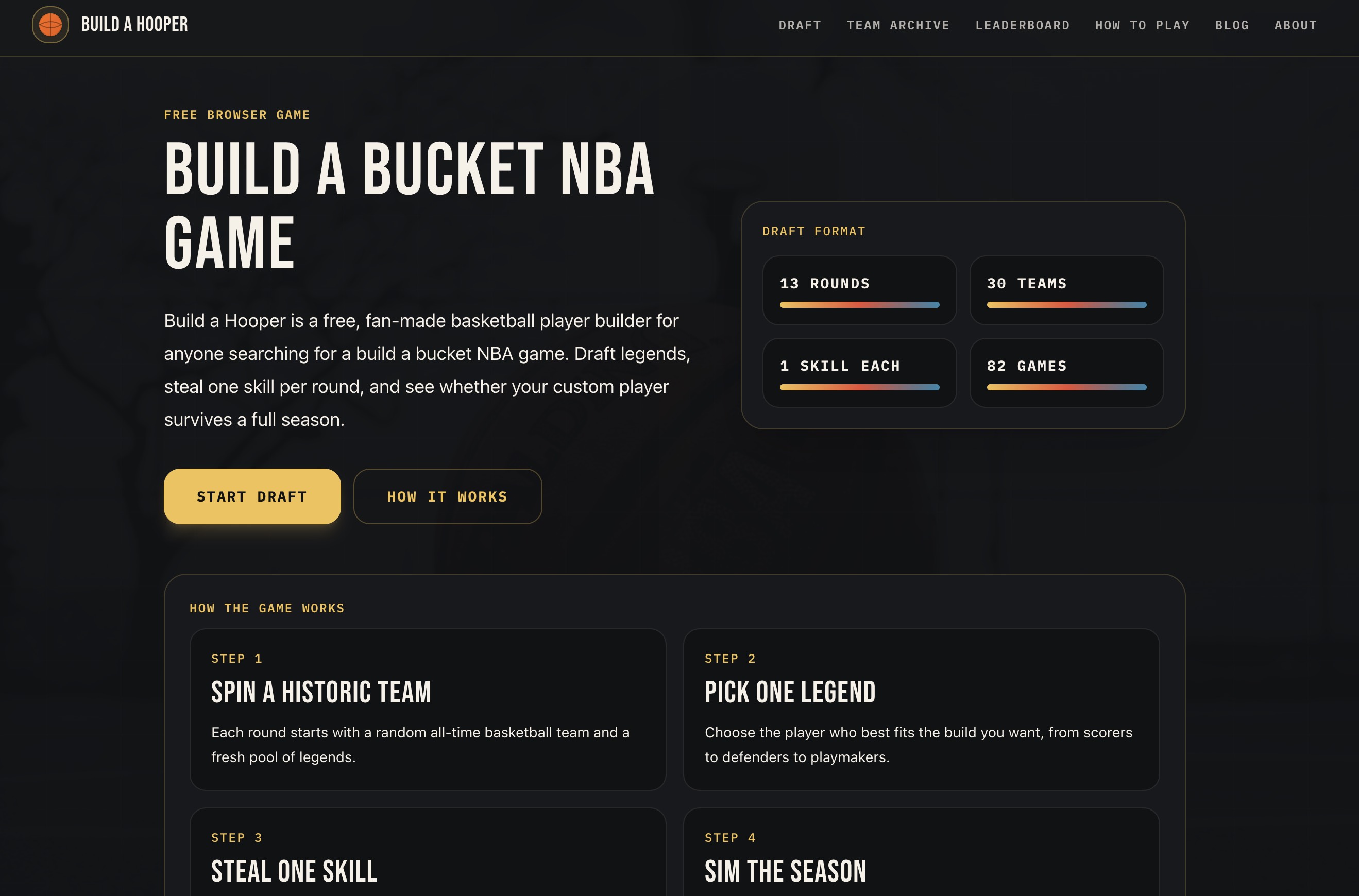
Build a Bucket NBA game where you draft legends, steal one skill per round, and simulate a full 82-game season with your custom basketball player.
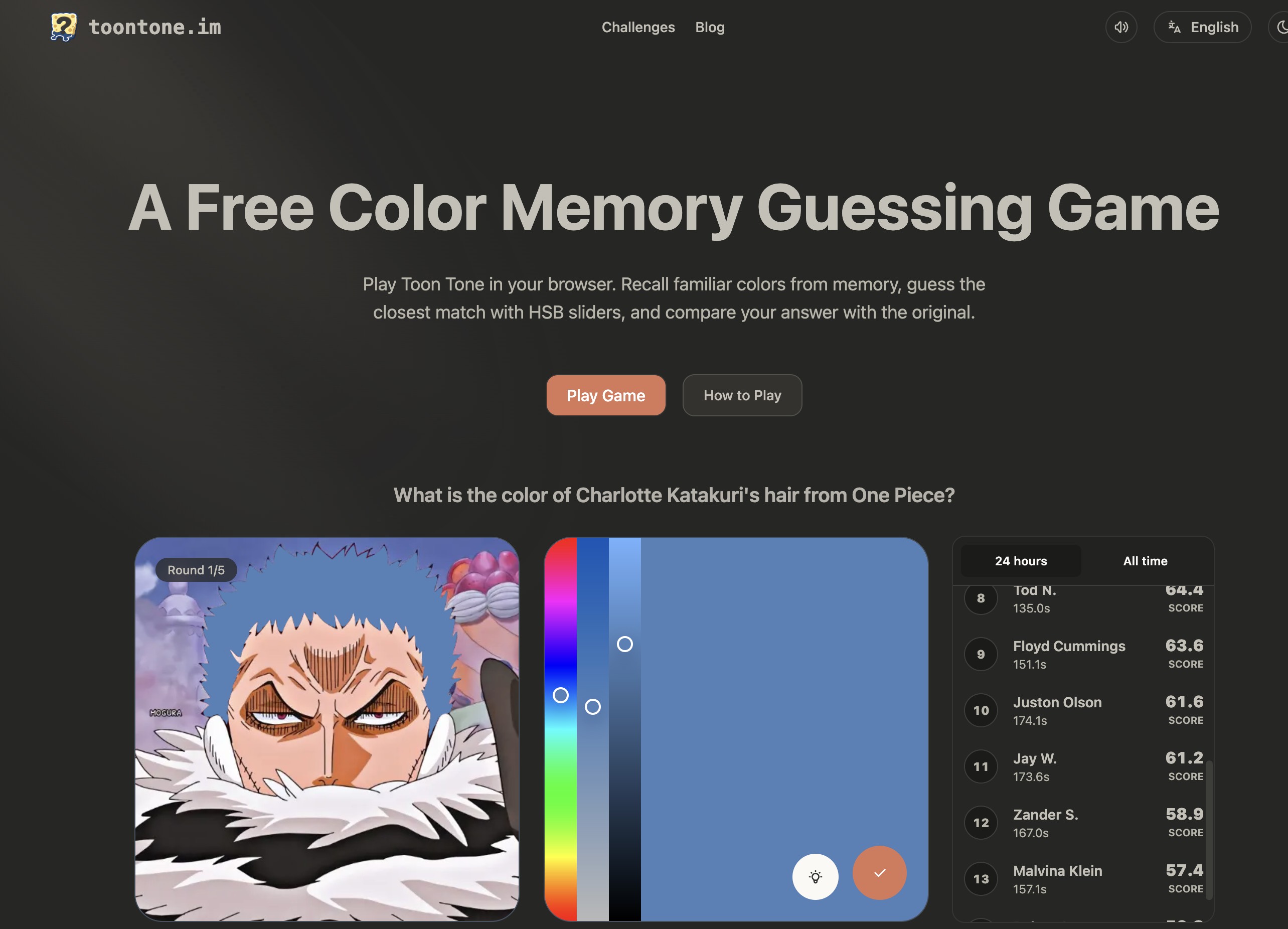
Toon Tone
Toon Tone is a browser-based color memory guessing game where you recall familiar image colors, fine-tune HSB sliders to match them, and instantly compare your guess with the original to sharpen your color perception.