

PicNext
Turn a single product link into marketplace listings, storefront banners, and video ads with PicNext. Explore features, pricing tiers, and top alternatives.
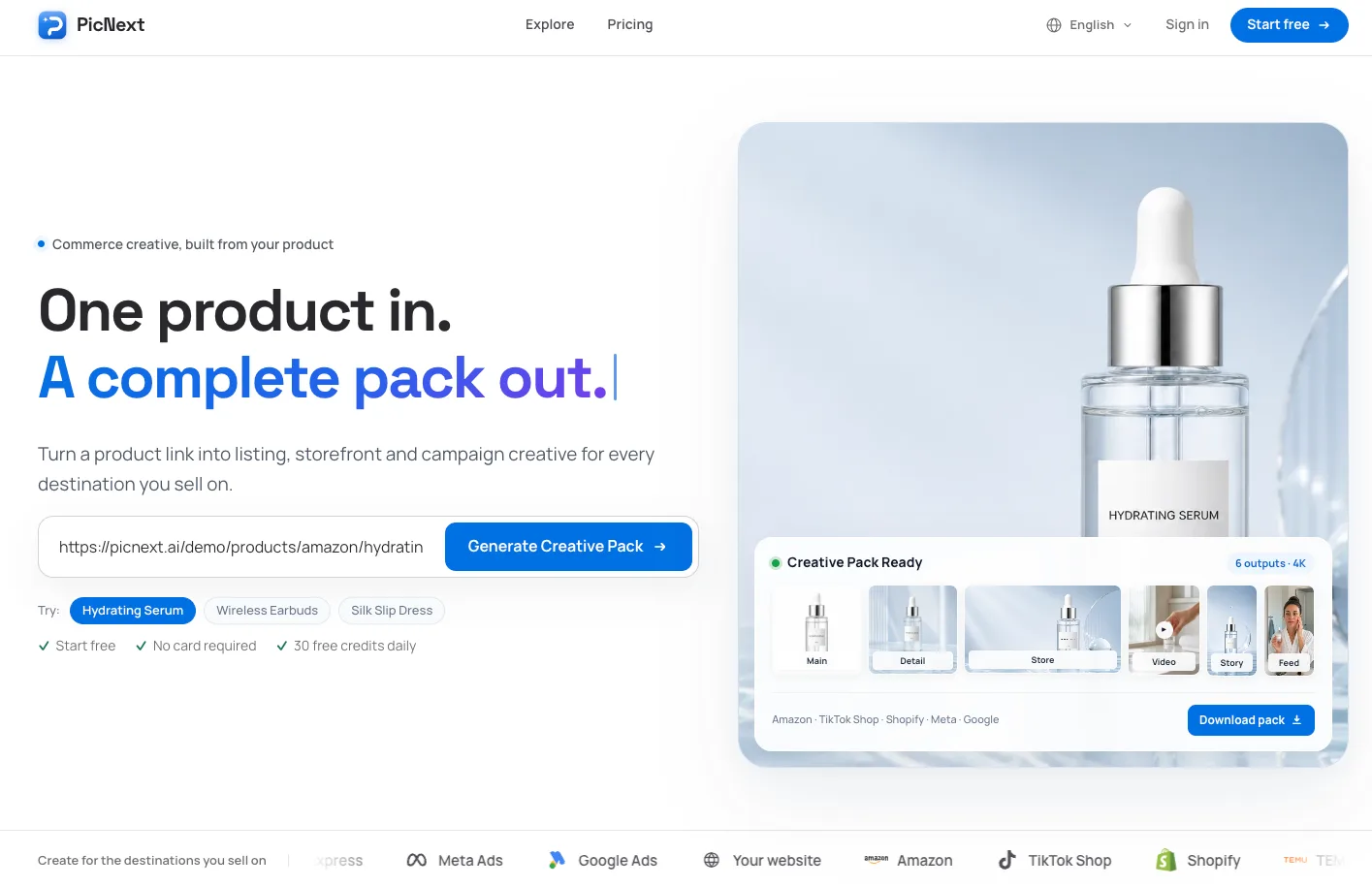
TL;DR: PicNext is an AI commerce creative studio that converts a single product URL or source photo into multi-format listing images, storefront banners, and paid ad assets. It eliminates the repetitive manual work of resizing, recomposing, and rewriting copy across sales channels while keeping physical product details locked. It is built for solo e-commerce sellers, D2C brands, and performance marketers managing multi-channel catalogs on Amazon, TikTok Shop, Shopify, and Meta.
What is PicNext & How Does It Work?
PicNext operates on a product-first generation model rather than open-ended text prompting. When a seller pastes a live store URL or uploads high-resolution source photography, the platform parses the product's title, structural geometry, materials, colors, and brand markings. By anchoring these visual attributes as fixed constraints, PicNext prevents the common generative AI issue of warping labels, altering packaging proportions, or hallucinating inaccurate product features across different scenes.
Once the source product identity is locked, the Creative Studio organizes production into two distinct tracks: Product Packs for marketplace listings and storefronts, and Ad Packs for paid acquisition campaigns. Users select their target sales channels—such as Amazon, TikTok Shop, Shopify, Temu, Meta Ads, or Google Ads—alongside market locale and language settings. PicNext then recommends and generates a cohesive batch of destination-sized image and video files, delivering compliant white-background main shots, macro detail frames, wide storefront banners, and vertical video ads in a single downloadable archive.
4 Core Use Cases & Practical Scenarios
- Launching Compliant Amazon & Marketplace Listings: A solo seller introducing a new SKU needs main images on a pure white background with at least 85% frame fill, alongside supporting lifestyle and macro detail shots. By pasting the product details into PicNext and selecting the Amazon destination preset, the platform generates a complete 1:1 image set tailored to marketplace compliance rules. This replaces hours of manual background removal and studio compositing, delivering ready-to-upload 2000px listing assets in minutes.
- Building Cohesive D2C Storefront Modules: A Shopify store owner refreshing a seasonal collection needs matching hero banners, square product cards, and 4:5 detail graphics that share consistent lighting and brand styling. Using PicNext's scene presets and Brand Kit controls, the merchant generates a unified visual set from one studio bottle or apparel photo. The result is a consistent storefront hierarchy without booking separate editorial shoots for each aspect ratio.
- Scaling Multi-Ratio Paid Social Campaigns: A performance marketer testing ad creative across Meta feeds, Instagram Stories, and TikTok needs static images and short vertical videos without rebuilding layouts from scratch. Selecting the Ad Pack track produces 4:5 feed graphics alongside 9:16 motion clips anchored to the exact same product asset. Media buyers receive an organized creative bundle ready for A/B testing across placements while cutting agency production turnaround.
- Localizing Catalog Visuals for Cross-Border Channels: A merchant expanding existing products onto Temu, SHEIN, or AliExpress needs channel-specific framing and localized market context. Inside the studio configuration panel, the seller switches the destination and market language parameters while keeping the locked source product intact. PicNext adapts the surrounding composition and promotional framing to fit each platform's visual norms without requiring new physical product photography.
Getting Started: Step-by-Step Workflow
- Import Your Source Product: Paste a live product page URL or upload clean JPG or PNG product photos (such as a 3000 × 3000 front-facing shot) into the import workspace so PicNext can extract product attributes and lock visual identity.
- Configure Media, Track, and Destination: Choose between Image or Video media, select either the Product Pack or Ad Pack track, and pick your target channels (such as Amazon, TikTok Shop, Shopify, or Meta Ads) along with market and language preferences.
- Review Scene and Output Quantities: Select a visual scene preset, adjust the recommended output counts across aspect ratios like 1:1 main images, 16:9 banners, or 9:16 vertical videos, and verify the upfront credit cost before running the batch.
- Inspect and Export from My Creatives: Monitor generation progress in the studio workspace, preview every finished asset, and download the complete commercial-licensed Creative Pack as a single organized ZIP archive.
PicNext Pros & Cons: An Honest Look
Pros:
- Product-Truth Anchoring: By locking packaging structure, typography, and color from a source link or photo, PicNext avoids the label distortion common in general image generators. Sellers spend far less time regenerating unusable drafts or manually fixing warped brand logos.
- Channel-Specific Pack Architecture: Grouping outputs by real destinations like Amazon, TikTok Shop, and Meta Ads ensures assets arrive pre-sized for actual storefront and ad placements. Furthermore, deterministic size variants included inside a recommended pack do not consume extra creative credits.
- First-Class Image and Video Support: Treating both static photography and short-form vertical video as native outputs inside one workflow streamlines cross-channel launches. Merchants can generate a complete visual kit—from white-background main images to 9:16 TikTok clips—in one session.
Cons:
- Credit Consumption on Video and Custom Iterations: While daily free credits allow basic testing, generating multi-file packs with AI video and custom scene adaptations burns through monthly credit allocations quickly. High-SKU catalogs will likely need the Pro or Business tiers to maintain steady output.
- Limited Direct Storefront Publishing: PicNext focuses on generating and exporting organized ZIP packs rather than pushing creative assets directly into Shopify themes or Amazon Seller Central via live API syncs. Teams still need to manually upload the exported files to their respective ad managers and marketplaces.
Who Should Use PicNext (And Who Shouldn't)?
- Best For: Independent e-commerce sellers launching SKUs across Amazon, TikTok Shop, and Shopify who need compliant listing photos without hiring a studio, as well as D2C growth marketers producing multi-ratio image and video ad variations on tight timelines.
- Skip If: Enterprise creative directors who require granular layer-by-layer Photoshop PSD control for complex human-model campaigns, or digital software founders selling intangible SaaS products rather than physical retail goods.
PicNext vs. Top Alternatives
| Feature | PicNext | Photoroom | Pebblely |
|---|---|---|---|
| Primary Focus | End-to-end product & ad creative packs from URLs or photos | Fast background removal, batch retouching, and mobile product editing | AI lifestyle background generation for physical product photos |
| Ease of Use | Guided step-by-step studio with channel presets | Very intuitive drag-and-drop editor across web and mobile | Simple prompt-and-theme interface for quick scenes |
| Pricing Model | Free daily credits (30/day); paid tiers from $19 to $129/mo | Free basic tier; paid Pro and Team subscriptions | Free monthly allowance; paid credit/subscription plans |
| Best For | Multi-channel sellers needing full listing + video ad packs | High-volume resellers needing rapid background cleanup | Small brands creating styled lifestyle shots from plain photos |
Verdict: While Photoroom excels at rapid background cleanup and Pebblely focuses on styled lifestyle scenes, PicNext stands out by bundling channel-specific listing images, storefront banners, and video ads into one structured pack. Choose PicNext when you want complete multi-format campaign deliverables rather than isolated single-image edits.
PicNext Pricing & Value for Money
PicNext uses a transparent credit-based subscription model with a 20% discount available on annual billing. The Free plan costs $0 and grants 30 credits daily (expiring at 00:00 UTC without rollover), offering watermark-free image exports on the basic generation model—ideal for testing product imports before committing. Paid tiers scale predictably: Starter ($19/month for 1,000 credits) unlocks premium templates for solo sellers; Pro ($49/month for 4,000 credits) adds Brand Kit, custom styles, and faster queue priority; and Business ($129/month for 15,000 credits) supports high-volume catalog production.
Compared to traditional product photography shoots or hiring freelance motion designers for social ads, PicNext's Starter and Pro tiers are very accessible for indie merchants. Automatic credit refunds for failed generations and free deterministic resizing within recommended packs further protect budget predictability.
PicNext Frequently Asked Questions (FAQ)
1. Is PicNext free to use, or is there a free trial?
PicNext offers a permanent Free plan that requires no credit card and provides 30 free credits every day. These daily credits reset at 00:00 UTC without accumulating and include watermark-free image exports using the basic generation model. Users can also browse the interface and preview studio workflows without creating an account until they are ready to generate or save files.
2. How does PicNext compare to Photoroom?
Photoroom is built primarily around fast background removal, object erasing, and template-based photo retouching on web and mobile. PicNext takes a broader campaign approach by ingesting a product link or photo and outputting a complete, multi-ratio pack covering marketplace listings, storefront banners, and vertical ad videos. Sellers needing quick mobile cutouts will prefer Photoroom, whereas multi-channel merchants launching full product campaigns benefit more from PicNext's structured packs.
3. Is PicNext suitable for beginners?
Yes, PicNext is designed around a guided four-step studio workflow that eliminates complex prompt engineering. Beginners simply paste a store link or upload a clear product photo, pick their selling destination such as Amazon or Shopify, and accept the recommended output sizes. Pre-configured scene templates and clear upfront credit estimates make it approachable even without prior design experience.
4. What are the best alternatives to PicNext?
Strong alternatives include Photoroom for mobile-first background replacement and batch marketplace cutouts, and Pebblely for generating styled lifestyle backdrops around standalone product photos. For sellers focused heavily on performance ad creatives and conversion-scored banners, AdCreative.ai is another popular option. Each tool emphasizes different stages of the visual pipeline, with PicNext specializing in unified product-to-campaign asset packs.
Help more people discover your product.
Submit to SubmitoMore to discover
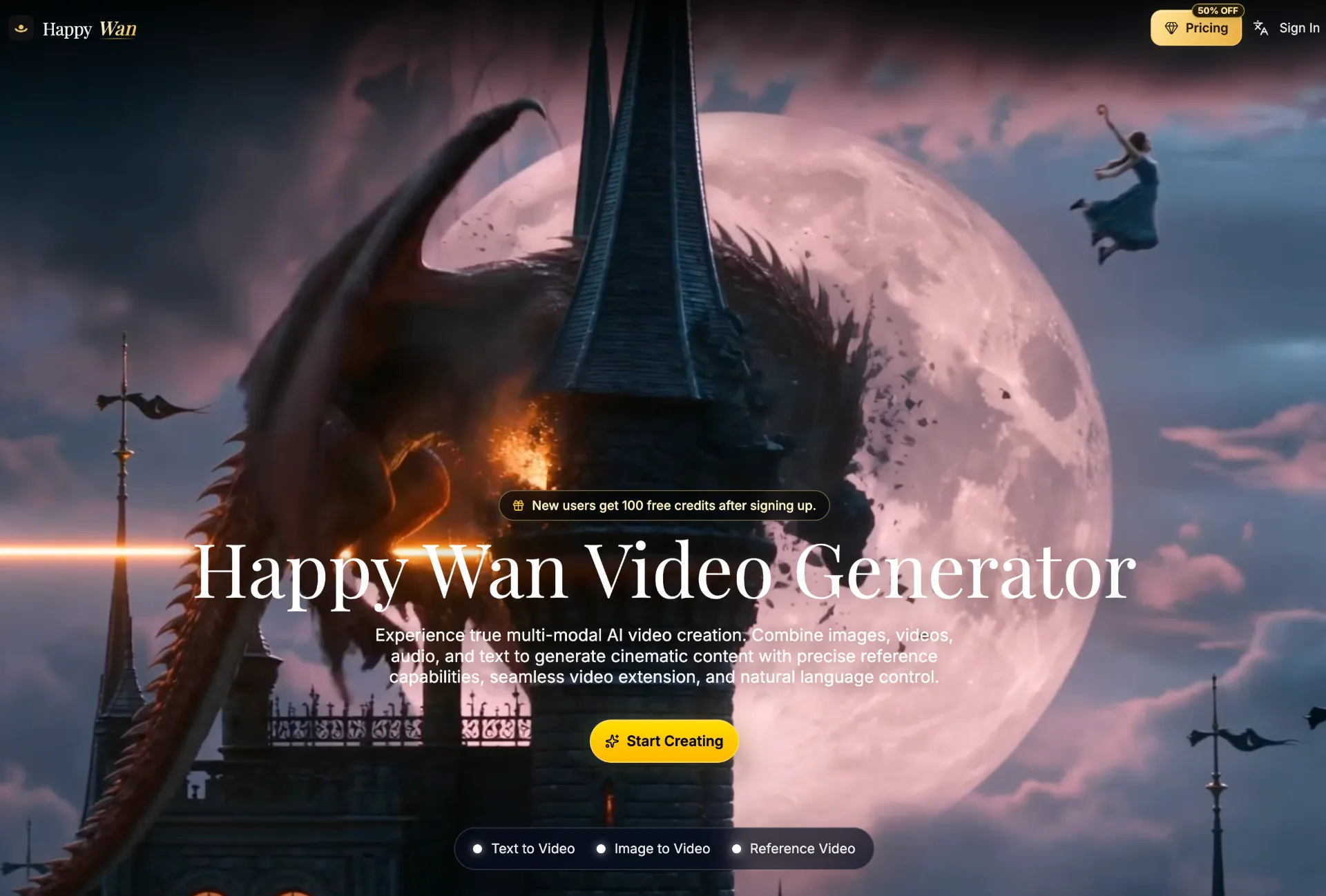
Happy Wan
Happy Wan turns text, images, clips, and audio into videos up to 30 seconds, with @ tag references to keep characters consistent across shots.
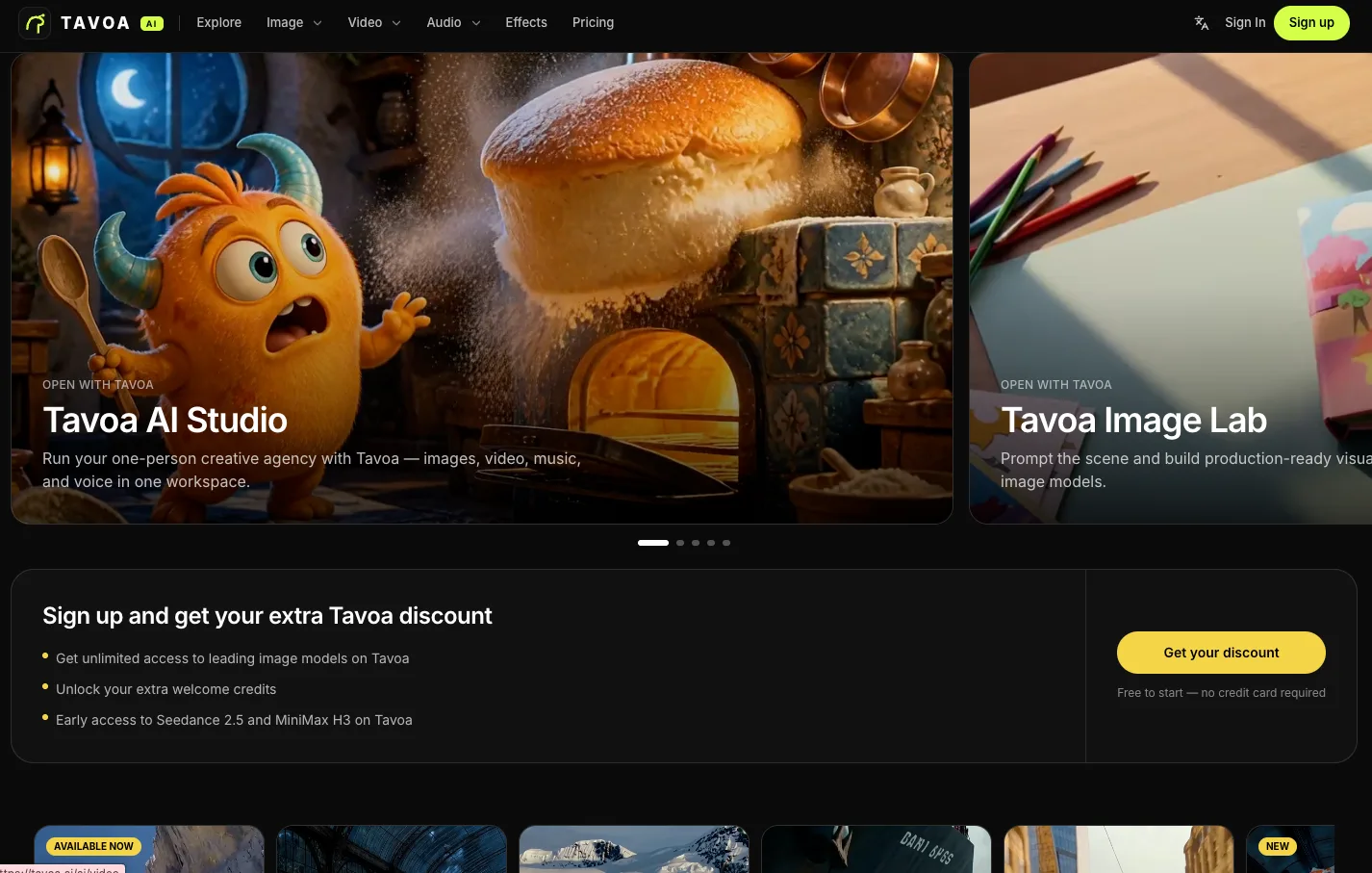
Tavoa AI
Tavoa AI brings Seedance, Kling, Veo, and other video and image models into one credit-based workspace, so creators can test outputs without juggling apps.
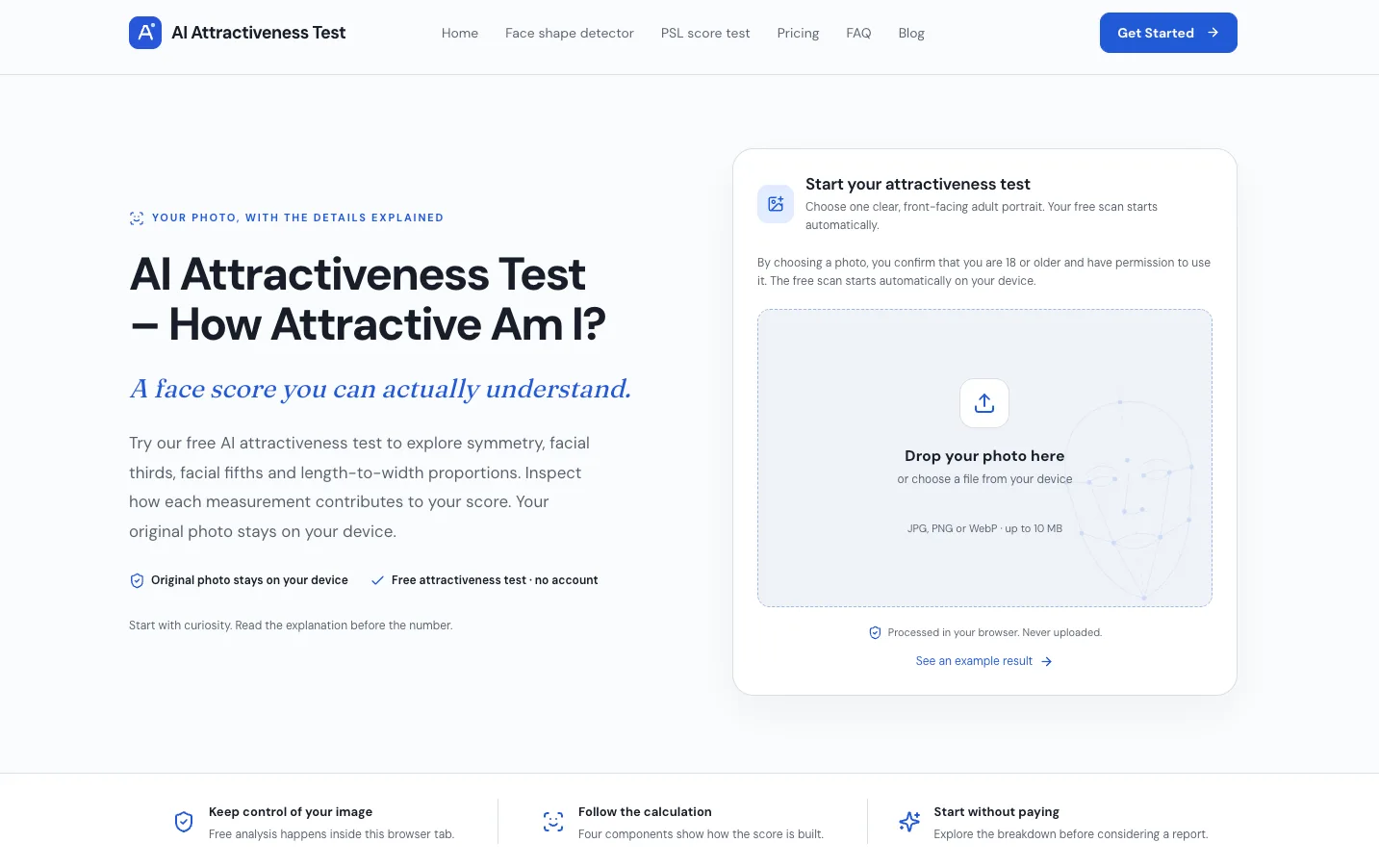
AI Attractiveness Test
Analyze facial symmetry, thirds, fifths, and proportions directly in your browser. Your photo stays on your device with a transparent 0–100 harmony breakdown.