

Consistent Character AI
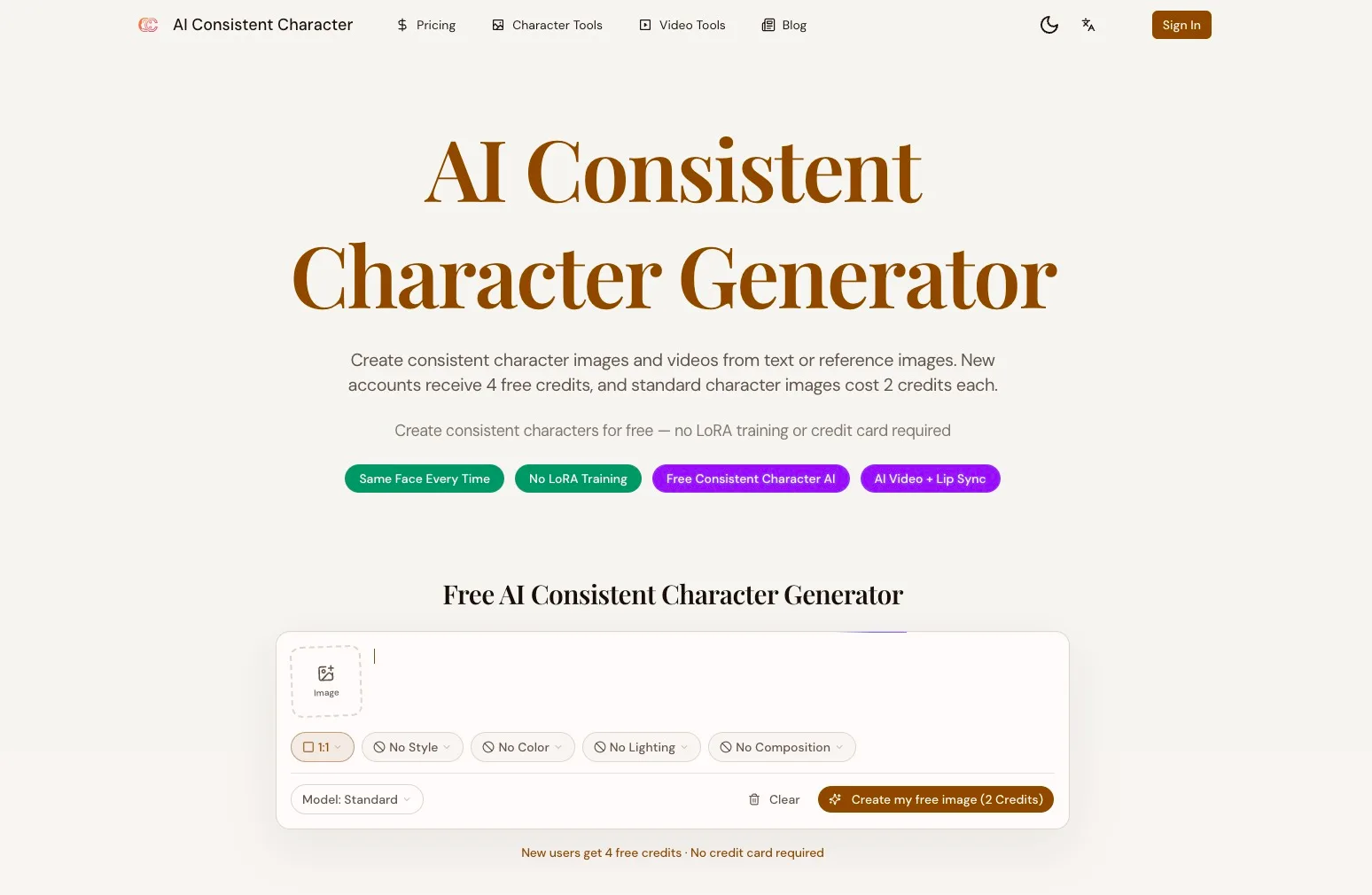
Consistent Character AI is a free AI character consistency generator. Upload one photo and keep the same face across images, poses, clothing, and video.
What is Consistent Character AI
Consistent Character AI is an image and video generator focused on producing the same recognizable character across many scenes, styles, and formats. Starting from text prompts or uploaded reference photos, it locks onto facial identity and key visual traits so your character looks stable in picture books, comics, games, marketing materials, and animated clips. From anime panels to photorealistic portraits and storyboard frames, it is built to handle character memory, outfit changes, multi‑character scenes, and video workflows in a single web application.
How to use Consistent Character AI
-
Create or select a character Choose how you want to start:
- Upload a clear reference photo of your character’s face.
- Pick an existing character from your personal character library.
- Or describe your character in text (appearance, age, style, vibe). This initial step defines the identity Consistent Character AI will preserve.
-
Choose your art style Select a visual style that matches your project:
- Options include anime, photorealistic, watercolor, pixel art, pop art, oil painting, 3D render, and ink drawing.
- You can also refine style details directly in the prompt (e.g., “cinematic lighting”, “storybook illustration”, “fashion editorial”).
-
Set aspect ratio and base prompt Configure basic canvas settings like a 1:1 portrait or other supported ratios (depending on the tool page). Write a clear base prompt describing:
- The character’s pose and expression.
- Clothing and accessories.
- Environment, lighting, and composition. Keep identity details consistent between prompts when continuity is important.
-
Generate your first character image Click the generation button to create your first result. Review the output carefully:
- Check that the face, proportions, and signature features match your intent.
- Confirm that the style suits your project. If necessary, tweak the prompt or upload a better reference and regenerate.
-
Save to your character library When you get a strong result, save it in your character library. This becomes a reusable identity anchor for later poses, outfits, and scenes, so you don’t need to re‑upload every time.
-
Create new scenes and variations Use the saved image or original reference photo as an input when generating new scenes:
- Describe new backgrounds, camera angles, actions, and lighting.
- Change outfits, hairstyles, or props while keeping the same face. For multi‑character scenes, supply up to five reference images and clearly describe each subject in the prompt.
-
Build sequences for stories or games Plan a visual sequence for a children’s book, webtoon, storyboard, or visual novel:
- Reuse the strongest previous frame as the reference for the next one.
- Iterate until each panel maintains the same identity, clothing logic, and recurring details.
-
Animate images into video (optional) Move to video‑focused tools within the same platform:
- Use image animation to add motion to a still portrait.
- Apply AI lip sync to match dialogue to a talking character.
- Use motion control or model‑specific video generators (e.g., Kling, Seedance, Sora, VEO) for more complex sequences. Each workflow shows its own input, duration, resolution, and credit requirements.
-
Export assets for your project Download finished images or videos at the resolutions supported by each tool. Integrate them into your book layouts, game engines, social posts, marketing campaigns, or storyboards, maintaining the same character across every asset.
Consistent Character AI's use case
-
Children’s books and picture stories Authors and illustrators can keep a protagonist’s face and design stable across dozens of pages, making visual storytelling clearer and more memorable for young readers.
-
Comics, webtoons, and graphic novels Comic creators can rapidly generate panels where recurring characters maintain consistent identity, expressions, and proportions while appearing in new scenes, angles, and outfits.
-
Indie games and visual novels Game developers can produce character sprites, alternate expressions, and costume variants for visual novels, RPGs, and narrative games without months of manual illustration work.
-
Brand mascots and marketing campaigns Marketing teams can design a brand mascot and reuse it across social posts, ads, landing pages, packaging, and videos while keeping the character recognizable in every asset.
-
Storyboards and pre‑production Filmmakers, animators, and creative directors can storyboard scenes with the same characters across multiple shots, helping to visualize narratives and camera moves before full production.
-
Short‑form video and content creation Content creators can generate recurring on‑screen personas for animated shorts, explainers, or talking‑head clips using lip sync and motion tools tied to a consistent character.
-
Fashion lookbooks and outfit exploration Designers and stylists can showcase one model in many outfits, poses, and environments by preserving facial identity while changing clothing, accessories, and locations.
-
Educational and training materials Educators and corporate teams can introduce a recurring guide character or instructor avatar that appears consistently in slides, tutorials, and training videos.
Benefits of Consistent Character AI
-
Strong identity preservation The system locks onto key facial features from a reference photo, helping the character remain recognizable across different scenes, styles, and outputs.
-
Unified image and video workflows It combines text‑to‑image, reference‑image variation, outfit generation, animation, motion control, lip sync, and model‑specific video tools in one place, reducing tool‑switching.
-
Fast iteration for visual storytelling Creators can sketch ideas quickly, refine poses and scenes in minutes, and reuse the best outputs as new references, speeding up books, comics, and video episodes.
-
Flexible style and outfit control Users can explore many art directions—anime, photorealistic, painterly, or stylized—while adjusting outfits, hairstyles, and settings without manually redrawing the character each time.
-
Multi‑character and context support With the ability to use multiple reference images in a single prompt, it can handle scenes where several recurring characters appear together, improving continuity within ensembles.
-
Low barrier to entry The web‑based interface avoids complex pipelines like LoRA training or node‑based UIs, making character‑driven AI workflows accessible to non‑technical creators.
-
Scalable asset production By generating large sets of consistent images and clips—sprites, thumbnails, panels, or marketing visuals—teams can reduce reliance on time‑intensive manual illustration for every variation.
-
Developer‑friendly integration An API lets developers bake consistent character generation into their own apps, tools, or automation scripts, enabling programmatic asset creation at scale.
Pros
- Focused on maintaining character identity across both images and videos.
- Supports diverse art styles and use cases from books to games and marketing.
- Offers a unified set of tools: character generator, outfit variation, animation, motion control, and lip sync.
- Character library and reference reuse make long‑form projects easier to manage.
- API access enables custom integrations and automated asset workflows.
Cons
- Output quality and consistency still depend heavily on prompt clarity and reference image quality.
- Large style shifts or complex multi‑character scenes can reduce identity stability and require iteration.
- Credit‑based usage limits the number of generations and may require paid plans for heavy production.
- Not all advanced video models share the same input, duration, or resolution options, requiring per‑workflow adjustments.
- Users must handle licensing and rights for uploaded references and generated content before commercial use.
Help more people discover your product.
Submit to SubmitoMore to discover
Swipe Ready
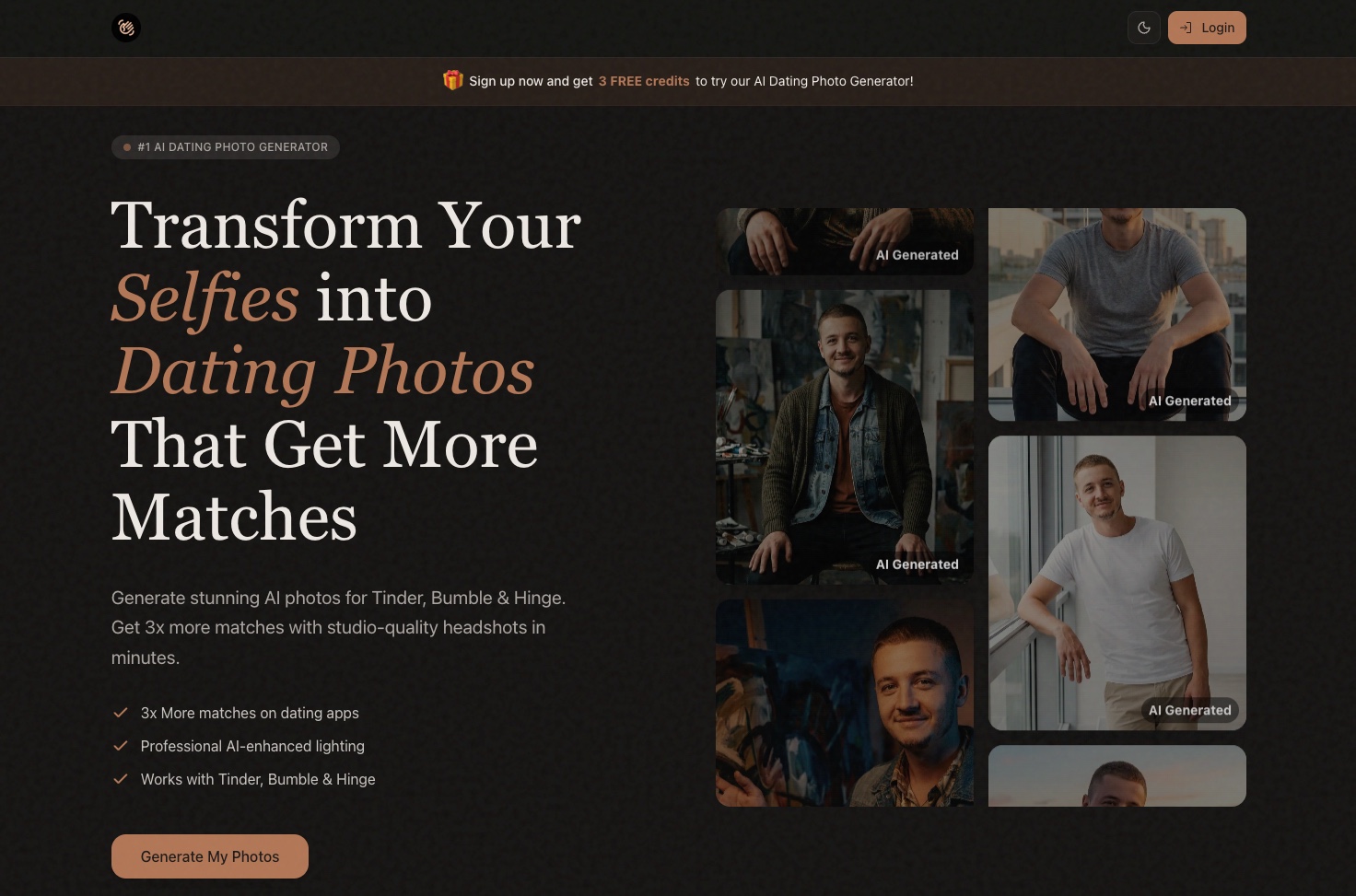
SwipeReady: AI Dating Photo Generator for Tinder & Bumble
Pixel Art Village
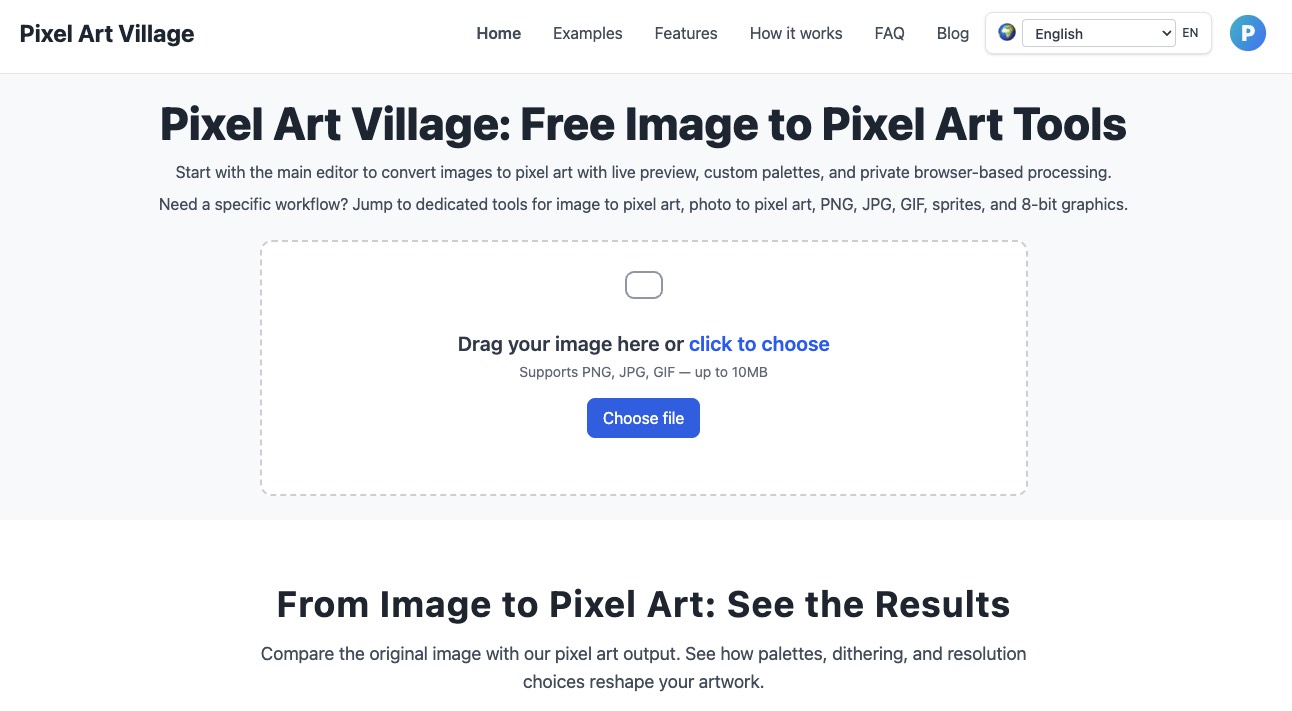
Turn any PNG, JPG, GIF, or photo into clean pixel art and game‑ready sprites with live preview, custom palettes, and browser‑based privacy in Pixel Art Village.
Arabic Calligraphy Generator
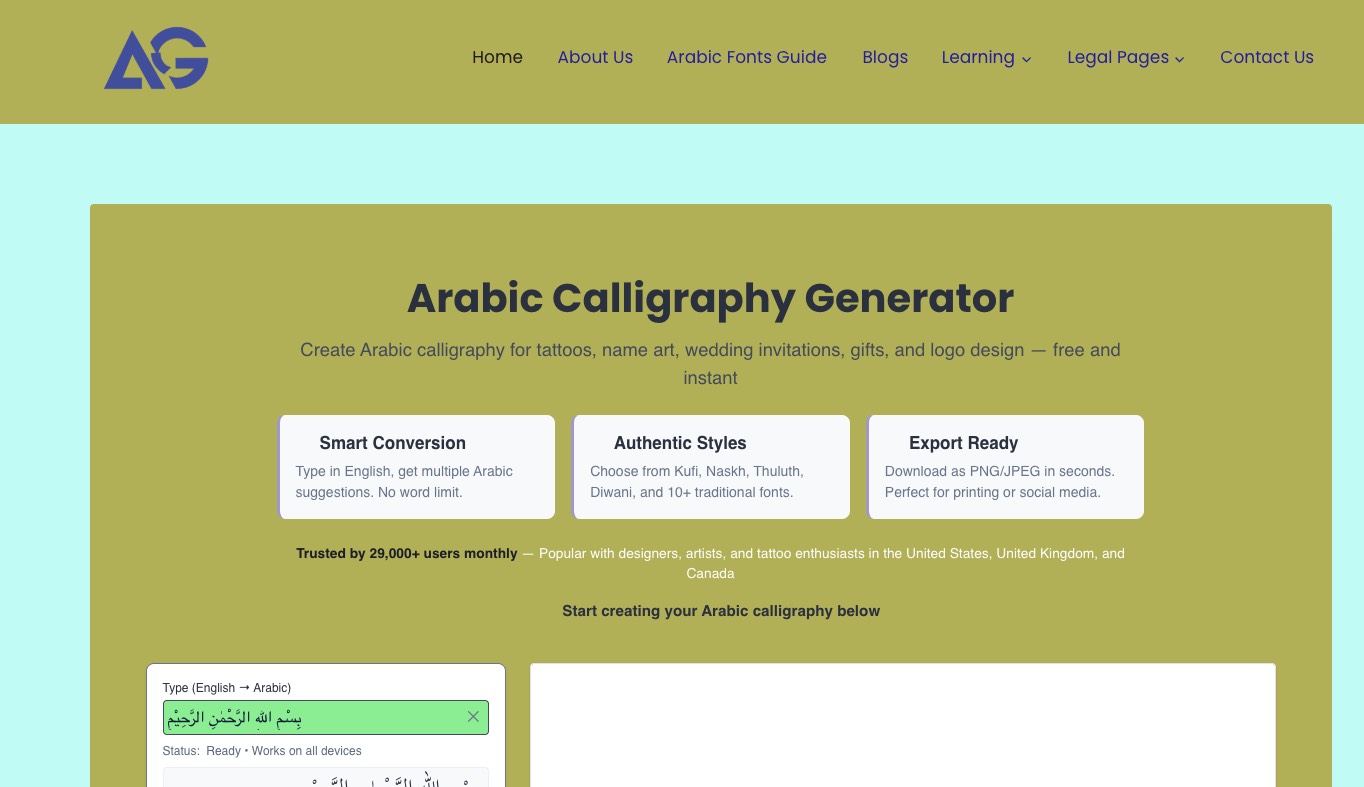
Arabic Calligraphy Generator lets you instantly turn text into authentic Arabic calligraphy for tattoos, logos, weddings, education, and social media with multiple classic styles and export-ready images.