

Story2Board
Discover Story2Board, an AI co‑director that turns scripts and ideas into editable, consistent, production‑ready storyboards for short films, music videos, and pitch projects.
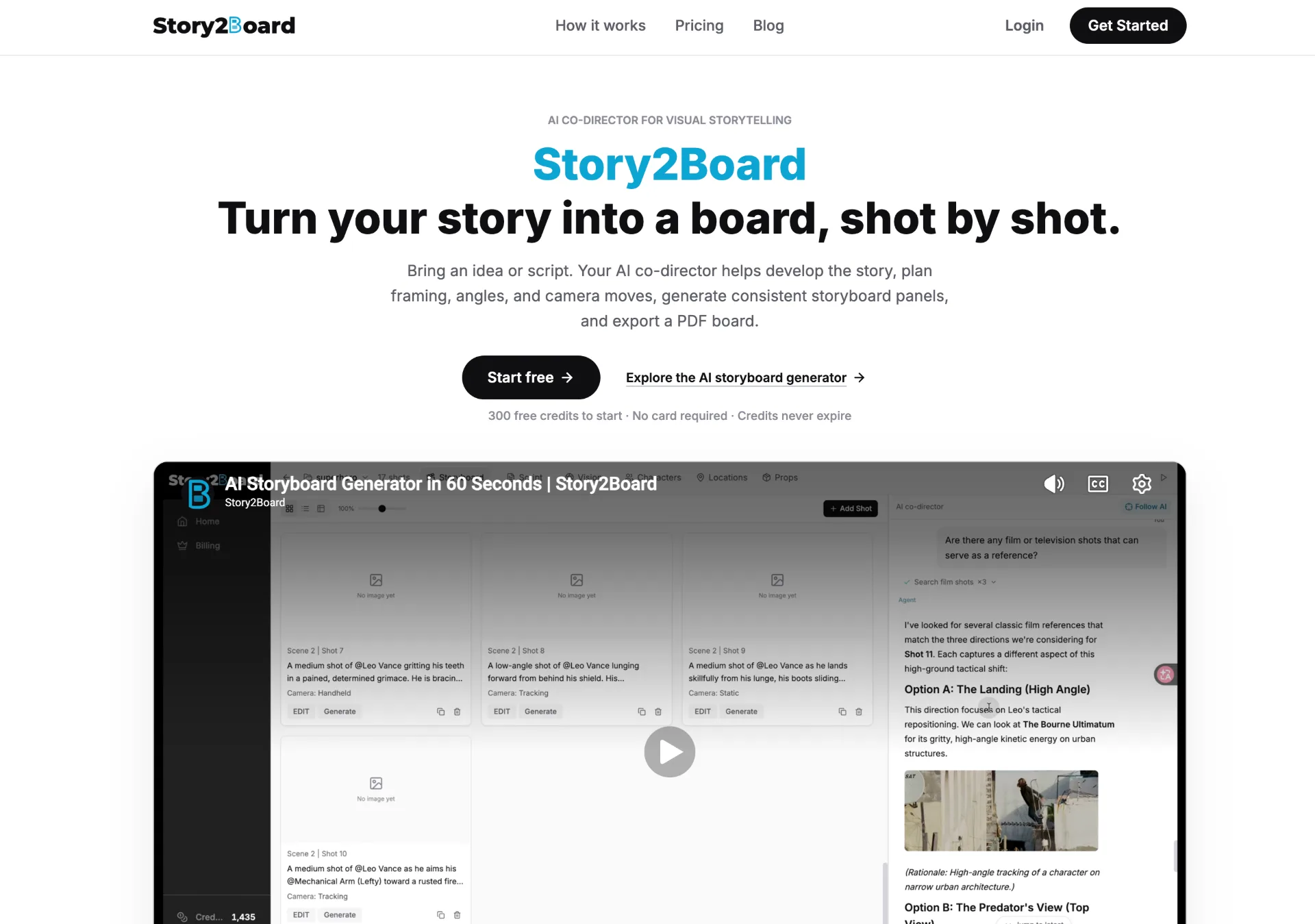
What is Story2Board
Story2Board is an AI-powered co-director for visual storytelling that turns your ideas or scripts into shot-by-shot storyboards. It helps you design framing, angles, and camera moves, pulls real film references from a large shot library, generates consistent storyboard panels, and lets you export them as a PDF board you can actually shoot from. It is built especially for indie short films, music videos, and pitch or student projects.
How to use Story2Board
-
Create an account and start a project
Go to the Story2Board web app, sign up, and create a new project. You’ll get an initial balance of credits to explore the AI co-director and image generation tools directly in your browser, without installing any software. -
Import or describe your story
Add your script, outline, or idea into the workspace. You can paste a written script, describe your scene in plain English, or gradually build up beats and moments you want to visualize. The script, cast, scenes, and storyboard all live together in one workspace. -
Chat with the AI co-director
Use the built-in chat to talk through your vision. Ask for help rewriting a scene, adding a character, or designing a specific shot. As you chat, Story2Board proposes shot ideas, refines coverage, and automatically updates your storyboard panels to match the conversation. -
Design and generate shots
For each scene, specify the framing, angle, and camera movement you want. Story2Board searches its library of 270,000+ intelligently indexed real film shots to find comparable references and explain why they work. Then it generates your storyboard frames using its image models, such as Nano Banana and Nano Banana Pro, with clear credit costs displayed before you run anything. -
Edit any shot at any time
Change your mind without starting over. Rewrite a line, swap a character’s wardrobe, adjust a location, or redesign a specific shot. Story2Board tracks characters, locations, and props as reusable assets so faces and outfits stay consistent across panels. The AI flags anything that no longer matches your script and suggests fixes. -
Refine the board for rhythm and continuity
Especially for music videos and performance-heavy scenes, fine-tune pacing with performance cuts, wides, and rhythm-driven coverage. Use the AI’s references and suggestions to make sure your boards feel cohesive, not like a random collection of unrelated images. -
Manage credits and upgrade models when needed
Monitor your credit balance as you generate images and chat with the co-director. Start with the included model, and when needed, purchase additional credits to unlock all image models and higher-end visual quality. Credits are pay-as-you-go and remain in your account until you use them. -
Export a PDF storyboard
Once your board is ready, export it as a PDF. Share the PDF with collaborators, producers, instructors, or clients so they can review shot plans before you step on set. The watermark-free exports (subject to change) are designed to be practical, readable guides for actual production.
Story2Board's use case
-
Indie short films and narrative projects
Filmmakers can break down scripts into scenes, design coverage with an AI collaborator, and quickly turn story beats into visual shot plans that respect character, geography, and emotional beats. -
Music videos and performance content
Directors and artists can plan rhythm-based coverage, mixing performance cuts and wide shots that flow together as a coherent storyboard, ideal for timing against a track and coordinating with crew. -
Pitch decks, student films, and proof-of-concept boards
Creators who need to show a visual plan—before having a full budget or crew—can build boards in an afternoon and export PDFs to pitch ideas to teachers, producers, or clients. -
Previsualization for commercials and branded content
Agencies and directors can rapidly explore different visual directions for a spot, compare shot options with real film references, and present polished boards to stakeholders. -
Concept development and script exploration
Writers and directors can experiment with different framings, blocking choices, or character introductions while they are still revising the script, using the chat to iterate on both text and visuals together. -
Learning and practicing shot design
Students and emerging filmmakers can study how real films approach similar scenes, while the AI explains why a reference fits and helps them translate that reasoning into their own boards.
Benefits of Story2Board
-
Shot design guided by an AI co-director
Instead of prompt-and-pray image generation, Story2Board pairs you with an AI that understands your scenes, suggests framing and camera moves, and keeps the board in sync with the evolving script. -
Deep film reference library for better decisions
With over 270,000 intelligently indexed real film shots, the tool can surface relevant references and explain why a shot works, helping you learn visual storytelling grammar while you plan. -
End-to-end, single workspace for story and board
Script, cast, scenes, and storyboard panels all live in one place, reducing the friction of juggling multiple tools or formats and keeping every change reflected across the project. -
Consistent characters, locations, and props
Reusable assets ensure the same faces, wardrobe, and locations carry through every panel, avoiding the inconsistency that often comes with general image generators. -
Flexible, credit-based pricing with no expiry
A transparent credit system lets you pay only when needed, with clear per-action costs and balances that never expire, making it suitable for both one-off projects and sporadic production schedules. -
Fast, browser-based workflow with no installation
Because Story2Board runs entirely in the browser, you can log in from any modern machine, generate shots in under a minute in many cases, and export watermark-free PDF boards without local setup. -
Commercial-ready outputs for real productions
The license allows commercial use of generated content (subject to applicable laws and model-specific terms), so you can confidently bring Story2Board creations into client work and professional shoots.
Pros
- Focused on real-world shot design, not just standalone images
- Large library of real film references to guide creative choices
- Consistent characters and assets across all storyboard panels
- Credit-based pricing with balances that do not expire
- Browser-based workflow with PDF export suitable for production teams
Cons
- Requires purchasing credits to access all models and heavier usage
- Generation times can vary depending on model load and queue
- Quality depends on how clearly scenes and intentions are described
- Currently optimized for certain project types like shorts and music videos
- Dependent on internet access and browser performance
让更多人发现你的产品。
提交到 Submito发现更多产品
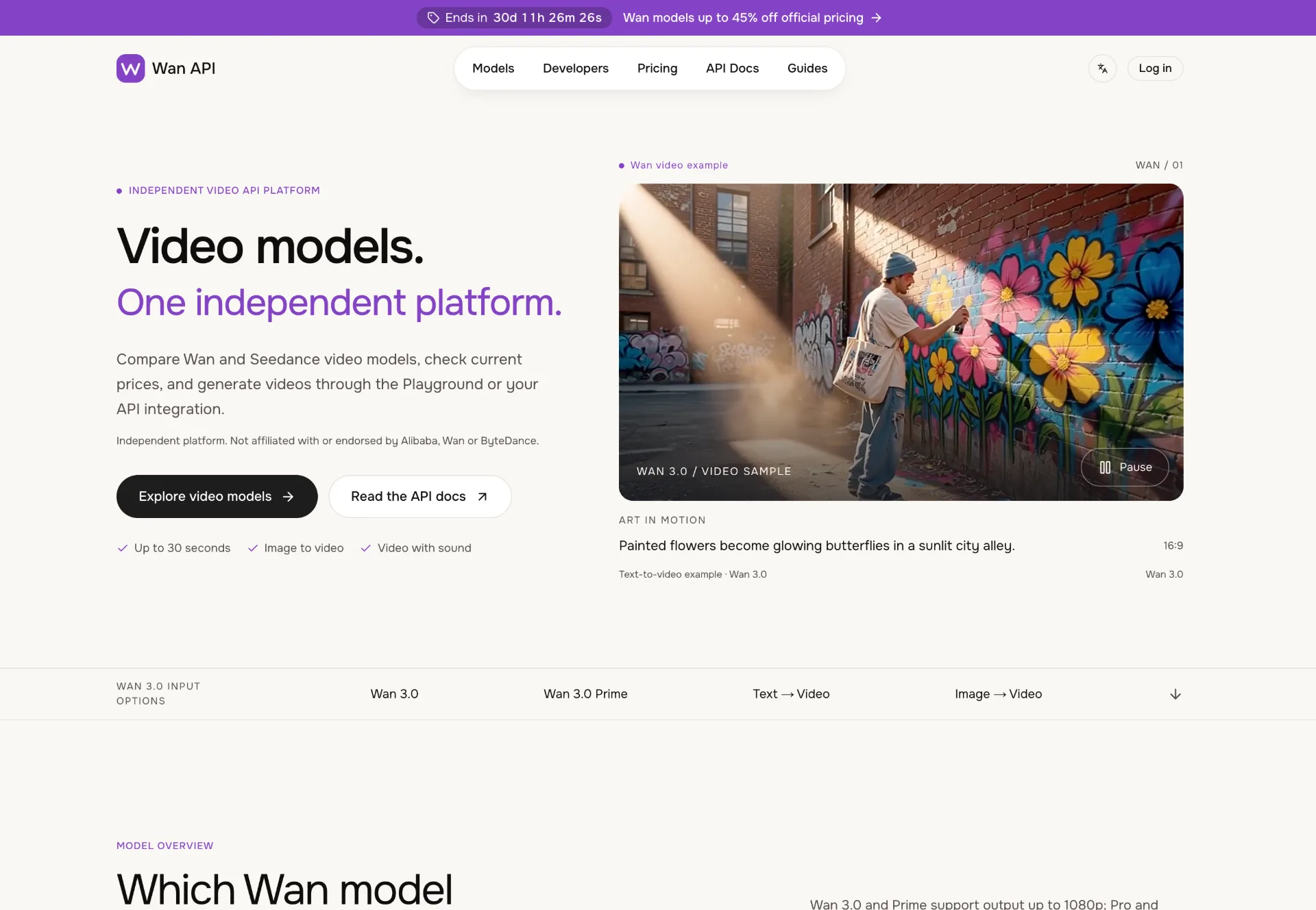
Wan API
Discover Wan 3.0 video models on Wan API, turn text, images and multimodal references into 1080p–4K clips with generated sound, transparent pricing and a unified playground and API.
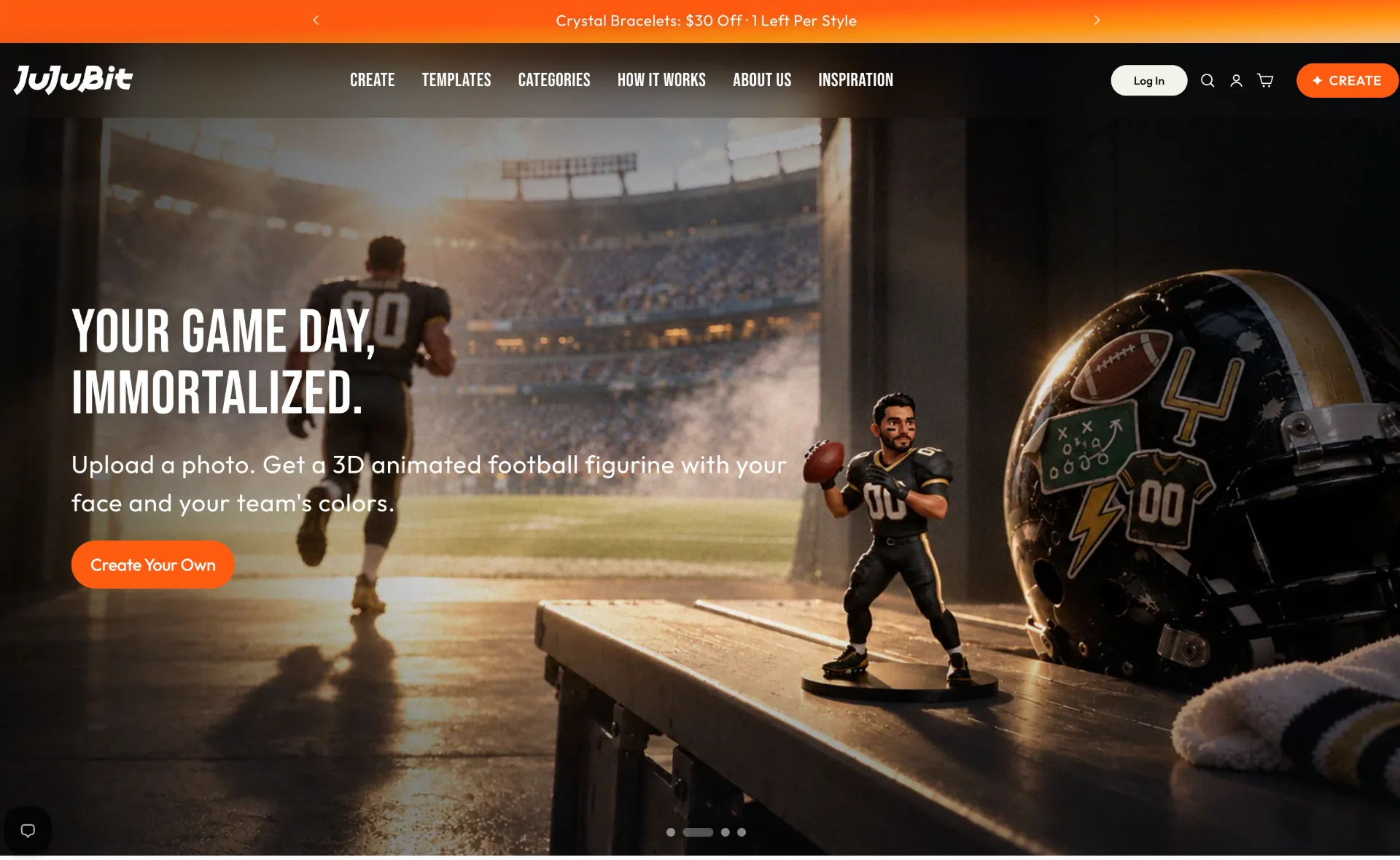
JuJuBit
JuJuBit lets you turn photos, sketches and character concepts into custom 3D printed figurines, TRPG miniatures and art toys with fast AI previews, hand‑refined models and worldwide shipping.
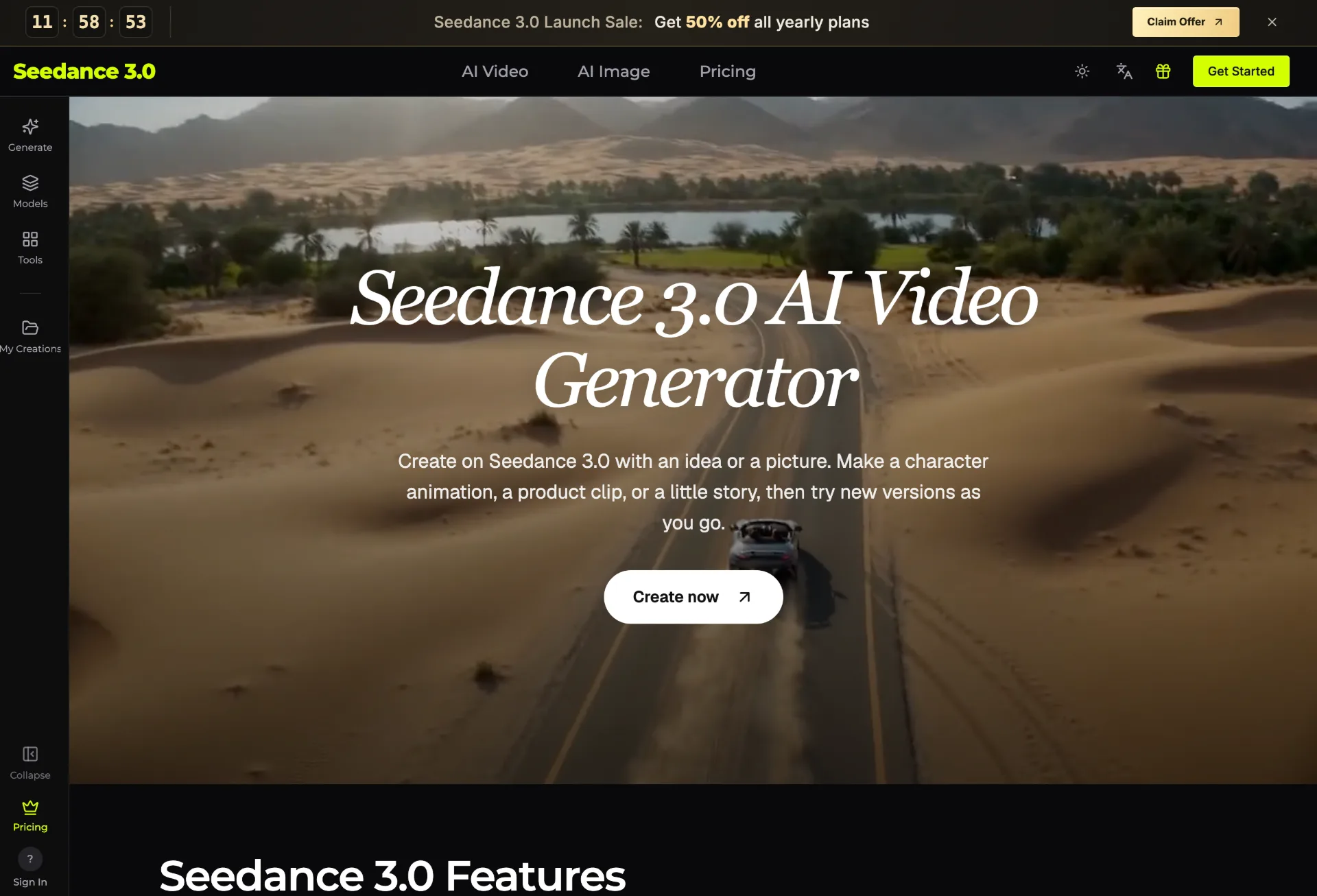
seedance 3.0
Seedance 3.0 is an AI video generator that transforms your text, images, clips, and audio into polished, editable videos for creators, marketers, teachers, and small businesses in just a few guided steps.