

TryH3 — MiniMax H3 Video Generator
TryH3 is a free online AI video generator powered by MiniMax H3. Create native 2K, 4–15 second videos from text, images, first/last frames, and multimodal references with synchronized stereo audio.
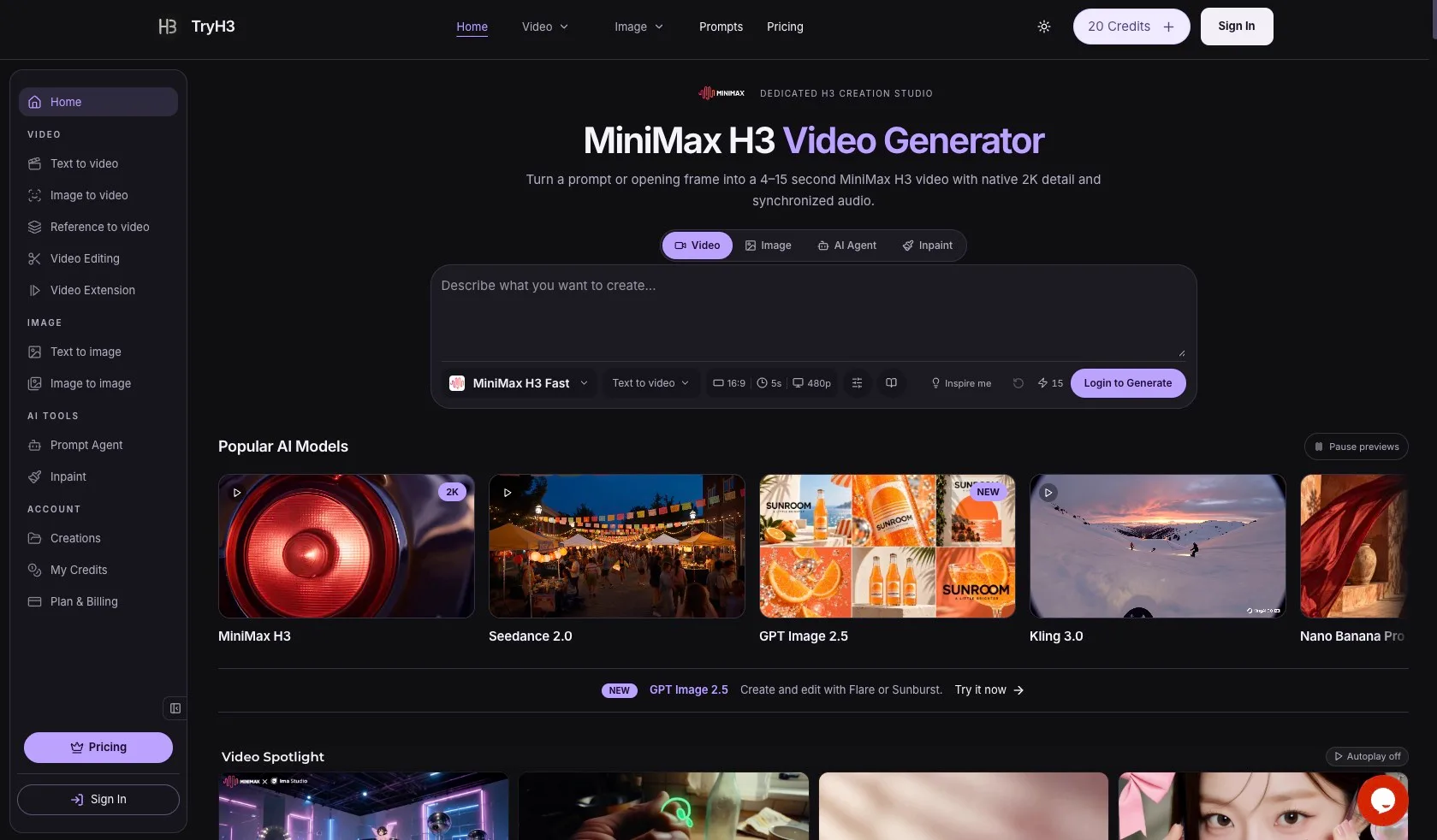
What is MiniMax H3 Video Generator
MiniMax H3 Video Generator on TryH3 is a production‑focused AI video studio that turns detailed direction, opening frames and multimodal references into finished 4–15 second clips with native 2K resolution and synchronized audio. Within one workspace you can generate, extend and edit short cinematic scenes, product ads, character stories and social content, using MiniMax H3 alongside models like Seedance, Kling, Grok and Wan.
How to use MiniMax H3 Video Generator
-
Create or sign in to your TryH3 account
Go to the TryH3 website, click “Sign In”, and create an account if you are a new user. Confirm your email, then access the dashboard with your starter credits or choose a paid plan. -
Choose the MiniMax H3 workflow mode
From the “Video” section, select the specific H3 workflow you need: Text to Video, Image to Video, Reference to Video, Video Editing or Video Extension. This defines whether you start from text, an image, existing clips, or multimodal references. -
Set your input: prompt, frames and references
In Text to Video, describe the scene, camera movement, atmosphere and sound in detail. In Image to Video, upload an opening frame and add text direction to control motion. For Reference to Video, upload image or video references for identity, motion or rhythm and reference them in your prompt. For Video Editing and Extension, upload the base clip you want to reimagine or continue. -
Configure aspect ratio, duration and resolution
Choose an aspect ratio that matches your target platform: 16:9, 9:16, 1:1, 4:3, 3:4 or 21:9 in text mode, or follow the frame shape in image mode. Set a duration between 4 and 15 seconds, then pick 768P or native 2K resolution depending on your quality needs and credit budget. -
Review the credit quote before generating
Check the displayed credit cost, which is calculated from the model, resolution, duration, audio tier and reference usage. Make sure your current credit balance covers the quote or top up via a credit pack or subscription. -
Generate the MiniMax H3 video
Click the generate button to start rendering. MiniMax H3 processes your direction in one pass, producing motion, composition and synchronized sound together. Typical generation time is 1–3 minutes, depending on duration and queue. -
Inspect the opening frame and full motion
First, evaluate the opening composition: framing, lighting and subject clarity. Then watch the full clip to judge motion, continuity, character consistency, sound design and how well it meets your creative goal. -
Iterate by changing one variable at a time
If the result misses the mark, revise only the part of the prompt that controls the weakest element—for example, camera movement, ambience, or character expression—instead of rewriting the entire brief. Regenerate until you get a polished clip. -
Download and use the MP4 output
When satisfied, download the MP4 file. Videos generated with subscription or purchased pack credits include commercial use rights, so you can safely use them in ads, client work, social content and other monetized projects.
MiniMax H3 Video Generator's use case
-
Cinematic pre‑visualization for film and TV
Directors and cinematographers can block scenes, test camera moves and explore lighting and atmosphere before committing to real‑world production setups, using H3’s native 2K output and synchronized ambience. -
Product advertising and social campaigns
Creative teams can quickly prototype and deliver short product films, fashion campaigns and launch assets for feeds, Stories and Shorts, generating consistent vertical and square variants from a single concept. -
Character‑driven storytelling and animation
Artists and storytellers can build anime‑style or stylized character sequences where faces, outfits and illustration styles remain stable across multiple cuts and shots, using key frames and references to preserve identity. -
Content for creators and influencers
Solo creators can produce eye‑catching vertical clips—such as surfing shots, vlogs or stylized lifestyle scenes—with immediate first‑frame hooks and integrated sound, ready to drop straight into editing timelines. -
Reference‑guided brand and motion design
Agencies can mix image identity references with motion or rhythm references to create brand videos, automotive spots or fashion edits whose style, pacing and transitions match an existing reference reel. -
Rapid ideation for clients and pitches
Studios and freelancers can turn written concepts into high‑fidelity moving examples in minutes, helping clients visualize ideas, compare directions and sign off on concepts without early‑stage shoots.
Benefits of MiniMax H3 Video Generator
-
Production‑ready 2K visuals with synchronized audio
MiniMax H3 renders clips at up to native 2K resolution with ambience and effects generated alongside the visuals, delivering crisp frames and coherent sound that feel ready for real‑world campaigns or edits. -
Flexible input paths for real workflows
Multiple lanes—Text to Video, Image to Video, Reference to Video, Video Editing and Video Extension—mirror how professionals actually work, whether they begin from a script, concept frame, client asset or existing cut. -
Precise control over motion, composition and pacing
Detailed prompts let you define camera movement, editing rhythm, subject performance and visual continuity, so you can shape everything from handheld festival races to polished tabletop product reveals. -
Character and style consistency across shots
Multimodal references and careful prompt design help keep faces, outfits and art direction stable across a sequence, making it viable for character‑led stories, branded campaigns and stylized worlds. -
Integrated multi‑model studio and shared credits
Within TryH3, the same credit balance covers MiniMax H3 and a wide range of other video and image models, making it simple to mix text‑to‑video, Seedance workflows and GPT‑based image creation in one place.
Pros
- High‑quality 4–15 second clips with native 2K support and synchronized audio.
- Multiple professional workflows including text, image, reference, editing and extension modes.
- Strong control over camera movement, composition, pacing and character consistency.
- Commercial use rights included for subscription and paid credit pack generations.
- Shared credit system across many leading video and image models in one interface.
Cons
- Short clip duration; not designed for long‑form video production.
- Requires thoughtful, detailed prompting to consistently achieve top‑tier results.
- Higher‑resolution and longer clips consume more credits, increasing cost for heavy users.
- Dependent on online access and TryH3’s service availability.
- Learning curve for new users unfamiliar with multimodal or reference‑driven workflows.
Help more people discover your product.
Submit to SubmitoMore to discover
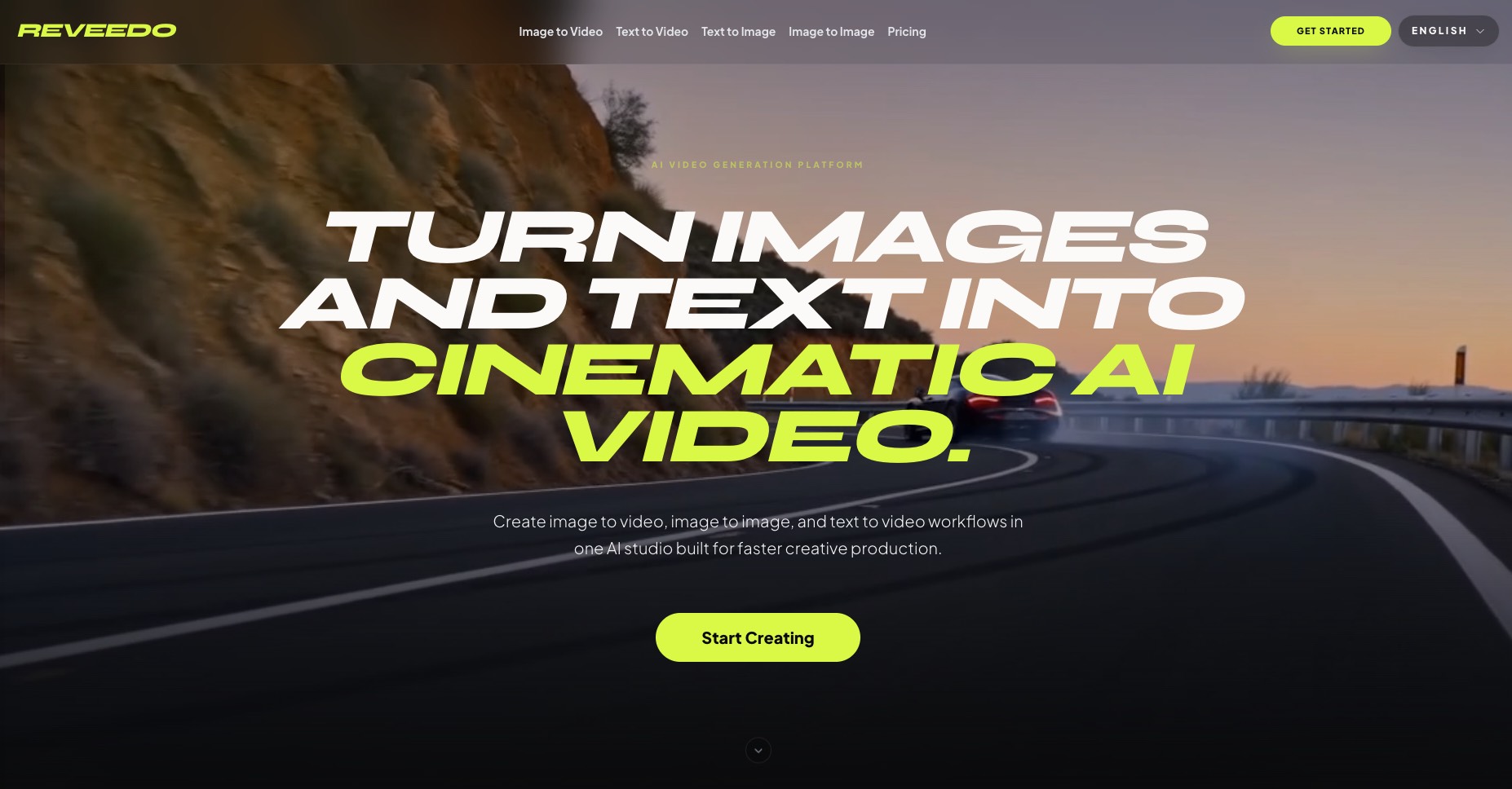
ReVeedo
ReVeedo is an AI video generation studio that turns images and text into cinematic motion with controllable pacing, style, and creative workflows for modern creators and teams.
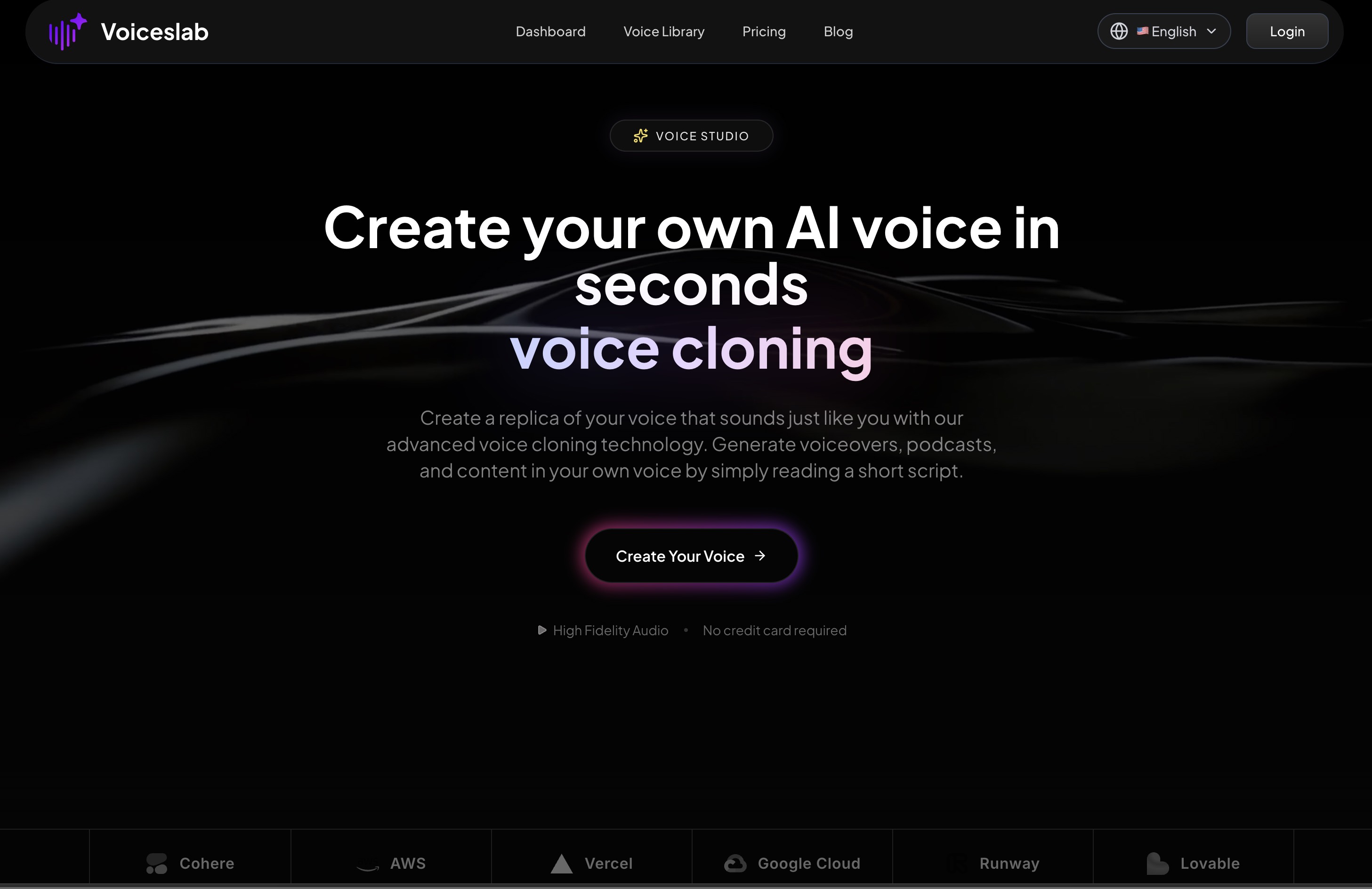
Voiceslab
Discover Voiceslab Voice Studio, an AI voice cloning platform that lets you recreate your own natural‑sounding voice in seconds for podcasts, audiobooks, videos, training content, and multilingual communication with secure, low‑latency generation.
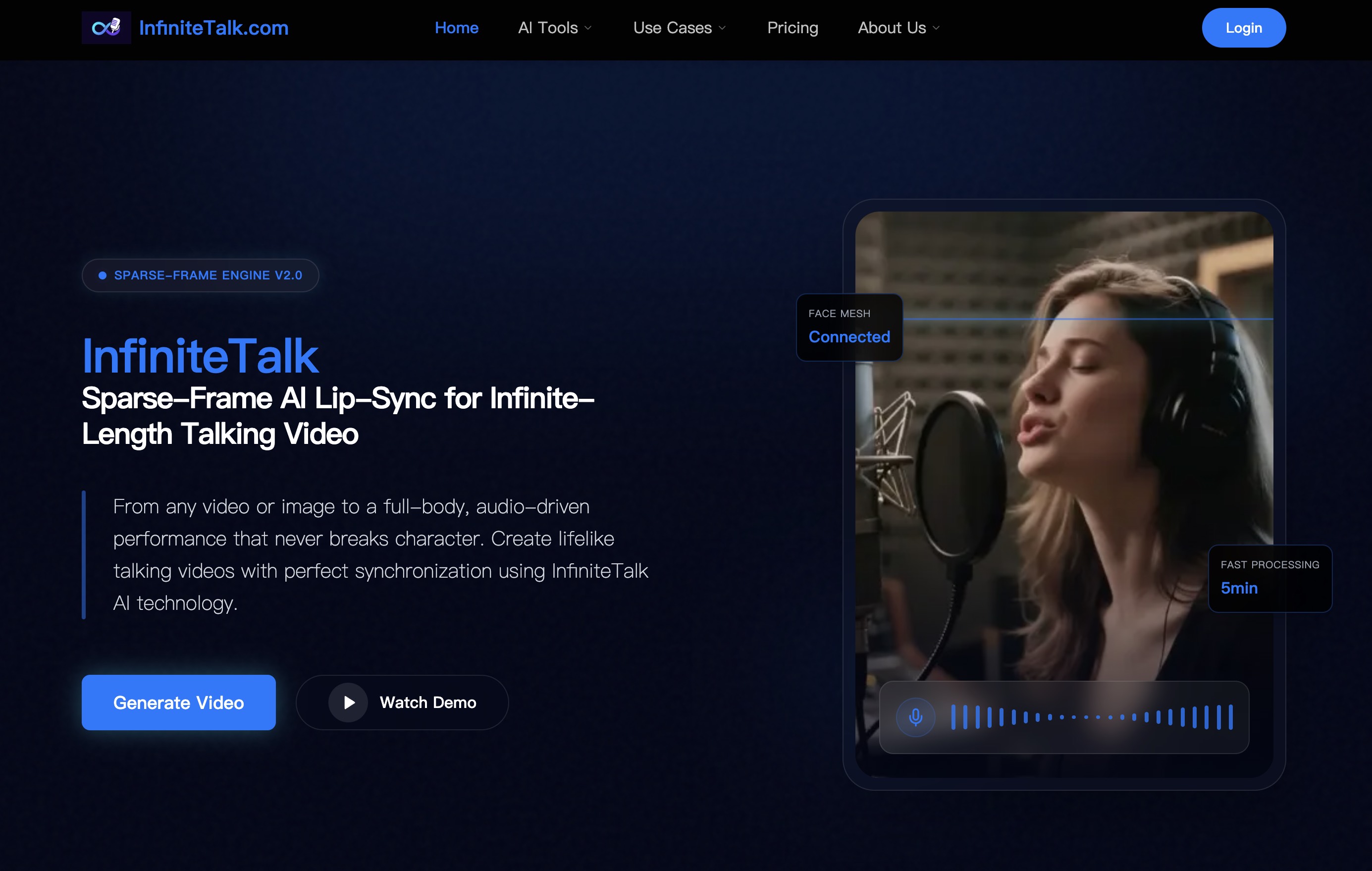
InfiniteTalk
Create ultra-realistic, infinite-length AI talking head and full-body videos with InfiniteTalk’s sparse-frame lip-sync engine for marketing, education, VTubers, support agents, and more.