

TextIAA
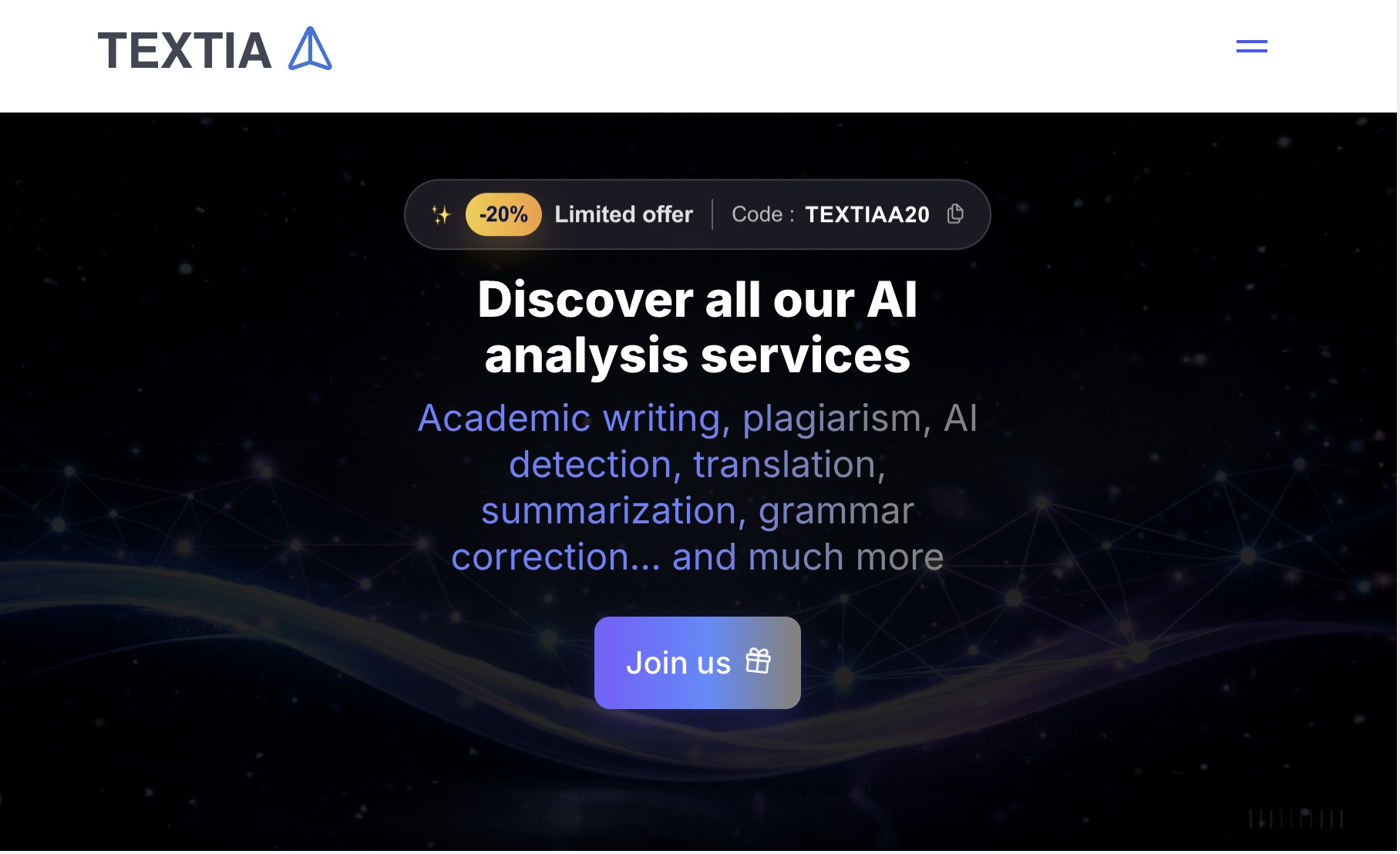
TextIAA is an all‑in‑one AI assistant for academic writing, plagiarism and AI detection, humanization, translation, summarization, and image generation, helping students and professionals write better and faster.
What is TextIAA
TextIAA is an all‑in‑one AI writing and analysis platform that combines academic writing assistance, plagiarism and AI detection, text humanization and rewriting, grammar correction, summarization, translation, and AI image generation in a single interface. Designed for students, researchers, professionals, and content creators, TextIAA helps you plan, write, refine, and analyze your documents while preserving your own style and ensuring academic and professional integrity.
How to use TextIAA
-
Create an account or log in Go to the TextIAA website and sign up or log in to your account. Choose the language of the interface that suits you best (English, French, Spanish, German, Italian, Polish, Arabic, Portuguese, Turkish).
-
Choose the appropriate AI tool From the main dashboard or navigation, select the tool you need, such as AI Academic Writing, AI Chat, Plagiarism Checker, AI Detection, Humanization, Rephraser PRO, Grammar Checker, Summarizer, Translator, Image Generation, or Homework Help.
-
Set up your academic or writing project For academic work, open the Academic AI Assistant. Specify the type of document (thesis, dissertation, report, article), your subject area (e.g., Mathematics, Medicine, Computer Science, Psychology, Chemistry), language, and any requirements such as citation style (APA, MLA, IEEE, Chicago, Vancouver) and export formats (PDF, DOCX, LaTeX, BibTeX, Overleaf, Zotero, Mendeley).
-
Provide your instructions or source text In the selected tool, enter your prompt or paste your existing text. For example, ask TextIAA to generate an outline, draft a chapter, rewrite a paragraph, check grammar, summarize a long passage, translate content, or generate an image based on a written description or source image.
-
Review the AI output Let TextIAA generate the requested content, analysis, or visual. Carefully read the output, paying attention to structure, arguments, formulas, citations, and language quality. Use the built‑in grammar checker, summarizer, or rephraser to refine and adjust the style as needed.
-
Use humanization and AI detection where necessary If you work on academic or professional documents, run your text through the AI Detection tool to identify AI‑like patterns, and then use the Humanization or Rephraser PRO tools to make the writing more natural and aligned with your personal voice.
-
Scan for plagiarism and generate references Before finalizing your document, use the Plagiarism Checker to analyze your text or uploaded file. Review the similarity report, identify overly similar passages, and use the built‑in citation generator and reference tools to properly attribute your sources.
-
Organize your work with smart folders and history Group your conversations, drafts, and analyses into smart folders by project, course, client, or topic. Use the full history feature to revisit previous chats, reuse prompts, and continue working on existing documents without starting from scratch.
-
Export and share your documents Once you are satisfied with the content, export your work in the required format (such as PDF, DOCX, LaTeX, BibTeX, or compatible files for Overleaf, Zotero, and Mendeley). Share your files or reports directly with peers, supervisors, clients, or publishers.
-
Use the browser extension for everyday writing Install the TextIAA browser extension for Chrome or Firefox to access all your AI tools from any website. Open the extension while browsing, drafting emails, filling online forms, or working in web‑based editors, and apply TextIAA’s features without leaving your current tab.
TextIAA's use case
-
Academic writing and research projects
Ideal for students, master’s and PhD candidates, and researchers who need help structuring theses, dissertations, reports, and scientific articles, including outlines, chapters, equations, references, and exports in academic formats. -
Teaching, course materials, and educational content
Useful for teachers and trainers who want to create precise, well‑structured course notes, assignments, explanations, and exams, with grammar checking, summarization, and translation across multiple languages. -
Professional reports and business documentation
Suitable for consultants, engineers, and professionals who need to draft clear deliverables, technical documentation, analyses, and executive summaries while maintaining consistency and rigor. -
Web, marketing, and journalistic writing
Helpful for web writers, marketers, and journalists who want smoother, better‑structured articles, blog posts, newsletters, and press materials, with rewriting, humanization, and proofreading support. -
Homework help and study assistance
Supports learners at different levels by providing immediate explanations and step‑by‑step help for school questions in subjects like mathematics, physics, history, and more. -
Multilingual communication and localization
Enables users who work across languages to translate, adapt, and refine content for different audiences using high‑quality multilingual translation combined with grammar and style correction. -
Visual content and illustration creation
Serves designers, content creators, and educators who need quickly generated AI images and illustrations for presentations, learning materials, articles, and social media.
Benefits of TextIAA
-
Centralized AI toolkit in one platform
Combines academic writing assistance, plagiarism and AI detection, rewriting, grammar checking, translation, summarization, text reduction, and image generation so you do not need to switch between multiple separate tools. -
Academic‑grade structure and formatting
Provides guided outlines and chapters, clean mathematical formulas with LaTeX, standardized citation styles, and exports compatible with academic ecosystems such as PDF, DOCX, LaTeX, BibTeX, Overleaf, Zotero, and Mendeley. -
Improved writing quality and natural style
Enhances clarity, coherence, and style through grammar correction, paraphrasing, and dedicated humanization tools that help your text read more naturally while keeping your own voice. -
Integrity and reliability for serious work
Supports the integrity of academic and professional documents through plagiarism scanning, AI content detection, and transparent reports that highlight similar or AI‑like passages. -
Productivity and time savings across workflows
Speeds up the entire writing process, from initial planning and outlining to drafting, revising, translating, and formatting, letting you focus more on ideas and less on manual editing. -
Flexible use across languages and disciplines
Works with multiple interface languages and academic domains, from economics, medicine, computer science, psychology, and law to mathematics, chemistry, physics, engineering, and social sciences. -
Seamless access via browser extension
Offers quick access to all tools directly inside your browser, making it easy to apply AI assistance wherever you write online.
Pros
- Comprehensive suite of AI tools for writing, analysis, and visuals in a single environment.
- Strong focus on academic writing, with structured outlines, references, and specialized exports.
- Built‑in plagiarism and AI detection complement humanization and rewriting features.
- Supports multiple languages and disciplines, suitable for global users.
- Smart folders, full history, and browser extensions streamline day‑to‑day workflows.
Cons
- Users still need to manually verify facts, arguments, and references for strict academic standards.
- Heavily relying on automation may reduce the development of independent writing skills.
- Access to advanced features may depend on subscription plans rather than being fully open.
- Internet access and browser compatibility are required to use the extension and online tools.
- Some disciplines with highly niche formatting standards may require additional manual adjustments.
Help more people discover your product.
Submit to SubmitoMore to discover
GPT Detector
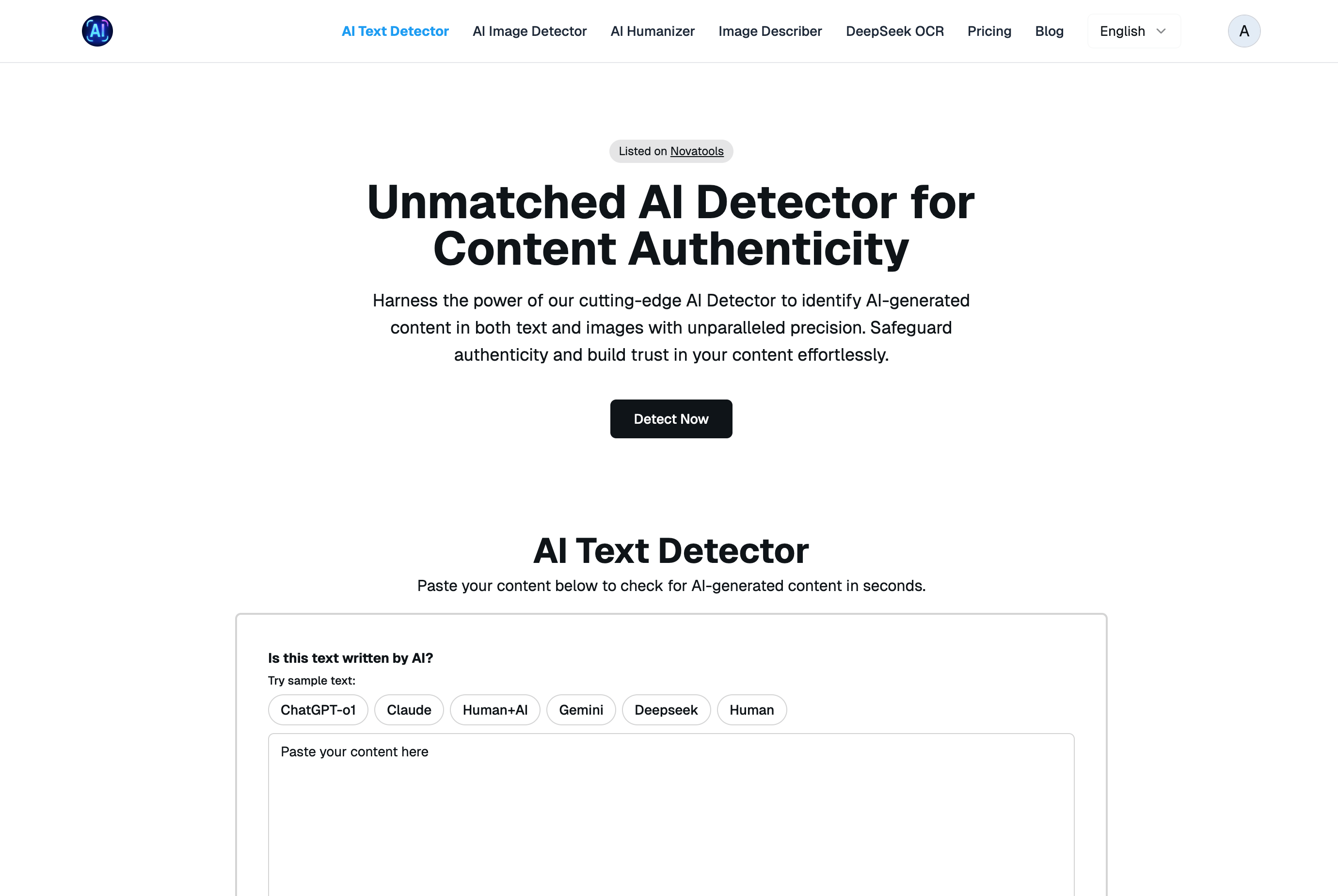
GPTDetect.ai – AI-Generated Content Detection & Humanization Platform
AI Manga Translator

AI Manga Translation is a browser-based OCR + translation tool built specifically for manga and doujin. It accurately recognizes vertical and horizontal text, handles line breaks and ruby/furigana, and translates into multiple languages. For production speed, it supports true batch processing of whole chapters/books and performs layout-preserving auto-typesetting so pages keep their original look with minimal manual editing. A review screen lets you proof and tweak results before export. Works on any OS and modern browser, supports high-resolution images and common manga page sizes, and is friendly for both solo scanlators and teams. Freemium model with a free tier and optional Pro features. We respect copyright and process your files only for your tasks.
username ideas
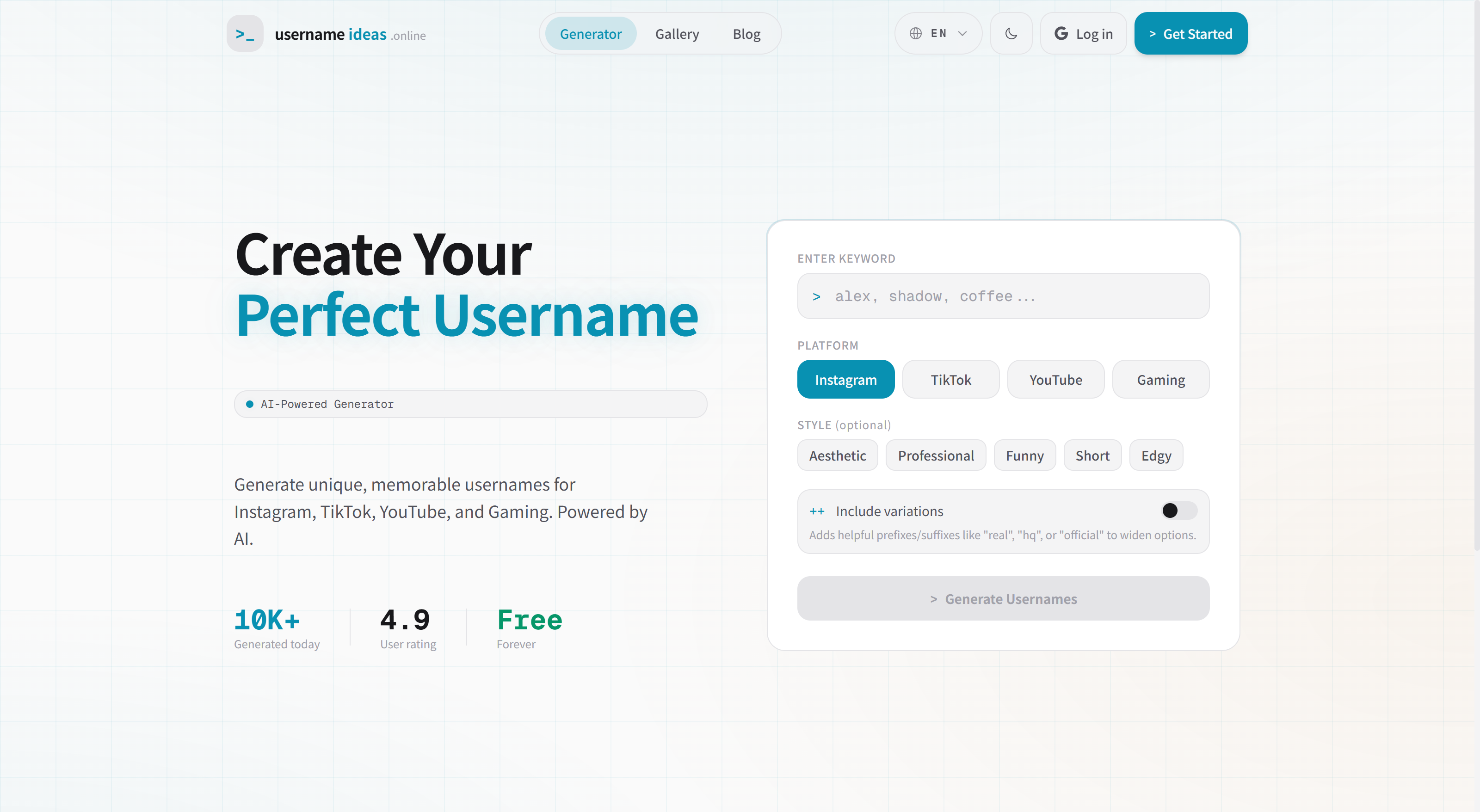
This site is an AI‑powered username generator built for creators and everyday users who need a memorable handle for Instagram, TikTok, YouTube, or gaming. Naming is often slow, repetitive, and uninspired—many people end up with names that are hard to remember or too generic. By taking a keyword, platform, and style preferences, the tool produces curated suggestions that feel intentional and on‑brand. What makes it special is the structured output: beyond a simple list, it provides style cues, brief context, and remixable variations so you can iterate quickly toward the right fit. It’s fast, lightweight, multilingual, and works without signup—perfect for new accounts, personal brands, or project identities.