

Migos AI Video Generator
Turn two photos into a cinematic, Hotel Lobby–inspired duo performance with Migos AI Video Generator—no editing skills or prompts required.
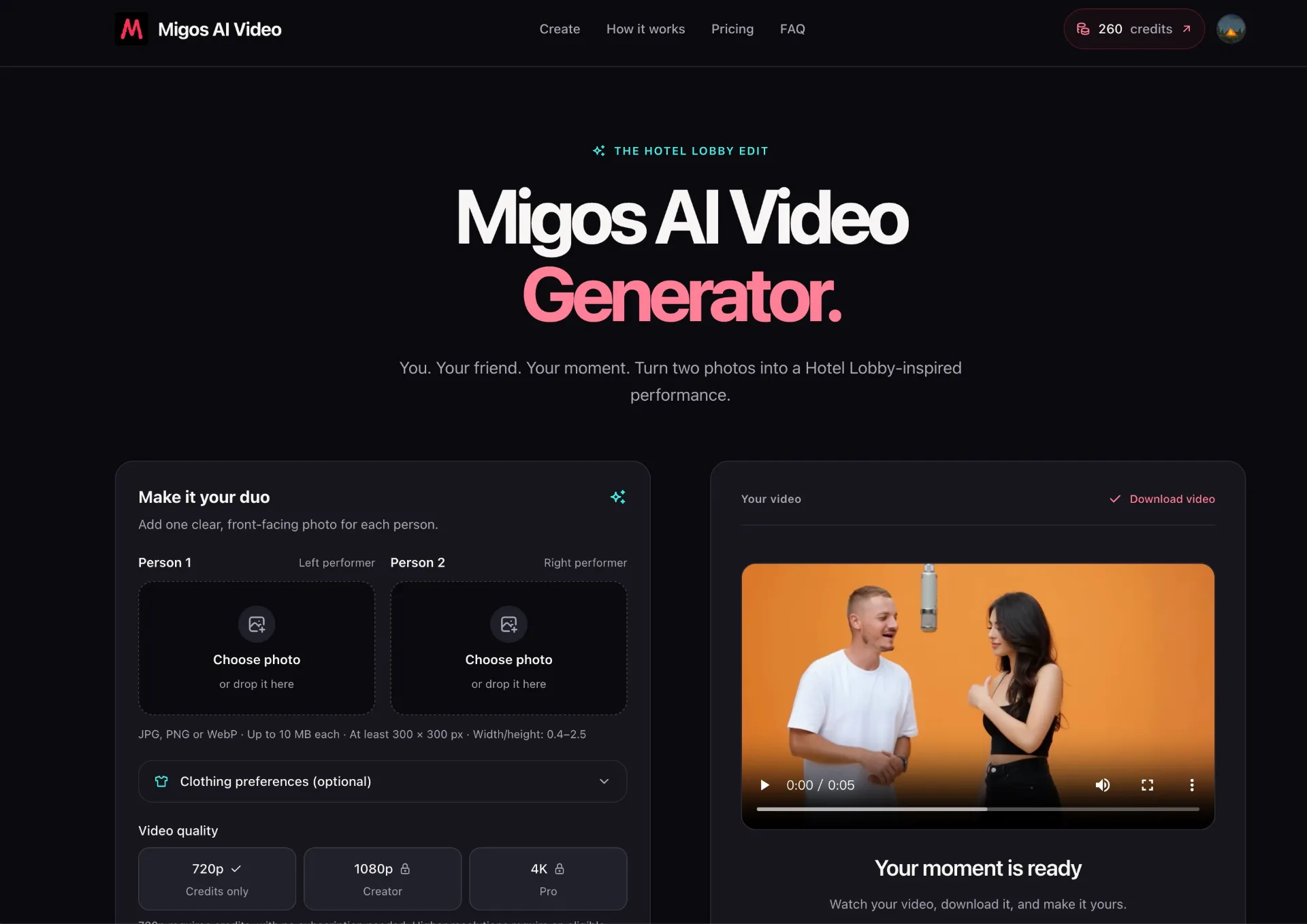
What is Migos AI Video Generator
Migos AI Video Generator is an AI-powered video creation tool that turns two portrait photos into a Hotel Lobby–inspired duo performance. Designed around the viral Migos-style trend, it places you and a friend at the center of a stylized, landscape video without needing prompts, timelines, or editing skills.
How to use Migos AI Video Generator
-
Pick your duo Choose two clear, front-facing photos—one for each performer. Decide who will appear as the left performer (Person 1) and who will appear as the right performer (Person 2).
-
Upload the photos Click “Choose photo” or drag and drop one image into the Person 1 (left performer) slot, and another into the Person 2 (right performer) slot. Make sure each file is JPG, PNG, or WebP, up to 10 MB, and at least 300 × 300 px with a width/height ratio between 0.4 and 2.5.
-
Set clothing preferences (optional) In the clothing preference fields, describe each person’s outfit, colors, or style if you want the AI to reimagine their look. If you leave this blank, the tool will try to keep the clothing from the original photo when possible.
-
Choose video quality Select your desired resolution. You can pick 720p (credits only, no subscription) or upgrade via a plan for up to 1080p or 4K, depending on your subscription level.
-
Select video duration Pick a length for your video: 5 seconds, 10 seconds, or 15 seconds. The interface shows how many credits are required for your chosen duration—for example, a 15-second 16:9 video uses 50 credits.
-
Sign in or create an account If you are not already signed in, create or log into a verified account. You need an account and enough credits to start generation.
-
Add or manage credits Choose between a one-time 15-second 720p video pack, a monthly subscription (Starter, Creator, or Pro), or additional top-up credit packs. Ensure you have at least the required credits for your chosen duration and resolution.
-
Generate your video Click “Generate my video.” Your photos stay on your device until you start generation. Once submitted, the system processes the video; typical generation times range from about 3–7 minutes depending on length and queue.
-
Monitor progress Stay on the page while the task status automatically updates. You can track whether your video is in queue, processing, or completed. If generation definitively fails, credits are restored.
-
Download and share After the video is ready, download the 16:9 landscape output. Share it to your favorite social platforms, send it to friends, or save it to your camera roll as your new main-character moment.
Migos AI Video Generator's use case
-
Social media trends and challenges
Perfect for recreating the iconic two-person Hotel Lobby performance and joining trending formats on platforms like TikTok, Instagram Reels, or YouTube Shorts. -
Couple and best-friend edits
Ideal for couples, best friends, or siblings who want a stylized shared moment that feels cinematic and coordinated without needing a full video shoot. -
Special occasions and celebrations
Use it to mark birthdays, anniversaries, graduations, or holidays by transforming two portraits into a polished performance clip. -
Creator content and fan edits
Great for creators who frequently experiment with visual trends, character pairings, or fan edits and want a fast way to generate duo performances from still photos. -
Low-effort, high-impact content
Suited to people who don’t have editing skills or time to learn complex software but still want eye-catching, trend-aligned content built from simple portraits.
Benefits of Migos AI Video Generator
-
Two-photo, no-edit workflow
The tool removes the need for prompts, timelines, or manual editing; you only need two clear portraits to unlock a stylized duo performance. -
Trend-aligned creative concept
It is built specifically around the Migos Hotel Lobby–style two-person performance, giving users a recognizable, culturally relevant format with minimal setup. -
Flexible pricing and credit system
Users can choose between a one-time 720p video pack, ongoing monthly plans (Starter, Creator, Pro), or subscriber-only credit top-ups, with credits that never expire for 720p generation. -
Scalable video quality options
From 720p to 1080p and up to 4K (with eligible plans), it supports different quality levels to suit casual sharing, creator workflows, or higher-end outputs. -
Clear generation expectations
Estimated generation times are provided for 5s, 10s, and 15s videos, and the page auto-updates task status, helping users understand progress and manage their time.
Pros
- Purpose-built for a popular two-person Migos-style Hotel Lobby trend.
- Extremely simple workflow using just two photos and optional clothing descriptions.
- Multiple durations and resolutions available, including up to 4K on higher-tier plans.
- Flexible credit-based model with subscriptions and non-expiring credit packs for 720p.
- No editing timeline or technical skills required, making it approachable for most users.
Cons
- Requires a verified account and sufficient credits before generating any video.
- Higher resolutions like 1080p and 4K are locked behind paid subscription plans.
- Works best only with clear, front-facing portraits and good lighting, limiting some casual photos.
- Generation time can vary depending on queue, so instant results are not guaranteed.
- Focused on a specific two-person performance style, offering limited format variety outside that trend.
Help more people discover your product.
Submit to SubmitoMore to discover
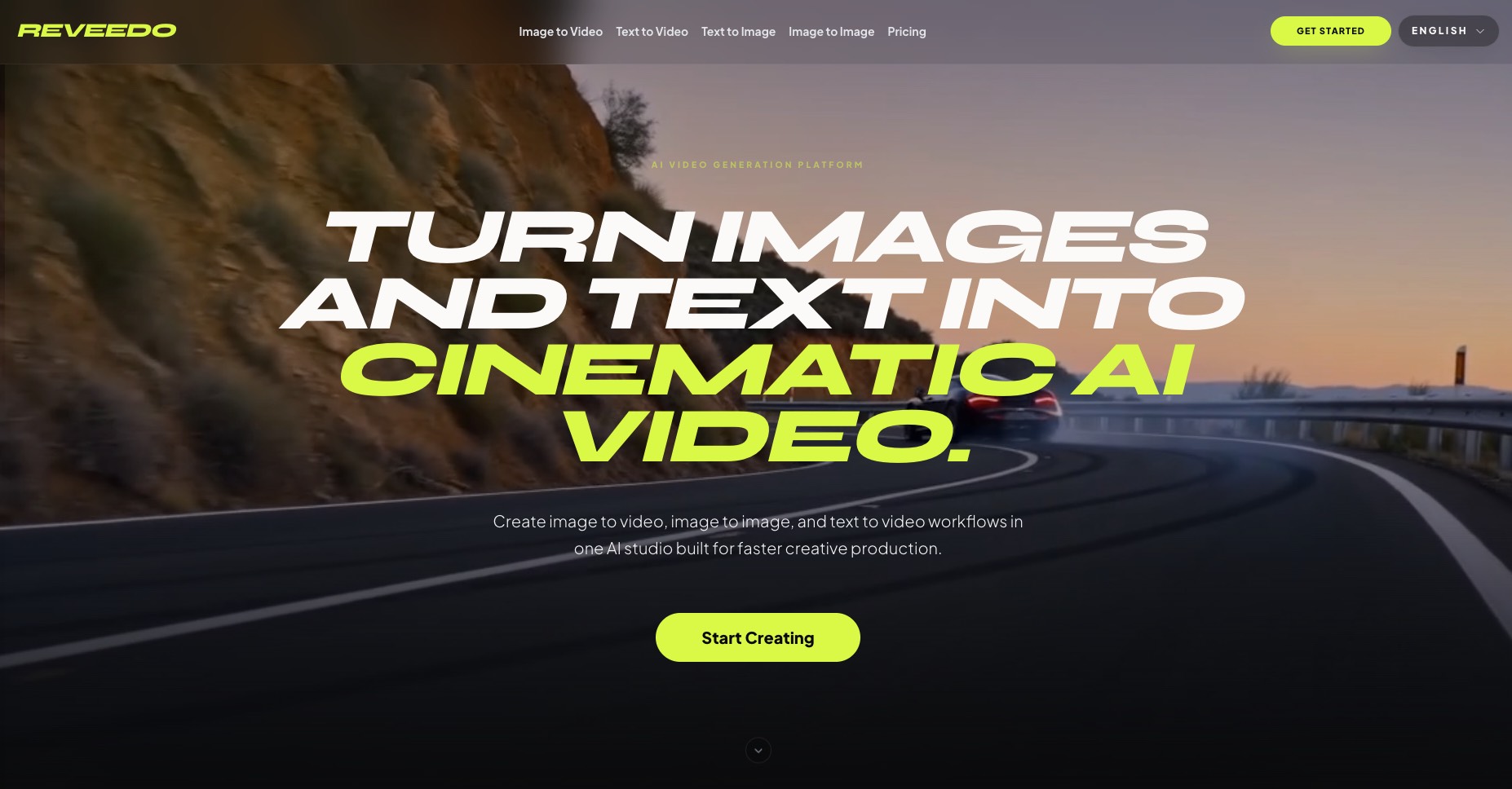
ReVeedo
ReVeedo is an AI video generation studio that turns images and text into cinematic motion with controllable pacing, style, and creative workflows for modern creators and teams.
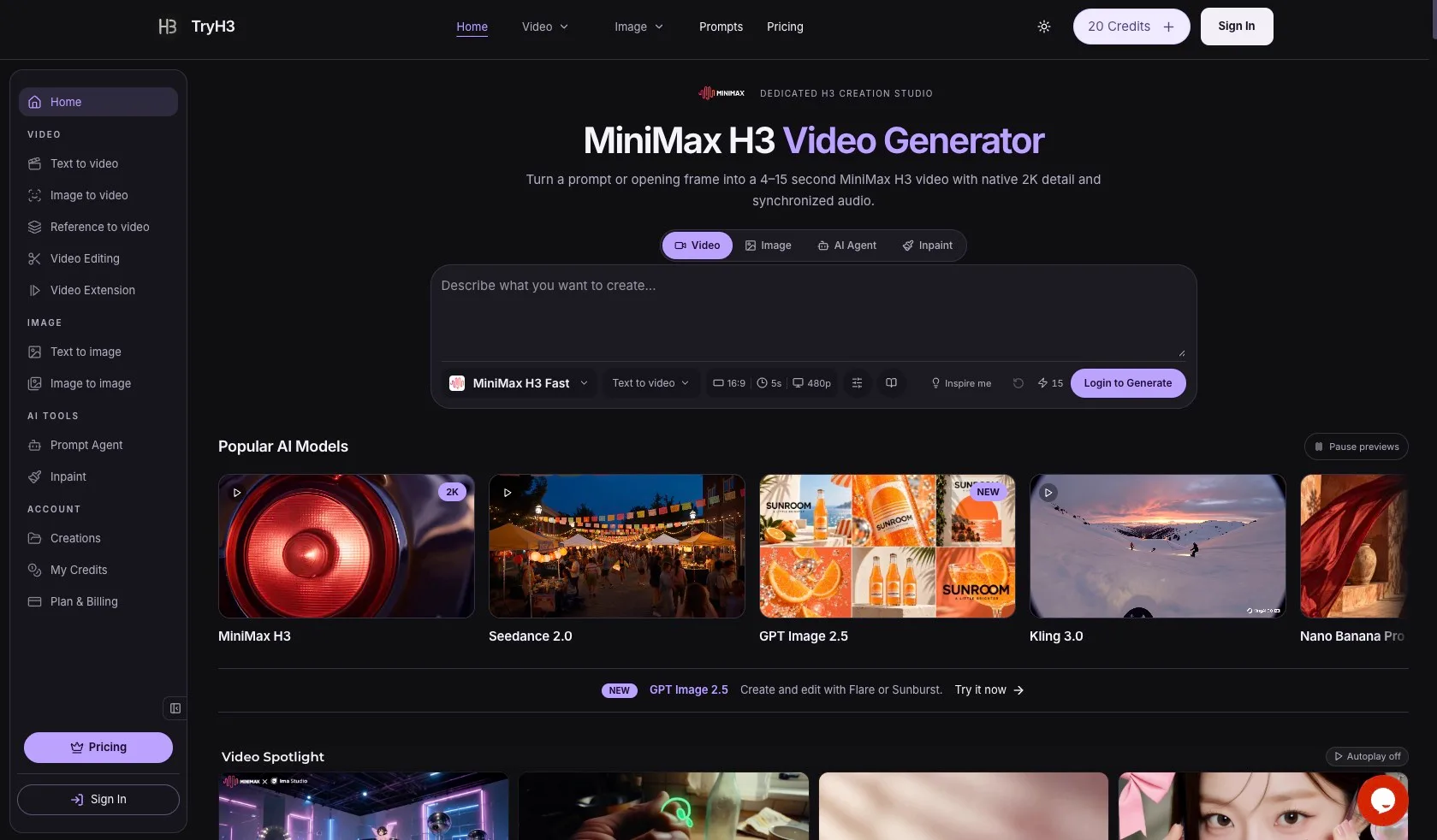
TryH3 — MiniMax H3 Video Generator
TryH3 is a free online AI video generator powered by MiniMax H3. Create native 2K, 4–15 second videos from text, images, first/last frames, and multimodal references with synchronized stereo audio.
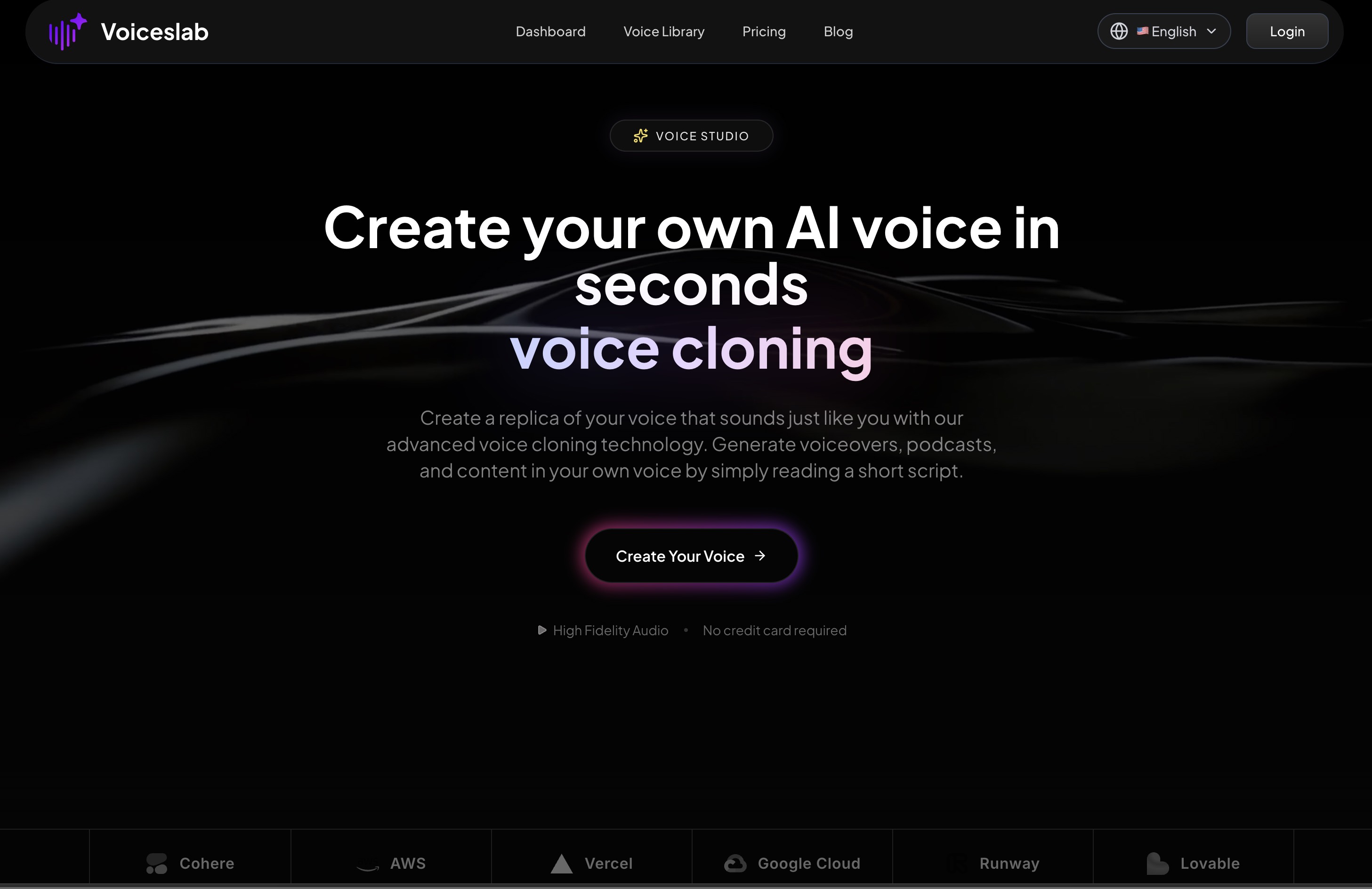
Voiceslab
Discover Voiceslab Voice Studio, an AI voice cloning platform that lets you recreate your own natural‑sounding voice in seconds for podcasts, audiobooks, videos, training content, and multilingual communication with secure, low‑latency generation.